RYB Color meter
Accurately Transform Pigments
Designed for iPhone, iPad, iPod touch
Free · In-app purchases
- Age rating4+
- CategoryUtilities
- DeveloperERIK FRANKLIN ANGERSTIG
- LanguagesEnglish
- Size39.9 MB
Links to the official App Store page
Download.org hosts no file of RYB Color meter. The button opens its official App Store page, published by ERIK FRANKLIN ANGERSTIG. Listing last checked on Nov 18, 2026.
Screenshots
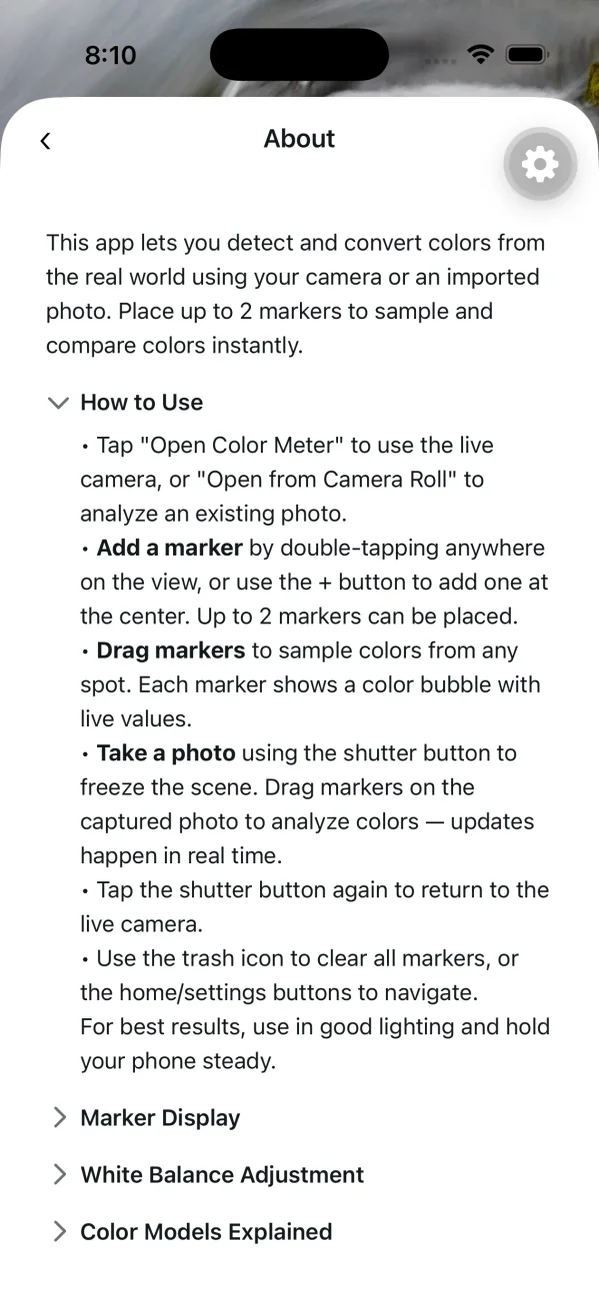
About
The Ultimate Color Bridge: From Digital Pixels to Artist Pigments.
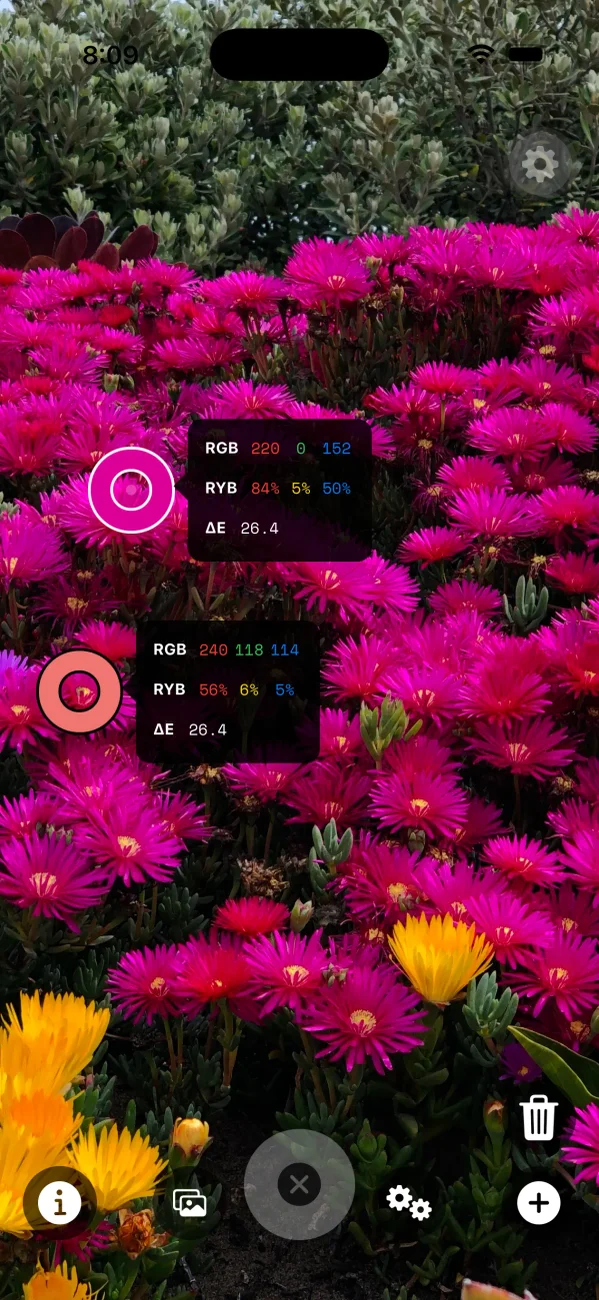
Whether you are a painter trying to mix the perfect hue, a graphic designer auditing a print, or a color scientist measuring accuracy, RYB Color Meter provides the professional-grade data you need.
While most apps stop at RGB, RYB Color Meter translates the digital world into the RYB (Red-Yellow-Blue) model—the standard for physical color mixing. No more guessing which paints to mix; see the underlying color structure of any scene in real-time.
Core Features:
- Live Camera Analysis: Point your lens at any object to see instant color breakdowns.
- Capture & Freeze: Snap a high-resolution photo within the app to analyze specific details statically.
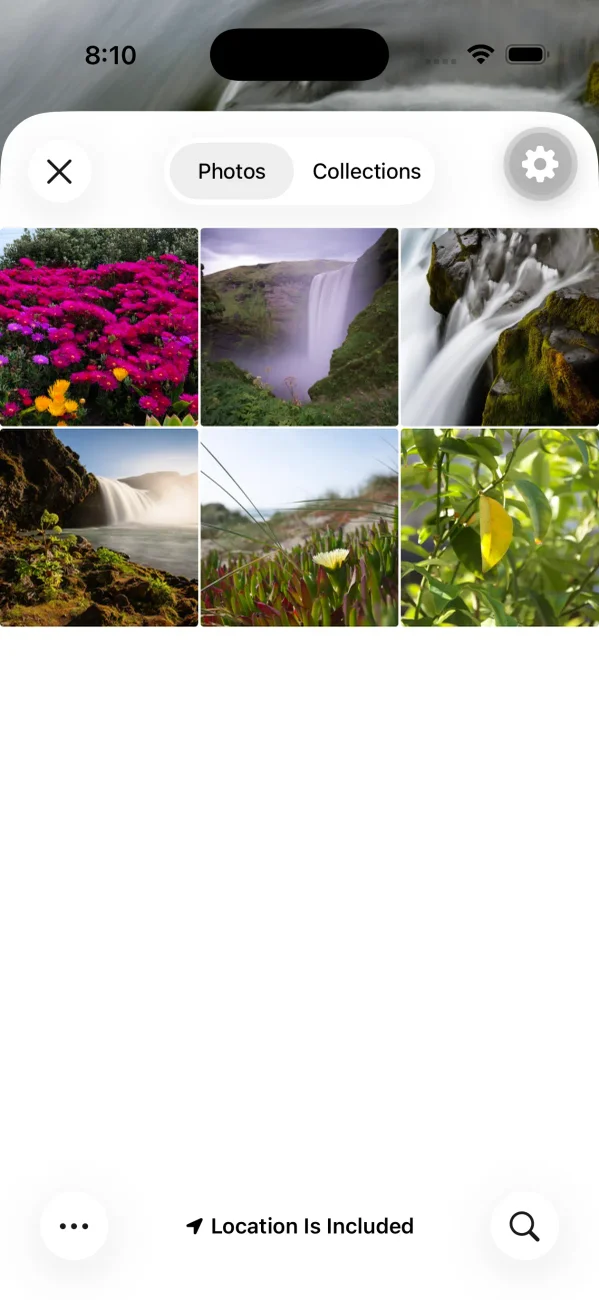
- Library Import: Load any image from your Camera Roll for post-production color auditing.
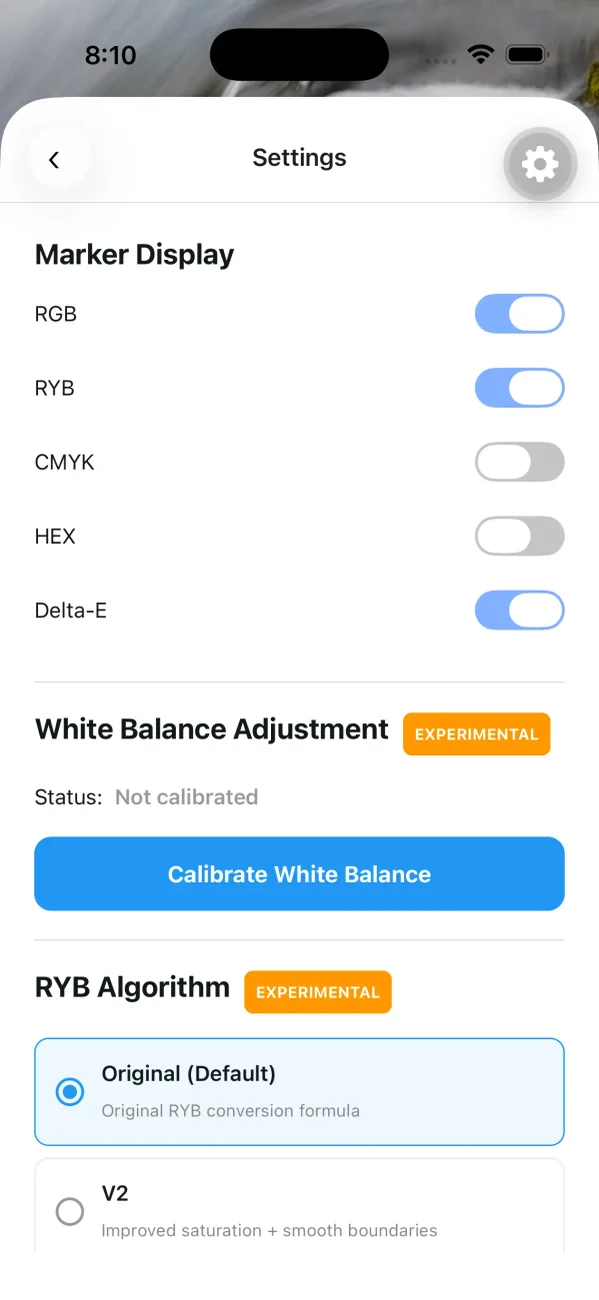
- Multi-Model Support: Get simultaneous readouts for:
- RGB: Standard for digital screens and web design.
- CMYK: Professional values for print and production.
- RYB: Essential for traditional artists and painters (RYB Color Meter Pro).
- Delta-E Comparison: Select two points on any image to calculate the Delta-E (color difference), ensuring perfect color matching and quality control.
RYB Color Meter is free to use — live camera analysis, RGB, CMYK, HEX, multiple markers, and Delta-E comparison are all included at no cost.
RYB Color Meter Pro unlocks the live RYB (Red-Yellow-Blue) readout for every marker — the standard for physical paint mixing. Upgrade with a monthly or yearly subscription.
Why RYB Color Meter?
Standard color pickers are built for web developers. RYB Color Meter is built for creators. By including Delta-E calculations and RYB values, we bridge the gap between what you see on a screen and what you create on canvas or in print.
Perfect for:
- Fine Artists: Translate real-world colors into paint mixing ratios.
- Interior Designers: Match furniture and decor with scientific precision.
- Print Professionals: Check CMYK accuracy on the fly.
- Photographers: Analyze lighting and color consistency across a frame.
Stop guessing your colors. Start measuring them.
—
RYB Color Meter Pro is offered as an auto-renewable subscription (monthly or yearly). Prices are shown in the app before you buy.
- Payment is charged to your Apple ID account at confirmation of purchase.
- Subscriptions automatically renew unless auto-renew is turned off at least 24 hours before the end of the current period.
- Your account is charged for renewal within 24 hours prior to the end of the current period.
- You can manage or cancel your subscription in your Apple ID Account Settings after purchase.
- Any unused portion of a free trial, if offered, is forfeited when you purchase a subscription.
Terms of Use (EULA): https://www.apple.com/legal/internet-services/itunes/dev/stdeula/
Privacy Policy: https://www.angerstig.com/ryb-color-meter-privacy-policy
What’s new
Version 1.0.41 · Jul 31, 2026
Added subscription tier for Color Meter Pro
App privacy
What ERIK FRANKLIN ANGERSTIG declares on the App Store about how this app handles data.
-
Data not collected
The developer does not collect any data from this app.
Privacy practices may vary, for example with the features you use or your age.
Information
- Seller
- ERIK FRANKLIN ANGERSTIG
- Category
- Utilities
- Version
- 1.0.41
- Updated
- Jul 31, 2026
- Released
- Jul 11, 2026
- Size
- 39.9 MB
- Requires
- iOS 15.1 or later
- Age rating
- 4+
- Price
- Free
- In-app purchases
- Yes
- Languages
- English
- Copyright
- © 2026 Angerstig Software LLC
You might also like
-
 Restoration EstimatorStreamlined Digital Estimates
-
 Color Meter: Pixel PickerSample colors from images
-
 Huey: Camera Color PickerHEX, RGB & Palette Scanner
-
 Color ToolsUtilities
-
 ColorAssistWhat color is that?
-
 Kahi Field AppAutomated Asset Intelligence
-
 PROS ClockUtilities
-
 SERVPRO Ready PlanUtilities
-
 TBB M BatteryUtilities
-
 FixItMarinUtilities