Color Meter: Pixel Picker
Sample colors from images
Designed for iPhone, iPad
Free · In-app purchases
- Age rating4+
- CategoryUtilities
- DeveloperJordan Hipwell
- LanguagesEnglish
- Size7.0 MB
Links to the official App Store page
Download.org hosts no file of Color Meter: Pixel Picker. The button opens its official App Store page, published by Jordan Hipwell. Listing last checked on Nov 25, 2026.
Screenshots


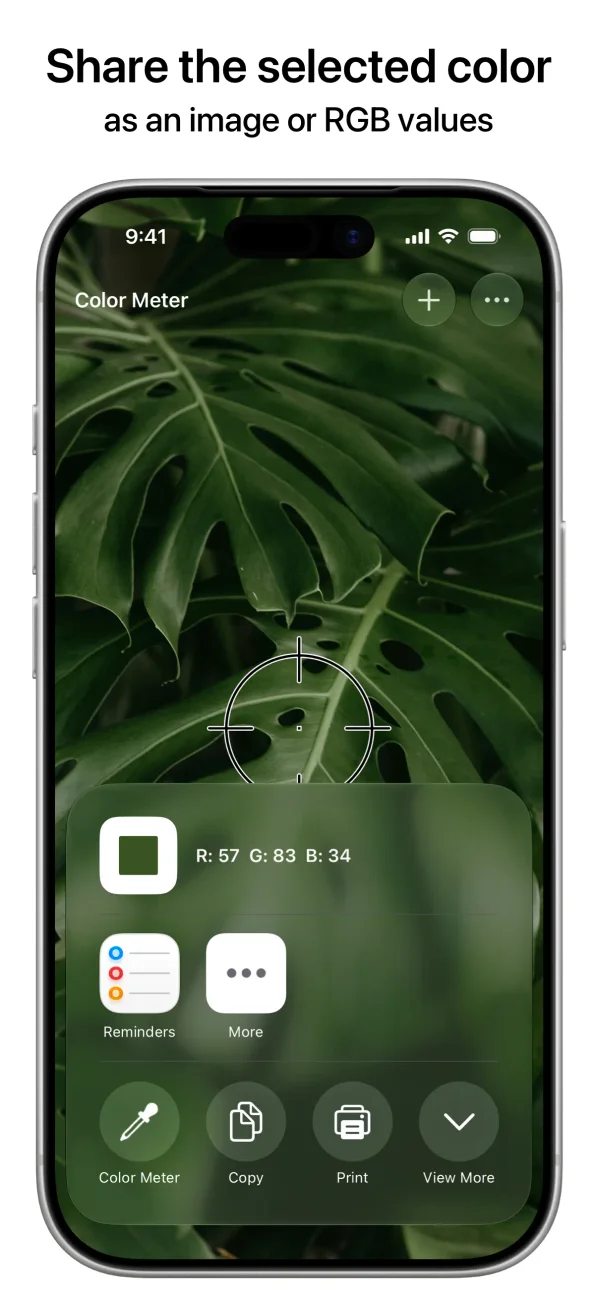
About
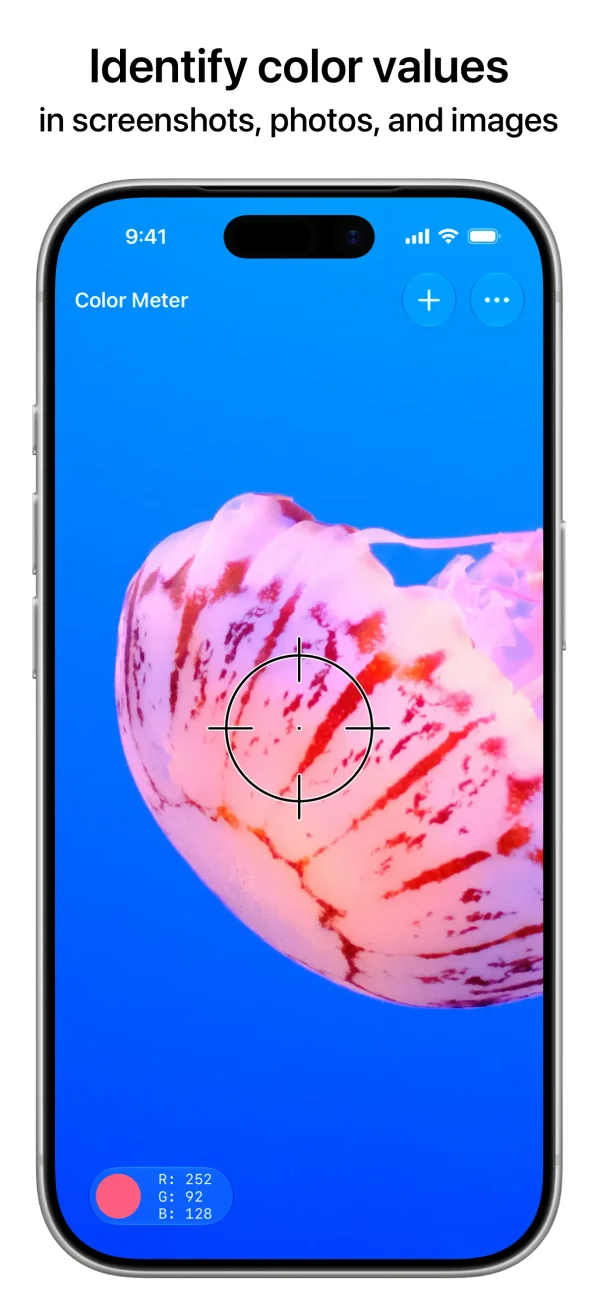
Find the value of a color in your screenshots, photos, and other images.
How to Use
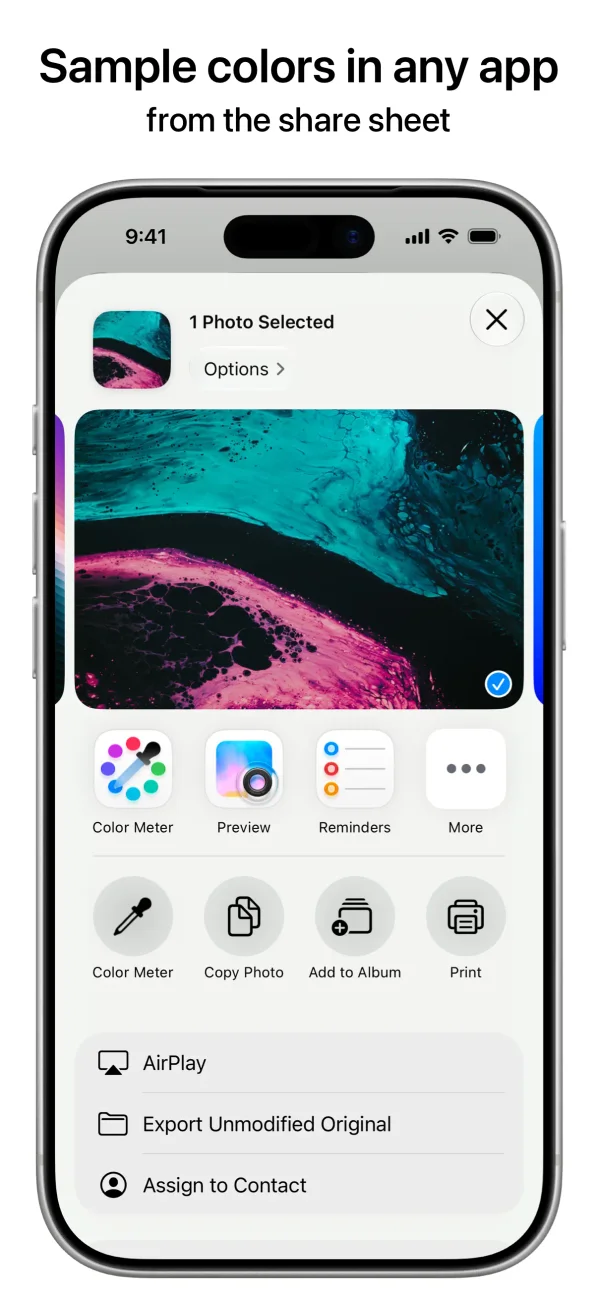
• From anywhere: Take a screenshot, tap the Share button, and choose Color Meter
• From any app: Drag and drop an image directly into Color Meter or onto the app icon
• In the app: Add a photo from Photos, Files, Camera, or Clipboard
• In another app like Photos: Share an image and choose Color Meter in the share sheet
Features
• Zoom in and pan around to pinpoint specific pixel color values
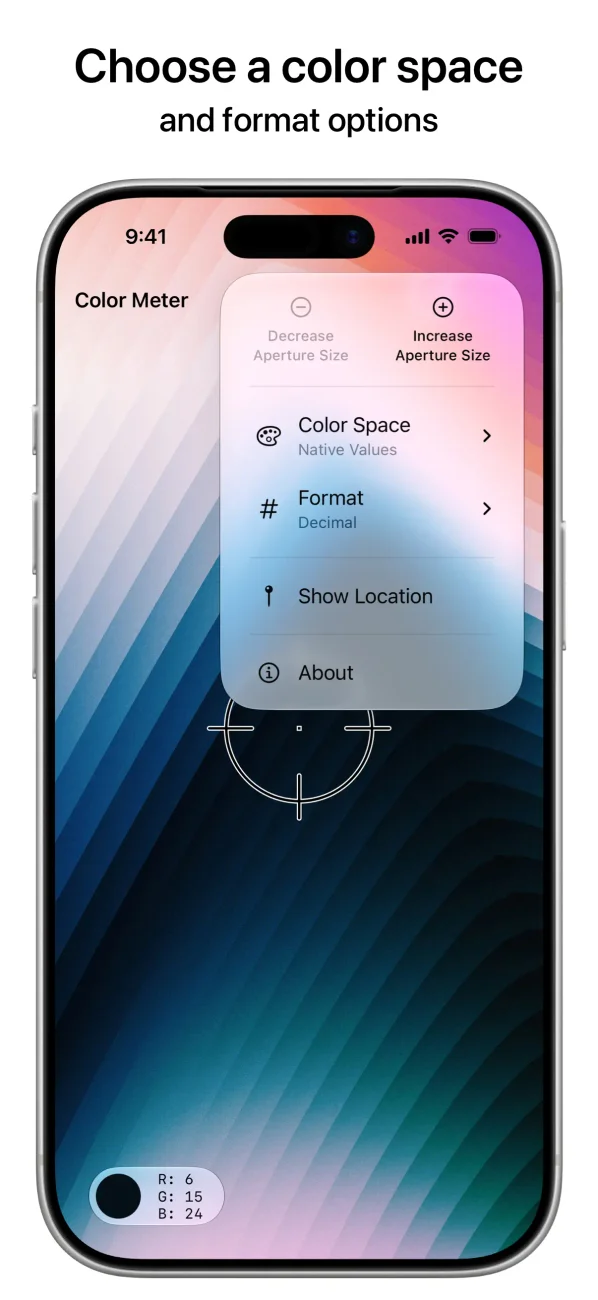
• Increase the aperture size to average the color values of sampled pixels
• Choose a color space from Native Values (including EDR and EDR Linear), P3, sRGB, BT.2020, Adobe RGB, or L*a*b*
• Display RGB color values in Decimal, Hexadecimal, Percentage, or Float
• Share the color value as text or an image
• Drag and drop the sampled color into another app
And More
• Beautiful Liquid Glass design
• Available for iPhone and iPad
• Customizable toolbar, menu bar, keyboard shortcuts, and multiple windows on iPad
• Supports HDR photos and wide colors
• Full accessibility support
• No ads, no tracking, no subscriptions
Color Meter is a simple and focused tool for picking colors from images. It intentionally does not include functionality such as generating color palettes, saving favorite colors, etc.
Color Meter Pro is an available in-app purchase that allows you to sample colors without any limits. Sample 10 images for free, then purchase once for unlimited access on all your devices forever.
If you’ve used Digital Color Meter on the Mac, you’ll feel right at home in this app. Made for designers, developers, and anyone else who will find it useful. If you appreciate the app, please leave a kind review!
What’s new
Version 1.1.1 · Nov 24, 2026
This update includes minor improvements.
App privacy
What Jordan Hipwell declares on the App Store about how this app handles data.
-
Data not collected
The developer does not collect any data from this app.
Privacy practices may vary, for example with the features you use or your age.
Information
- Seller
- Jordan Hipwell
- Category
- Utilities
- Version
- 1.1.1
- Updated
- Nov 24, 2026
- Released
- May 29, 2026
- Size
- 7.0 MB
- Requires
- iOS 18.0 or later
- Age rating
- 4+
- Price
- Free
- In-app purchases
- Yes
- Languages
- English
- Copyright
- © 2026
You might also like
-
 Colorimeter: Live Color PickerCamera HEX, RGB & Lab reader
-
 RYB Color meterAccurately Transform Pigments
-
 Duo Trackpad - Touch ControlTrackpad, gestures & shortcuts
-
 Keyboard Math: Symbols & UnitsUtilities
-
 Free Up Storage: HolguraMore memory, fewer duplicates
-
 Hexpert ProColor Manager and Converter
-
 Argyo: Color IdentifierColor blindness & HEX Picker
-
 Guess My OriginUtilities
-
 e-chainNFC e-paper keychain maker
-
 PocketTerm SSHSSH terminal on your phone