- Age rating4+
- CategoryUtilities
- DeveloperCarlo Trotti
- LanguagesGerman+ 5 more
- Size10.3 MB
Links to the official App Store page
Download.org hosts no file of S7 Link. The button opens its official App Store page, published by Carlo Trotti. Listing last checked on Nov 14, 2026.
Screenshots


About
A NEW APP, THE FUNCTIONS YOU KNOW
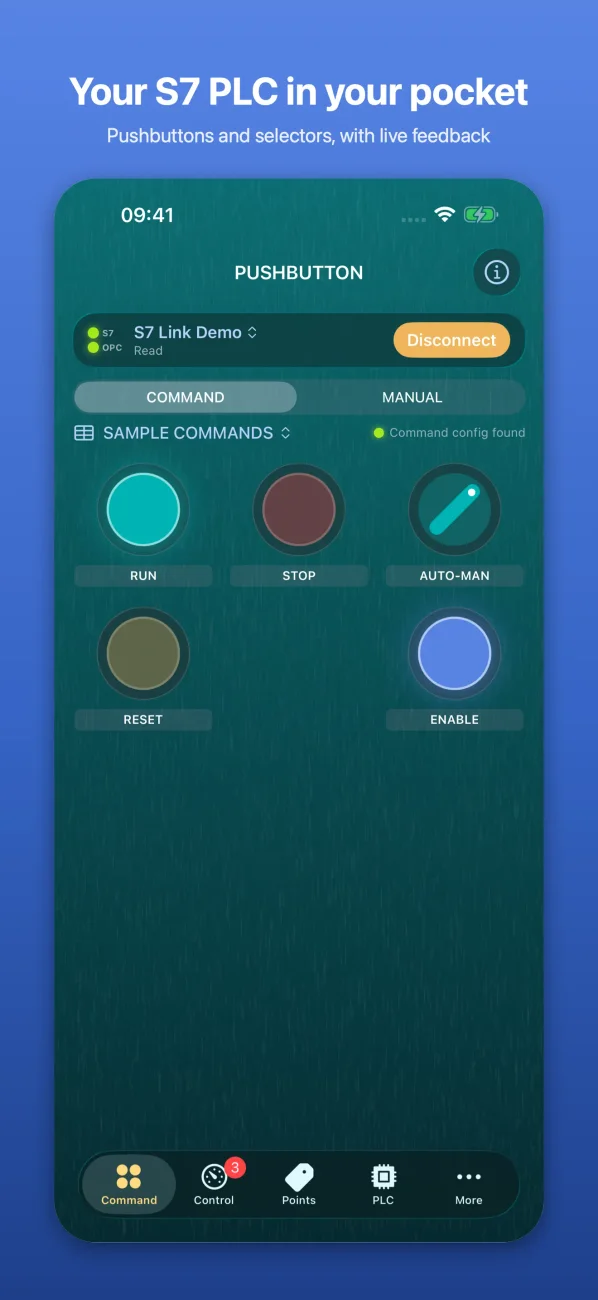
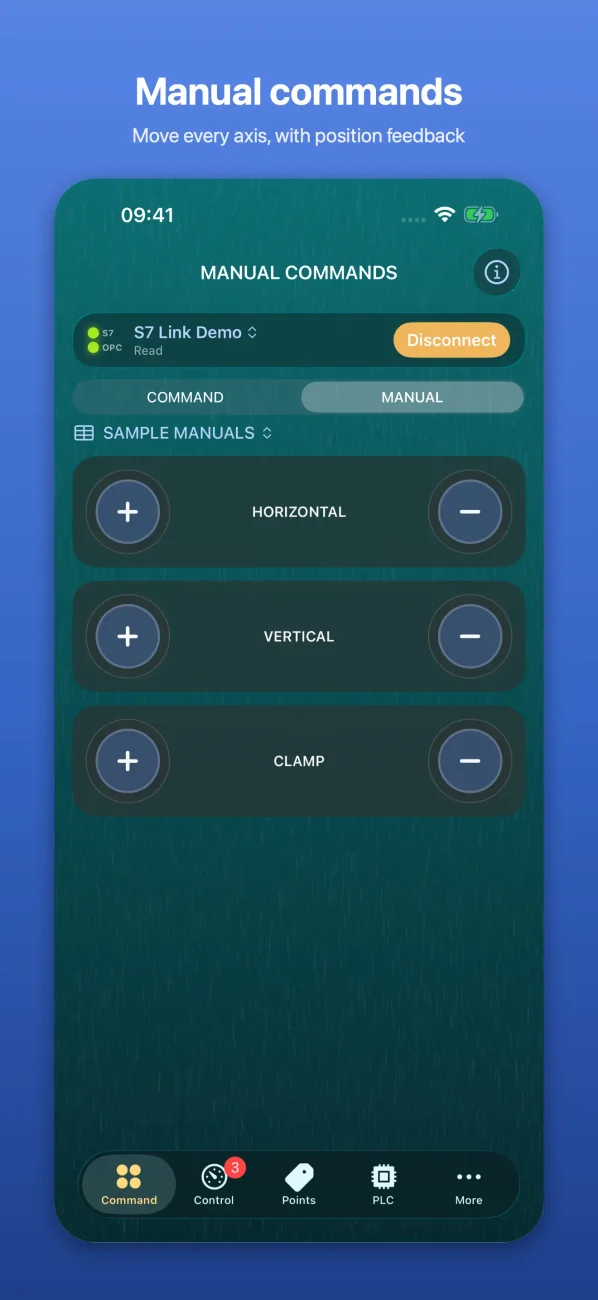
• All the functions and tabs of previous versions are kept:
pushbutton panel, manual commands, variables, alarms, point tables,
PLC links, CPU status, date and time, backup and sharing
• Updating keeps your connections, tables, options and purchases;
backups made with iS7 can be restored
SUPPORTED PLCS
CPUs of the S7-300, S7-400, S7-1200 and S7-1500 families and LOGO!,
reachable on the network through ISO on TCP (RFC 1006).
S7-1200 and S7-1500 need PUT/GET access enabled and DBs without optimized access.
IN-APP PURCHASE
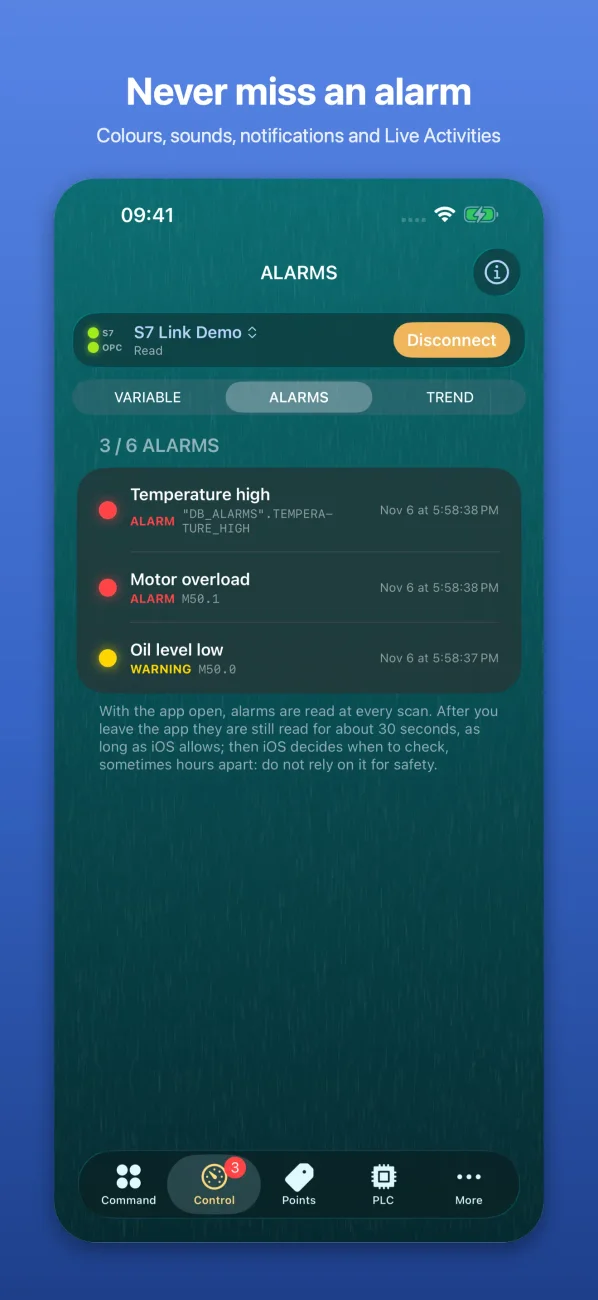
Alarm management on real PLCs is available as an in-app purchase.
Whoever has already bought it keeps it.
SAFETY
S7 Link can write to PLCs and act on machinery in operation.
Use it with care and at your own risk, and do not rely on it for safety functions.
In the background, iOS decides when alarms are checked, and it can be hours apart.
Requires iOS 26 or later.
Siemens, SIMATIC and S7 are trademarks of Siemens AG.
S7 Link is an independent product, not affiliated with or endorsed by Siemens.
What’s new
Version 73.0 · Nov 9, 2026
MAJOR VERSION
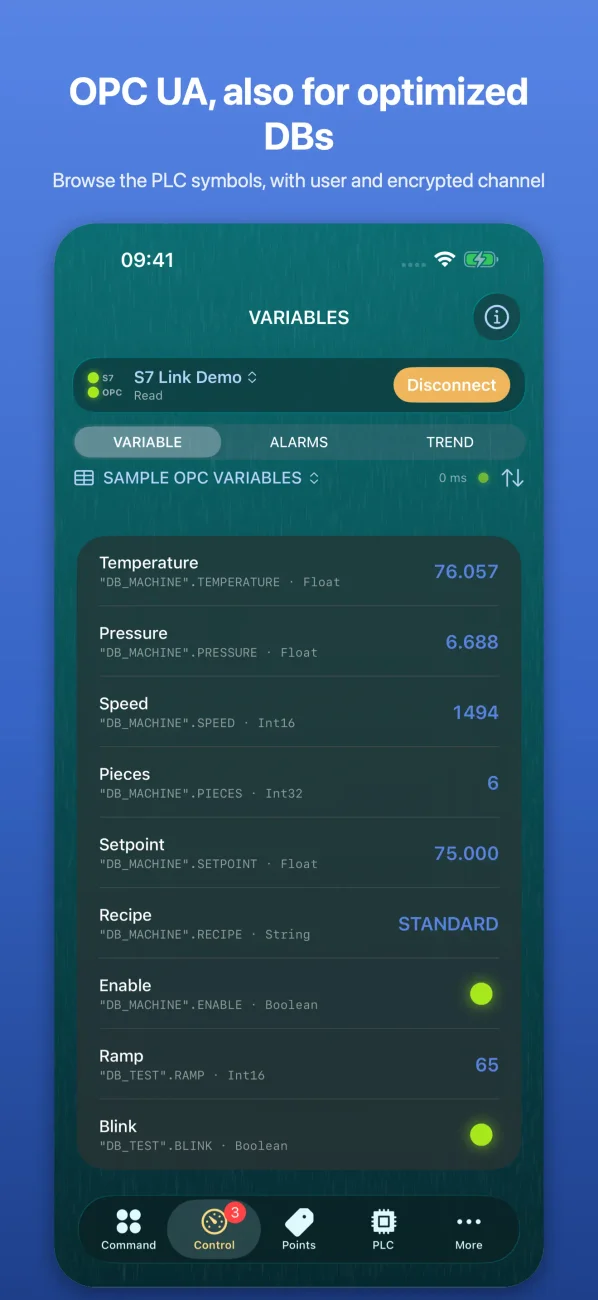
• New OPC CLIENT plugin: a second driver, OPC UA, beside the S7 one, switched on per PLC. It reads and writes S7-1500 and S7-1200 CPUs with an OPC UA server, also in optimized DBs and without enabling PUT/GET
• Both drivers work together on the same PLC and IP: if one stops, the other goes on
• OPC UA security: user and password (always encrypted), None, Sign or Sign & Encrypt channel, PLC certificate confirmed by its fingerprint, S7 Link certificate export for TIA Portal
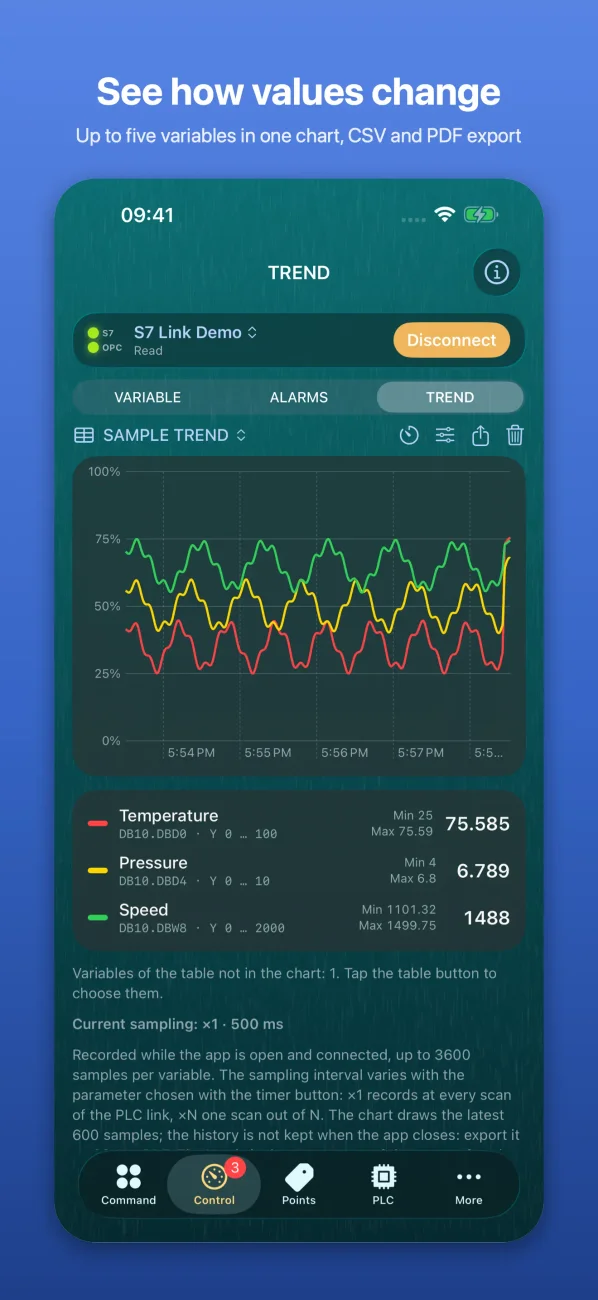
• OPC Variables, Alarms and Trend tables: browse the symbols right on the PLC, with type and access read from the server
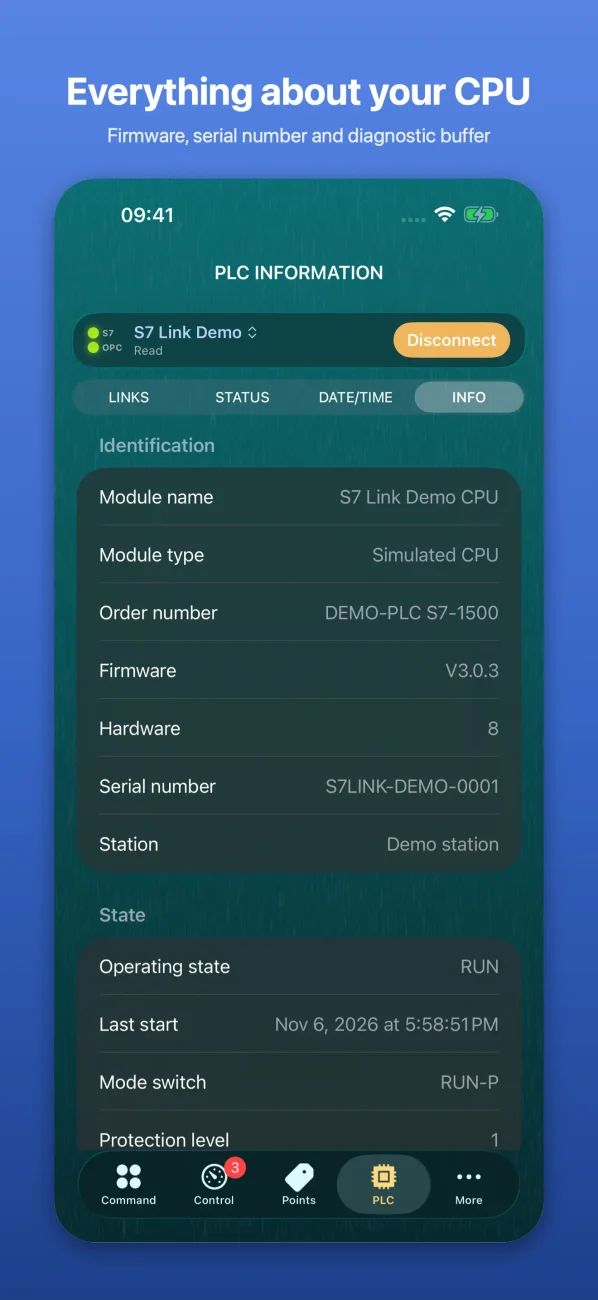
• CPU Status, INFO and Date/Time also over OPC UA
• Connection bar with two lights, S7 and OPC, each with its own state
• Yellow light before connecting when the PLC address answers to ping, as in iS7
• Clear messages when a driver is off or not connected
• Simulated PLC with an OPC UA server and sample tables: try everything without hardware and without buying
• Configuration sharing between devices, compatible with iS7 and S7 Link
• Thanks to Davide Nardella for Sharp7 on the Info page
App privacy
What Carlo Trotti declares on the App Store about how this app handles data.
-
Data not collected
The developer does not collect any data from this app.
Privacy practices may vary, for example with the features you use or your age.
Information
- Seller
- Carlo Trotti
- Category
- Utilities
- Version
- 73.0
- Updated
- Nov 9, 2026
- Released
- Feb 1, 2013
- Size
- 10.3 MB
- Requires
- iOS 26.0 or later
- Age rating
- 4+
- In-app purchases
- Yes
- Languages
- German, English, French, Italian, Spanish, Simplified Chinese
- Copyright
- © Carlo Trotti
You might also like
-
 Unified-EIndustrial Automation HMI
-
 SIMATIC WinCC OA UIUtilities
-
 SatCatcher Dish InstallationSatellite Dish Easy Alignement
-
 Ruler & Digital CaliperMeasuring Tool for Small Items
-
 SICK Smart AssistantUtilities
-
 Modbus TCP StationUtilities
-
 RoboconnectApp for the robonect module
-
 via-APPControl app for mobile devices
-
 CaratecUtilities
-
 Blue SwitchFor Bluetooth BLE Relay Module