
Lion Browser: Safe Browsing
Parental Control & Web Filter
Designed for iPhone, iPad
Free · In-app purchases
- Age rating17+
- CategoryUtilities
- DeveloperLion Software, LLC
- LanguagesEnglish
- Size66.0 MB
Links to the official App Store page
Download.org hosts no file of Lion Browser: Safe Browsing. The button opens its official App Store page, published by Lion Software, LLC. Listing last checked on Nov 17, 2026.
Screenshots

About
The best browser for teens. A powerful accountability tool for adults.
Lion is a web browser with parental controls built in. Give your teen the freedom to explore the internet responsibly — while staying informed about what they're seeing.
For parents & teens:
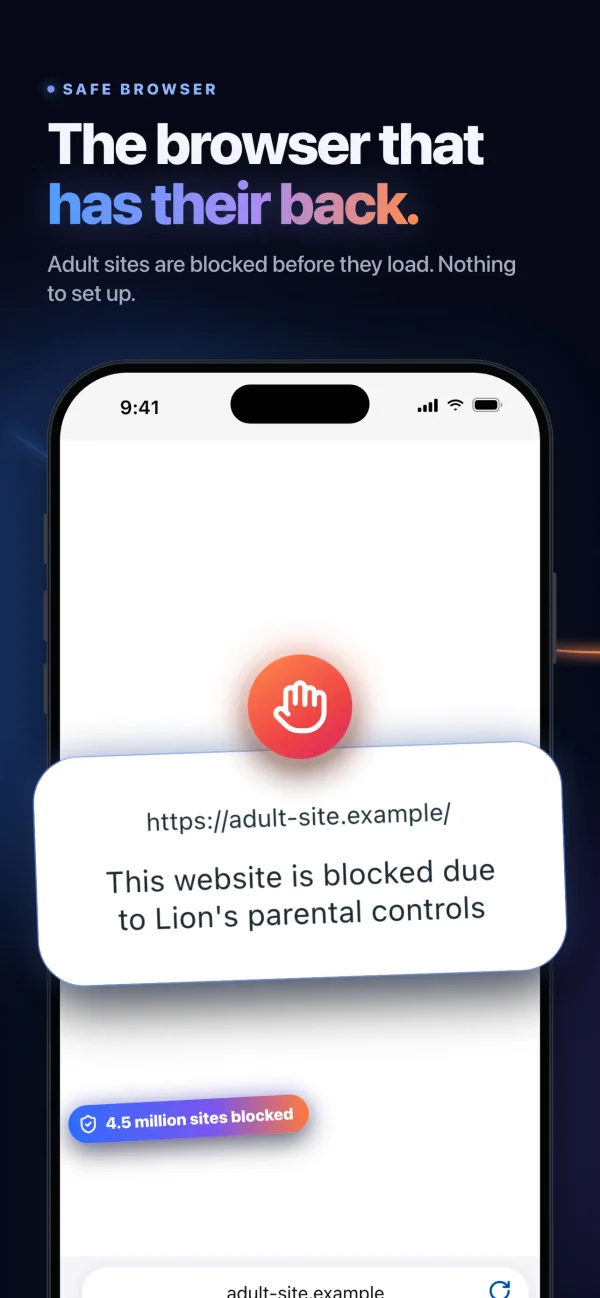
• Blocks explicit websites and detects inappropriate images automatically
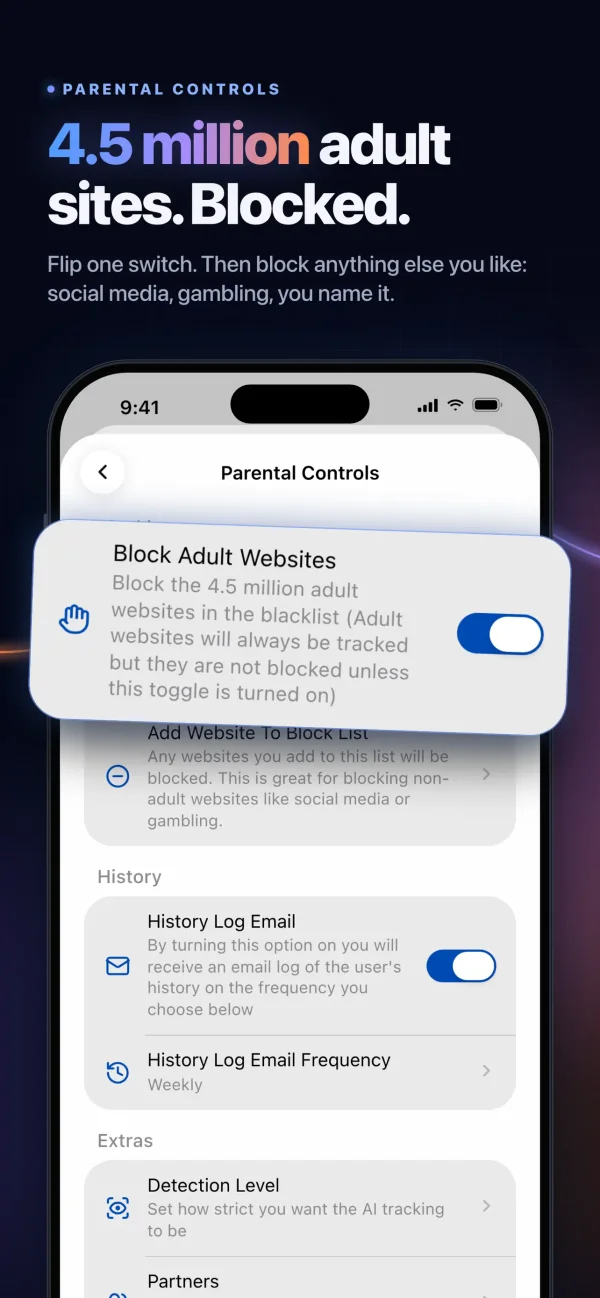
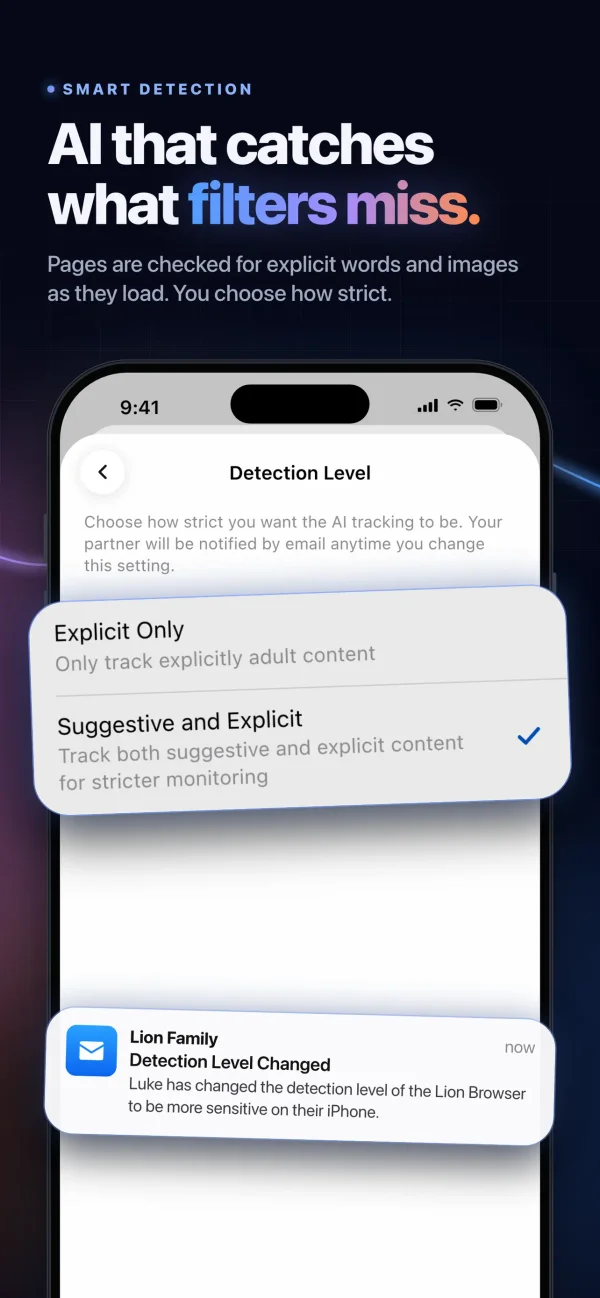
• Customize detection sensitivity, block specific sites, and manage media access
• Whitelist mode for complete control over which websites can be visited
• PIN-protected settings prevent unauthorized changes
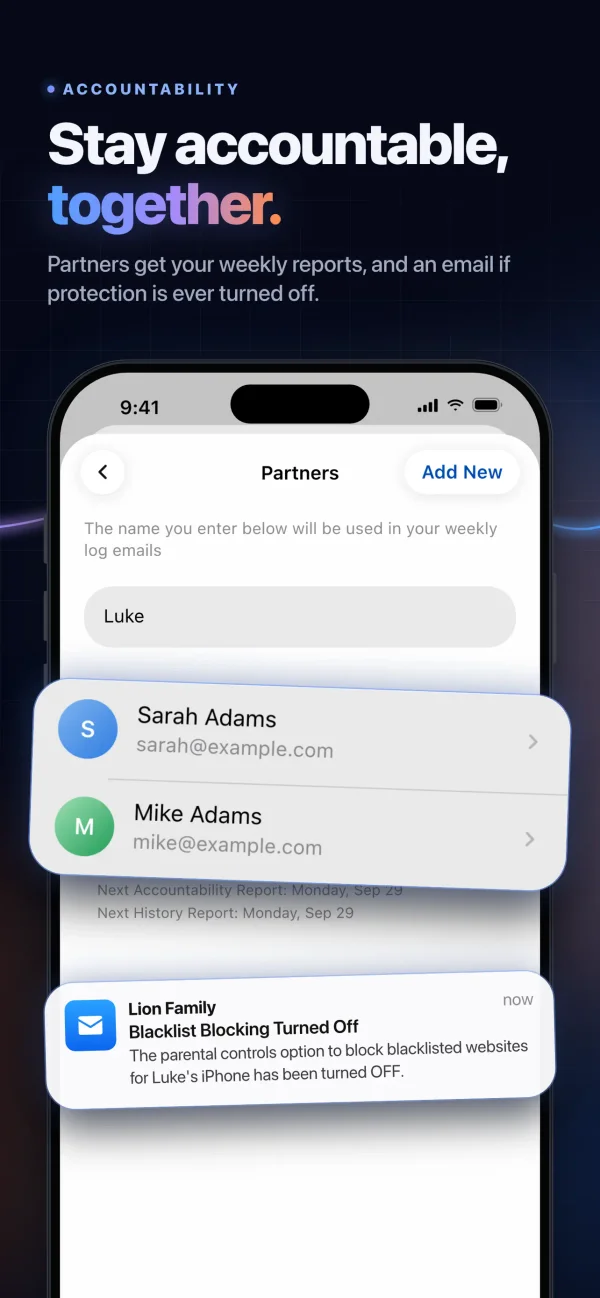
• Weekly accountability reports summarize any flagged content
For adults who want accountability:
• Set personal browsing limits and stay accountable to a trusted partner
• Private and secure — your logs stay on your device, never stored on servers
• Customize what to track, block, or filter based on your needs
How it works:
1. Set Lion as the default browser
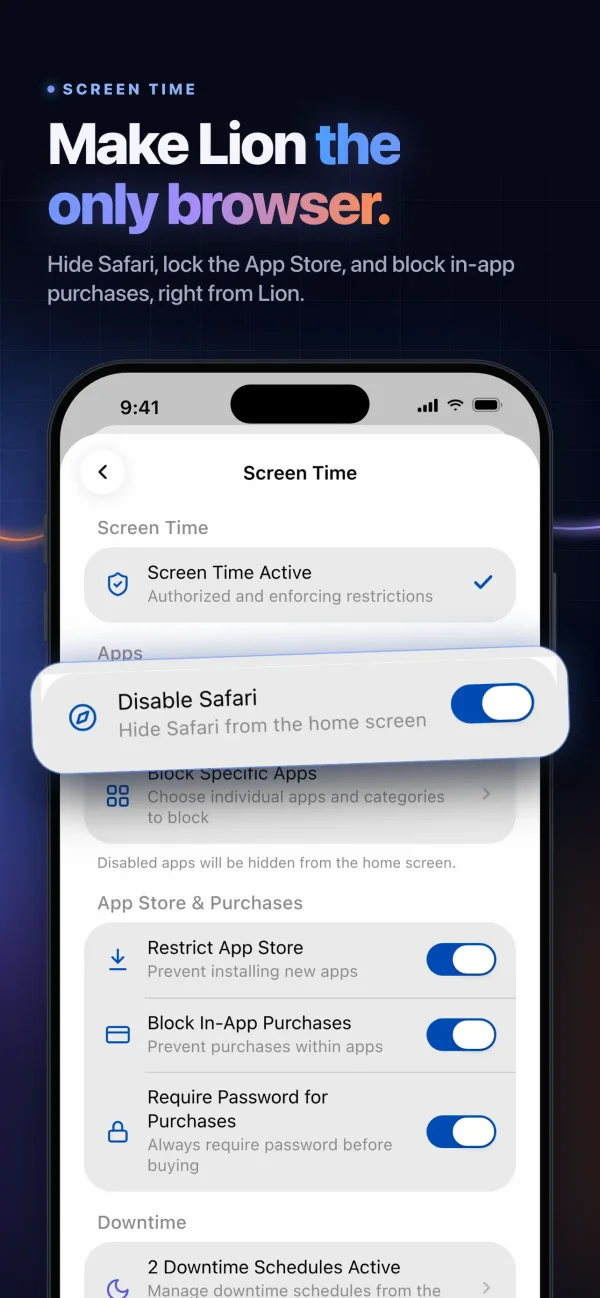
2. Disable Safari using Screen Time
3. Add an accountability partner — a parent, mentor, or trusted friend
4. Browse the web — Lion logs activity based on your settings
5. Receive weekly reports on flagged content
A browser you'll actually want to use
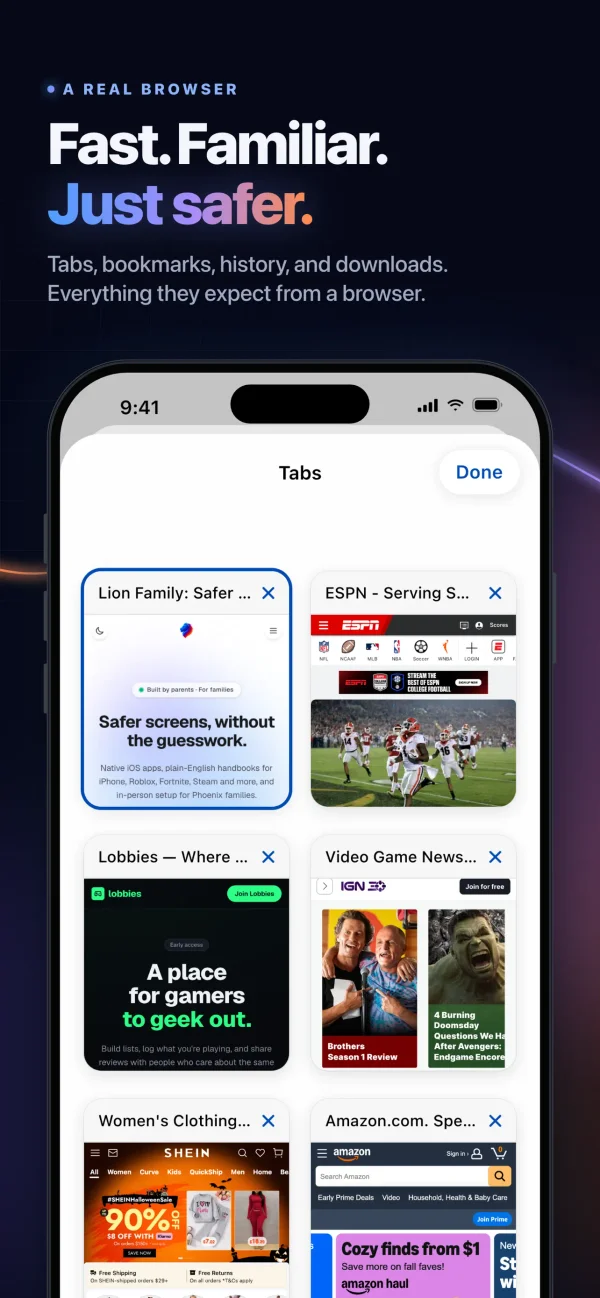
Lion is fast, smooth, and familiar. Bookmarks sync across devices. Tabs work like you'd expect. It's a real browser — not a locked-down kids app.
Subscription required for full access. Choose an Individual or Family plan.
Privacy Policy: https://www.lionfamily.org/privacy
Terms of Use: https://www.lionfamily.org/terms
What’s new
Version 4.0.6 · Sep 30, 2026
This update is all bug fixes and stability.
• Music, podcasts, and other audio now keep playing when you open Lion Browser.
• Fixed a crash that could happen while typing in the address bar.
• Fixed a crash when using the share button on iPad.
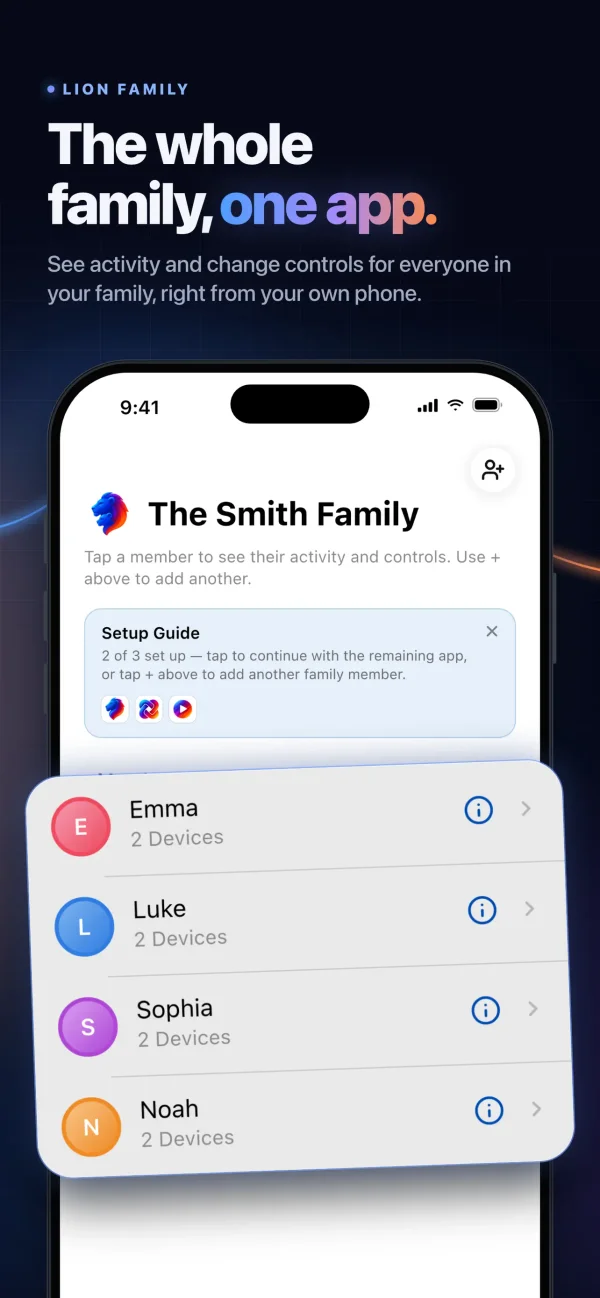
• Parental control settings now sync more reliably from Lion Family.
• Fixed freezing that could occur when Screen Time settings updated.
• Improved stability and memory use on large, content-heavy pages.
App privacy
What Lion Software, LLC declares on the App Store about how this app handles data.
-
Data linked to you
May be collected and linked to your identity.
- Contact info
- Browsing history
- Identifiers
-
Data not linked to you
May be collected but is not linked to your identity.
- Diagnostics
Privacy practices may vary, for example with the features you use or your age.
Information
- Seller
- Lion Software, LLC
- Category
- Utilities
- Version
- 4.0.6
- Updated
- Sep 30, 2026
- Released
- Jan 11, 2023
- Size
- 66.0 MB
- Requires
- iOS 16.6 or later
- Age rating
- 17+
- Price
- Free
- In-app purchases
- Yes
- Languages
- English
- Copyright
- © Copyright Lion Software, LLC 2026
You might also like
-
 Safe Page – Web BrowserFast & private web browser.
-
 Private Web Incognito BrowserSecret Browser and Adblock
-
 DefensX Web BrowserUtilities
-
 eBrowser: Private Web & FilesFast, Private, Download Files
-
 Ohajiki Web BrowserNo more glaring web pages.
-
 Private Browser: Web BrowserFast & Secure Proxy Browser
-
 Private Browser • BrovacyPrivacy browser, full screen
-
 Broearn Browser for Web3.0Secure & Multi-Chain Wallet
-
 Eyed Out - Private web BrowserFaster, secure, with adblock.
-
 Shiori Web BrowserQuickly search the web