
Safeinest: Parental Control
Screen Time, Location & SOS
Designed for iPhone, iPod touch
In-app purchases
- Age rating4+
- CategoryProductivity
- DeveloperJETMEAWAY LTD
- LanguagesEnglish
- Size55.9 MB
Links to the official App Store page
Download.org hosts no file of Safeinest: Parental Control. The button opens its official App Store page, published by JETMEAWAY LTD. Listing last checked on Nov 25, 2026.
Screenshots

About
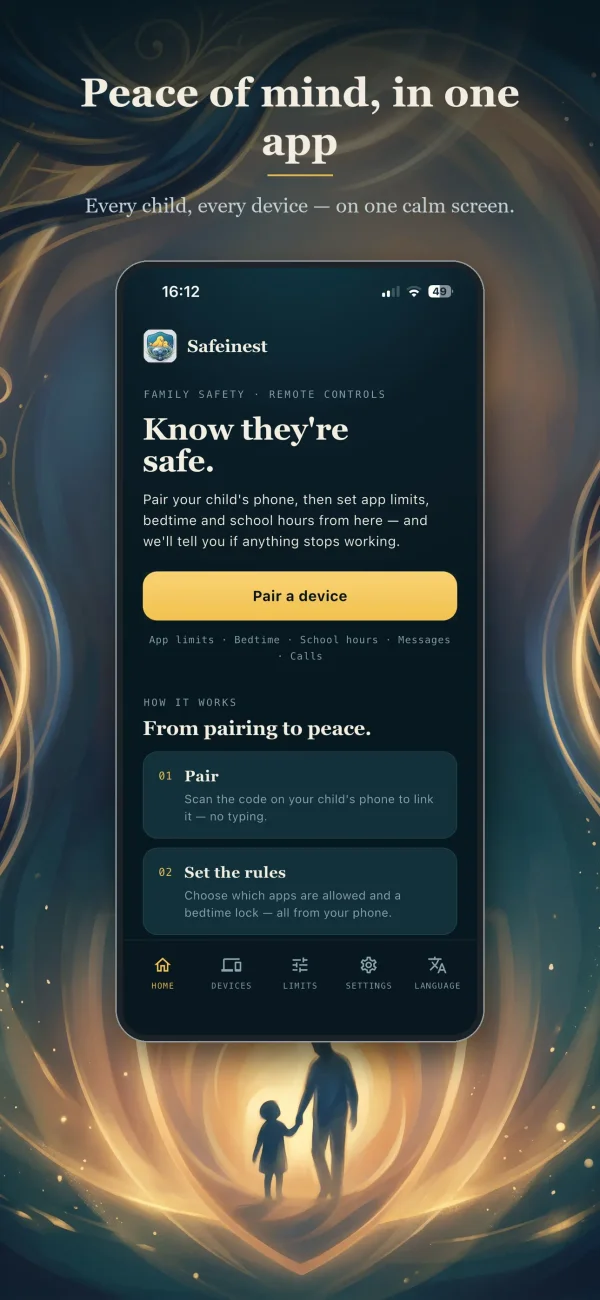
Set screen-time limits, block apps, see where your child is, and get their SOS the moment they need you. All from your own phone.
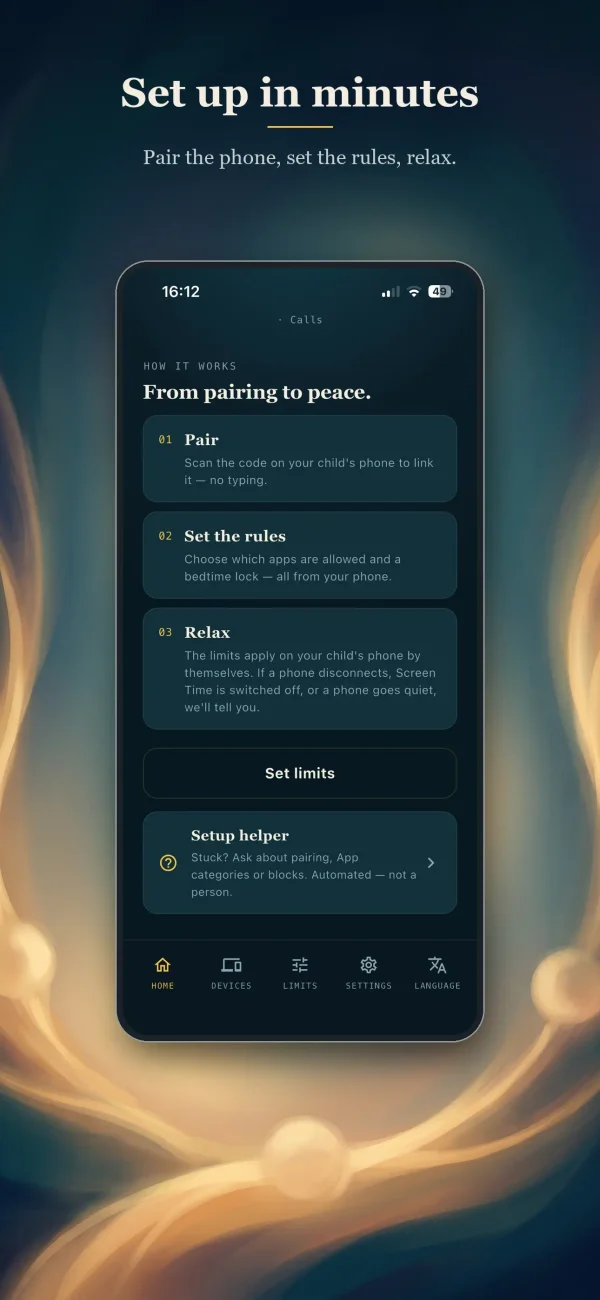
TWO APPS, PAIRED IN SECONDS: install this app on your phone and the free Safeinest Connect app on your child's phone. Scan one QR code and you are connected.
FREE UNTIL 31 DECEMBER 2026.
SCREEN TIME AND APPS
• Daily limits by kind of app ("Social media: 1 hour a day") or for one app your child picks on their phone.
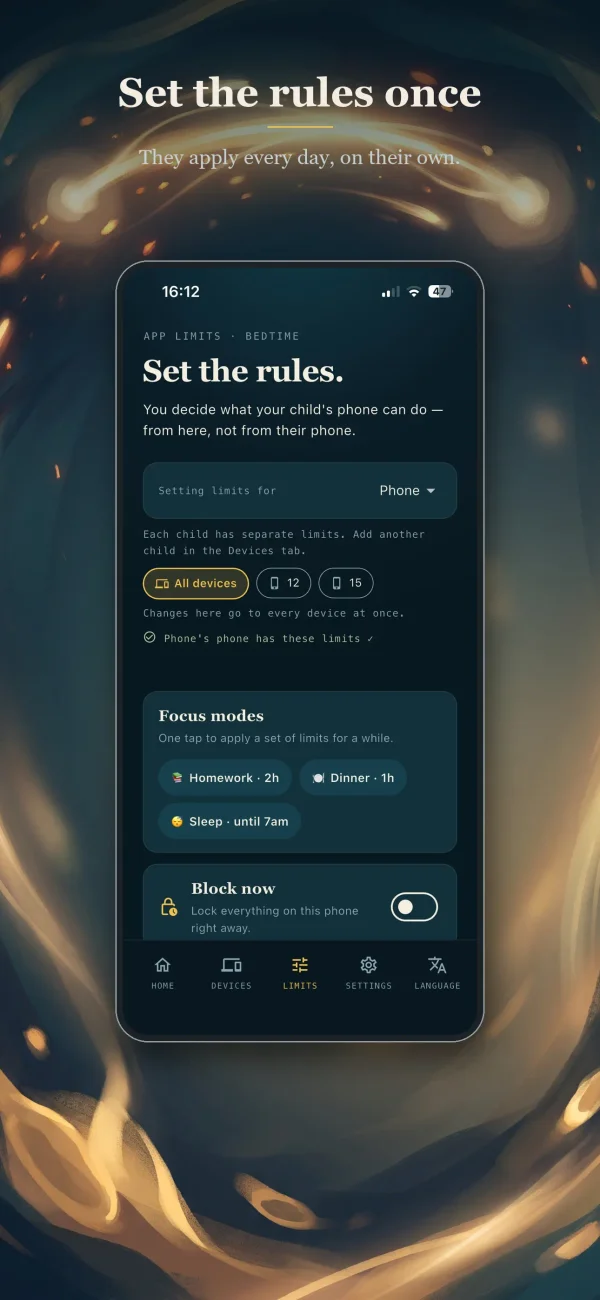
• Block now: pause your child's apps in one tap. Timed blocks of 30 minutes to 5 hours end on their own.
• Bedtime lock and school hours, on the child's own clock, even with no internet.
• One-tap focus modes: Homework, Dinner, Sleep.
• Always-allowed apps like Phone and Maps keep working through every block.
• Extra time on request: your child asks and says why; one tap says yes.
• Earn-time tasks: a finished chore or homework earns bonus minutes, with your OK.
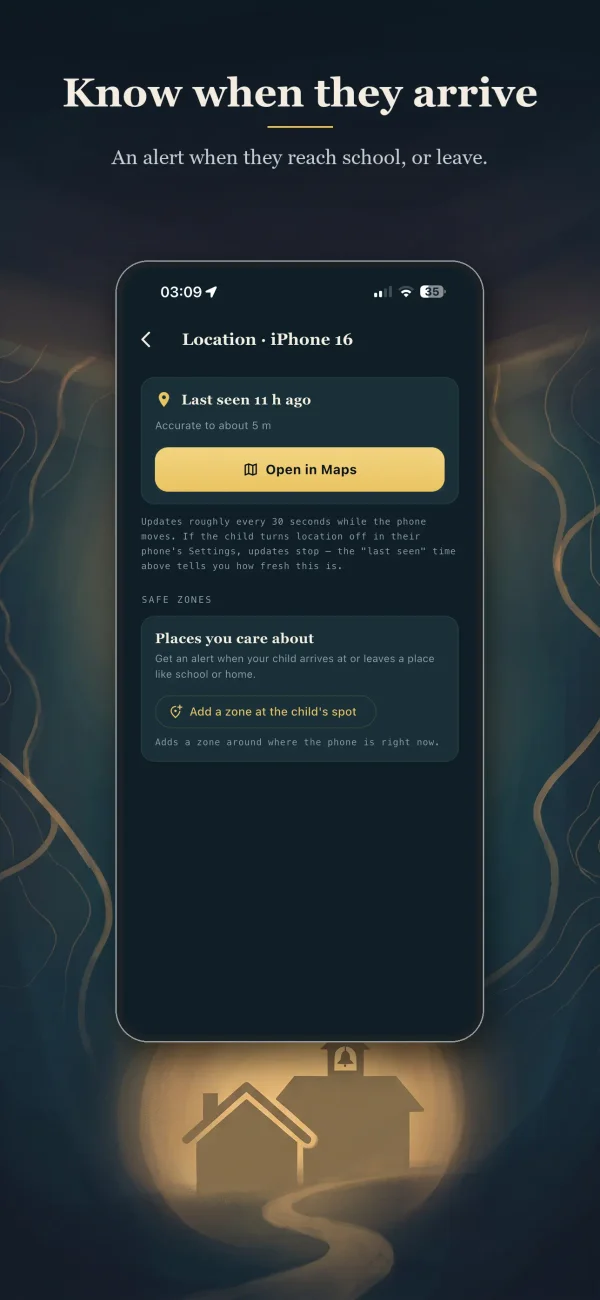
KNOW WHERE THEY ARE
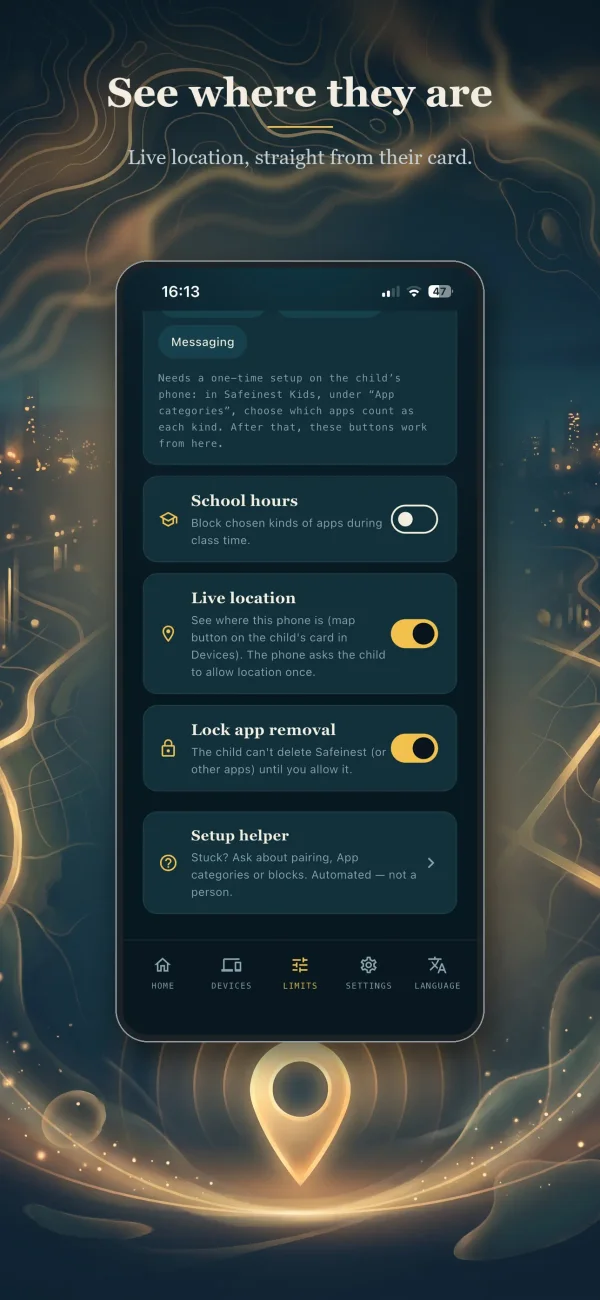
• Live location with a 24-hour trail on real streets. Off by default, switched on per child, and your child sees it on screen while it runs.
• Safe zones: an alert when they arrive at school or leave home.
• No-go areas: an alert the moment they enter a place you marked.
• "Tell me if they don't arrive": an alert when a trip takes too long.
• Battery level on your child's card, and one alert when it drops to 15%. On an iPhone the level is from the last time the phone checked in.
REACH EACH OTHER, FAST
• Family SOS: one button on your child's phone alerts every parent phone with their live location.
• Ring their phone: your child's iPhone shows a Time Sensitive alert asking them to call you. A phone on silent stays silent.
• Family chat and voice calls inside Safeinest, no phone number needed. Chat keeps working when apps are paused, so your child can always reach you.
REPORTS
• A 7-day report for each child: requests for more time, SOS presses, when the phone was last seen, and screen time where the phone shares it.
• A weekly report email on Sunday evening. Switch it off any time.
• An iPhone keeps most screen-time figures on the child's phone, so the report says plainly when it has none.
HONEST ABOUT MESSAGES
• Apple lets no app read a child's messages on an iPhone, so Safeinest raises no message alerts there, and we say so rather than pretend.
STAY IN CHARGE
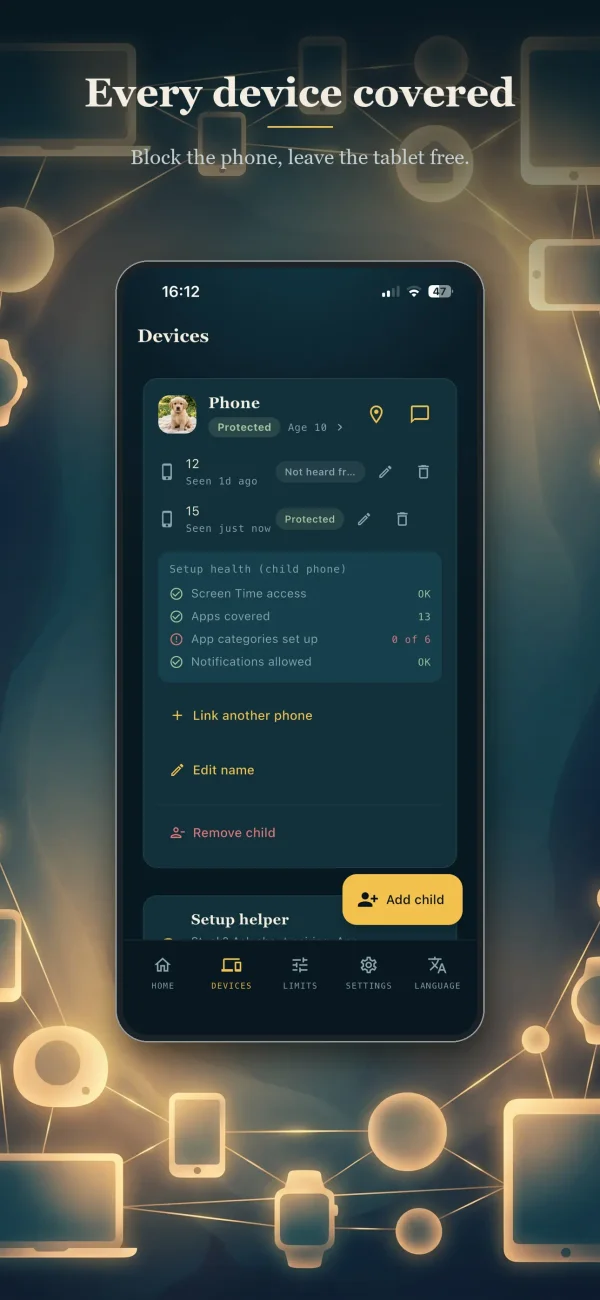
• Setup health: see at a glance that Screen Time, notifications and permissions are on and working.
• Tamper alerts: you are told if Screen Time is switched off, a phone is disconnected, or it goes quiet.
• No removal lock on an iPhone today. If the app is deleted, you are told the phone has gone quiet.
• One parent app for every child in the family, also on Apple Watch.
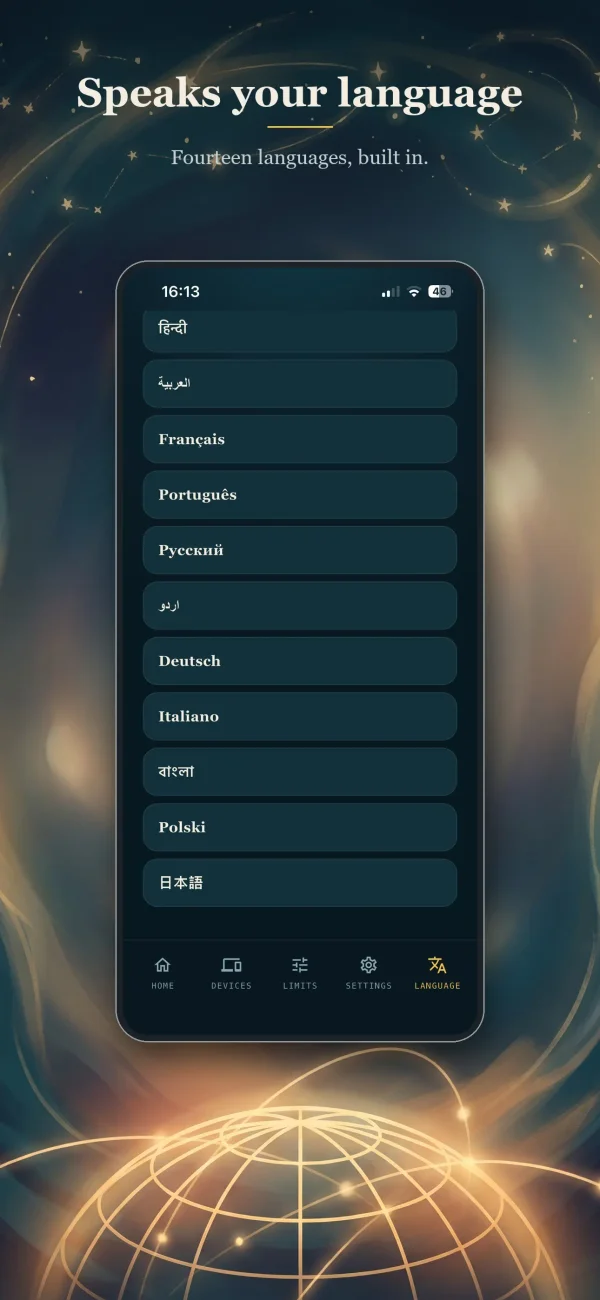
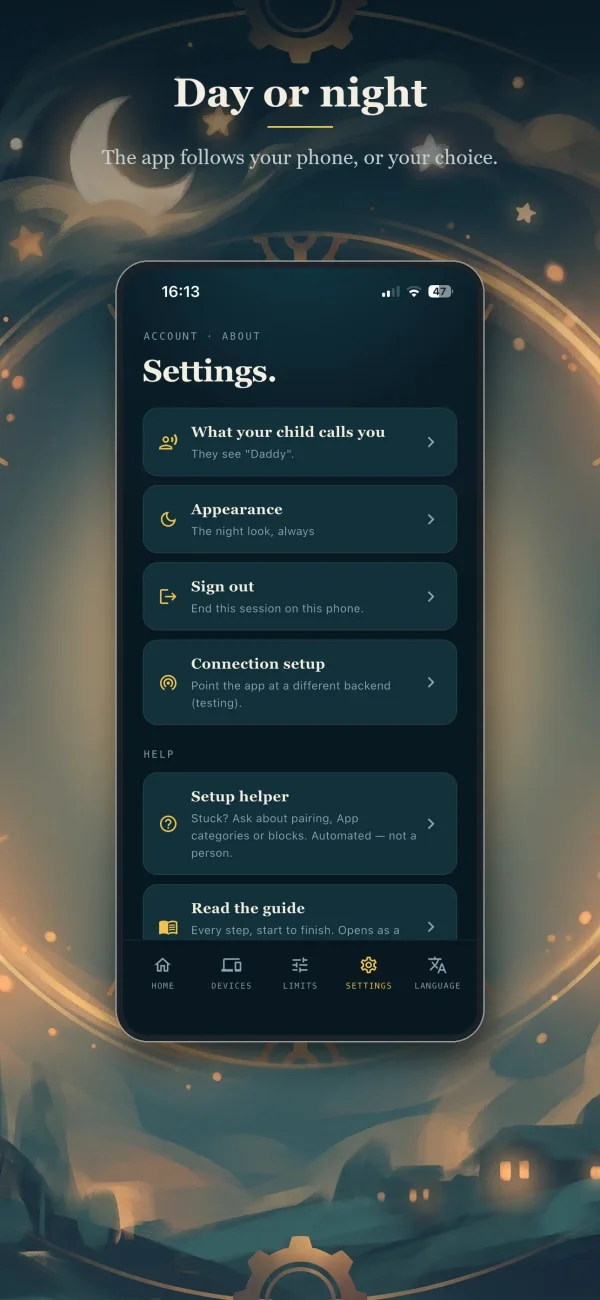
• 56 languages, light and dark looks.
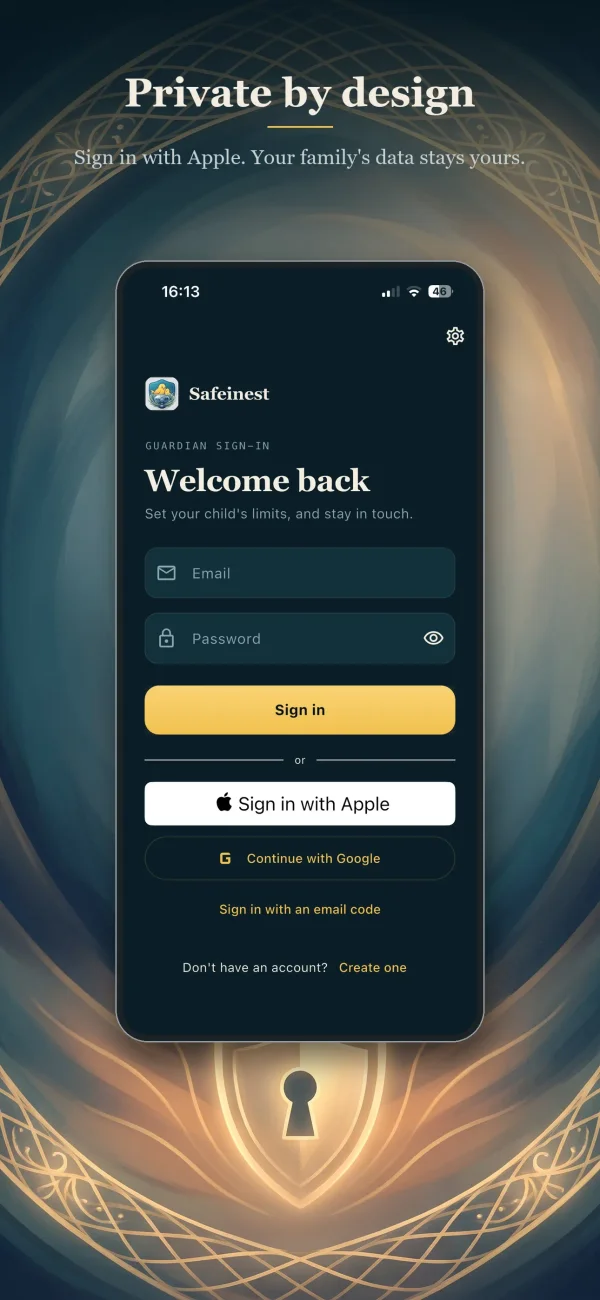
PRIVATE BY DESIGN
• Nothing runs in secret: your child can see what is switched on.
• On an iPhone, limits run through Apple's own Screen Time. Your child's app choices stay private on their phone.
• No ads, no tracking pixels, no selling of family data.
• Messages and location are encrypted; calls are end-to-end encrypted and never recorded.
• Delete your account, and everything in it, from inside the app.
PLANS
Free until 31 December 2026. Then pick a plan, priced in your own currency: Little Nest (up to 3 phones) 0.99 a month, Family Nest (up to 7) 1.49, Mega Nest (unlimited) 1.99. Subscriptions renew monthly until cancelled in your Apple account settings.
Questions? info@safeinest.com · safeinest.com
Terms of Use (EULA): https://www.apple.com/legal/internet-services/itunes/dev/stdeula/
Privacy Policy: https://safeinest.com/privacy
What’s new
Version 1.14.4 · Nov 25, 2026
• Ring your child's phone: an alert on their phone asks them to call you.
• Battery level on your child's card, and one alert when it drops to 15%.
• A 7-day report for each child, and a weekly report email on Sunday evening. Switch it off any time.
• Easier pairing: send your child's phone a link, or see the pairing code on the card.
• The app now speaks 56 languages.
• Fixes and small improvements.
App privacy
What JETMEAWAY LTD declares on the App Store about how this app handles data.
-
Data linked to you
May be collected and linked to your identity.
- Contact info
- User content
- Identifiers
-
Data not linked to you
May be collected but is not linked to your identity.
- Diagnostics
Privacy practices may vary, for example with the features you use or your age.
Information
- Seller
- JETMEAWAY LTD
- Category
- Productivity
- Version
- 1.14.4
- Updated
- Nov 25, 2026
- Released
- Sep 1, 2026
- Size
- 55.9 MB
- Requires
- iOS 15.0 or later
- Age rating
- 4+
- In-app purchases
- Yes
- Languages
- English
- Copyright
- © 2026 Safeinest
You might also like
-
 Bouncer: Stop DoomscrollingDigital Detox Screen Time App
-
 App Guardian: App BlockerPause Scrolling. Regain Focus.
-
 ScreenTimeBlocker - App LimitsTake back your screen time
-
 Minua: Earn Screen TimeParental Control & App Blocker
-
 Screentime AI CoachReduce & Limit Screen Time
-
 App Blocker Focus Fomo FastScreen time limits that hold
-
 Daily habit tracker - MyRecapRoutine tracker, Daily tasks
-
 Shelly: Screen Time ControlBeat doom-scrolling, kindly
-
 Screen Time & Parental ControlApp blocker to stay Focused
-
 Screeni: Screen Time & ChoresParental Control App & Rewards