
- Age rating17+
- CategoryUtilities
- DeveloperFrank Schäfer
- LanguagesGerman+ 4 more
- Size6.9 MB
Links to the official App Store page
Download.org hosts no file of SafeKiosk Browser. The button opens its official App Store page, published by Frank Schäfer. Listing last checked on Nov 15, 2026.
Screenshots
About
SafeKiosk Browser – Turn Your iPad into a Secure Kiosk
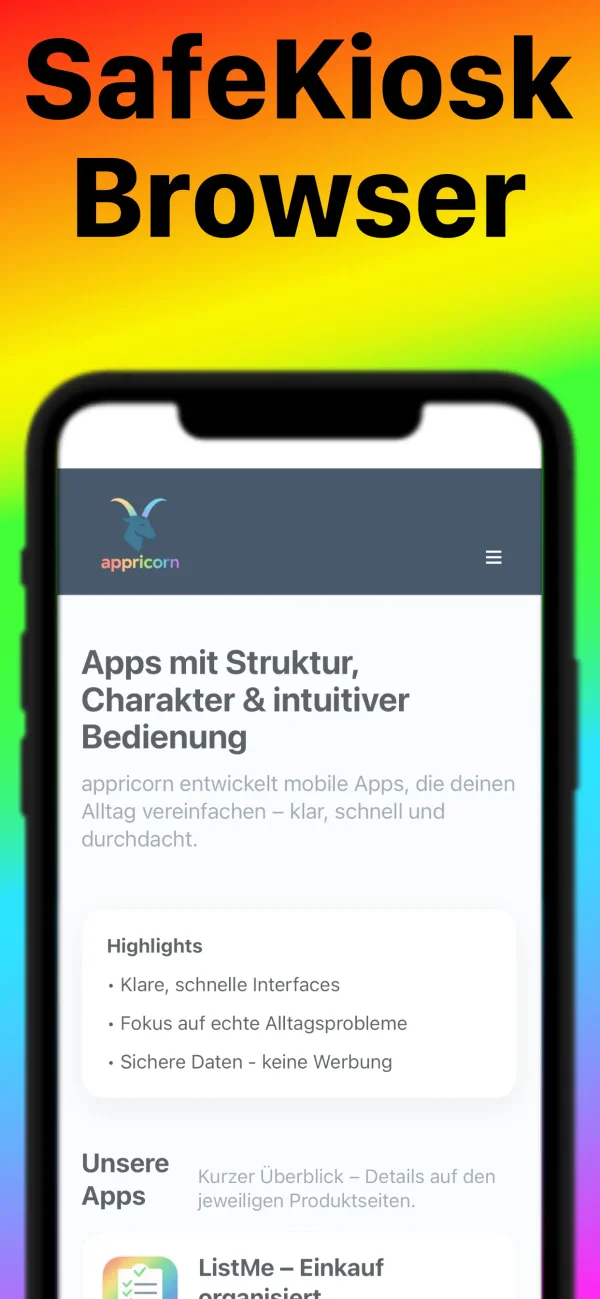
Transform your iPad into a versatile kiosk browser! SafeKiosk displays any website in full-screen mode – without distracting browser controls and without requiring modifications to the website.
Perfect for trade shows, museums, retail stores, restaurants, schools, public institutions, or home use. Easy to set up, fully customizable, and completely free – even for businesses!
KEY FEATURES
Full-Screen Browser
Display websites without standard browser controls. An optional menu provides customizable navigation buttons for Home, Reload, Back, and Forward.
Controlled Access
Use the domain whitelist to specify which websites can be accessed. Ideal for public terminals, schools, and child-friendly applications.
Screensaver and Inactivity Management
After a configurable period of inactivity, SafeKiosk can automatically return to the home page or display a screensaver featuring your own images. Perfect for information displays and digital signage.
Barcode and QR Code Scanner
Scan barcodes and QR codes using the iPad camera. Websites can also launch the scanner directly via JavaScript – ideal for interactive applications, product information, and self-service terminals.
Camera and Microphone
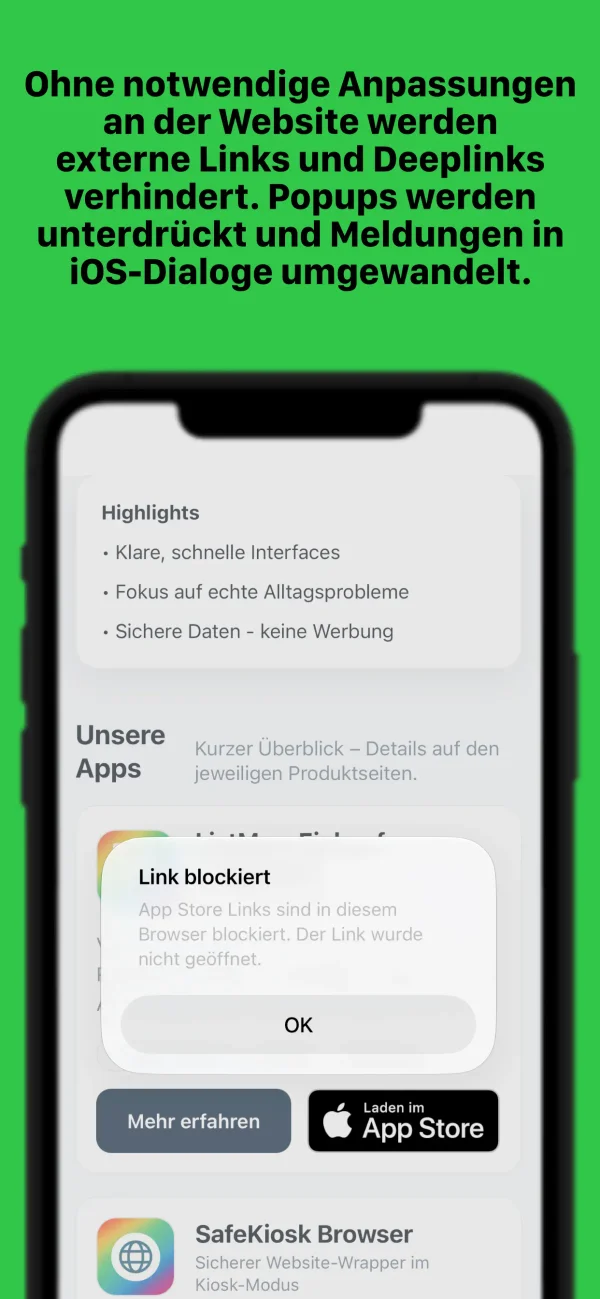
SafeKiosk supports interactive websites requiring camera and microphone access. JavaScript dialogs such as alert(), confirm(), and prompt() are displayed as native dialogs.
Remote Configuration
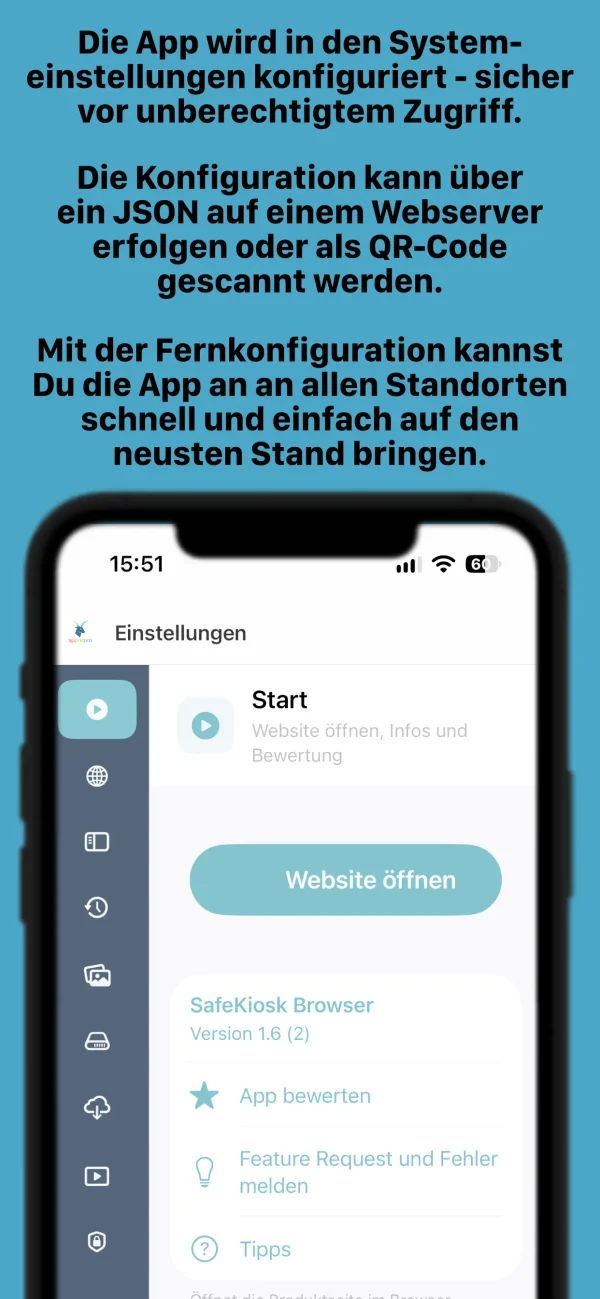
Configure SafeKiosk using a JSON file hosted on your own web server. Settings can be loaded once or automatically whenever the app starts. Configuration import via QR code is also supported.
Flexible Customization
Customize navigation, screen orientation, cache behavior, and other settings to suit your needs.
NEW IN VERSION 2.0
Settings Directly in the App
All settings are now conveniently organized into categories and can be managed directly within the app.
Password Protection
Optionally protect your settings with a password to prevent unauthorized changes.
Quick Access
Settings can be displayed automatically when the app starts or accessed at any time using the "Settings" quick action. Simply touch and hold the app icon.
Tips & Tricks
Discover useful features and suggestions for getting the most out of SafeKiosk. Optional tips can appear regularly when the app starts.
Feedback and Feature Requests
Report bugs or suggest new features directly through the integrated feedback module.
VERSATILE USE CASES
Business and Retail:
Digital product catalogs, self-service applications, customer information, and interactive presentations.
Trade Shows and Events:
Visitor registration, information kiosks, and product demonstrations.
Museums and Public Institutions:
Interactive exhibitions, visitor information, and digital services.
Schools and Education:
Controlled access to learning platforms and selected educational content.
Families and Children:
Restricted access to approved websites and age-appropriate content.
EASY SETUP
1. Install and launch SafeKiosk.
2. Enter your preferred start URL in the app settings.
3. Configure the domain whitelist, navigation, screensaver, and other options as needed.
4. Optionally protect the settings with a password.
5. Start kiosk mode!
For additional security, SafeKiosk can be combined with iPadOS features such as Guided Access or Single App Mode.
FREE – EVEN FOR BUSINESSES
SafeKiosk Browser is completely free to use, including for businesses, nonprofit organizations, and educational institutions. No user account or dedicated SafeKiosk server is required.
SafeKiosk Browser – easy to set up, secure to present, and flexible to use!
What’s new
Version 2.0 · Oct 12, 2026
Version 2.0 – Easier and More Convenient Than Ever!
Settings have been completely redesigned and are now available directly within the app – clearly organized into categories and optionally protected by a password.
Access settings at any time using the "Settings" quick action by touching and holding the app icon. Alternatively, you can choose to display settings automatically when the app starts.
Also new: helpful Tips & Tricks and an integrated feedback module for feature requests and bug reports.
All your favorite SafeKiosk features remain available!
App privacy
What Frank Schäfer declares on the App Store about how this app handles data.
-
Data not collected
The developer does not collect any data from this app.
Privacy practices may vary, for example with the features you use or your age.
Information
- Seller
- Frank Schäfer
- Category
- Utilities
- Version
- 2.0
- Updated
- Oct 12, 2026
- Released
- Mar 31, 2025
- Size
- 6.9 MB
- Requires
- iOS 17.6 or later
- Age rating
- 17+
- Languages
- German, English, French, Italian, Spanish
- Copyright
- © (c) Frank Schäfer (2025-2026)
You might also like
-
 Kiosk Fullscreen BrowserUtilities
-
 dotKiosk Full Screen BrowserMake any (old) device a kiosk
-
 Kiosk Web LauncherFullscreen web shortcuts
-
 Kiosk LauncherFull-screen web view app.
-
 KioskFrame — Kiosk BrowserKiosk Browser & Display
-
 cappoda – Kiosk App for EventsDisplay Websites in Kiosk Mode
-
 KioskModeFullscreen Web Kiosk
-
 NeatKioskFull-screen kiosk browser
-
 HA KioskA super simple kiosk app.
-
 FullFrame BrowserBrowse without distractions