Safety Note+: Private Notes
Password Lock & Secret Diary
Designed for iPhone, iPad, iPod touch
Free · In-app purchases
- Age rating4+
- CategoryProductivity
- DeveloperEightythree Technology
- LanguagesEnglish+ 10 more
- Size80.4 MB
Links to the official App Store page
Download.org hosts no file of Safety Note+: Private Notes. The button opens its official App Store page, published by Eightythree Technology. Listing last checked on Nov 18, 2026.
Screenshots


About
Some notes are too personal for a regular notes app.
Safety Note+ gives you a dedicated private space for personal writing, sensitive lists and ideas you want to keep separate. Unlock quickly with Face ID, Touch ID or a passcode, organize notes in folders, and choose optional sync or backup when you need it.
PRIVATE ACCESS
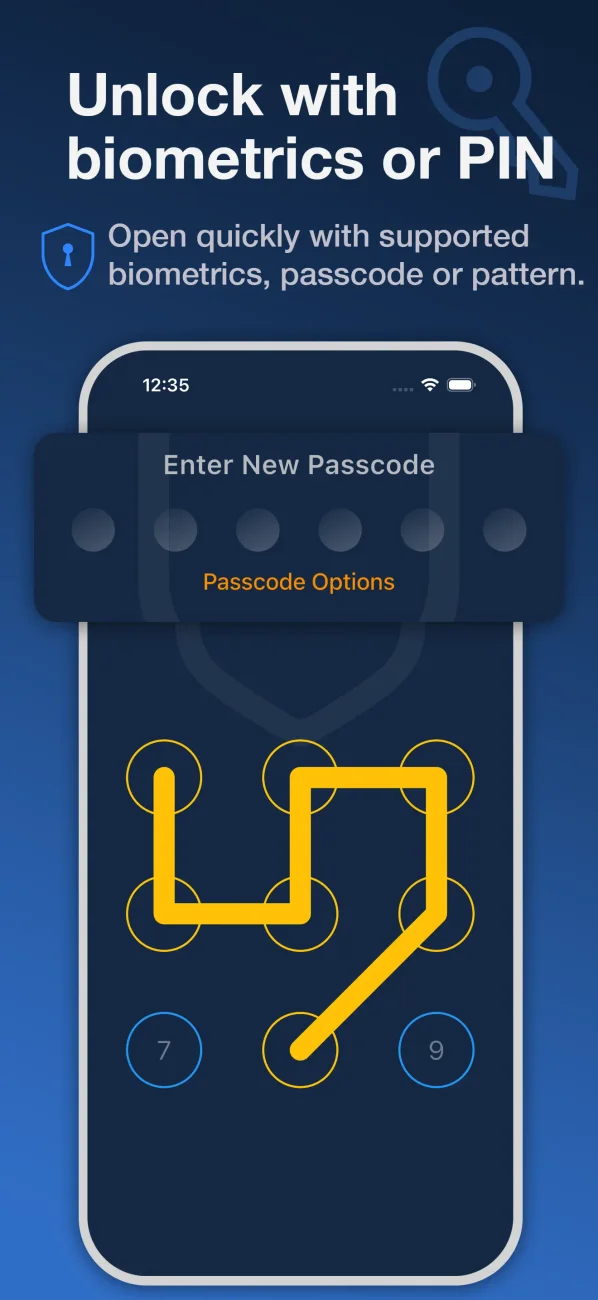
• Protect the app with a passcode or supported biometric unlock
• Choose PIN, password or pattern-style access where available
• Return to your notes quickly without mixing them with everyday notes
DECOY AND INTRUDER FEATURES
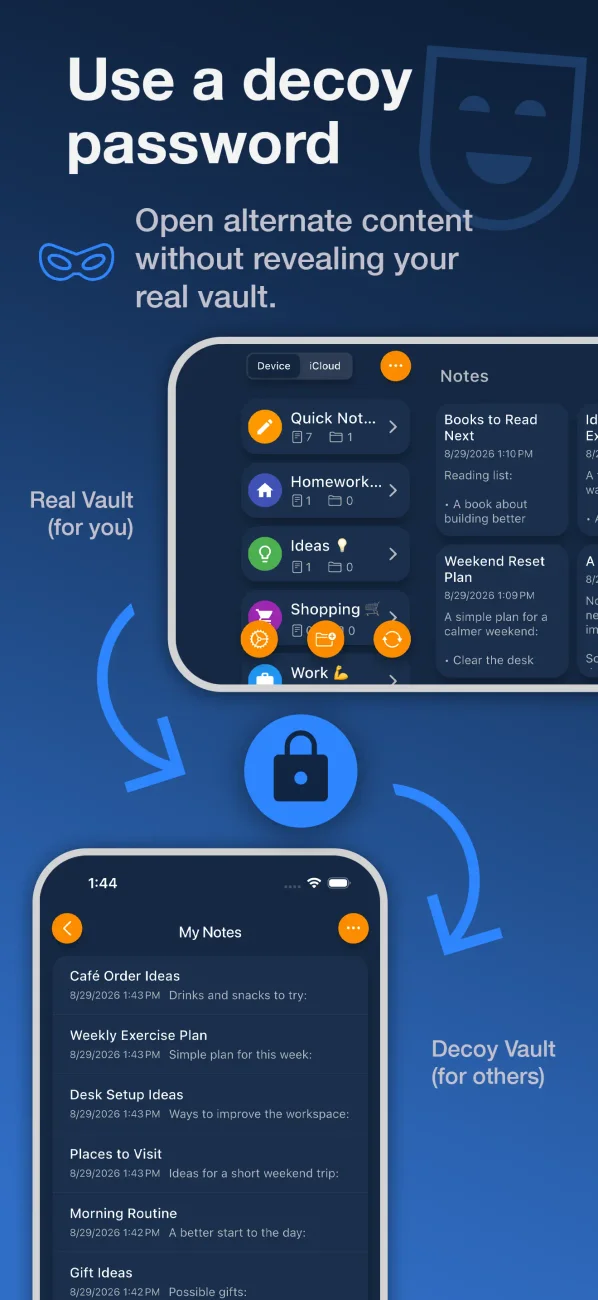
• Set a decoy password that opens alternate content
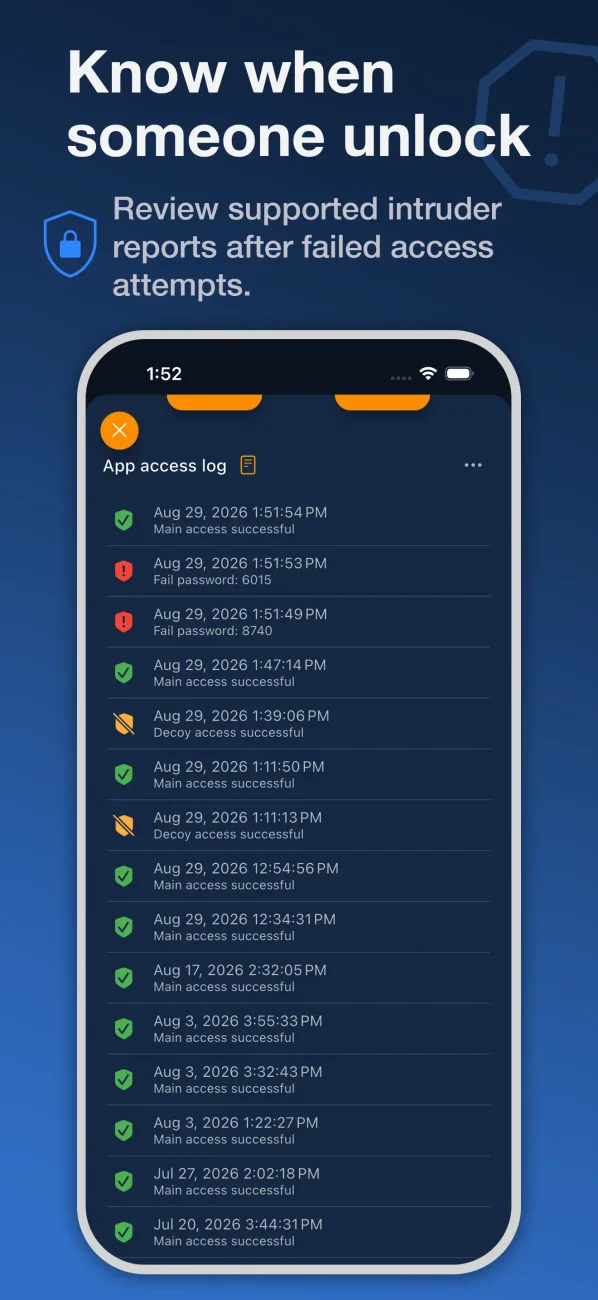
• Review supported intruder reports after failed unlock attempts
• Enable only the privacy features that fit your needs
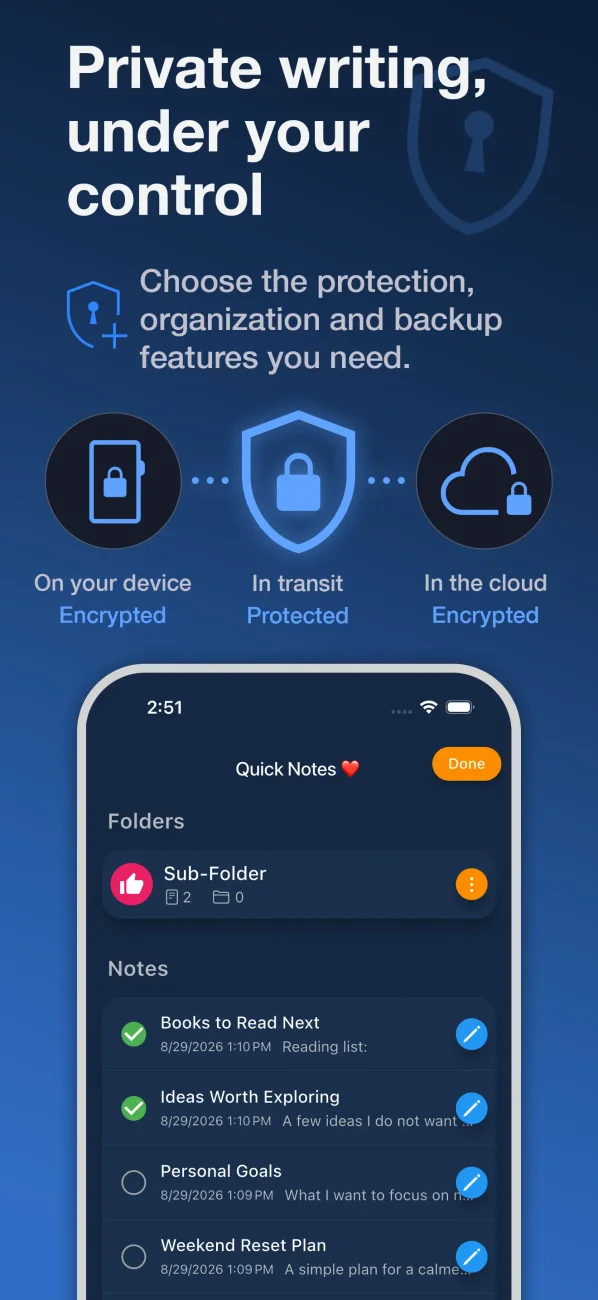
FOLDER-LEVEL PROTECTION
• Add separate protection to selected folders
• Keep personal, journal, work and other private notes organized
• Use folder colors and icons to find important content faster
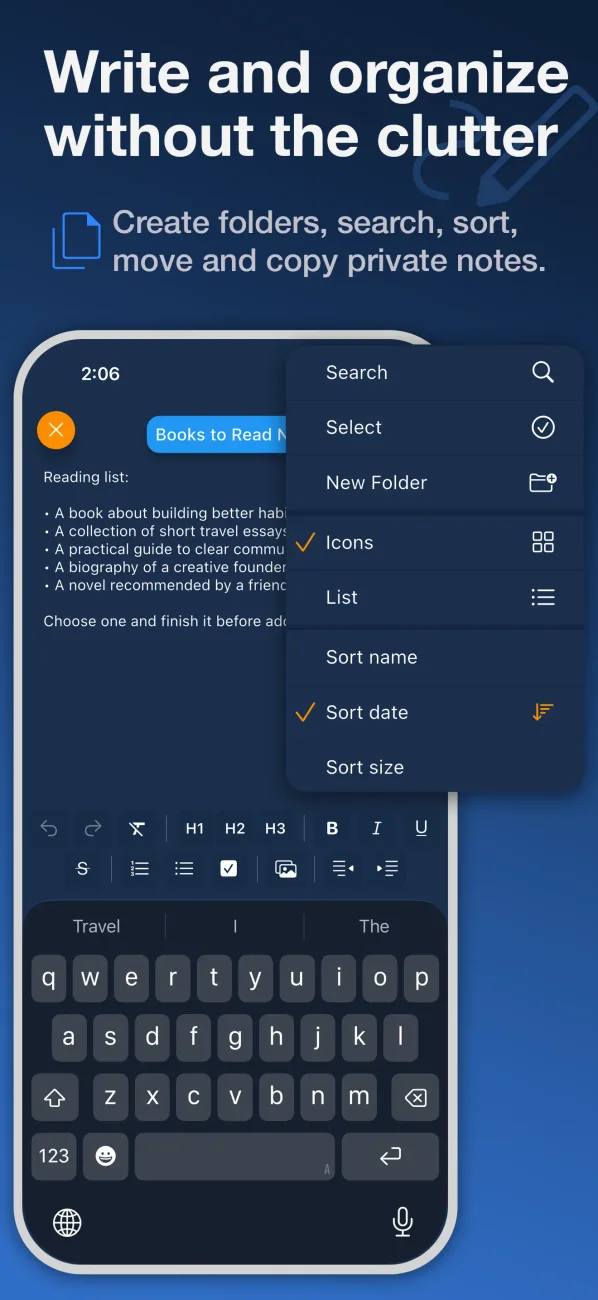
WRITE AND ORGANIZE
• Create short notes, long-form writing and private lists
• Search, sort, move and copy notes
• Auto-save helps preserve changes as you write
• Choose from available themes
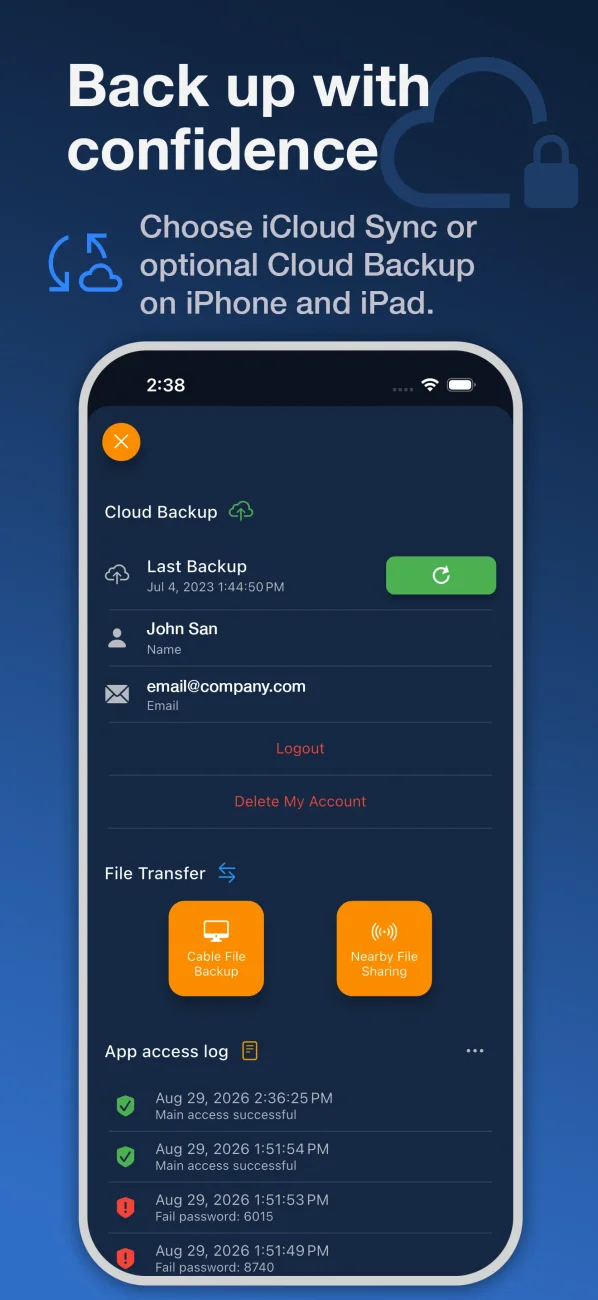
SYNC, BACKUP AND DEVICE CHANGES
• Keep notes on your device for a local-first workflow
• Enable iCloud Sync on supported Apple devices
• Use optional Cloud Backup when available
• Check your backup before changing devices or deleting the app
PRIVACY YOU CAN UNDERSTAND
Face ID and Touch ID are handled by Apple. Safety Note+ does not receive or store your biometric face or fingerprint data. Sync and backup are optional and depend on the services you enable.
Safety Note+ is designed for private notes, personal journals, sensitive lists, confidential ideas and information you prefer to keep separate from a regular notes app.
Some features require an in-app purchase or subscription. Feature availability may vary by device, operating-system version and region.
Visit us at:
Website: https://sixbytes.io
Twitter: https://twitter.com/SixbytesApp
Facebook: https://www.facebook.com/sixbytesapp
For more information, please refer to our Terms of Service and Privacy Policy:
Terms of service: https://sixbytes.io/products/safety-note/legal/terms
Privacy policy: https://sixbytes.io/products/safety-note/legal/privacy-policy
What’s new
Version 7.9.5 · Nov 11, 2026
Hello Everyone!
We’re thrilled to roll out a new update designed to enhance your app experience. This week, we’ve focused on fixing bugs, refining performance, and adding exciting new features to strengthen your security and make the app even better for you.
Your feedback is invaluable in helping us achieve excellence—thank you for being part of this journey! Your satisfaction remains our top priority.
For more details, visit us on:
Website: https://sixbytes.io
X (Twitter): https://twitter.com/SixbytesApp
Facebook: https://www.facebook.com/sixbytesapp
If you’re enjoying the app, we’d greatly appreciate a 5-star review! Your support inspires us to keep delivering exceptional updates.
Thank you for being an amazing part of our community!
App privacy
What Eightythree Technology declares on the App Store about how this app handles data.
-
Data not collected
The developer does not collect any data from this app.
Privacy practices may vary, for example with the features you use or your age.
Information
- Seller
- Yew Chen Chung
- Category
- Productivity
- Version
- 7.9.5
- Updated
- Nov 11, 2026
- Released
- Sep 30, 2011
- Size
- 80.4 MB
- Requires
- iOS 15.0 or later
- Age rating
- 4+
- Price
- Free
- In-app purchases
- Yes
- Languages
- English, Arabic, French, German, Italian, Japanese, Russian, Simplified Chinese, Spanish, Thai, Traditional Chinese
- Copyright
- Copyright © 2026 Safety Note+
You might also like
-
 Secure Notepad ProNotes with password protection
-
 Private Notes.Secret Password Notepad App
-
 Secure Notes - Secret & LockPrivate Diary & Password Vault
-
 MyNotes - Notes with LockSecret Notebook & Safe Notepad
-
 HibiDo: Todo, Calendar & NotesTask, Reminder & Event Planner
-
 Lock Notes: Private JournalSecure Diary, Password Notepad
-
 Notebox - EncryptedD2D zero-knowledge encryption
-
 NOTE'dTake note of everything.
-
 WeNotes+#1 Note-Taking&Voice Recorder
-
 Lockbook: Private NotesMarkdown, draw, sync & share