Secure Notes - Secret & Lock
Private Diary & Password Vault
Designed for iPhone, iPad
Free · In-app purchases
- Age rating4+
- CategoryProductivity
- DeveloperPixelPort LLC
- LanguagesEnglish+ 23 more
- Size70.5 MB
Links to the official App Store page
Download.org hosts no file of Secure Notes - Secret & Lock. The button opens its official App Store page, published by PixelPort LLC. Listing last checked on Nov 12, 2026.
Screenshots




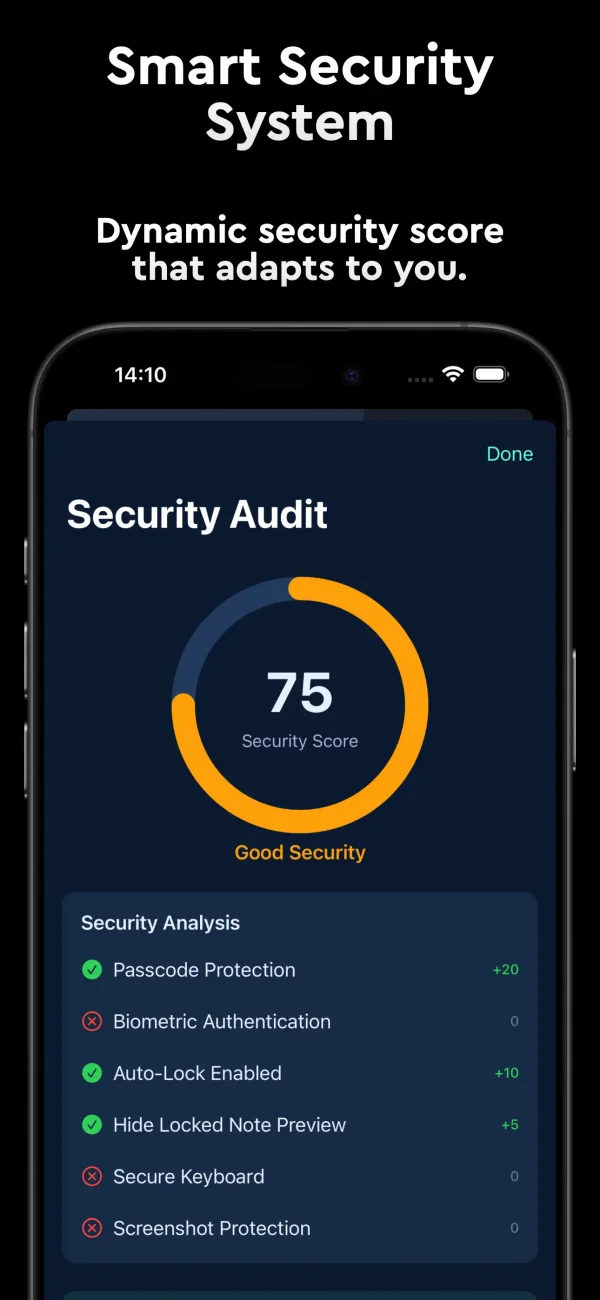
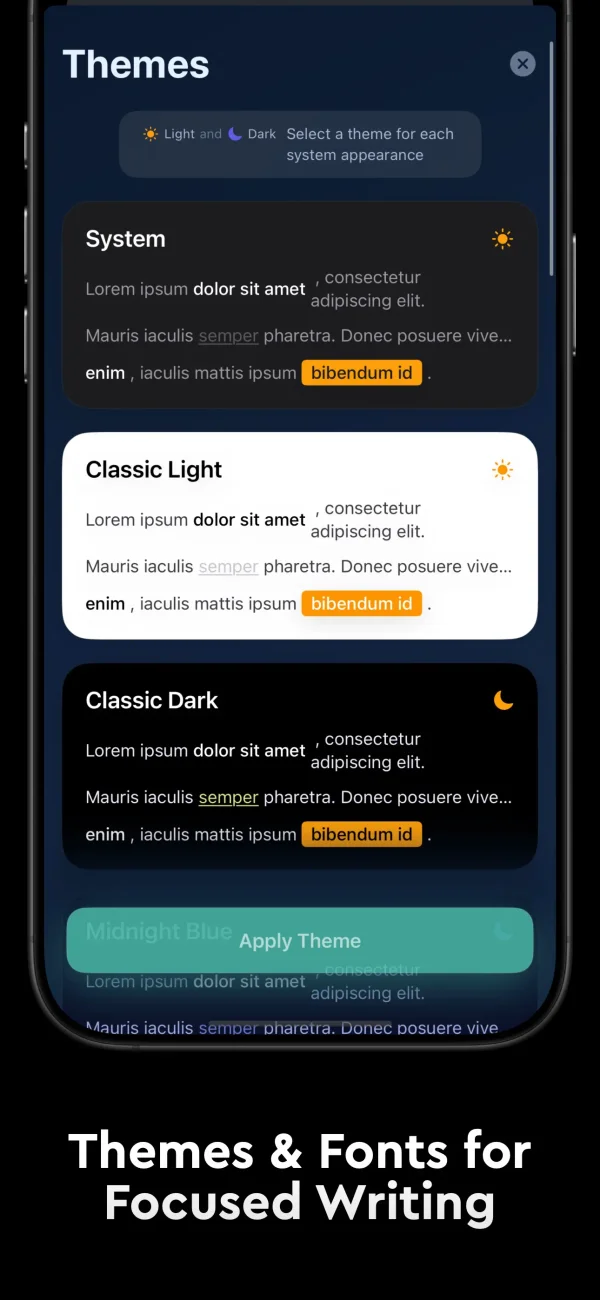
About
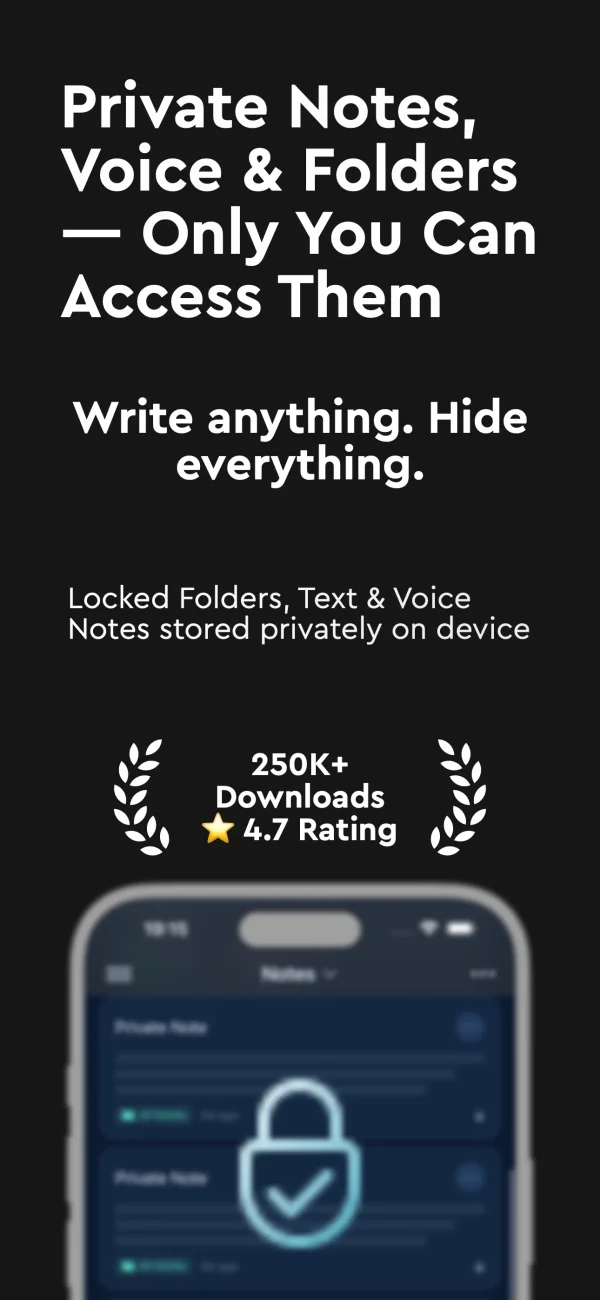
Lock your notes. Only you can access them.
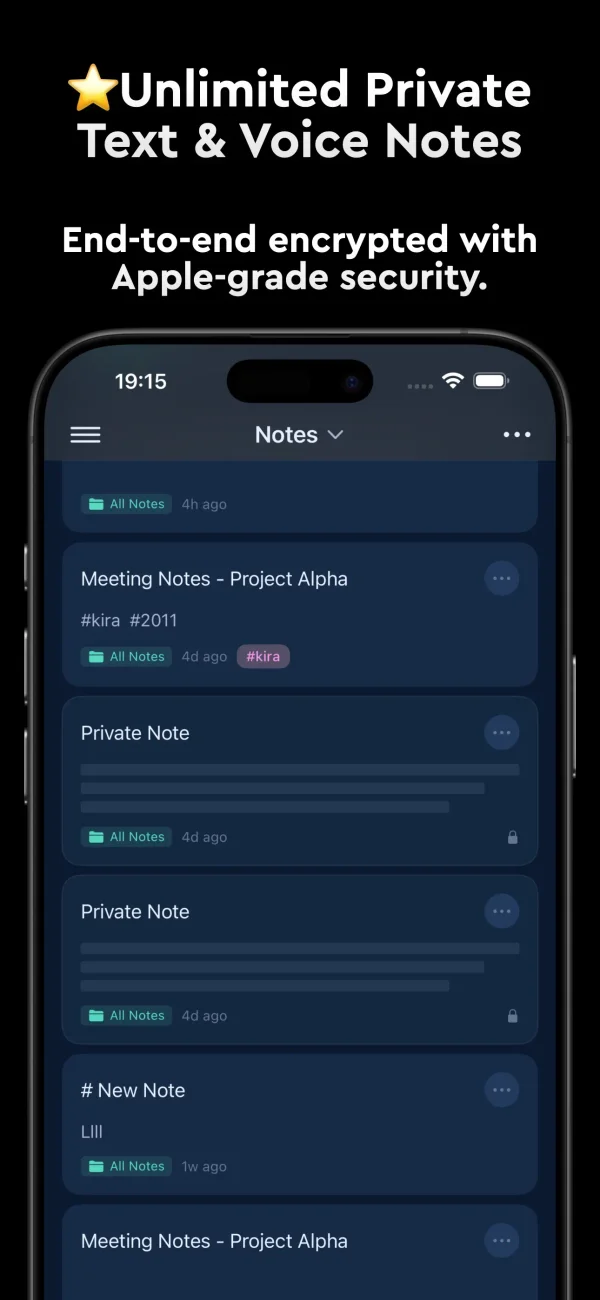
Secure Notes is a private and secure notes app designed to protect your thoughts, passwords, voice memos, and sensitive information. Notes are stored on your iPhone, protected by iOS, and locked with your passcode and Face ID. They never reach our servers, so we cannot read them.
If you need a truly private place for your notes, Secure Notes gives you full control, strong protection, and a simple experience that works every day.
Built for real privacy
- Your notes are yours. Always.
- No tracking
- No analytics on your content
- No data selling
- No external access to your notes
All data is stored securely on your device and, if enabled, inside your private iCloud account.
This is not just a locked notes app — it is built for real privacy.
Powerful protection
Secure Notes uses multiple layers of protection to keep your data safe.
3-layer security: lock the app, folders, and individual notes
Face ID, Touch ID, or passcode protection
Lock specific notes with additional security
Stored on your iPhone, protected by iOS
Designed to prevent unauthorized access
Your notes stay protected even if your device is lost or accessed by someone else.
Write, record, and organize
Capture everything in one place.
Secure text notes for daily use
Voice notes up to 10 minutes
Speech-to-text: transcribe any voice note with one tap
Markdown editor with formatting support
Live preview for better writing experience
Organize notes into folders
Whether you are writing ideas, journaling, or storing important information, everything stays private and accessible.
Sync across your devices
iCloud sync between iPhone and iPad
Instant updates across devices
Your data remains under your control
No external servers. No unnecessary exposure.
Designed for speed and simplicity
Fast and responsive performance
Clean, modern interface
Dark mode support
No ads or distractions
Reliable experience every day
Additional features
Trash recovery for up to 30 days
Improved text rendering
Enhanced Markdown editing
Notifications to stay on top of your notes
Continuous performance improvements
Why people choose Secure Notes
Private journaling and personal thoughts
Password and sensitive information storage
Financial tracking and private records
Health notes and personal logs
Recovery phrases and secure data storage
Anything you want to keep hidden, protected, and under your control.
Security you can trust
Notes are stored on your iPhone, protected by iOS, unless you turn on private iCloud sync in your own iCloud account.
We do not have access to your data and cannot read your notes.
Deleting the app removes all unsynced data permanently.
Terms and conditions: https://www.pixelport.io/app/secure-notes-lock-notes/terms-conditions
Privacy Policy: https://www.pixelport.io/app/secure-notes-lock-notes/privacy-policy
EULA: https://www.pixelport.io/app/secure-notes-lock-notes/eula
What’s new
Version 3.8.1 · Nov 2, 2026
- Encrypted backup (Pro): save all your notes, folders and attachments to one password-protected file. Restoring is free, even right after a fresh install, and your old passcode comes back with it.
- Erase All Data: delete everything from this device, and from iCloud if you choose. Free for everyone.
- Notes now open ready to read. Tap to edit.
- Opening the app takes you straight to your notes, without an upgrade screen.
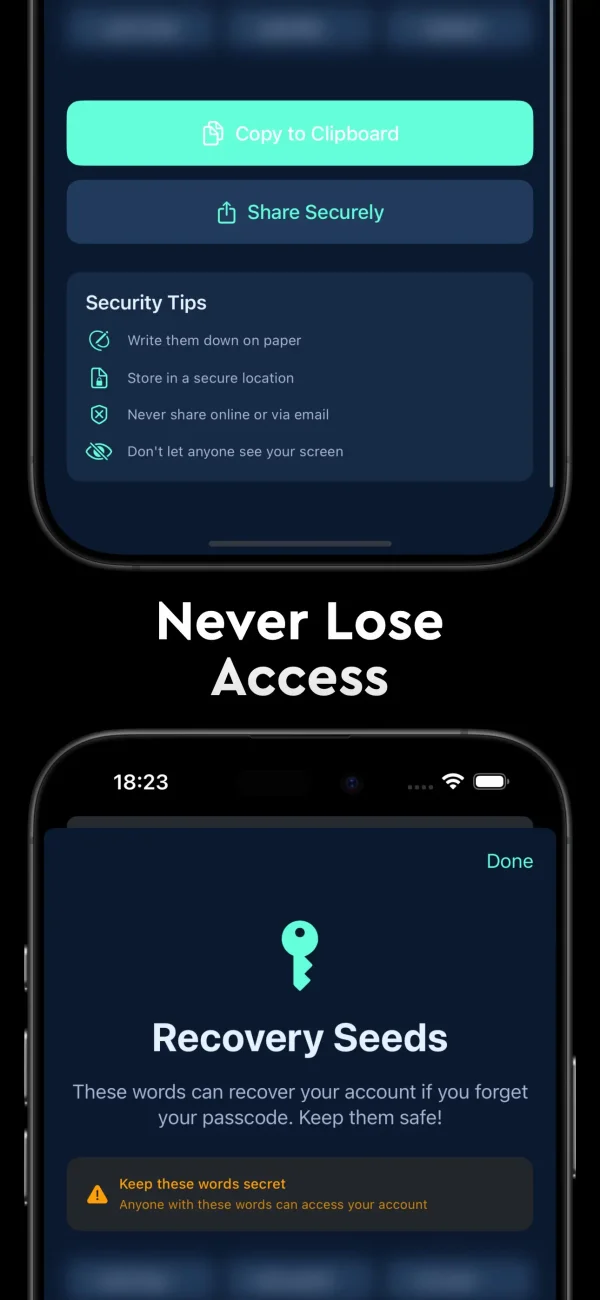
- Setup now shows your 12 recovery words, so you can save them before you need them.
- PDF export now creates a real PDF.
- Many reliability fixes for people updating from older versions, so your notes are where you left them.
- Pro subscriptions now work with Family Sharing.
Secure Notes now supports iPhone Duo. Unfold it to see your folders, notes list and open note side by side, with layouts made for Book and Seated postures. Fold it mid-sentence and keep writing where you left off.
Also in this update:
- Voice note transcription in your language, right on your device
- Passcodes work with Arabic and other number keypads
- Fixes for paywalls staying open after a purchase
- Missing translations added in all languages
App privacy
What PixelPort LLC declares on the App Store about how this app handles data.
-
Data used to track you
May be used to track you across apps and websites owned by other companies.
- Identifiers
- Usage data
-
Data linked to you
May be collected and linked to your identity.
- Identifiers
- Diagnostics
-
Data not linked to you
May be collected but is not linked to your identity.
- Usage data
- Diagnostics
Privacy practices may vary, for example with the features you use or your age.
Information
- Seller
- PixelPort LLC
- Category
- Productivity
- Version
- 3.8.1
- Updated
- Nov 2, 2026
- Released
- Jul 3, 2019
- Size
- 70.5 MB
- Requires
- iOS 16.6 or later
- Age rating
- 4+
- Price
- Free
- In-app purchases
- Yes
- Languages
- English, Arabic, Danish, Dutch, Finnish, French, German, Hindi, Indonesian, Italian, Japanese, Korean + 12 more
- Copyright
- © 2026 PixelPort LLC
You might also like
-
 Secure NotepadPrivate Notes with Password
-
 Secure Notepad ProNotes with password protection
-
 Lock Notes: Private JournalSecure Diary, Password Notepad
-
 Private Notes.Secret Password Notepad App
-
 Safety Note+: Private NotesPassword Lock & Secret Diary
-
 Standard NotesEnd-to-end encrypted notes
-
 Notesnook: Private notepadEncrypted notes & secure vault
-
 Simple Notepad -BestNote-Notes with password and photos
-
 Note!The ultimate simple notes app!
-
 iPassworder Password ManagerEasiest way to store passwords