Scan It All Pro
Scan to PDF, Sign, Send, Share
Designed for iPhone, iPad, iPod touch
$0.99
- Age rating4+
- CategoryBusiness
- DeveloperBitsAbound Inc
- LanguagesEnglish
- Size10.7 MB
Links to the official App Store page
Download.org hosts no file of Scan It All Pro. The button opens its official App Store page, published by BitsAbound Inc. Listing last checked on Nov 6, 2026.
Screenshots


About
**Scan It All Pro** turns your iOS device into a multipage document scanner for documents, receipts, notes, and other text.
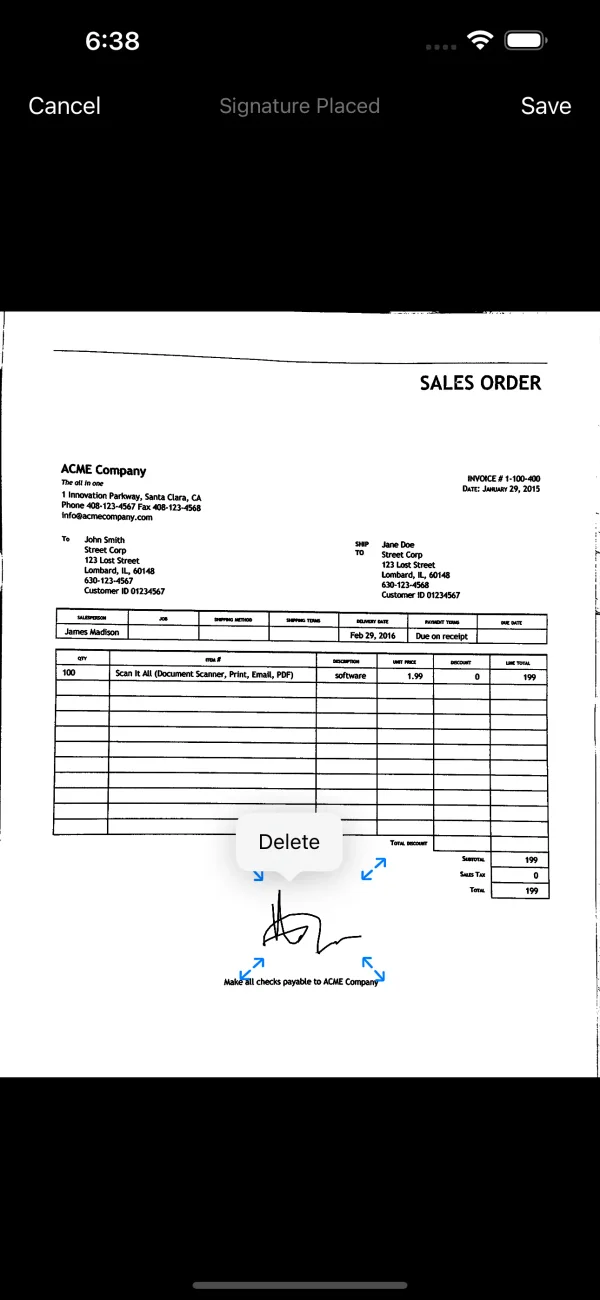
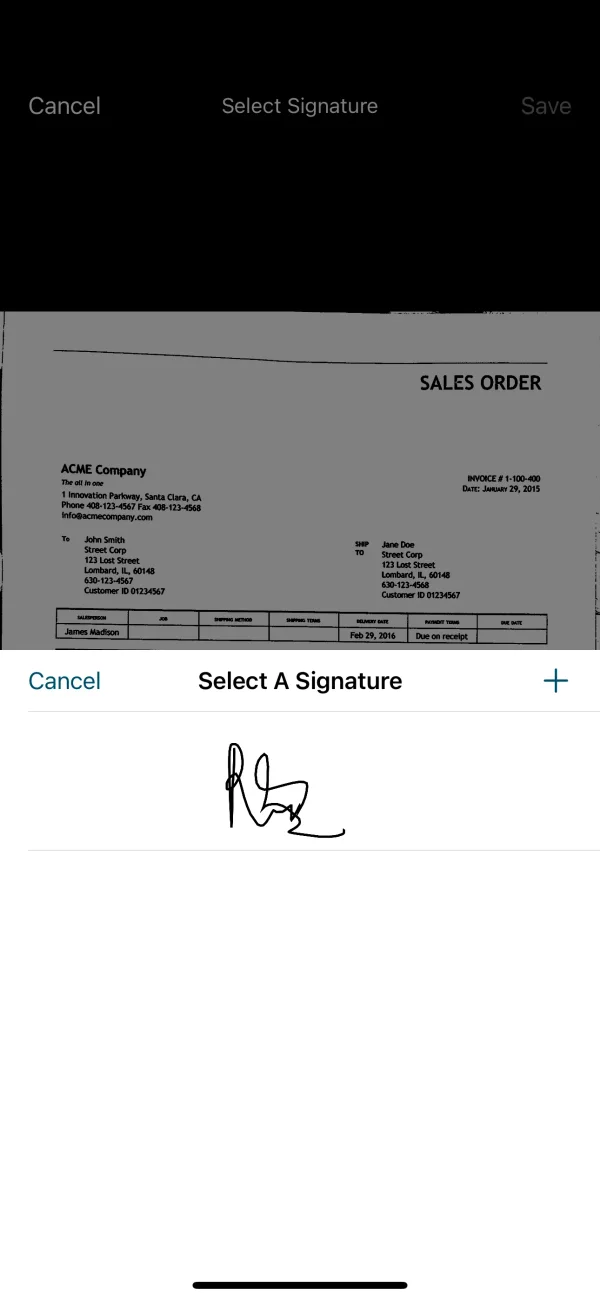
***NEW*** Sign document pages from within the app. Create and store unlimited number of signatures. place signature on any page. resize move, and if needed delete signatures that were previously added.
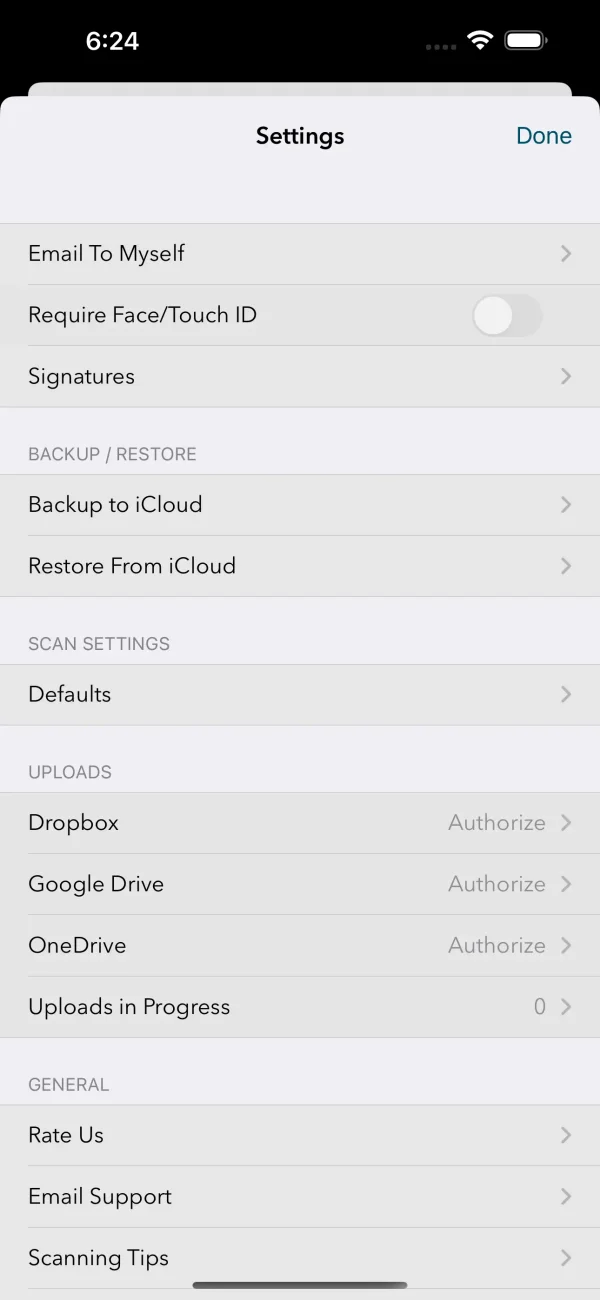
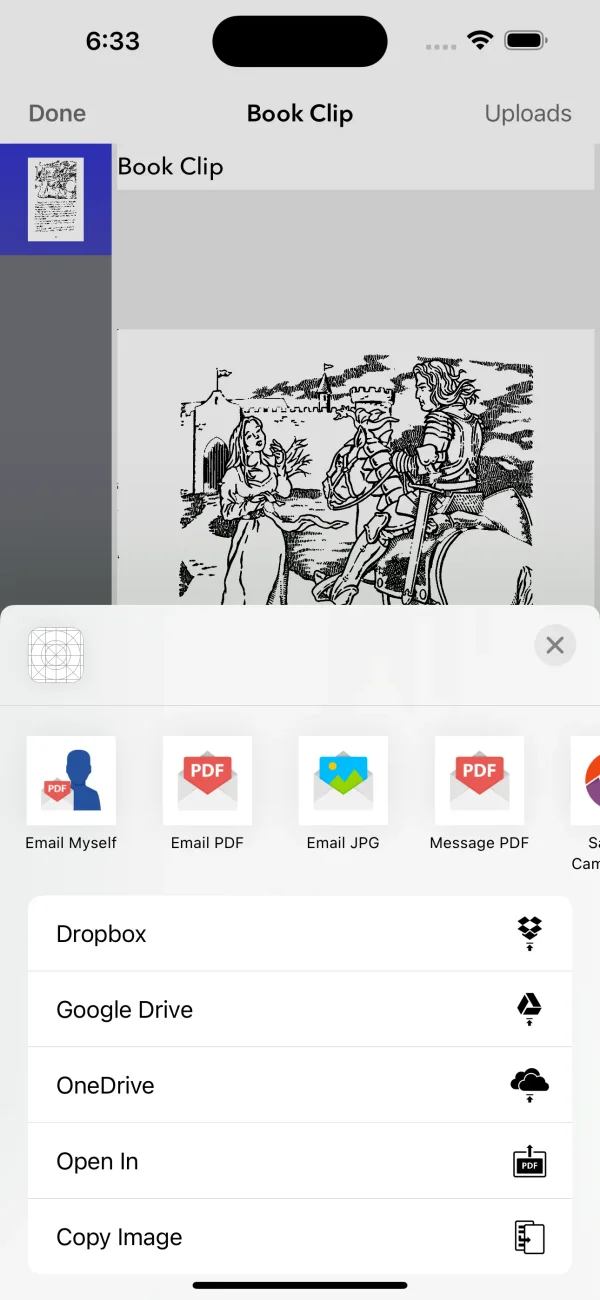
Quickly scan, store and email your documents as multipage PDF files. Supports upload to Dropbox, Google Drive and One Drive.
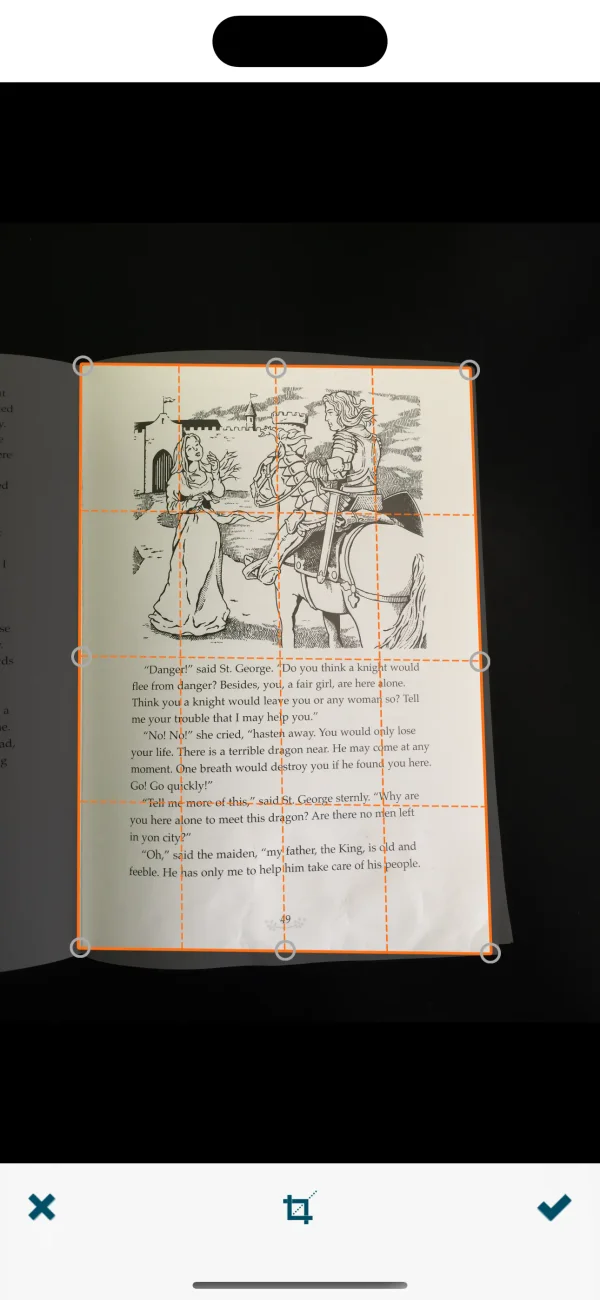
**Scan It All Pro** auto-detects document edges, straightens the documents, eliminates shadows and sets a perfect contrast.
Very easy and intuitive interface.
All image processing happens on your iOS device, keeping your documents secure and confidential.
**Scan It All Pro** has DropBox, Google Drive and OneDrive support, upload your PDF to Dropbox, Google Drive or OneDrive from within the app.
FEATURES:
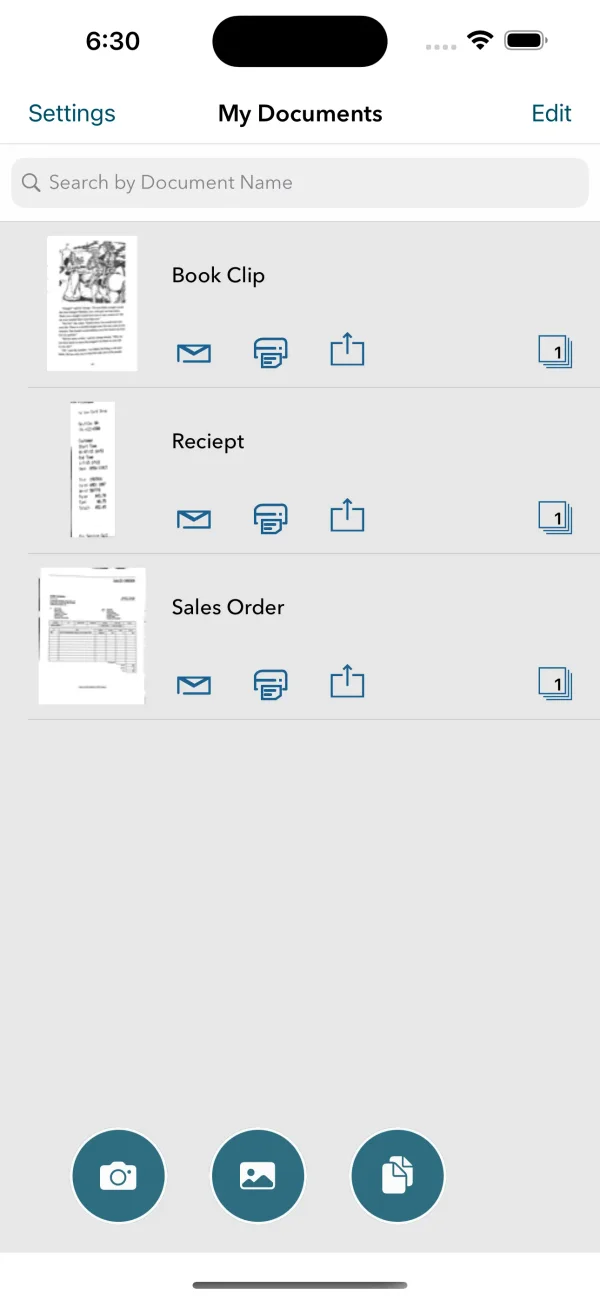
• On touch Email, Print and Upload options on scanned documents.
• Automatic perspective correction and edge detection, manual options to override it for Black & white and color.
• Quick processing.
• Sign Document Pages
• Multipage editing: reorder (drag drop), delete (drag out) and add multiple pages
• Email document as PDF.
• Email PDF to pre-configured email addresses.
• Email JPEGs as attachment.
• Printing via AirPrint
• Compact attachments.
• Open PDF in other applications like (Dropbox, Evernote, iBooks etc)
• Export scanned Images to Photo Library
• Upload PDF to Dropbox and Google Drive directly
• Copy Image
• Paste Image
• Export PDFs from other apps to Scan It All Pro
• Set PDF password.
• Import encrypted PDF.
• Use Touch ID to secure documents
• Backup/Restore documents to/from iCloud
• Scan from Photo Gallery
• Merge documents
TIPS ON SCANNING
• Make sure your document is flat and well lit.
• Use flash in low light conditions, but avoid glare with glossy documents (magazines, etc.)
We're constantly improving Scan It All, If you want to send us your feedback or have a problem with our software, please contact us using the Email Support button in the app.
If you find a bug in our software please email support@bitsabound.com and we'll promptly reply.
What’s new
Version 8.1.5 · Apr 16, 2026
improvements to photo import.
App privacy
What BitsAbound Inc declares on the App Store about how this app handles data.
-
Data not collected
The developer does not collect any data from this app.
Privacy practices may vary, for example with the features you use or your age.
Information
- Seller
- BitsAbound Inc
- Category
- Business
- Version
- 8.1.5
- Updated
- Apr 16, 2026
- Released
- Feb 8, 2014
- Size
- 10.7 MB
- Requires
- iOS 14.0 or later
- Age rating
- 4+
- Price
- $0.99
- Languages
- English
- Copyright
- © BitsAbound Inc
You might also like
-
 Real ELDDOT compliant ELD/AOBRD
-
 Discount Calculator: SalePercent Off, Tip & Tax
-
 MYCRANE MarketplaceGlobal Crane Marketplace
-
 Hatton Crane & RiggingSmart storage management
-
 TsunDocsSave and read it later.
-
 E-Profit CalculatorEtsy Seller: Track Your Fees
-
 Barcode Generator Pro 3Barcode Maker & QR Designer
-
 Naviam RequestINITIATE & TRACK WORK REQUESTS
-
 Goal Ahead - Progress BarProgress bar for your goal!
-
 VibeScan: PDF Document ScannerScan Receipts, Sign & OCR Text