VibeScan: PDF Document Scanner
Scan Receipts, Sign & OCR Text
Designed for iPhone, iPad
Free
- Age rating4+
- CategoryProductivity
- DeveloperTU LUU
- LanguagesEnglish+ 7 more
- Size20.0 MB
Links to the official App Store page
Download.org hosts no file of VibeScan: PDF Document Scanner. The button opens its official App Store page, published by TU LUU. Listing last checked on Nov 18, 2026.
Screenshots

About
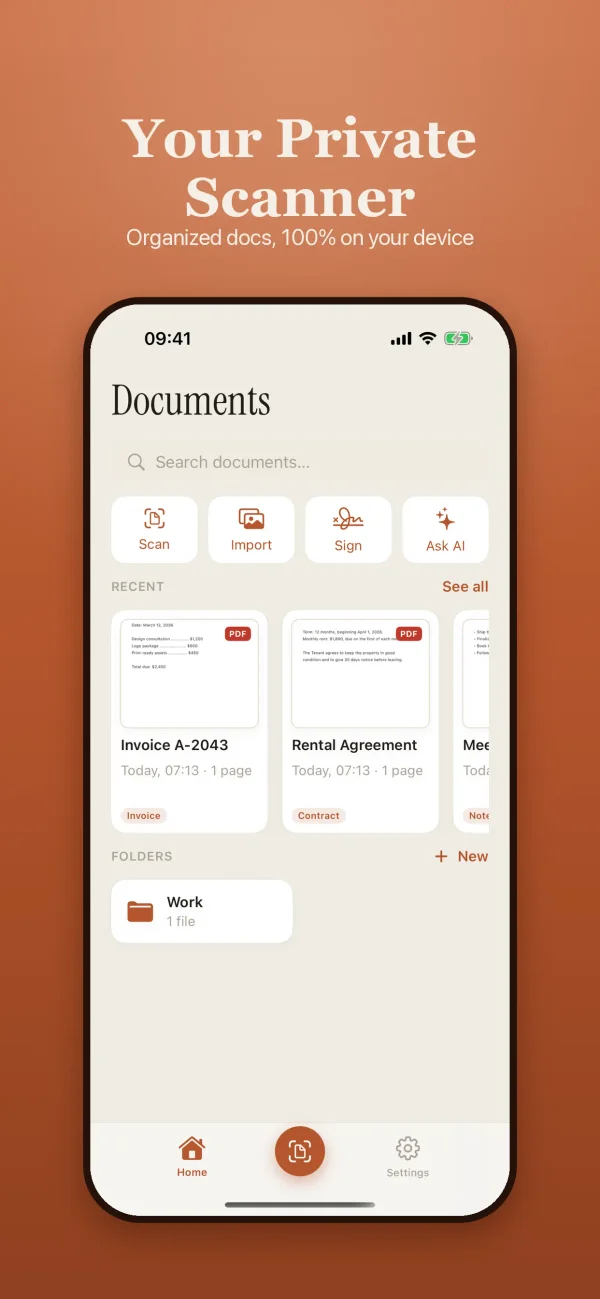
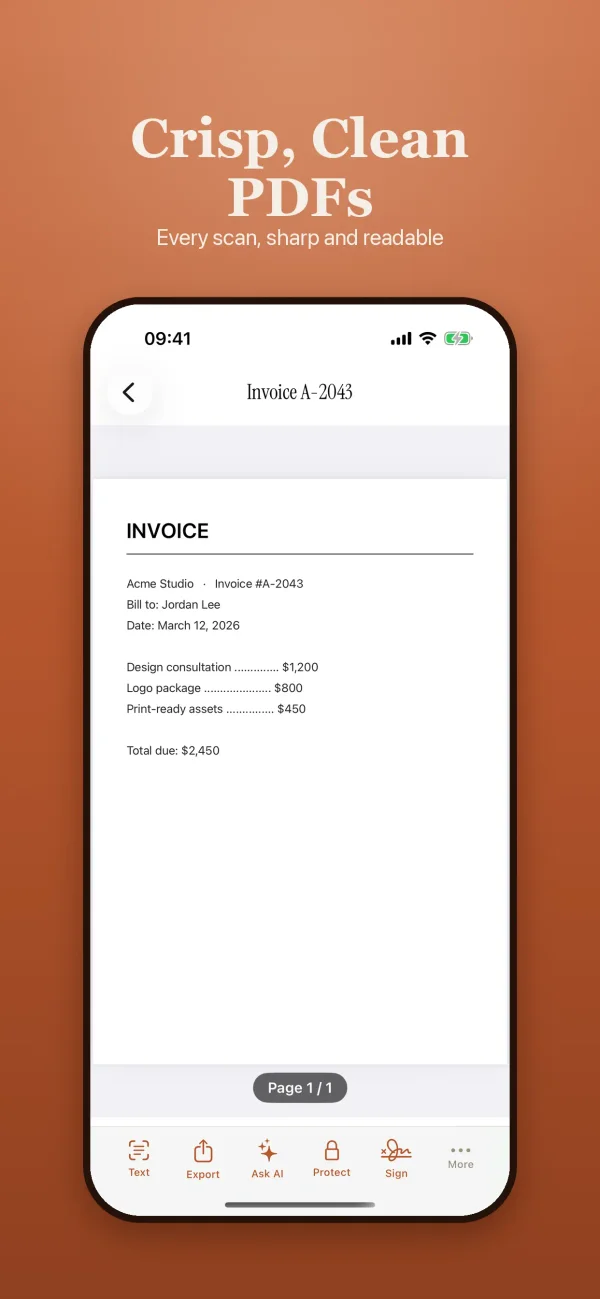
VibeScan turns your iPhone and iPad into a fast, private document scanner. Point, capture, and get a clean, sharp PDF in seconds — with everything processed right on your device.
WHY VIBESCAN
• 100% on-device — your documents never leave your phone. No account, no sign-up, no cloud upload.
• Scanning, OCR, and export all work offline.
• Free to use, powered by ads — no subscription required.
SCAN ANYTHING
• Automatic edge detection finds the page and crops it for you.
• Perspective correction straightens angled shots into flat, readable pages.
• Single-page mode, or batch capture for long multi-page documents.
• Turn on auto-capture and it shoots as soon as the page is in frame.
• Import photos from your library and turn them into documents.
• Card mode adds an ID-sized framing guide for ID cards and passports.
• Business card mode reads the details and saves the contact to your address book.
• Filters and manual crop let you fine-tune any page before you save.
TEXT & OCR
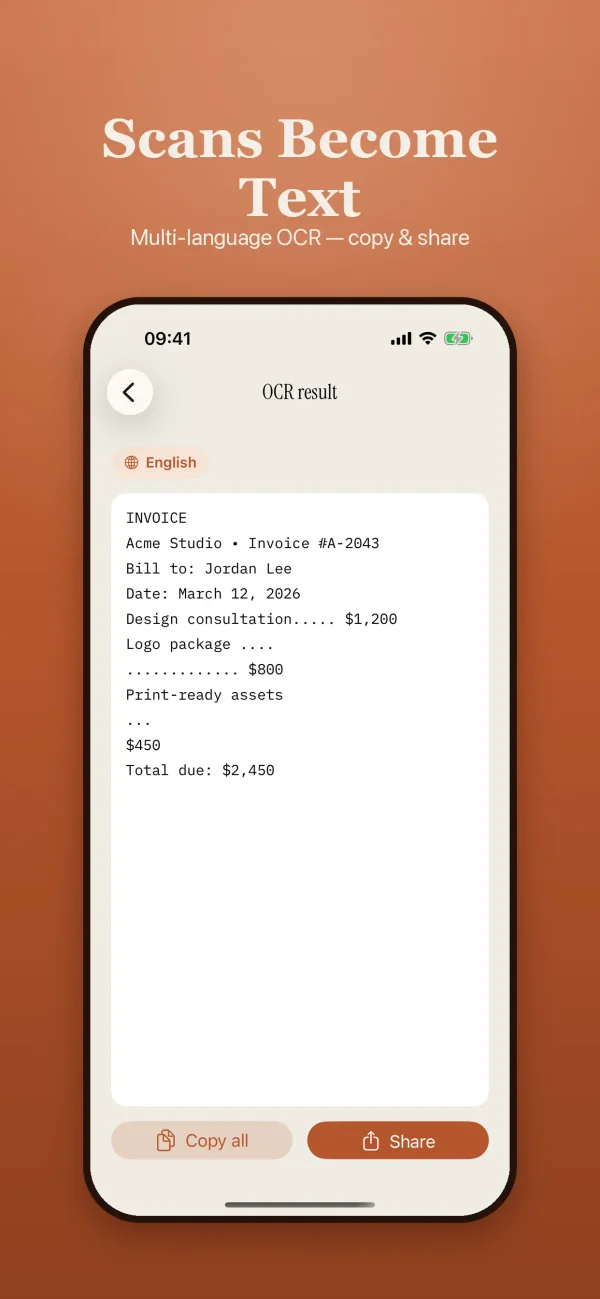
• Multi-language OCR pulls editable text out of any scan.
• Copy the whole text, share it, or send it to another app.
• Pick your preferred OCR language, or let VibeScan detect it.
FINISH & SHARE
• Export as PDF or JPEG at the quality you choose.
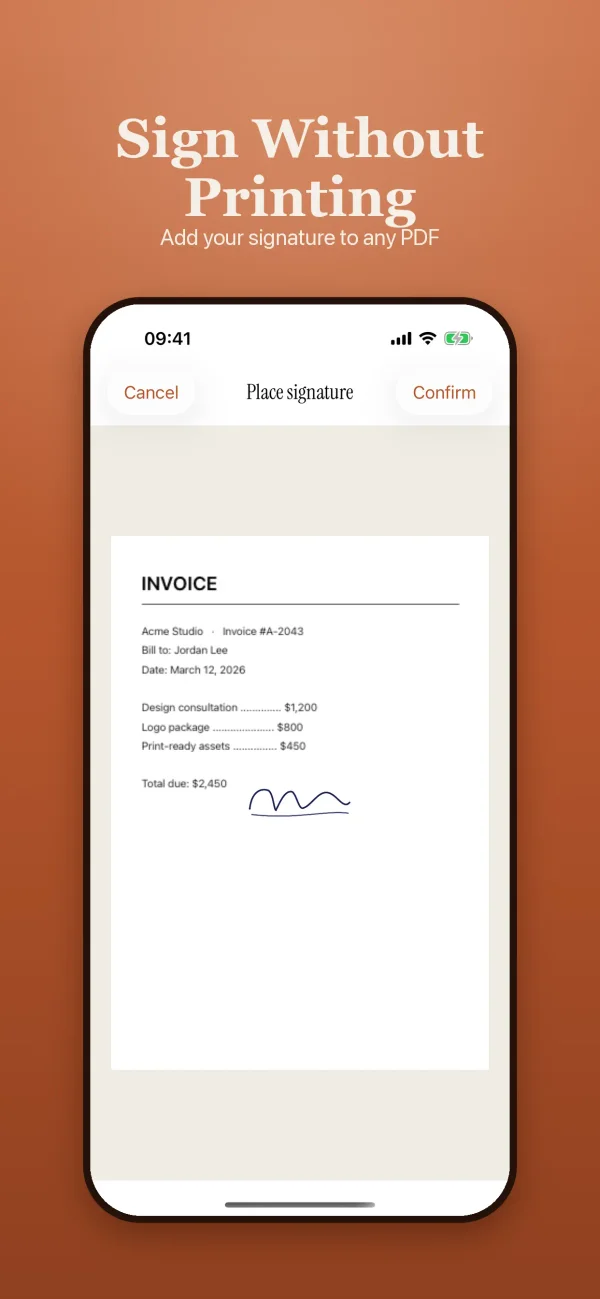
• Add an electronic signature to any PDF — draw it once, reuse it forever.
• Add a diagonal watermark, and tune its size and opacity.
• Annotate with handwritten ink or typed notes, page by page.
• Share anywhere, or print straight to AirPrint.
ORGANIZE
• Organize documents with nested folder hierarchies.
• Star the ones you keep coming back to.
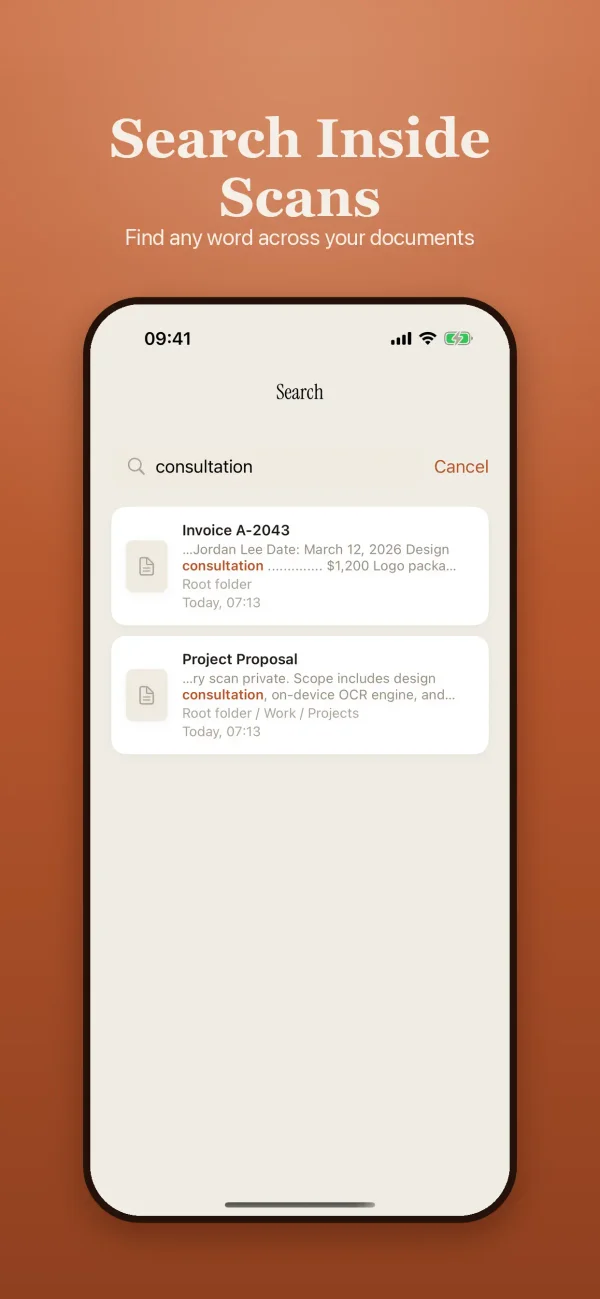
• Filter by document type, and search your library by name or full-text OCR content with snippet previews.
• Full native iPad support, with a layout built for the bigger screen.
SMART & SECURE
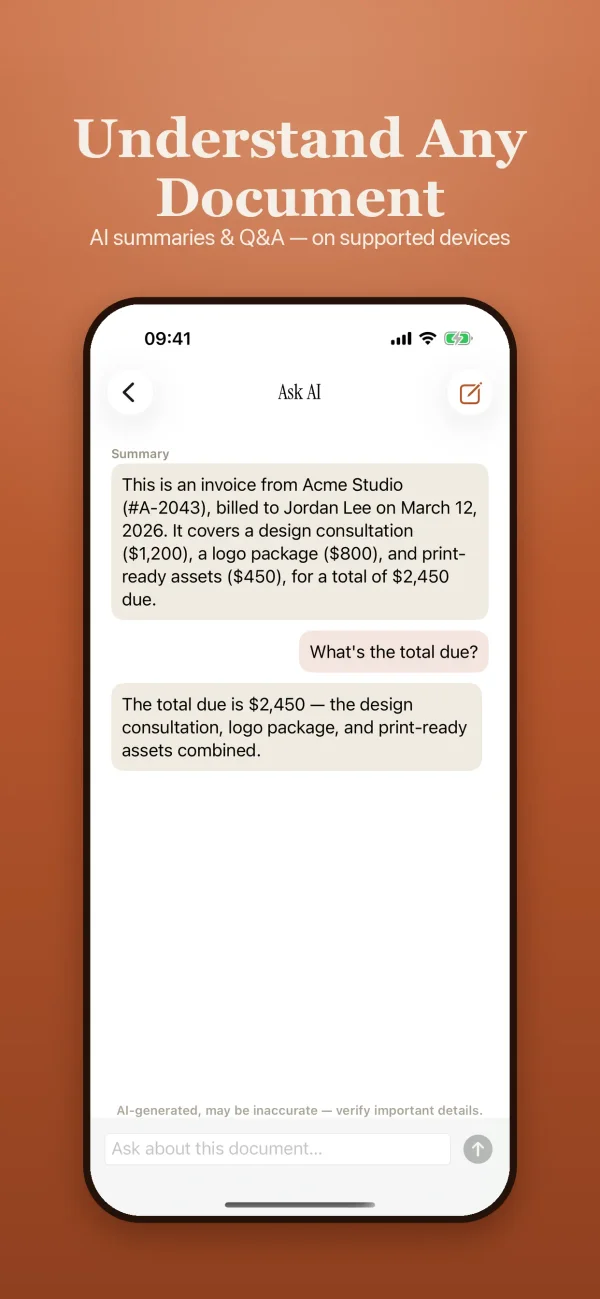
• AI summaries and Q&A help you understand long documents (on supported devices).
• Smart naming and auto-classification keep your library tidy (on supported devices).
• Lock individual files with a password and Face ID.
• Lock the whole app behind Face ID.
Scan receipts, contracts, notes, IDs, business cards, and whole books — then keep them private, organized, and ready to share.
Download VibeScan and turn your camera into a scanner you can trust.
Free with ads. All document processing happens on your device.
What’s new
Version 2.0.1 · Oct 12, 2026
This update fixes several issues so VibeScan works more reliably.
• Password-protected documents: Exporting, printing and saving to Photos now work correctly (no more blank pages), and text recognition (OCR) works on protected files.
• Folders: You can now rename and delete folders right from the Home screen (long press a folder).
• Privacy: Search and Ask AI no longer show content from locked documents.
• Text recognition stays up to date after you add pages to a document.
• Dates now display correctly in Japanese and Chinese.
• iPad: Deleting the open document now closes it in the viewer.
Thank you for using VibeScan! We read every review and message.
App privacy
What TU LUU declares on the App Store about how this app handles data.
-
Data used to track you
May be used to track you across apps and websites owned by other companies.
- Identifiers
- Usage data
-
Data linked to you
May be collected and linked to your identity.
- Identifiers
-
Data not linked to you
May be collected but is not linked to your identity.
- Usage data
- Diagnostics
Privacy practices may vary, for example with the features you use or your age.
Information
- Seller
- TU LUU
- Category
- Productivity
- Version
- 2.0.1
- Updated
- Oct 12, 2026
- Released
- Jul 29, 2026
- Size
- 20.0 MB
- Requires
- iOS 17.0 or later
- Age rating
- 4+
- Price
- Free
- Languages
- English, French, German, Japanese, Simplified Chinese, Spanish, Traditional Chinese, Vietnamese
- Copyright
- © 2026 TULUU
You might also like
-
 Flatbed: PDF Document ScannerScan, sign, redact. No ads.
-
 ShieldDataShield App
-
 Filory – PDF Edit & ScanQuick PDF Scan & Edit
-
 PixScan AI – Smart ScannerSmart Doc Scanner & PDF
-
 Privascan: PDF Scanner & OCRPrivate, Offline, No Watermark
-
 Print & Scan: Printer AppPrint PDF, Labels & Docs
-
 SwiftScan: PDF Scanner & ToolsScan, Edit & Manage PDFs
-
 AI Notes & Voice Recorder GoOffline Speech to Text
-
 Scanyra: PDF & Receipt ScannerInvoices, OCR & expense totals
-
 Scanr Lens — Document ScannerAdfree tiny document scanner