Scan & Print - Scanner App
Copy documents and photos.
Designed for iPhone, iPad
Free · In-app purchases
- Age rating4+
- CategoryBusiness
- DeveloperVitalij Schaefer
- LanguagesEnglish+ 32 more
- Size119.9 MB
Links to the official App Store page
Download.org hosts no file of Scan & Print - Scanner App. The button opens its official App Store page, published by Vitalij Schaefer. Listing last checked on Nov 24, 2026.
Screenshots



About
Welcome to a world where scanning documents and photos has become much easier! Our innovative scanner app offers a variety of outstanding features to digitize, enhance, and copy your documents and photos.
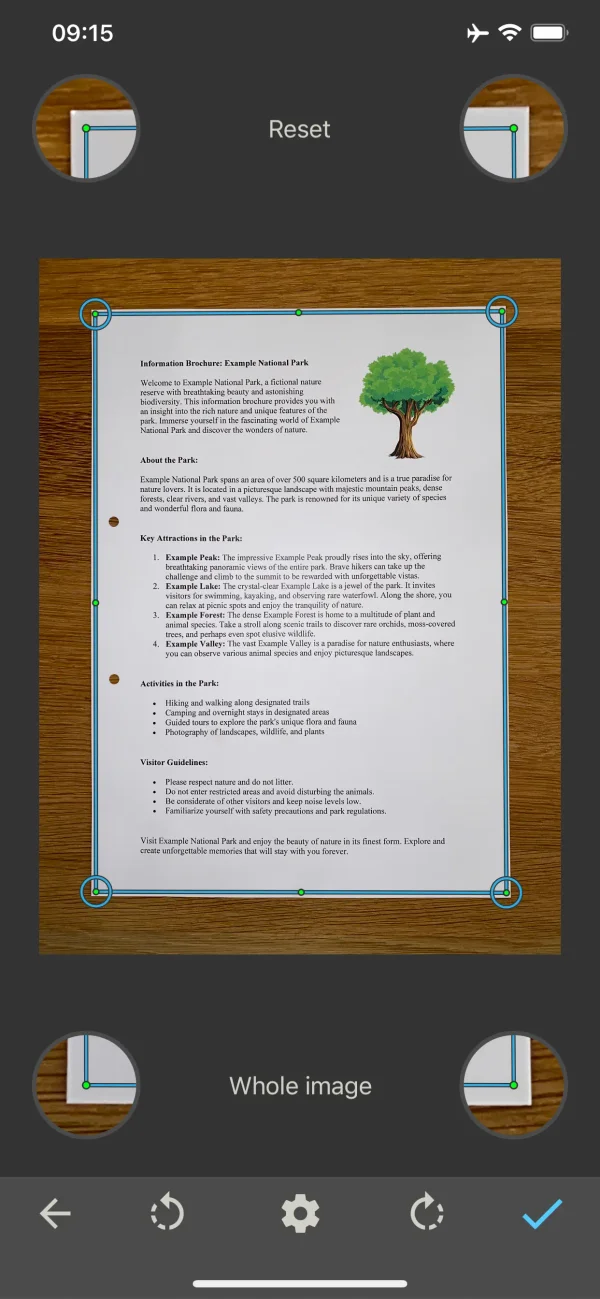
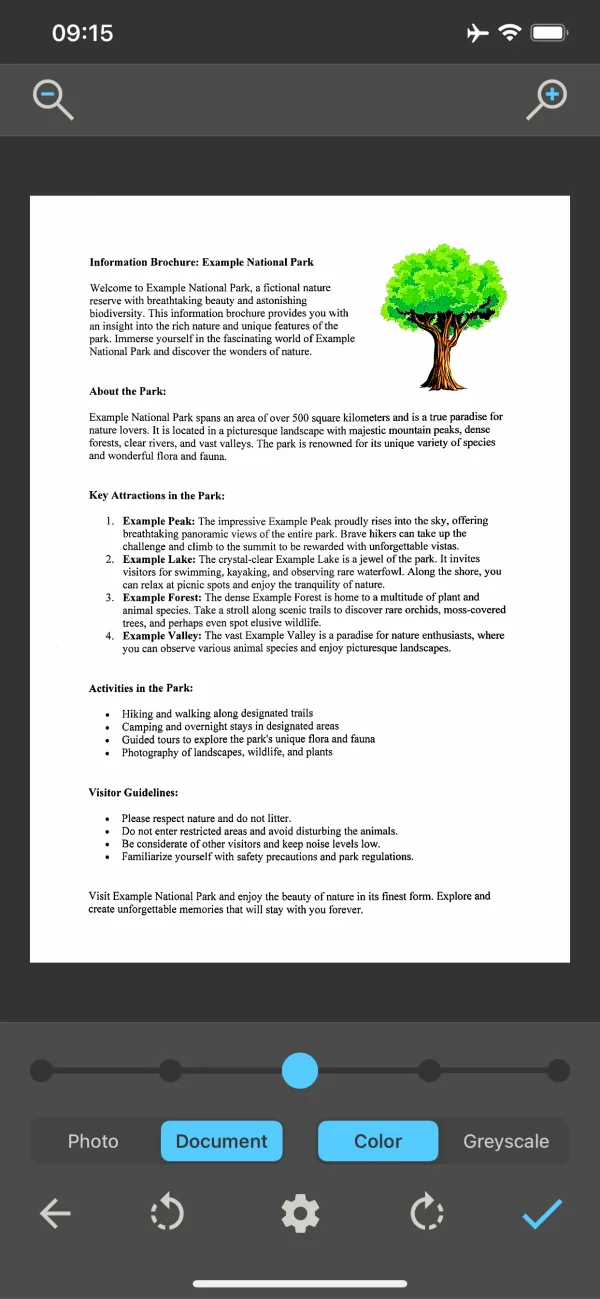
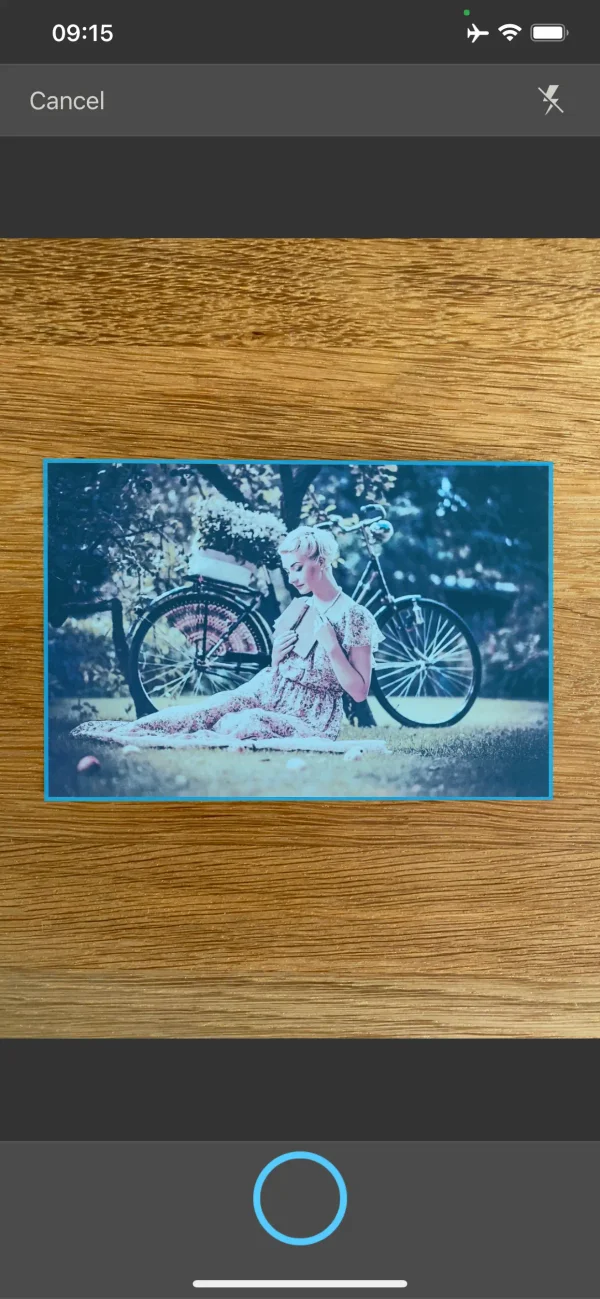
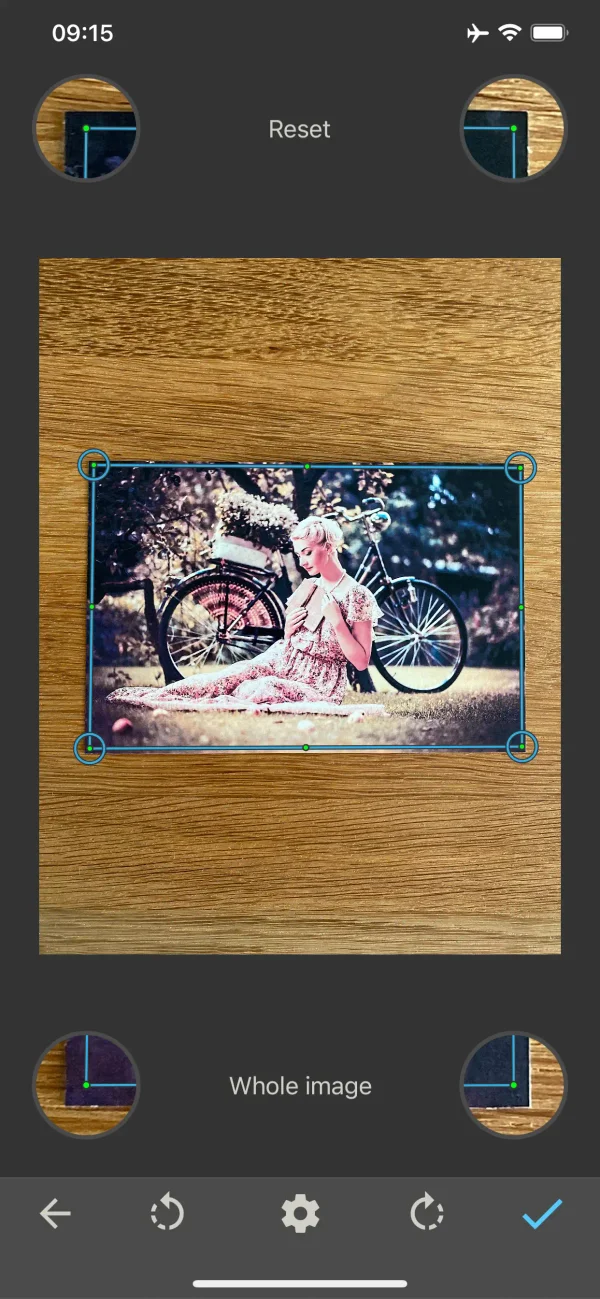
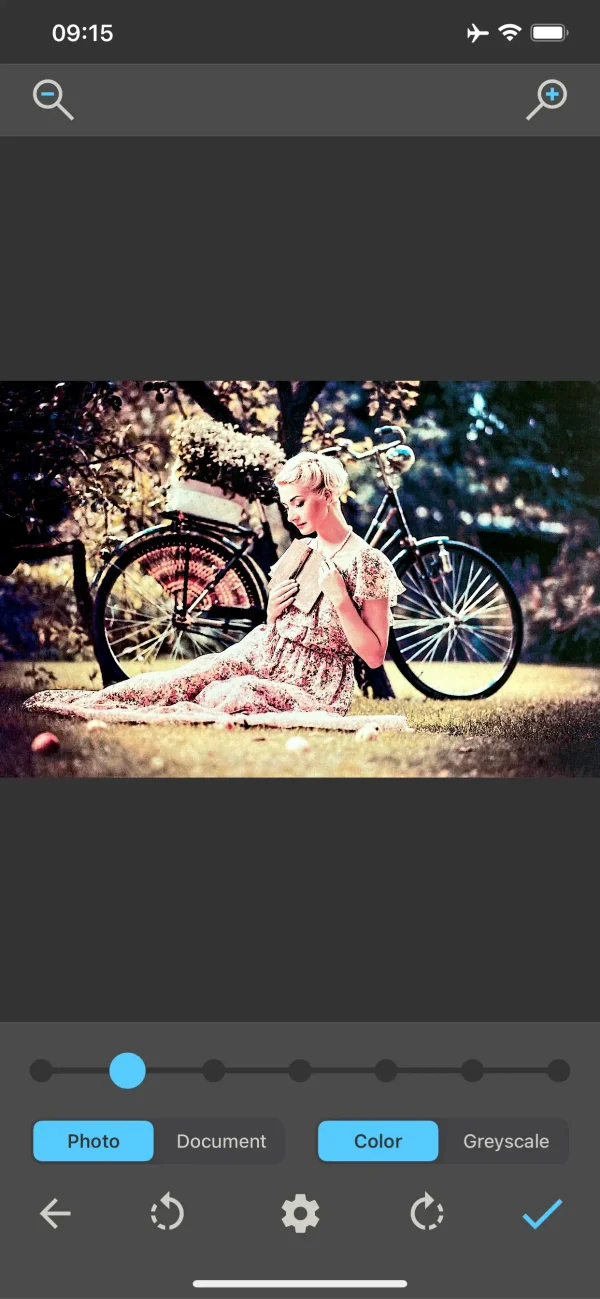
An important feature of our app is the extraordinary enhancement of scanned documents. Whether it's old photos, contracts, invoices, or other important documents, the app automatically detects the edges of the document or photo and optimizes the image quality to deliver sharp results.
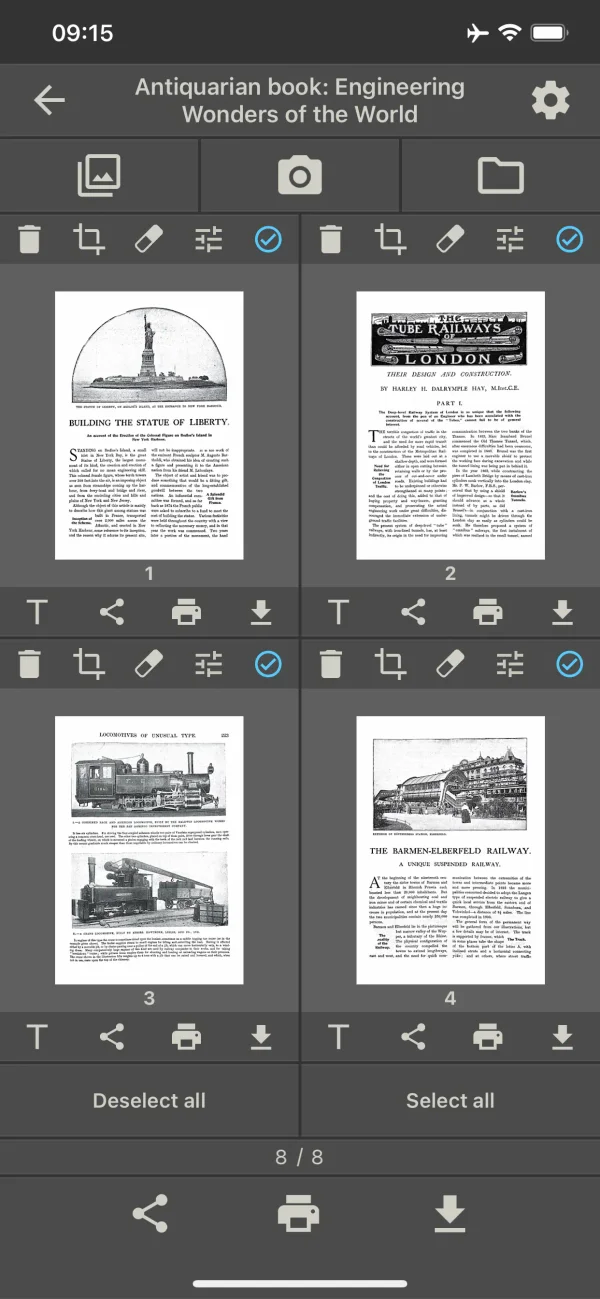
The text recognition technology of our app is a real highlight. After scanning a document, the app extracts the text and allows you to convert the documents directly into searchable PDF files. You can search the content of the created PDF files for any terms, greatly facilitating organization and access to important information.
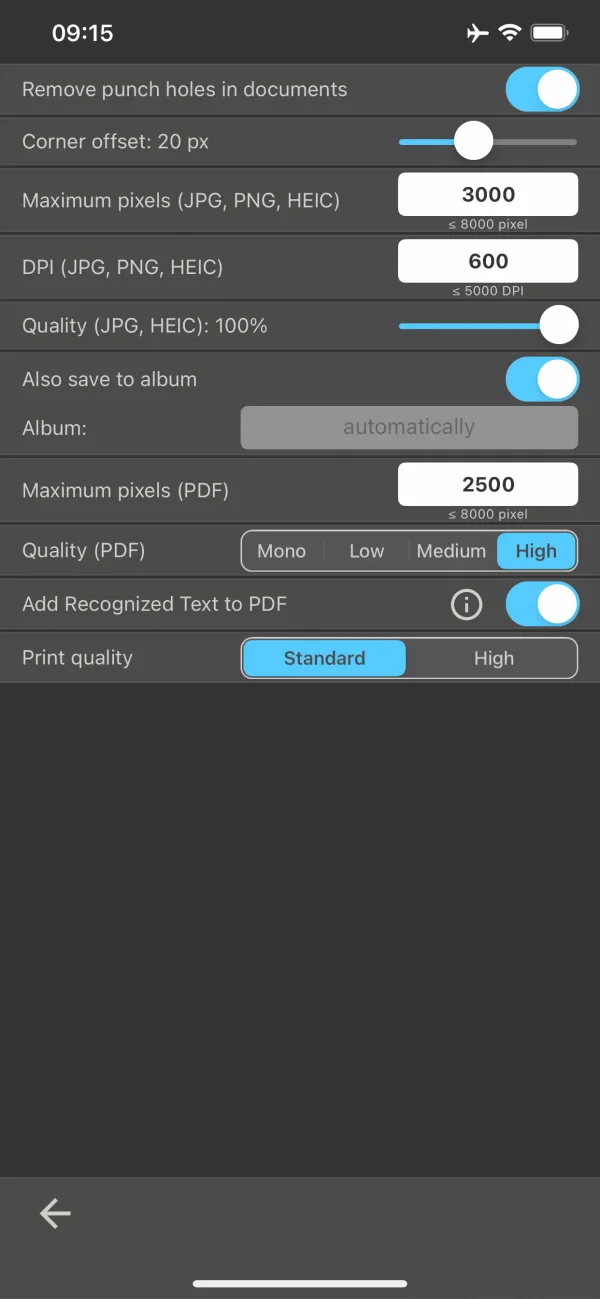
But that's not all! Our app offers an intelligent feature to automatically remove punched holes from scanned documents. Additionally, you can effortlessly remove unwanted content from your documents using an eraser tool. Our app ensures that your documents always look perfect.
The documents and photos created by our app impress with exceptional quality. With a resolution of up to 8000 pixels, you capture every detail sharply and obtain high-resolution documents and photos that meet professional standards.
In addition to digital processing, our app allows you to print images and documents in high quality directly from the app.
Discover the future of document scanning and download our scanner app today. Scan, enhance, print, and share documents and photos with ease and enjoy the benefits of an intuitive and powerful app.
The text recognition currently supports the following languages: English, French, Italian, German, Spanish, Portuguese, Chinese, Cantonese, Korean, Japanese, Russian, Ukrainian.
Important: Text recognition is not always 100% accurate. The text should be reviewed and corrected by the user before creating a PDF file.
In the free version, only one image per document can be used. You can permanently remove this limitation by making a one-time in-app purchase. This app includes advertising, which can also be completely and permanently removed through an in-app purchase.
What’s new
Version 3.2 · Sep 2, 2026
Bug fixes and improvements
App privacy
What Vitalij Schaefer declares on the App Store about how this app handles data.
-
Data used to track you
May be used to track you across apps and websites owned by other companies.
- Usage data
-
Data not linked to you
May be collected but is not linked to your identity.
- Usage data
Privacy practices may vary, for example with the features you use or your age.
Information
- Seller
- Vitalij Schaefer
- Category
- Business
- Version
- 3.2
- Updated
- Sep 2, 2026
- Released
- Jun 8, 2023
- Size
- 119.9 MB
- Requires
- iOS 18.0 or later
- Age rating
- 4+
- Price
- Free
- In-app purchases
- Yes
- Languages
- English, Arabic, Catalan, Croatian, Czech, Danish, Dutch, Finnish, French, German, Greek, Hebrew + 21 more
- Copyright
- © 2023 - 2026 Codenia
You might also like
-
 Text Extractor! images to texttext scanner scan to text ocr
-
 Text Scanner OCR App: OCR ScanImage to Text - Word Scan Text
-
 Scan Now - PDF Scanner AppPhoto PDF & Document converter
-
 Camera Scanner - PDF DocumentScan, convert PDF and share
-
 FineReader: PDF Scanner & OCRDocument and Photo Scan App
-
 Text Extractor: Image to TextExtract text from image
-
 PDF Scanner・Document Scanner・Scan Docs to PDF, CS Scanner
-
 Text Scanner & Image to TextOCR picture photo scan extract
-
 Text Capture: Image to TextExtract text from photos
-
 Copy Text On ScreenScreen Text Copy, OCR