
Text Extractor: Image to Text
Extract text from image
Designed for iPhone, iPad, iPod touch
Free · In-app purchases
- Age rating4+
- CategoryProductivity
- Developerpalmmob
- LanguagesEnglish+ 3 more
- Size49.7 MB
Links to the official App Store page
Download.org hosts no file of Text Extractor: Image to Text. The button opens its official App Store page, published by palmmob. Listing last checked on Nov 17, 2026.
Screenshots
About
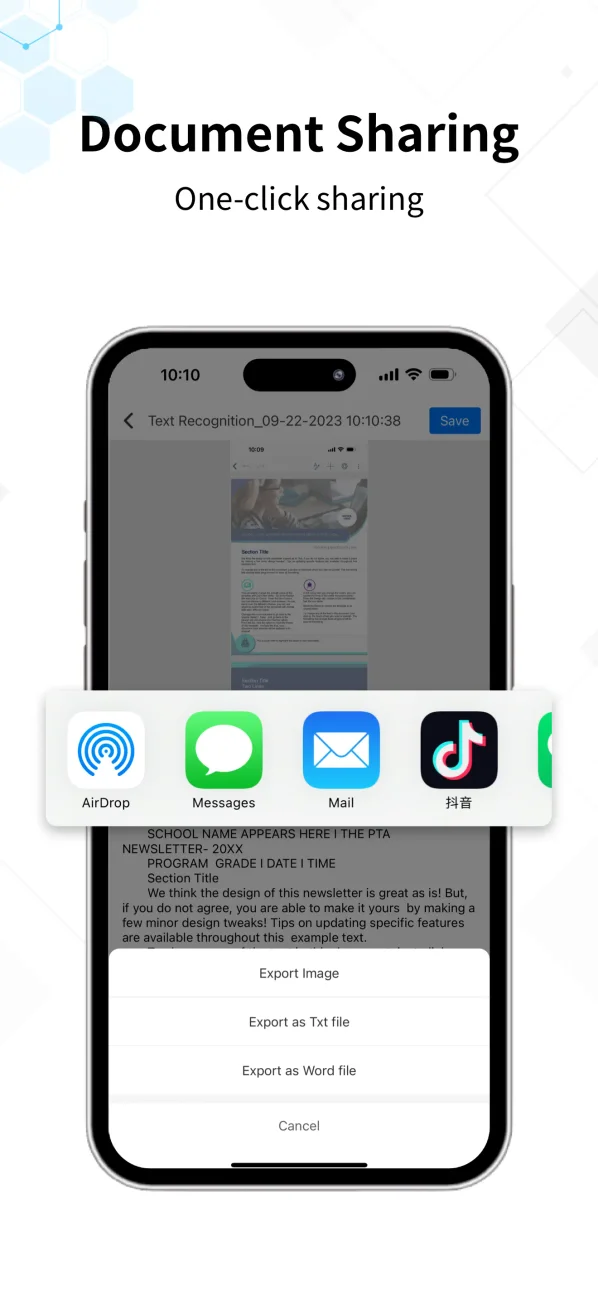
Text Extractor is an OCR text recognition software that integrates functions such as text scanning to text, image to Word, image to Excel, handwriting recognition, document restoration, and more. The recognized text can be saved and shared in formats such as text, Word, Excel, etc., and can be synchronized across multiple devices like mobile phones, tablets, and computers.
------Key Features------
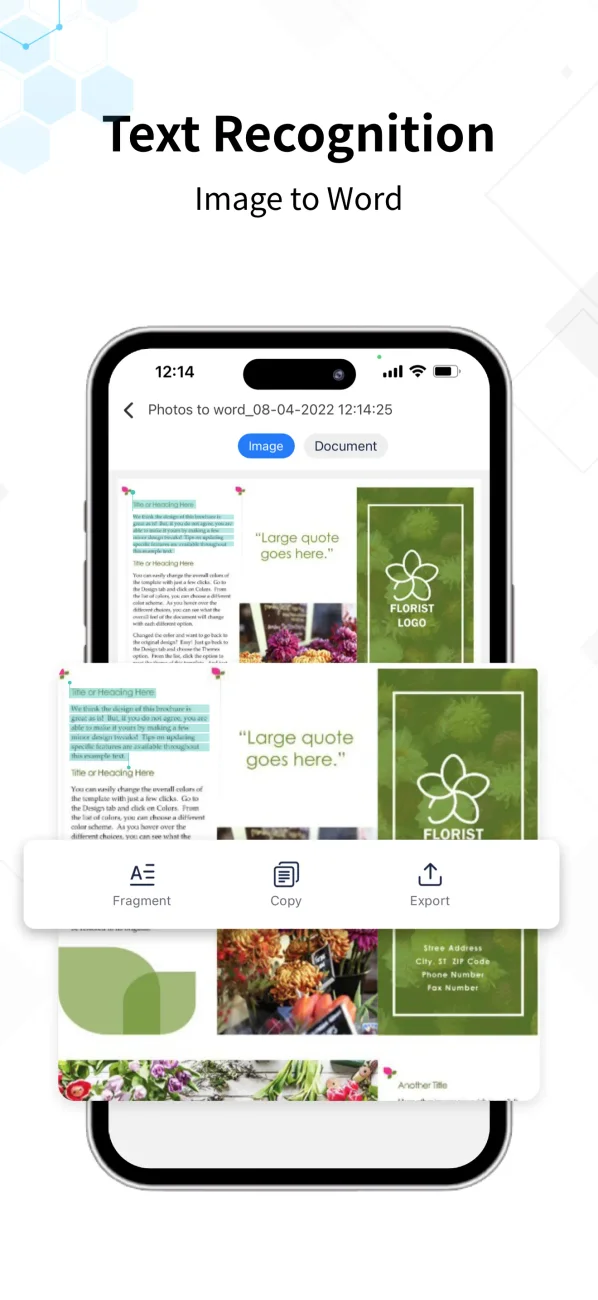
-Text Recognition: Easily recognize text in images or scanned documents and convert it into editable documents.
-Image to Word: Convert images into Word documents, accurately preserving formatting and content.
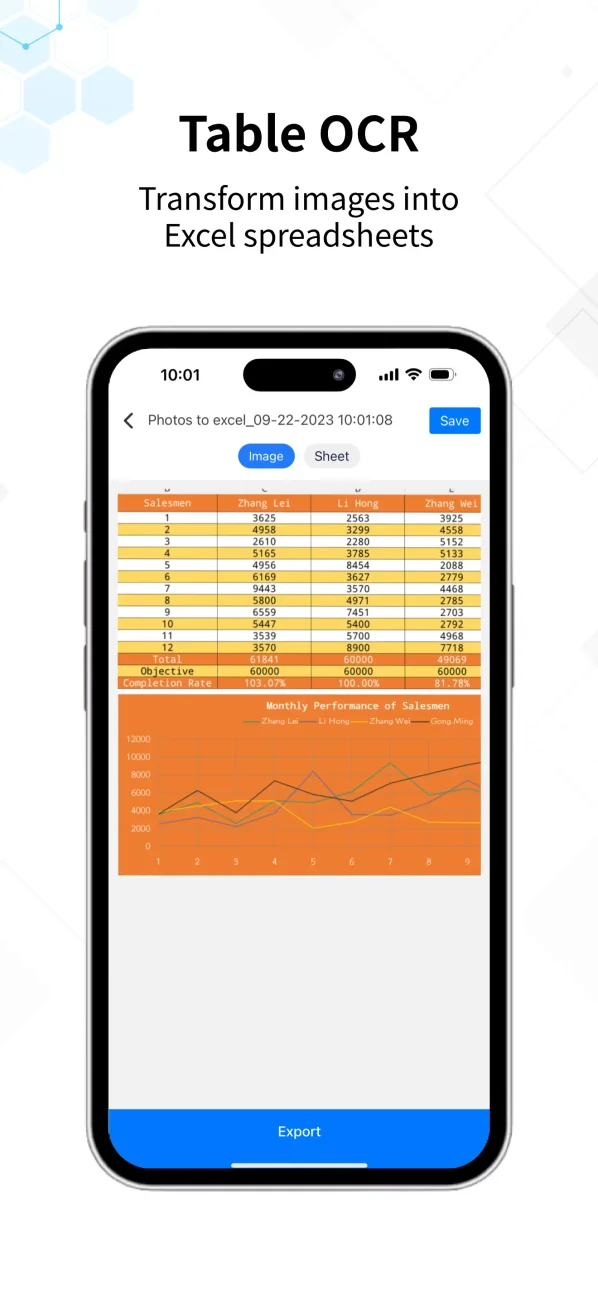
-Image to Excel: Convert images into editable Excel spreadsheets.
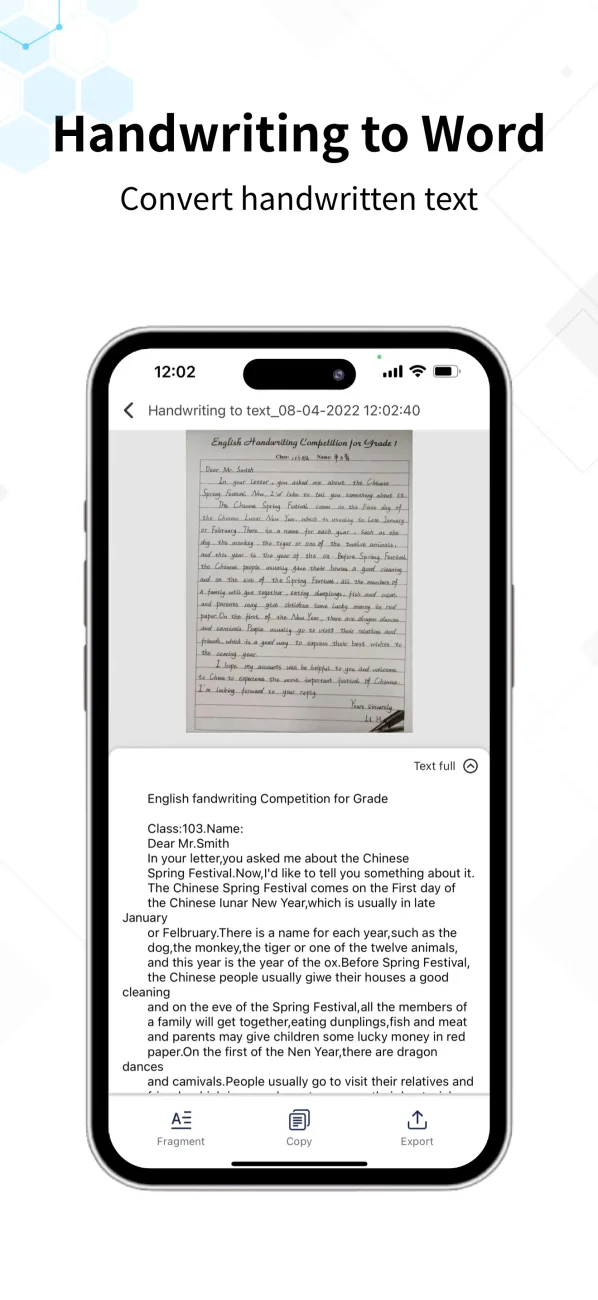
Handwriting Recognition: Convert handwritten fonts into editable Word documents.
-Batch Recognition: In addition to single-image recognition, it also supports batch recognition to improve efficiency.
-Multi-Language Support: Supports multiple languages including Simplified Chinese, Traditional Chinese, English, Japanese, Korean, French, German, Russian, Spanish, and more.
-Document Scanning: Capture documents, intelligently remove cluttered backgrounds, and generate high-definition JPEG and PDF documents for saving and sharing.
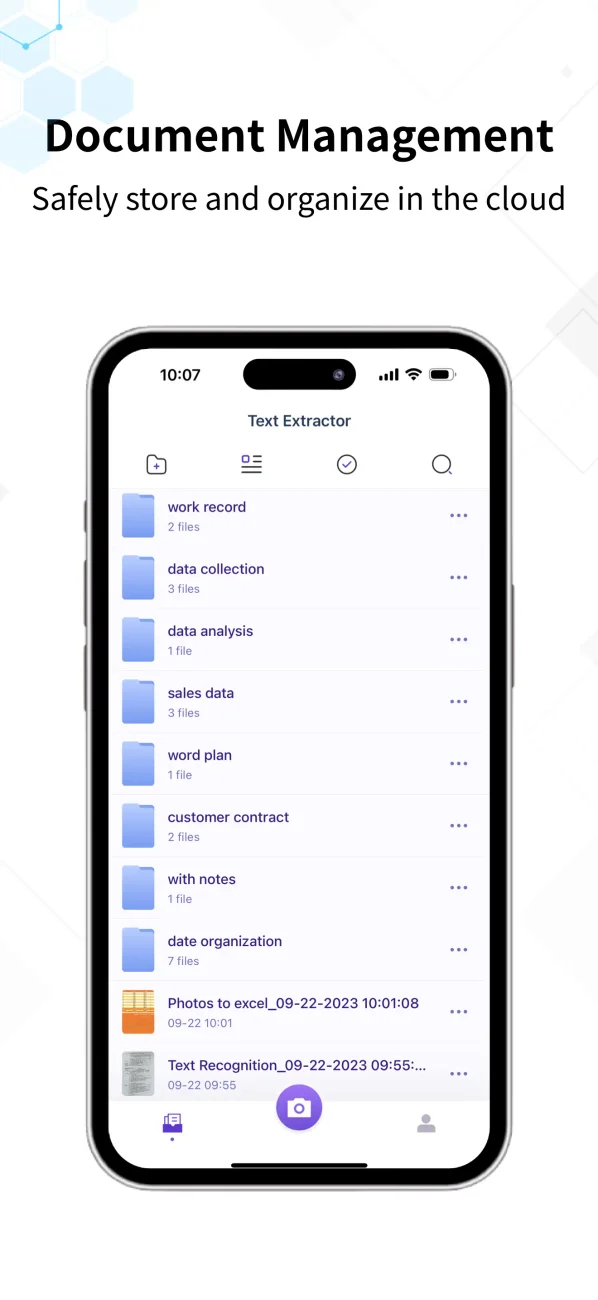
-File Management: Create folders, categorize, search by tags, cloud storage, and share and view across multiple devices.
------Subscription Details------
Payment: User confirms the purchase and makes payment, which is charged to the iTunes account.
Renewal: Apple iTunes account will be charged 24 hours before the expiration, extending the subscription period upon successful payment.
Canceling Service: You can cancel automatic subscription services by going to "Settings" on your Apple phone, entering "iTunes Store & App Store," clicking on "Apple ID," selecting "View Apple ID," entering the "Account Settings" page, and clicking on "Subscriptions." To avoid charges, cancel 24 hours before the end of each billing cycle.
Privacy Policy: http://www.palmmob.cn/yinsi/wztqyinsiios.html
User Terms: http://www.palmmob.cn/yinsi/wztqyonghuiios.html
What’s new
Version 1.4.0 · Mar 4, 2026
1. Added scan to PDF conversion, generating PDF scans with one click, allowing for free layout;
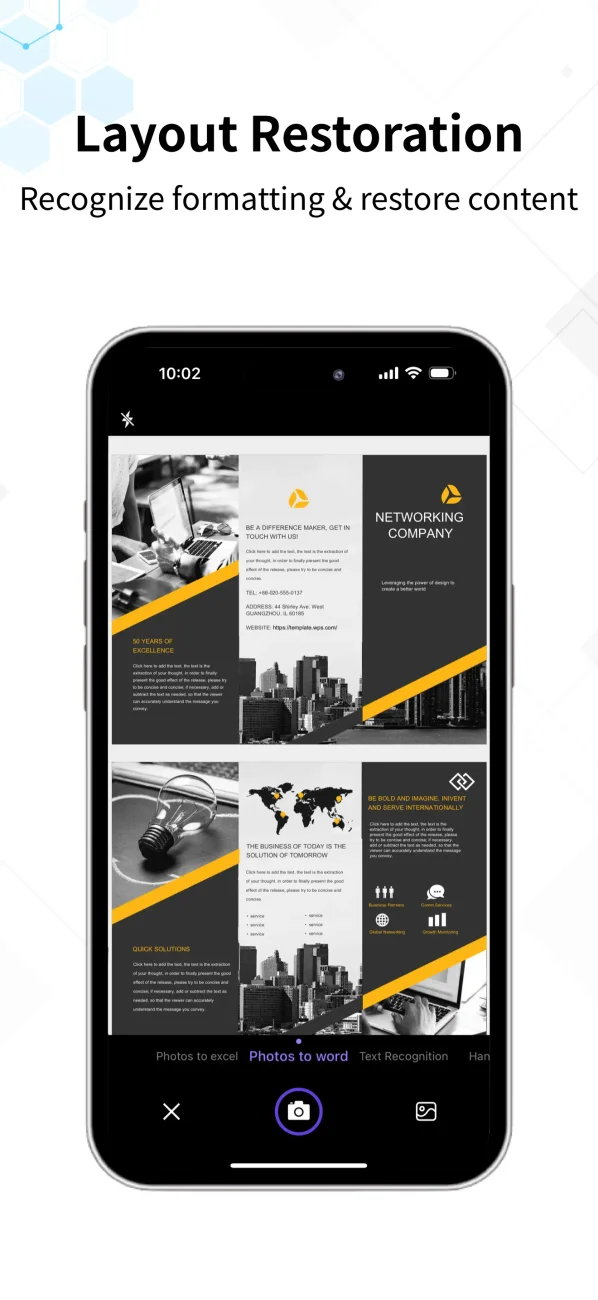
2. Optimized image to Word and image to Excel conversions, preserving the original document format.
App privacy
What palmmob declares on the App Store about how this app handles data.
-
Data not collected
The developer does not collect any data from this app.
Privacy practices may vary, for example with the features you use or your age.
Information
- Seller
- Wuhan bayesian network technology co., LTD
- Category
- Productivity
- Version
- 1.4.0
- Updated
- Mar 4, 2026
- Released
- Jun 10, 2022
- Size
- 49.7 MB
- Requires
- iOS 11.0 or later
- Age rating
- 4+
- Price
- Free
- In-app purchases
- Yes
- Languages
- English, Japanese, Simplified Chinese, Traditional Chinese
- Copyright
- © 2022 ZhangBei Inc.
You might also like
-
 Almighty Scanner-Picture2TextExcel OCR & Photo to Text
-
 Text Extractor! images to texttext scanner scan to text ocr
-
 Text Scanner OCR App: OCR ScanImage to Text - Word Scan Text
-
 Text Capture: Image to TextExtract text from photos
-
 SmartScan AIOCR, Translate, AI Chat, Scan
-
 Text Scanner & Image to TextOCR picture photo scan extract
-
 Text Extractor OCRCapture Detect Extract
-
 Scan Now - PDF Scanner AppPhoto PDF & Document converter
-
 AI Scanner : Image to TextOCR Text Scanner, PDF Scanner
-
 Handwriting to Text PenToPrintConvert Image to Word with OCR