
- Age rating4+
- CategoryProductivity
- DeveloperJIRI CHOMAT
- LanguagesEnglish
- Size2.2 MB
Links to the official App Store page
Download.org hosts no file of Scan to Markdown. The button opens its official App Store page, published by JIRI CHOMAT. Listing last checked on Nov 17, 2026.
Screenshots
About
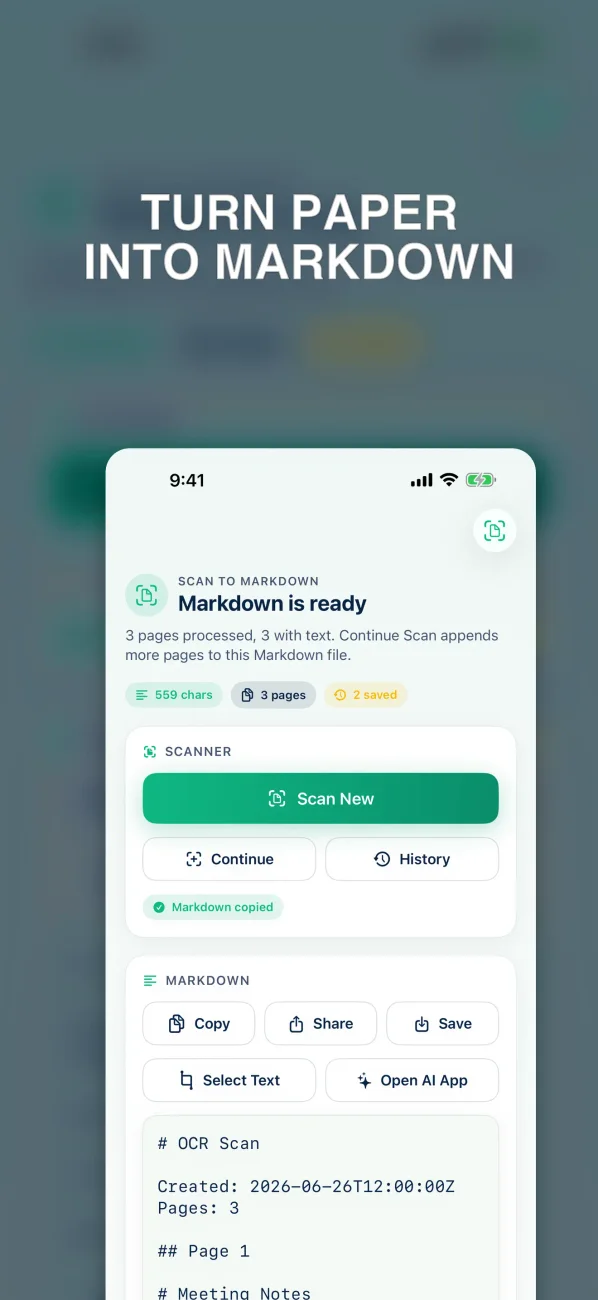
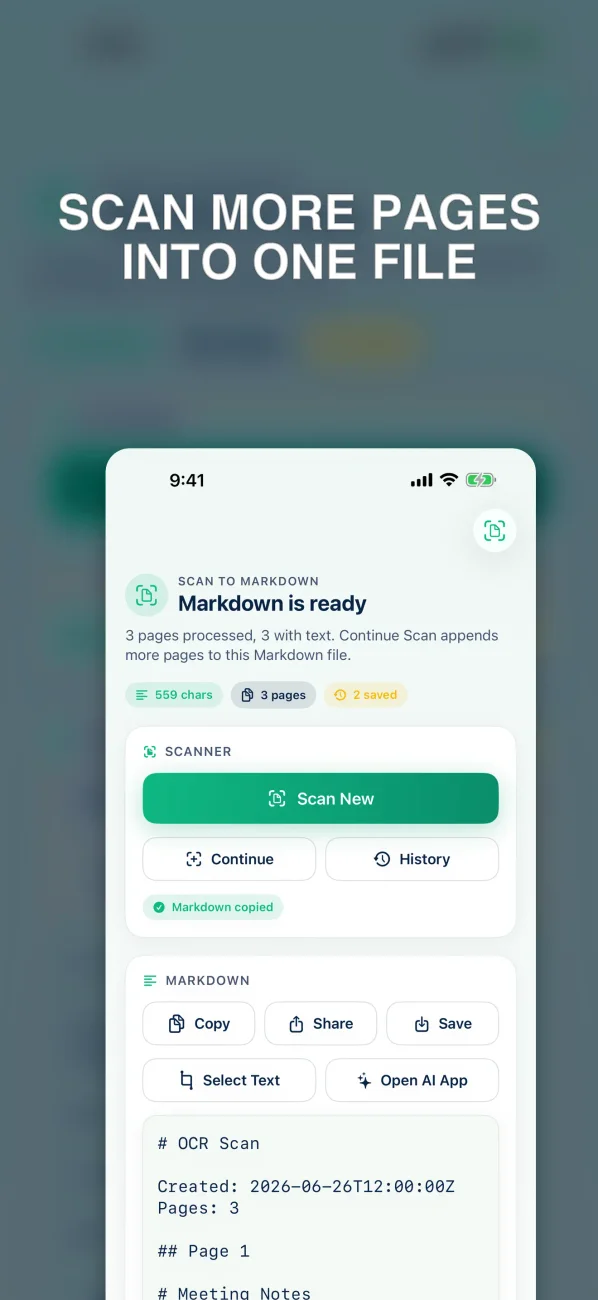
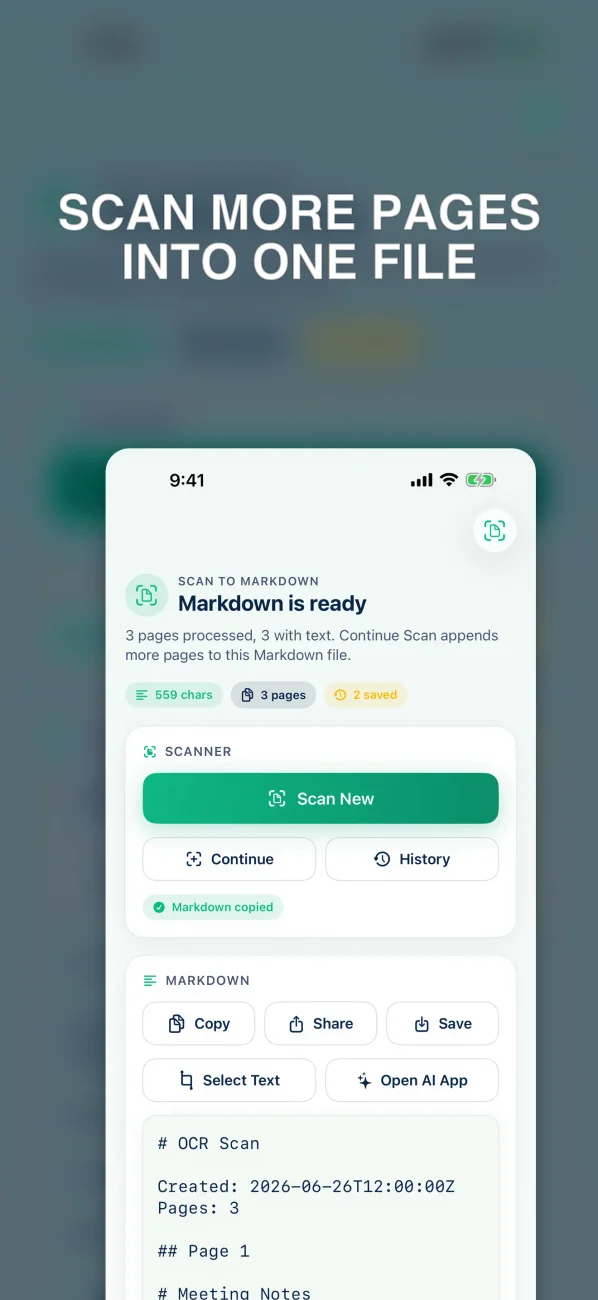
Scan to Markdown turns paper documents into clean Markdown text on your iPhone or iPad.
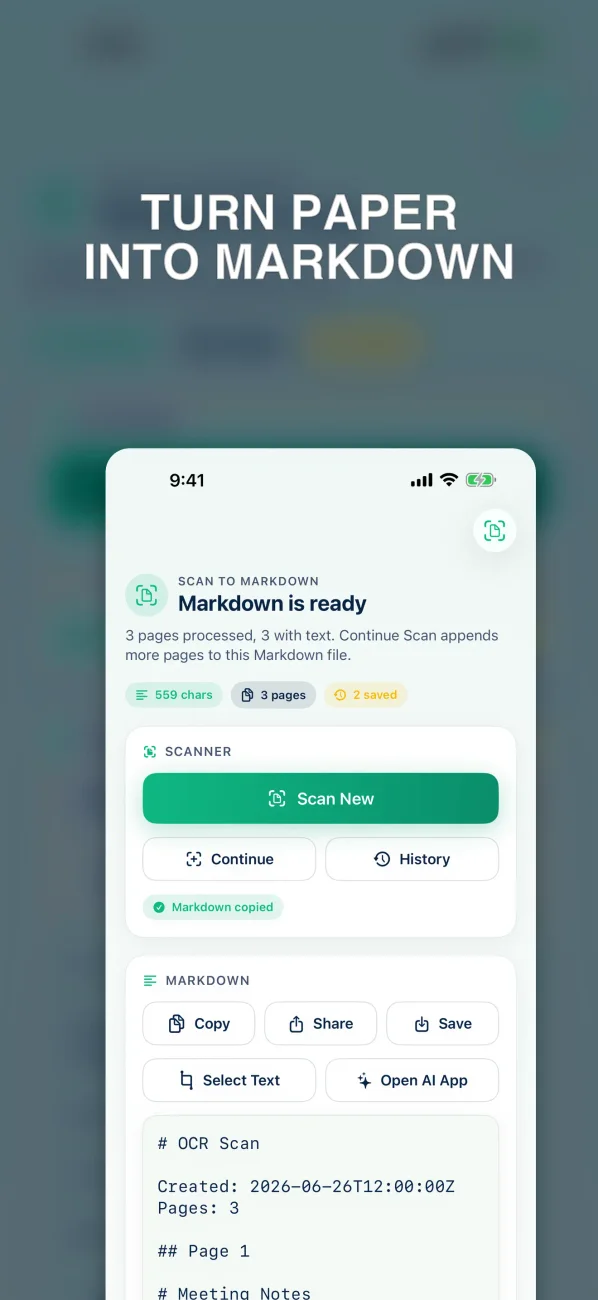
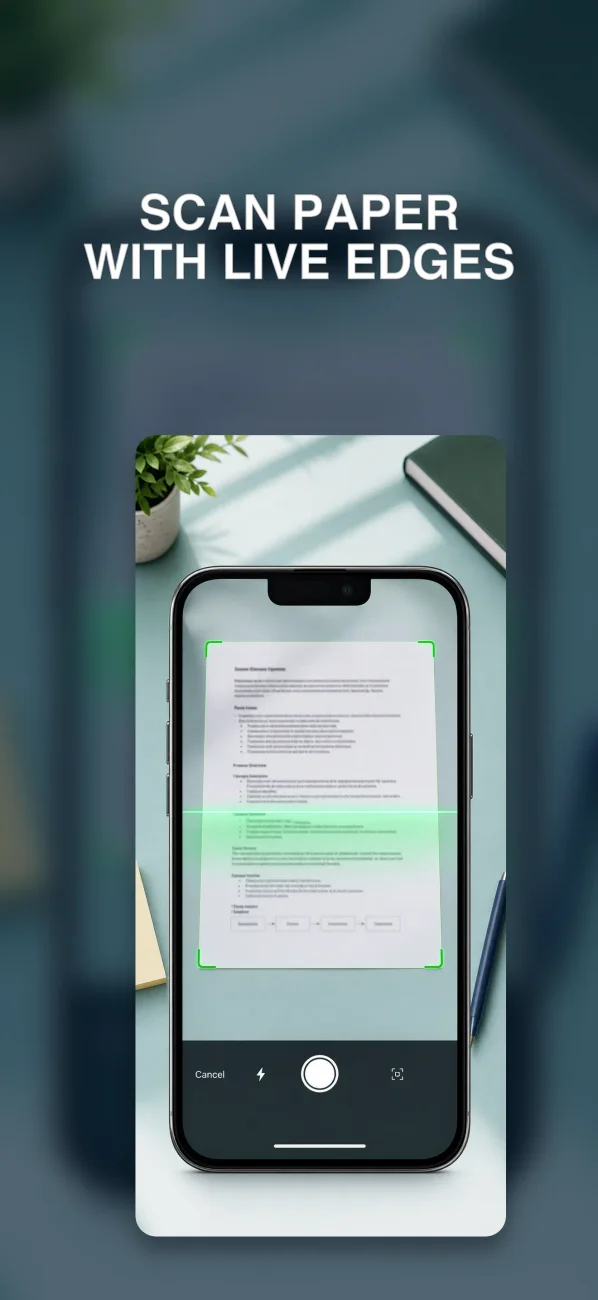
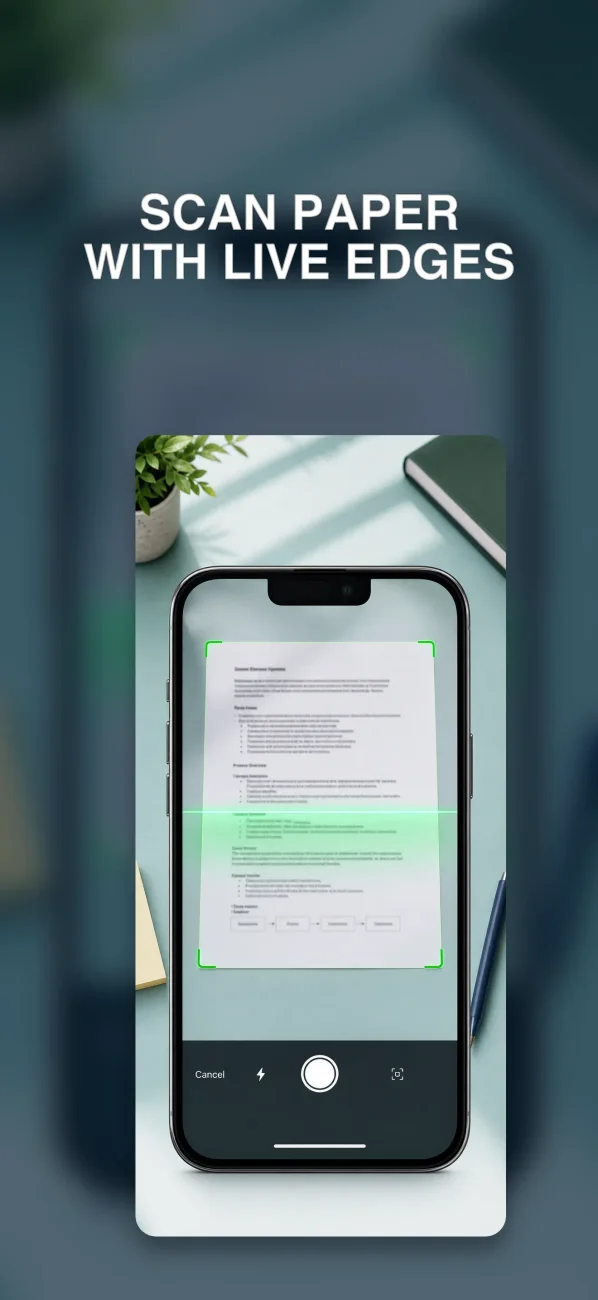
Use the document scanner to capture pages, then review the generated Markdown, copy it, share it, save it, or select only the lines you need. Historic scans are saved on device so you can reopen previous runs after relaunching the app.
For AI workflows, the app includes an explicit Open AI App action. When you tap it, Scan to Markdown copies the generated Markdown to the clipboard and opens ChatGPT or Claude using the installed app or web fallback. The OCR text is not sent to an AI app unless you choose that action.
Features:
- Document scanning with page continuation
- On-device OCR to Markdown
- Copy, share, and export Markdown
- Saved history of previous scans
- Line-based text selection tools
- Optional ChatGPT and Claude handoff
App privacy
What JIRI CHOMAT declares on the App Store about how this app handles data.
-
Data not collected
The developer does not collect any data from this app.
Privacy practices may vary, for example with the features you use or your age.
Information
- Seller
- JIRI CHOMAT
- Category
- Productivity
- Version
- 1.0
- Updated
- Jul 21, 2026
- Released
- Jul 21, 2026
- Size
- 2.2 MB
- Requires
- iOS 18.0 or later
- Age rating
- 4+
- Price
- Free
- Languages
- English
- Copyright
- © 2026 Jiri Chomat
You might also like
-
 Mark'em DownMarkdown to PDF renderer
-
 PDF to Markdown: Smart ExportConvert PDFs to clean Markdown
-
 Evolith: Voice to MarkdownOn-device notes for your AI
-
 Boreal PDFScan, sign, compress PDFs
-
 DocNavy: Docs to MarkdownOffline OCR: PDF, Word, Excel
-
 HipMark - Markdown EditorFast Markdown Editor & Viewer
-
 Modus.Living context for your AI
-
 Kihya Memo: Notes & MarkdownOffline TXT, optional sync
-
 mdisco - Markdown DiscoveryMarkdown notes + live collab
-
 PDF to Markdown: PDF LiftPDF Import, Scan, MD Editor