DocNavy: Docs to Markdown
Offline OCR: PDF, Word, Excel
Designed for iPhone, iPad, Mac
Free · In-app purchases
- Age rating4+
- CategoryProductivity
- DeveloperThi Thanh Van Do
- LanguagesEnglish
- Size11.7 MB
Links to the official App Store page
Download.org hosts no file of DocNavy: Docs to Markdown. The button opens its official App Store page, published by Thi Thanh Van Do. Listing last checked on Nov 13, 2026.
Screenshots
About
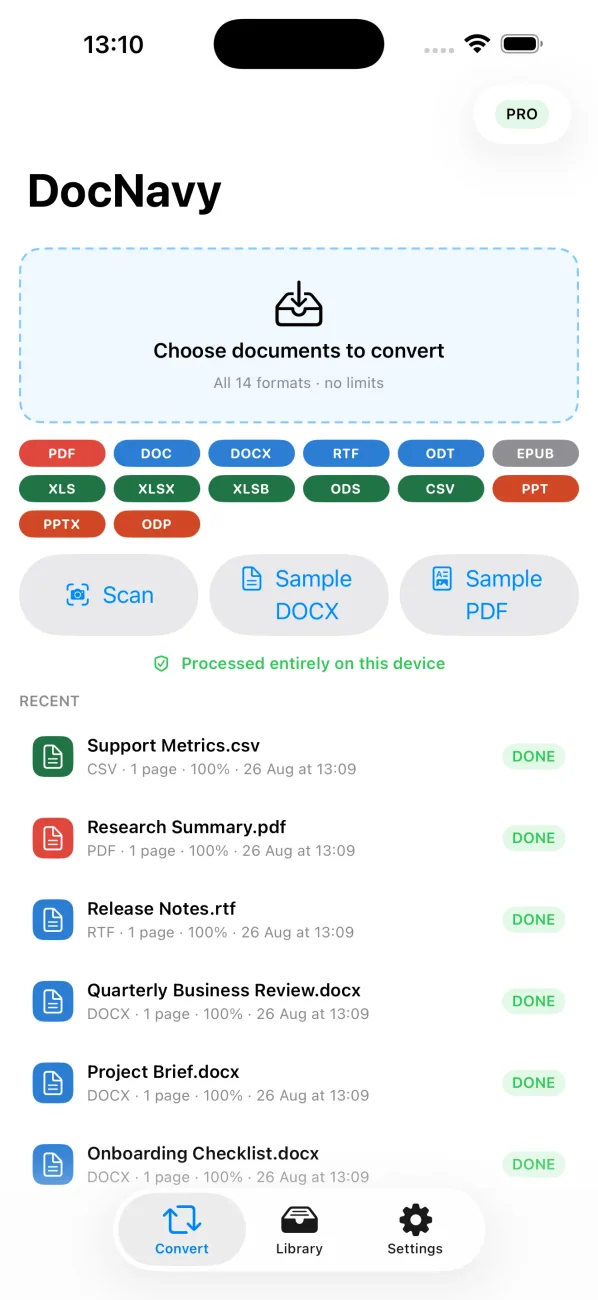
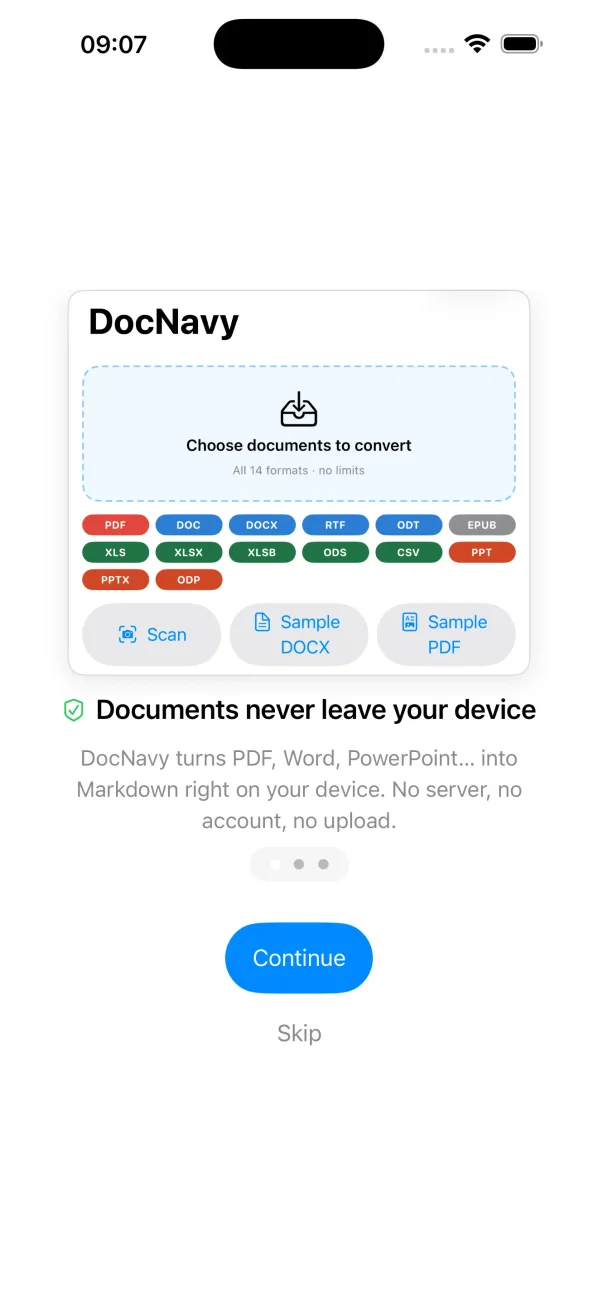
Turn PDF, Word, Excel, PowerPoint and 10 more formats into clean Markdown — entirely on your iPhone, iPad or Mac. Your documents never leave the device. No server, no account, no upload.
WHAT IT CONVERTS
• PDF, DOC, DOCX, RTF, ODT, EPUB
• XLS, XLSX, XLSB, ODS, CSV
• PPT, PPTX, ODP
WHAT SURVIVES THE CONVERSION
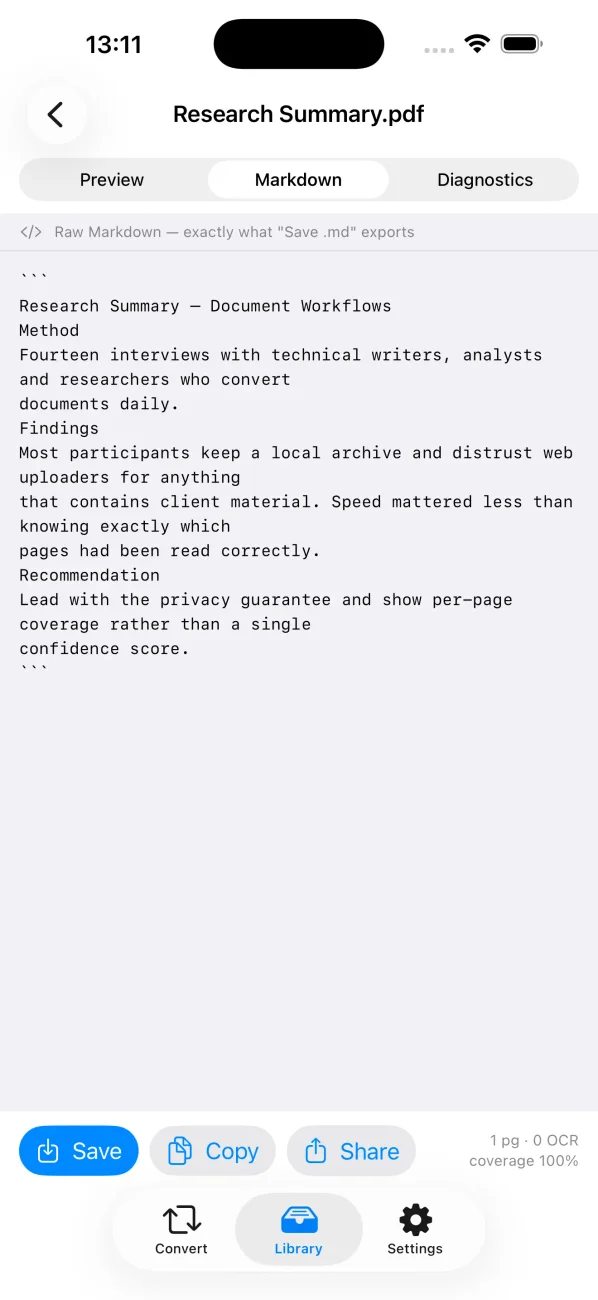
Tables, merged cells, footnotes, headings, bold and italic, nested lists, math formulas as LaTeX, embedded images written out next to the Markdown, and — when you convert a whole folder — the folder structure itself.
SCANNED PAGES, HANDLED PROPERLY
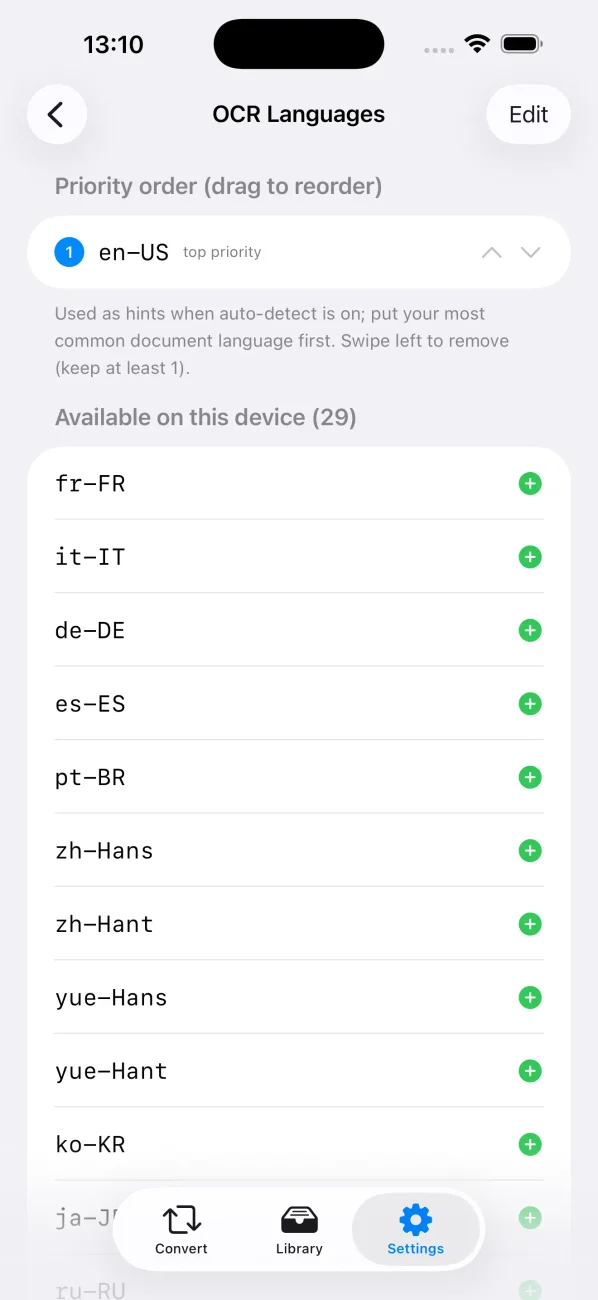
Pages with no text layer go through on-device OCR. The language is detected automatically, so a Japanese invoice and an English contract in the same batch both come out right. Nothing is sent anywhere to make that happen.
HONEST ABOUT QUALITY
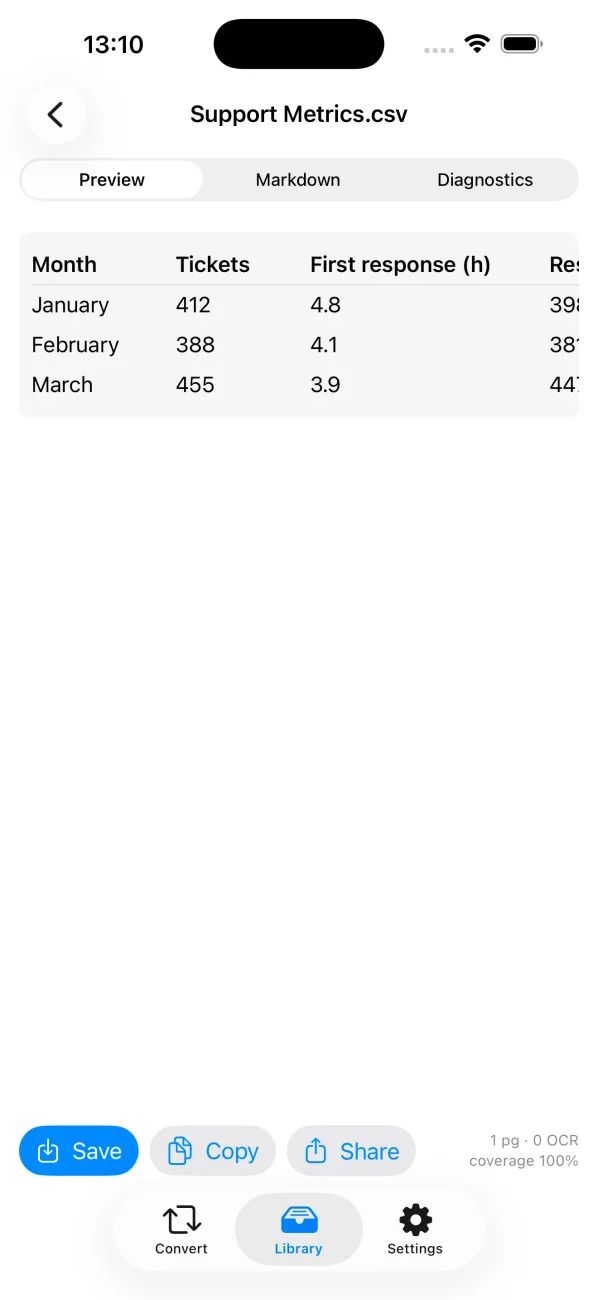
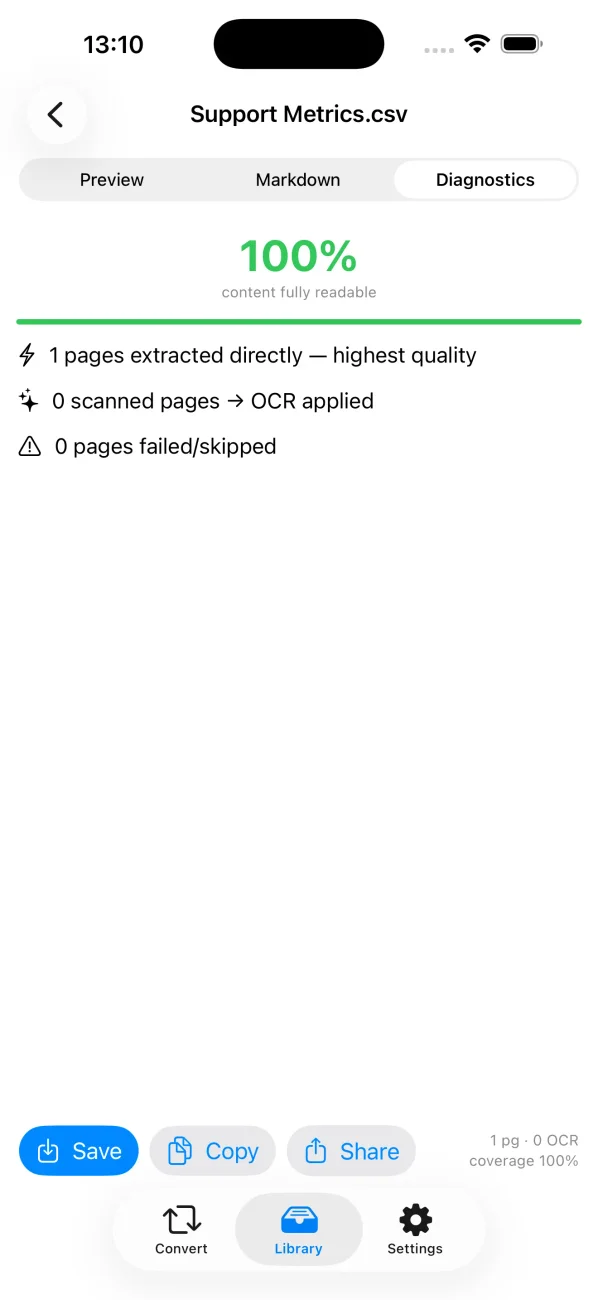
Every conversion comes with a per-page report: how many pages were read directly, how many needed OCR, how many failed, and why. Most converters hand you a file and hope you do not check. DocNavy tells you what it actually managed to read.
BUILT FOR MARKDOWN PEOPLE
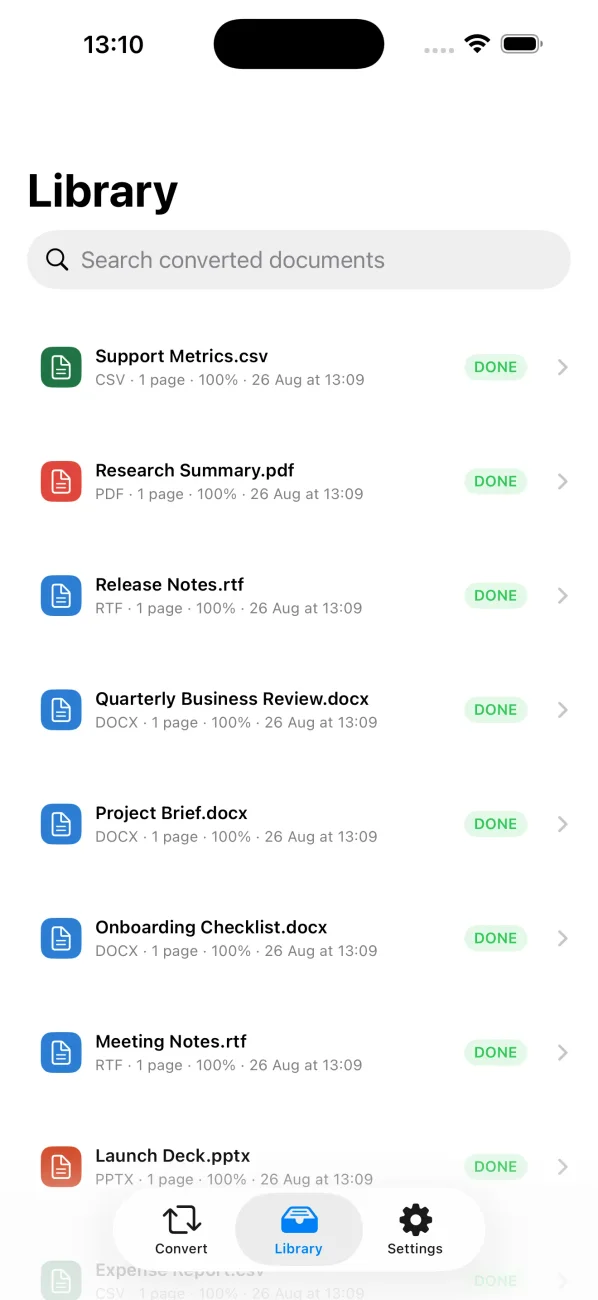
Made for Obsidian, Logseq, Bear and plain-text vaults. Preview the result, read the raw Markdown side by side, then save the .md file wherever you keep your notes.
PRIVACY YOU CAN VERIFY
DocNavy makes no network requests at all. You do not have to take our word for it: turn on Settings › Privacy & Security › App Privacy Report, use the app for a few days, and the domain list for DocNavy will stay empty. The App Store privacy label says Data Not Collected because that is literally what happens.
FREE AND PRO
The free tier is the whole app: all 14 formats, on-device OCR, whole-folder conversion, zip export and the full diagnostics report — every page of every file, however long. One limit applies: 5 documents a day. Pro removes it and adds one convenience: folders you grant are re-checked when the app opens, so files added to them later convert on their own. No watermark, no upsell. Pro comes two ways: a monthly subscription with a 3-day free trial, or a one-time purchase that never renews. Either way it is a Universal Purchase, so buying on iPhone unlocks iPad and Mac too.
Privacy Policy: https://docnavy.com/privacy
Terms of Use (EULA): https://docnavy.com/terms
What’s new
Version 1.2.0 · Oct 26, 2026
Pro costs less. Both ways of buying it — the monthly subscription and the one-time purchase — are cheaper than before, on every storefront.
The purchase sheet now always shows the live App Store price instead of a built-in one, so what you see is what you are charged.
The free tier is unchanged: every format, every page of every file, five documents a day.
App privacy
What Thi Thanh Van Do declares on the App Store about how this app handles data.
-
Data not collected
The developer does not collect any data from this app.
Privacy practices may vary, for example with the features you use or your age.
Information
- Seller
- Thi Thanh Van Do
- Category
- Productivity
- Version
- 1.2.0
- Updated
- Oct 26, 2026
- Released
- Sep 2, 2026
- Size
- 11.7 MB
- Requires
- iOS 17.0 or later
- Age rating
- 4+
- Price
- Free
- In-app purchases
- Yes
- Languages
- English
- Copyright
- © 2026 DocNavy
You might also like
-
 Mark'em DownMarkdown to PDF renderer
-
 PDF to Markdown: Smart ExportConvert PDFs to clean Markdown
-
 Evolith: Voice to MarkdownOn-device notes for your AI
-
 Modus.Living context for your AI
-
 Scan to MarkdownOCR for AI workflows
-
 PDF to Markdown: PDF LiftPDF Import, Scan, MD Editor
-
 Save Website for SafariOne file, all styles & images
-
 CleanMD: PDF to MarkdownPDF & Scan to Markdown
-
 AnyMarkdown - PDF to MarkdownFile Converter: Docx, Web, OCR
-
 Lirivo: Text to SpeechListen and Save Audio