
Scan to Sheets: Scan & Export
Scan QR/Barcode to Excel
Designed for iPhone, iPad
Free · In-app purchases
- Age rating4+
- CategoryProductivity
- DeveloperPham Minh Kha
- LanguagesEnglish
- Size82.7 MB
Links to the official App Store page
Download.org hosts no file of Scan to Sheets: Scan & Export. The button opens its official App Store page, published by Pham Minh Kha. Listing last checked on Nov 14, 2026.
Screenshots

About
Scan To Spreadsheet - Barcode & QR Scanner
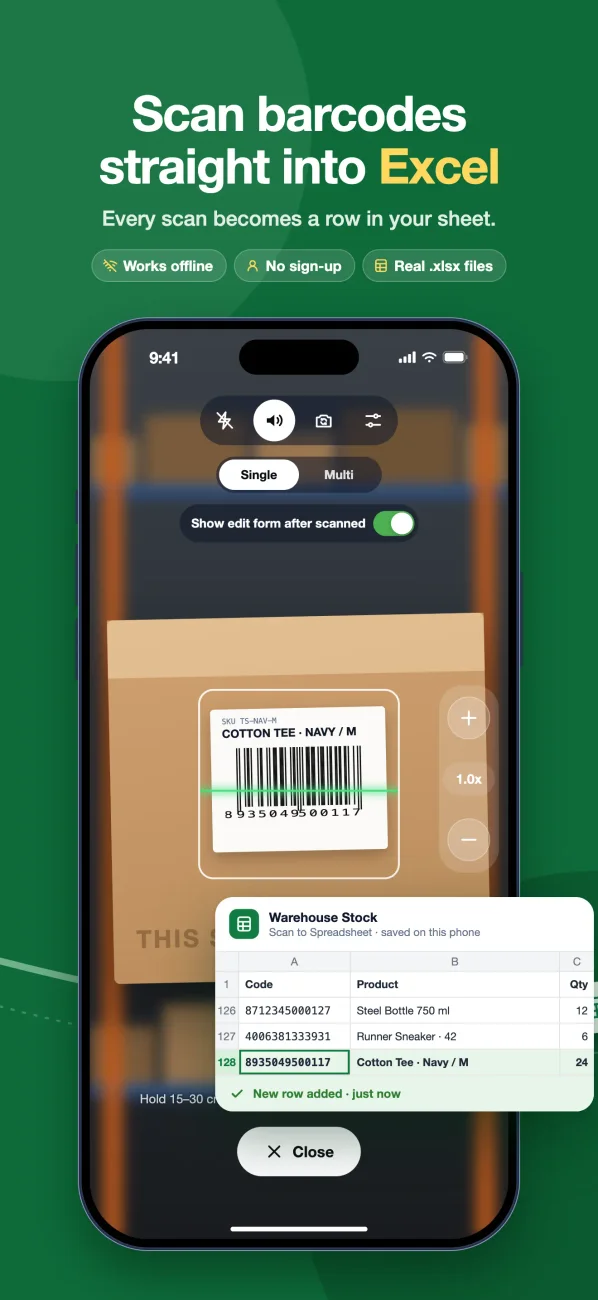
Turn your phone into a powerful barcode and QR code scanner with advanced spreadsheet export capabilities.
Scan To Spreadsheet helps businesses, warehouses, retailers, inventory managers, and field workers collect data faster and eliminate manual typing. Simply scan barcodes or QR codes and instantly save, organize, and export data to XLSX spreadsheets.
KEY FEATURES
Fast Barcode & QR Scanning
Scan 1D and 2D barcodes instantly
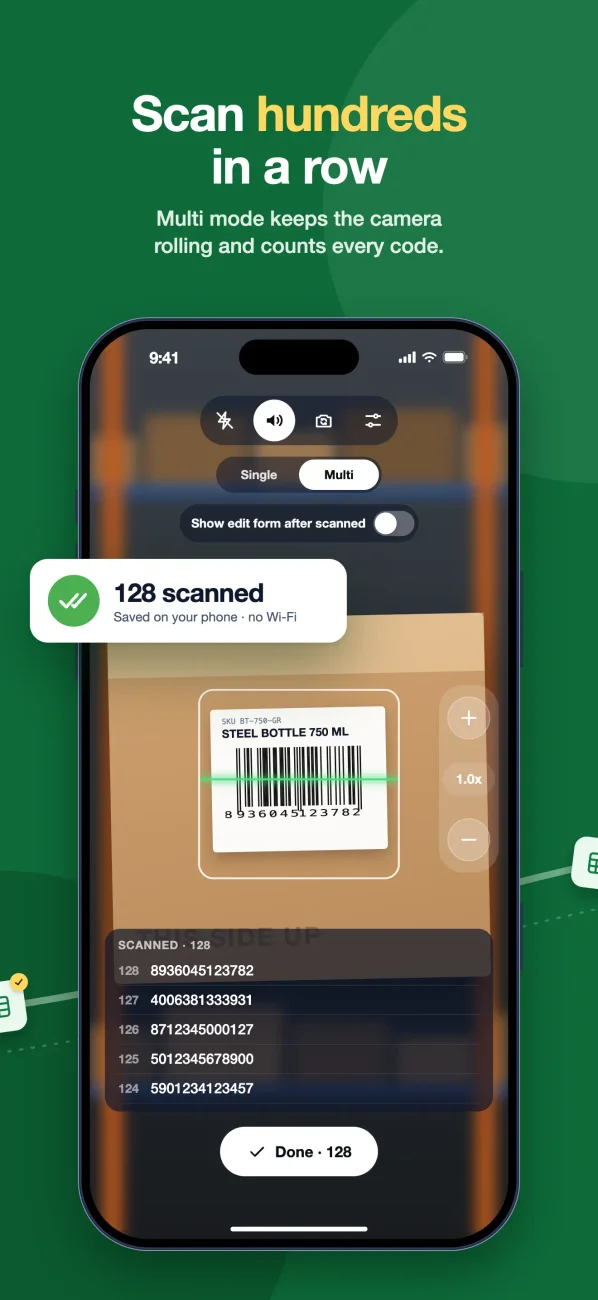
High-speed continuous scanning
Supports most common barcode formats
Built-in flashlight for low-light environments
Custom Sheets
Create unlimited custom sheets
Define your own columns and data types
Configure required fields and validation rules
Reorder columns to match your workflow
Add prefixes, suffixes, and formatting options
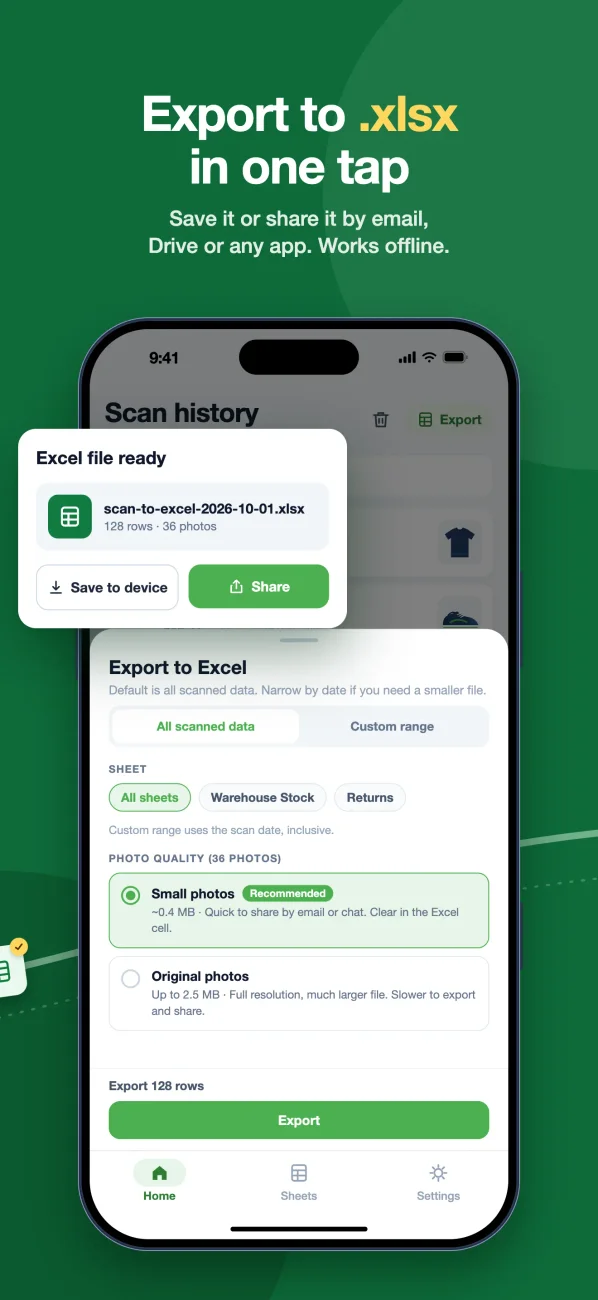
Export to XLSX
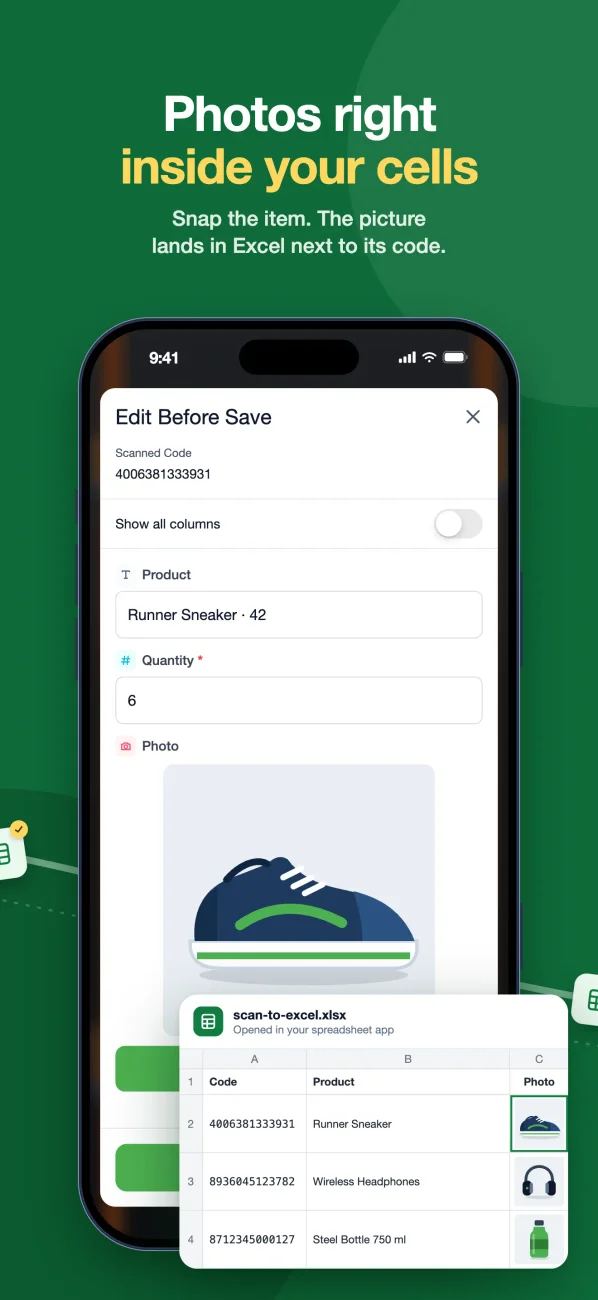
Export data to XLSX files
Share files via Email, Google Drive, OneDrive, Dropbox, and more
Compatible with Microsoft Excel, Google Sheets, and LibreOffice
Live Scan to PC
Send scanned data directly to your computer in real time
Perfect for production lines and warehouse operations
Automatic synchronization over local Wi-Fi
No manual file transfers required
Offline Mode
Works completely offline
Store scans locally on your device
Access scan history anytime
No internet connection required
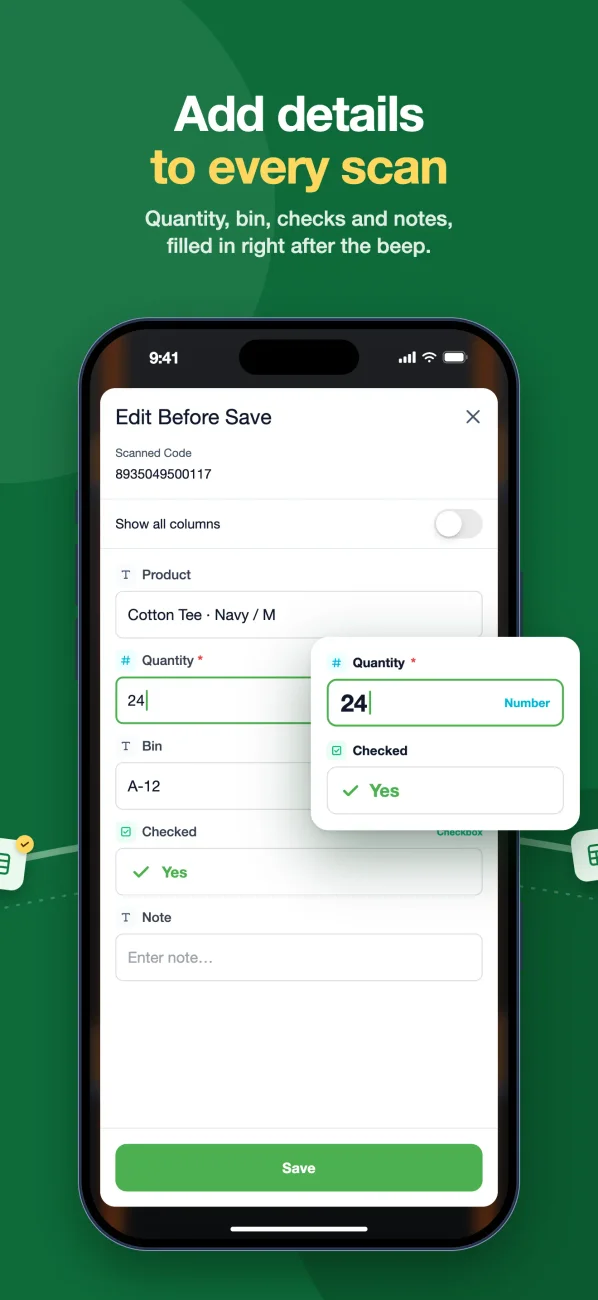
Edit Before Saving
Review scanned values
Modify data before export
Prevent mistakes and improve data accuracy
Scan History
View previous scans
Search and filter records
Delete individual records or entire sessions
PERFECT FOR
Inventory Management
Warehouse Operations
Retail Stores
Asset Tracking
Production Lines
Logistics and Shipping
Attendance Tracking
Product Cataloging
Field Data Collection
WHY CHOOSE SCAN TO SPREADSHEET?
No subscriptions required for core scanning features
Works online and offline
Professional XLSX export
Customizable data collection forms
Fast and reliable scanning engine
Designed for business productivity
Start scanning smarter and save hours of manual data entry every day.
Terms of Use: https://www.apple.com/legal/internet-services/itunes/dev/stdeula/
What’s new
Version 3.7 · Oct 30, 2026
- New: send each scan to Zapier, Make, n8n, Power Automate or your own server (webhook). No computer needed.
- Switch between saving on the phone and sending online anytime in Settings › Mode.
- New "Send to" tab shows where your scans go.
- Clearer sign-in messages, more languages and bug fixes.
App privacy
What Pham Minh Kha declares on the App Store about how this app handles data.
-
Data used to track you
May be used to track you across apps and websites owned by other companies.
- Identifiers
- Usage data
-
Data not linked to you
May be collected but is not linked to your identity.
- Identifiers
- Usage data
Privacy practices may vary, for example with the features you use or your age.
Information
- Seller
- Pham Minh Kha
- Category
- Productivity
- Version
- 3.7
- Updated
- Oct 30, 2026
- Released
- May 12, 2025
- Size
- 82.7 MB
- Requires
- iOS 16.0 or later
- Age rating
- 4+
- Price
- Free
- In-app purchases
- Yes
- Languages
- English
- Copyright
- © 2022@Minh Kha
You might also like
-
 QR Code TransferScan & transfer it to your PC.
-
 QR 2 CSVQR & Barcode Scanner to CSV
-
 ScanToExcel - Document ScannerPDF & Photo to Spreadsheet
-
 Scan to ExcelFast scanning to Excel
-
 Scan to Sheets - QR & BarcodeFast scanning to Google Sheets
-
 Scan Sheets: QR & BarcodeText to Excel, CSV, XLSX
-
 LogiScanProductivity
-
 GearChain - Inventory TrackerInventory Tracking with Sheets
-
 Barcode Scan: InventoryProductivity
-
 BarCode2csvProductivity