
Omniscan Batch Barcode scanner
Batch QR code Barcode reader
Designed for iPhone, iPad, iPod touch
- Age rating4+
- CategoryProductivity
- Developer杰 梁
- LanguagesEnglish+ 1 more
- Size33.2 MB
Links to the official App Store page
Download.org hosts no file of Omniscan Batch Barcode scanner. The button opens its official App Store page, published by 杰 梁. Listing last checked on Nov 13, 2026.
Screenshots
About
OmniScan — Fast, Private QR & Barcode Scanner
OmniScan is a lightning-fast, privacy-first scanner that reads QR codes and barcodes the instant your camera sees them. No sign-up, no internet connection, no tracking—your data never leaves your device.
BLAZING-FAST SCANNING
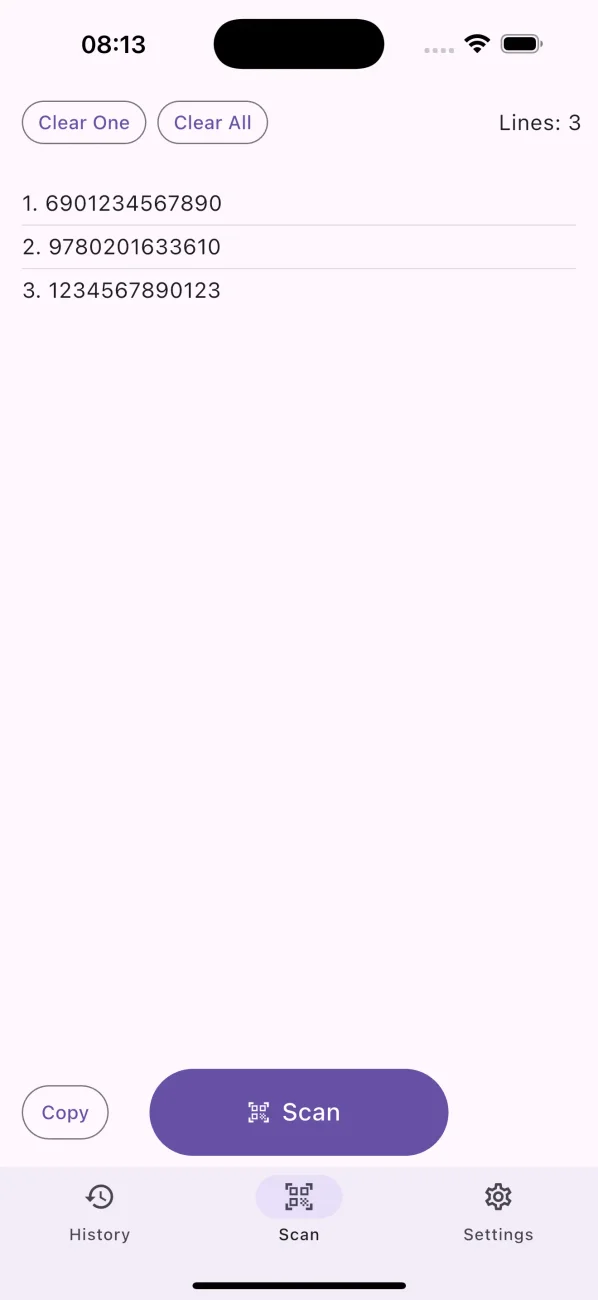
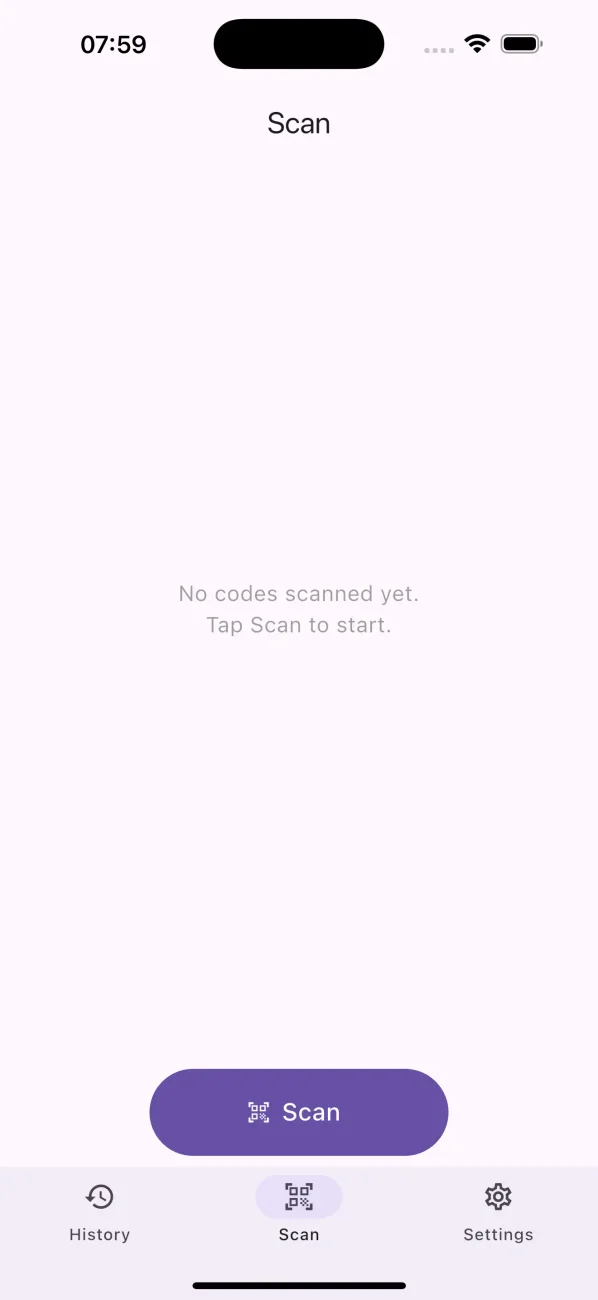
Point and scan. OmniScan uses on-device machine learning to detect QR codes and barcodes in real time, so results appear the moment the code is in frame. Enable the optional scan sound for instant audio confirmation.
SMART DUPLICATE HANDLING
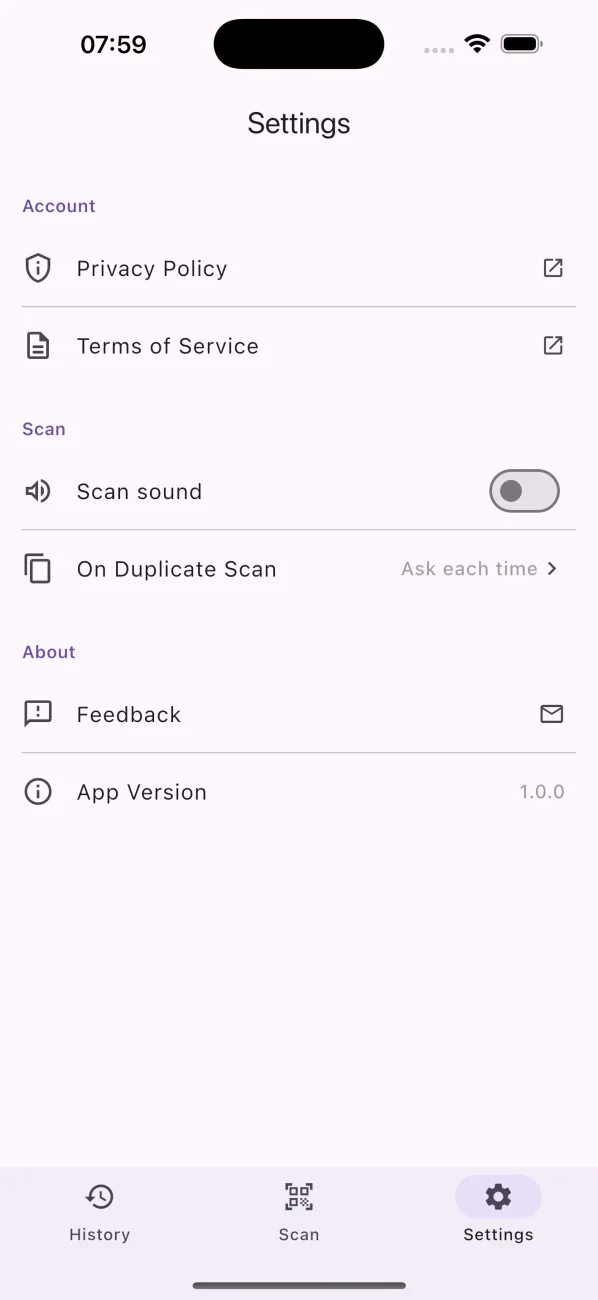
Tired of scanning the same code twice? OmniScan gives you four ways to deal with duplicates:
• Ask — prompts you the first time, then remembers your choice for the session.
• Skip — silently ignores duplicates and shows a quick banner.
• Count — tallies repeats with a ×N badge on the original entry.
• Add as new — keeps every scan as a separate record.
BUILT-IN HISTORY
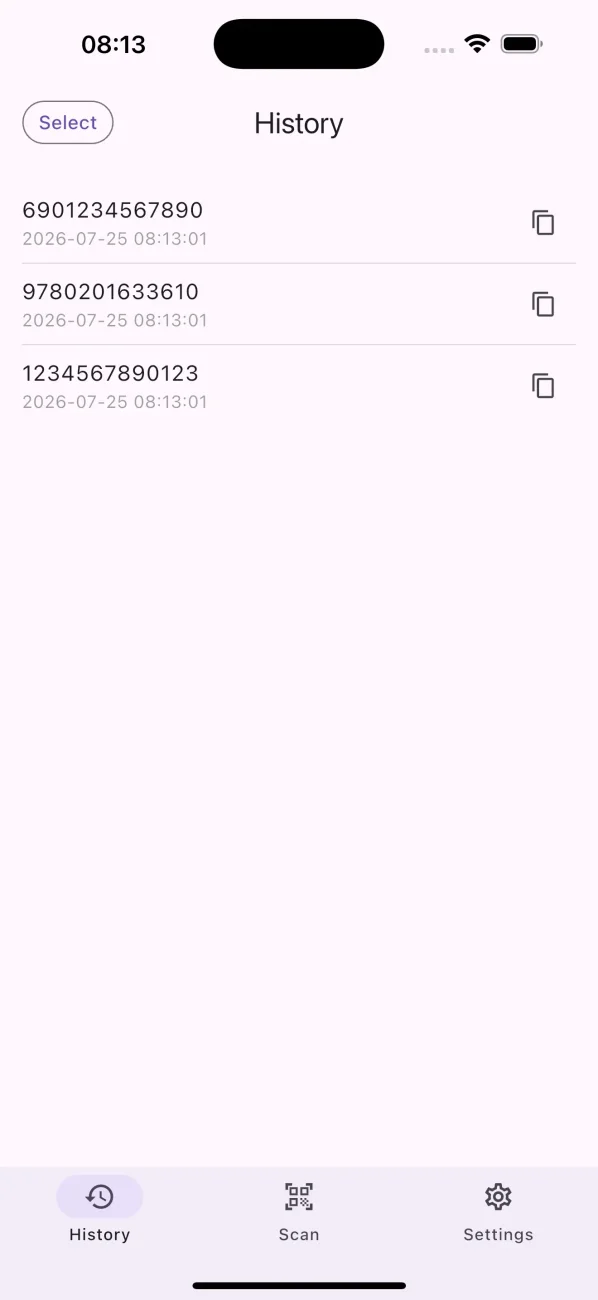
Every scan is saved to a local, on-device database automatically. Browse your full scan history, search by code, and manage entries with batch select—copy or delete multiple records at once. History is preserved even when you clear the current scan session.
ONE-TAP COPY & SHARE
Copy a single code or all selected codes to your clipboard in one tap. Scanned URLs can be opened directly in your browser with a single tap.
PRIVACY BY DESIGN
• 100% offline—no internet connection required.
• No accounts, no cloud sync, no analytics.
• All scan data is stored locally on your device.
• Camera access is used solely for scanning.
KEY FEATURES
• Instant QR code and barcode recognition
• Four configurable duplicate-scan modes
• Persistent local scan history with timestamps
• Batch select, copy, and delete
• Optional scan confirmation sound
• Open scanned URLs with one tap
• Clean, distraction-free Material Design interface
• Works completely offline
OmniScan is the perfect tool for inventory counting, event check-ins, ticket scanning, product lookup, URL collection, and any task where speed and privacy matter.
Download OmniScan and start scanning in seconds—no setup required.
What’s new
Version 1.1.0 · Aug 30, 2026
BATCH SCANNING IMPROVEMENTS
• Multiple identical codes are now recognized separately. If the same barcode or QR code appears several times in view (for example, printed twice on one box), each copy gets its own marker so you can select and count every code.
• "Select All" now captures every physical code on screen, including duplicates — ideal for inventory counting.
• More stable code tracking when the camera moves or rotates.
MULTI-LANGUAGE SUPPORT
• Added Simplified Chinese. The app now follows your device's language by default.
• Prefer a specific language? Choose Follow System, English, or 中文 under Settings → General → Language.
• The app name and permission prompts are now localized (小梁扫码 on Chinese devices).
App privacy
What 杰 梁 declares on the App Store about how this app handles data.
-
Data not linked to you
May be collected but is not linked to your identity.
- Diagnostics
Privacy practices may vary, for example with the features you use or your age.
Information
- Seller
- 杰 梁
- Category
- Productivity
- Version
- 1.1.0
- Updated
- Aug 30, 2026
- Released
- Aug 12, 2026
- Size
- 33.2 MB
- Requires
- iOS 15.5.0 or later
- Age rating
- 4+
- Languages
- English, Simplified Chinese
- Copyright
- © 2026 LiangJie
You might also like
-
 BarcodeListingsProductivity
-
 ScanBatch: Batch QR & BarcodeInventory Scanner, Scan to CSV
-
 Eventor AI: Calendar AssistantText to Events with Smart AI
-
 TripWorksYour on-the-go booking engine
-
 StudyFoc.us: Pomodoro TimerFocus Timer for Study & Work
-
 HaruBrief: AI Daily PlannerSmart Schedule · Work Insights
-
 Scandit HealthcareProductivity
-
 i-Repo ScannerProductivity
-
 My GPT - AI ClientUse your own API
-
 MailShot- Group EmailGroup Email done right.