ScanBox – PDF Scanner & OCR
Scan, sign & share documents
Designed for iPhone, iPad, iPod touch
$1.99 · In-app purchases
- Age rating4+
- CategoryBusiness
- DeveloperChristian Drapatz
- LanguagesEnglish+ 32 more
- Size13.3 MB
Links to the official App Store page
Download.org hosts no file of ScanBox – PDF Scanner & OCR. The button opens its official App Store page, published by Christian Drapatz. Listing last checked on Nov 20, 2026.
Screenshots

About
ScanBox – Your smart PDF scanner without subscriptions
Turn your iPhone or iPad into a powerful document scanner in seconds. Scan, sign, edit and share – all in one app.
Key Features
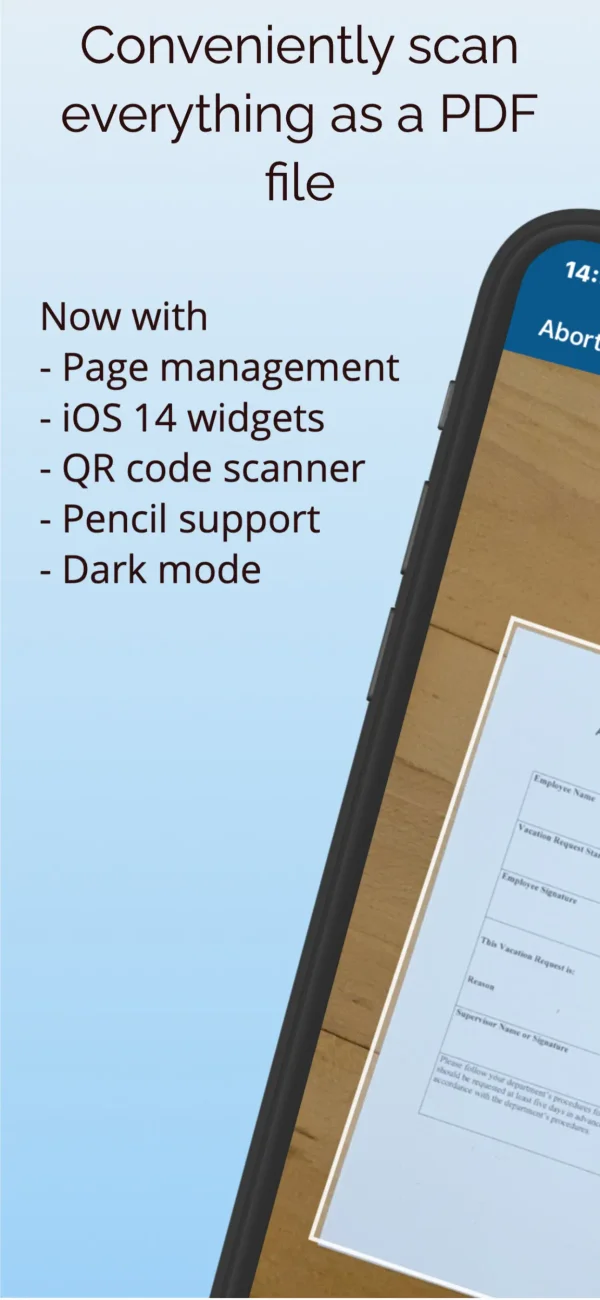
• Fast & accurate scans – automatic edge detection, smart perspective correction
• PDF & OCR – extract text from images, search and process documents
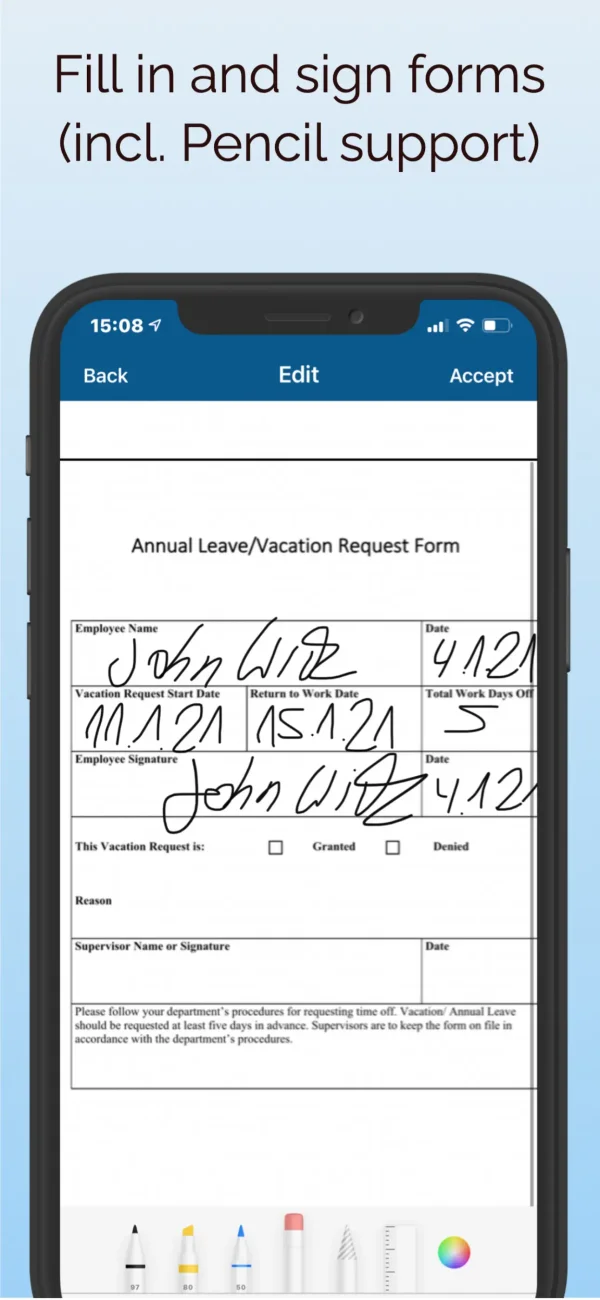
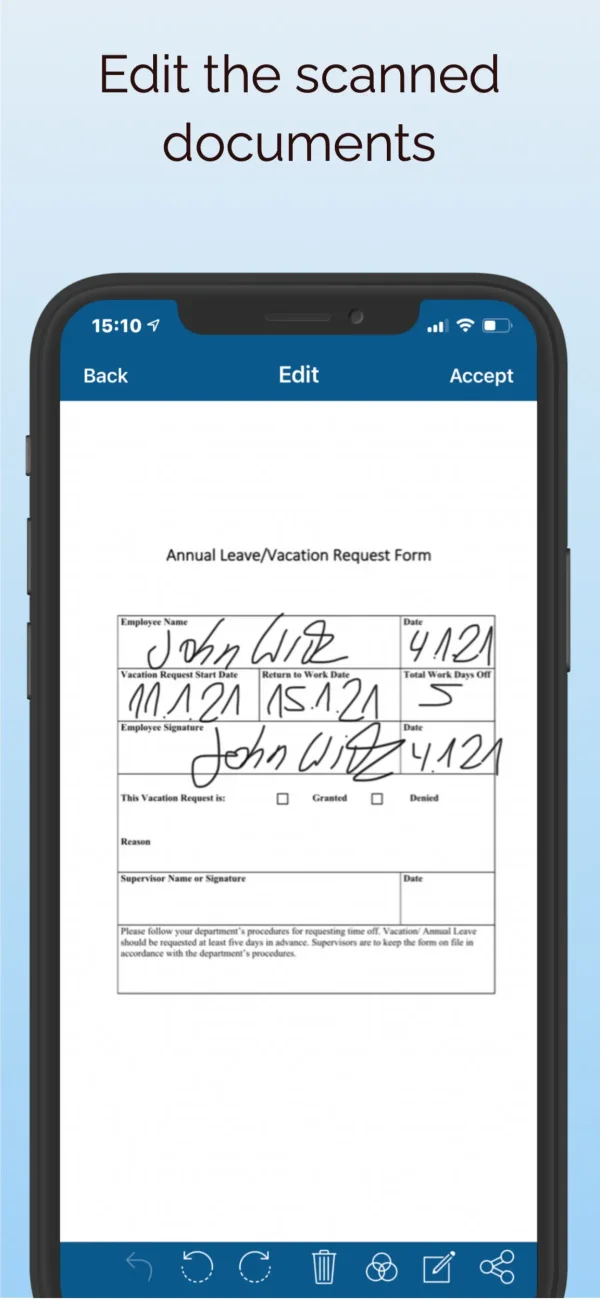
• Fill & sign forms – sign contracts or applications directly on your device
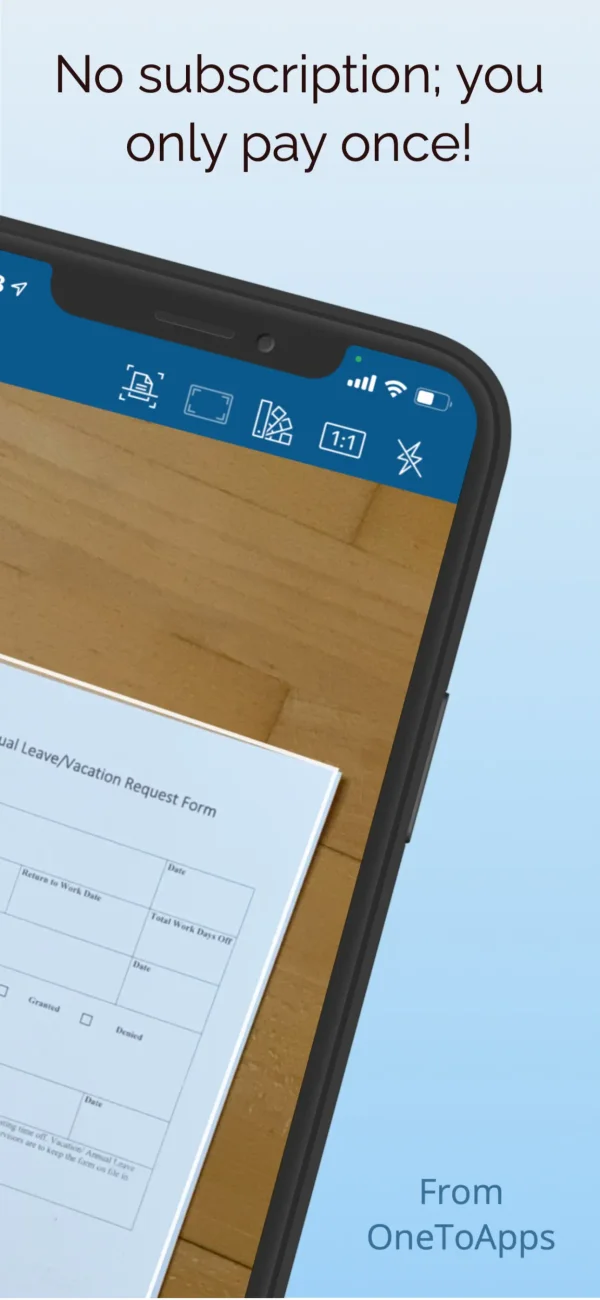
• One-time purchase – no expensive subscriptions
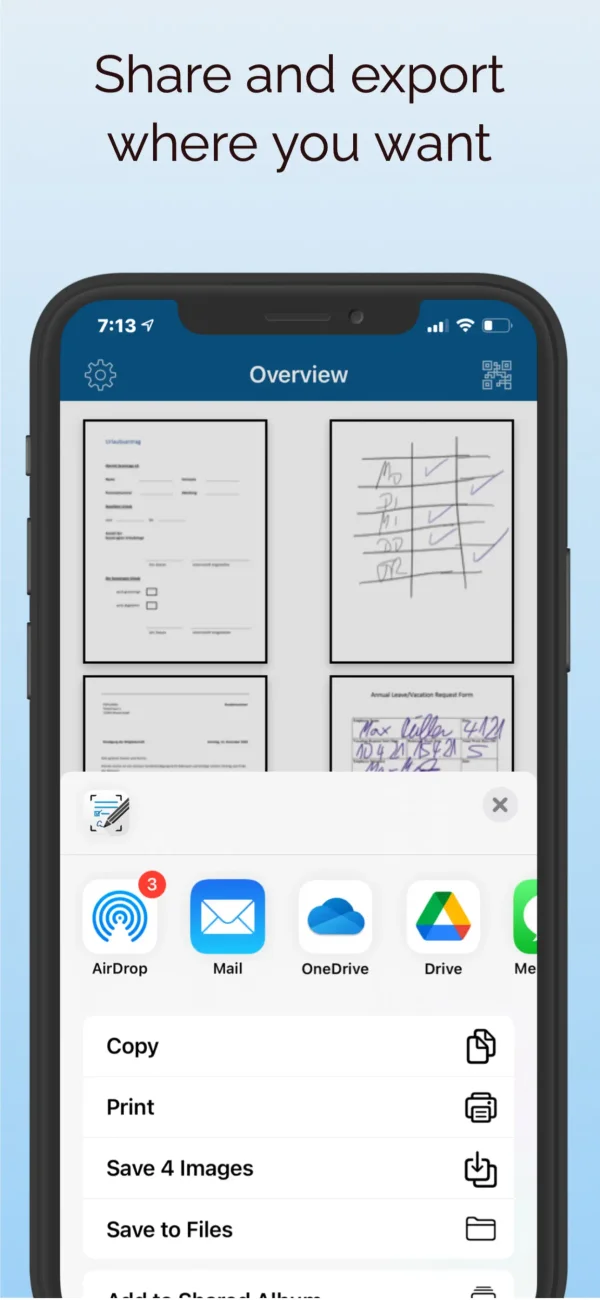
• Share & print – via Email, AirDrop, Messenger or AirPrint
• Apple Pencil support – perfect for iPad users
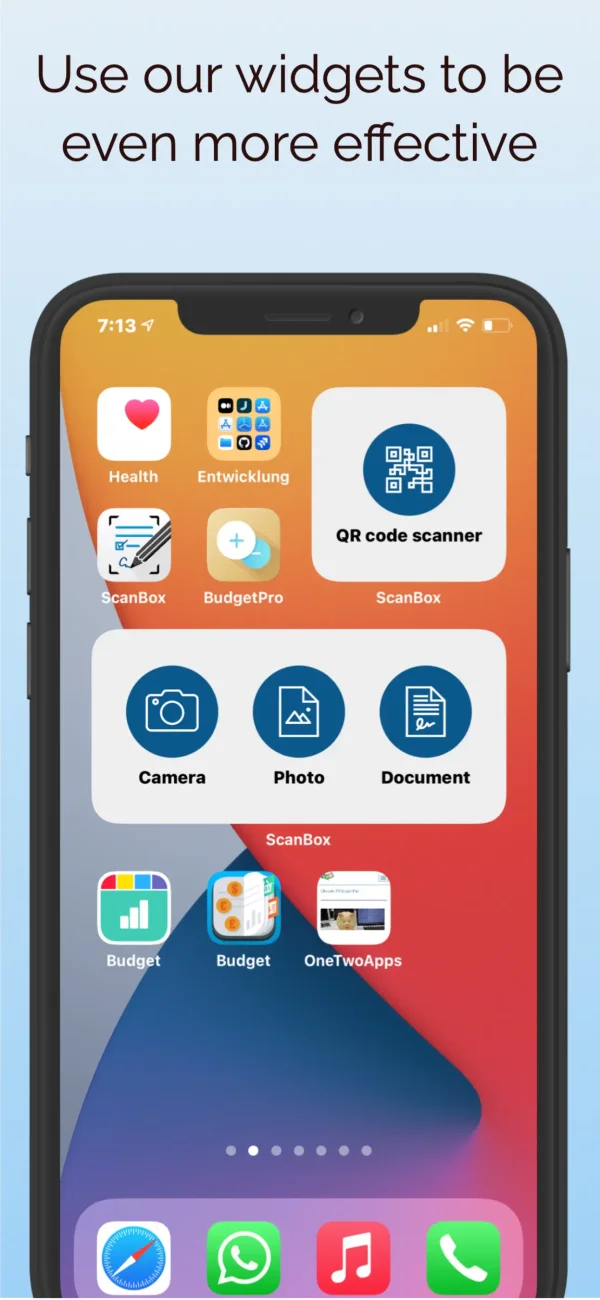
• QR & barcode scanner – launch instantly from widgets
• We support over 32 languages
How it works
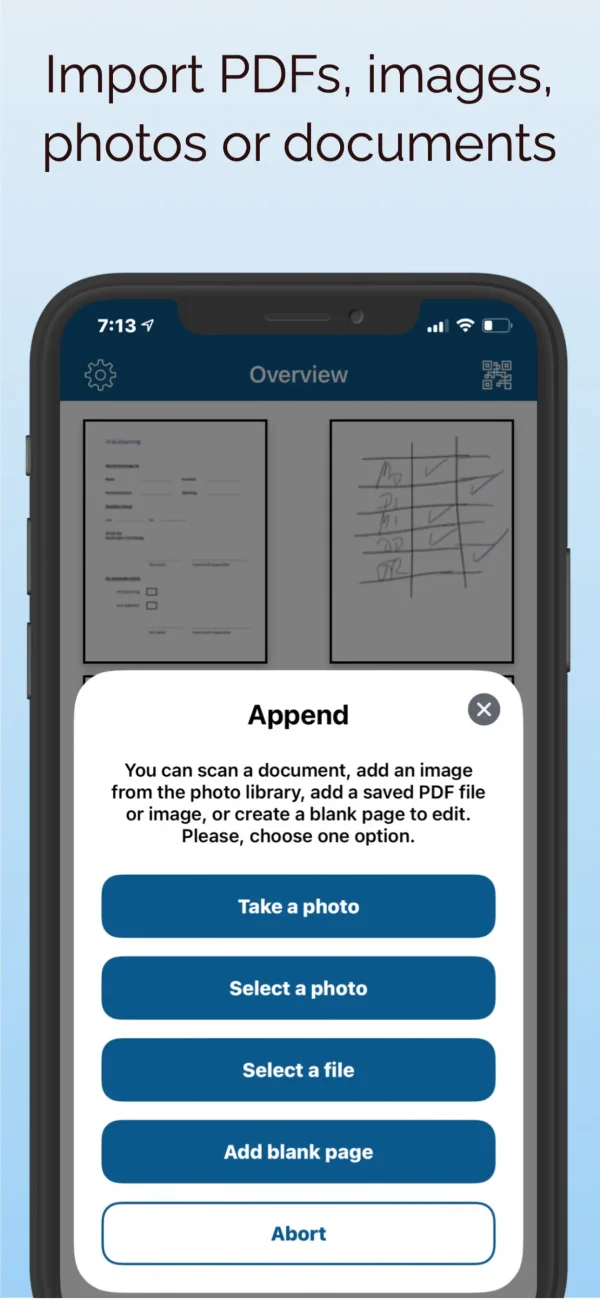
1. Scan a document with the camera or import from Photos/Cloud
2. Use automatic image optimization or manual editing tools
3. Recognize text via OCR, add comments or sign digitally
4. Save as PDF or image, share or print instantly
Why ScanBox?
• No costly subscriptions like other scanner apps
• Fast workflow – perfect for office, school, and daily life
• iOS integration: Dark Mode, Face/Touch ID, Quick Actions, Widgets
• Works offline – your data stays private & secure
Extra Highlights
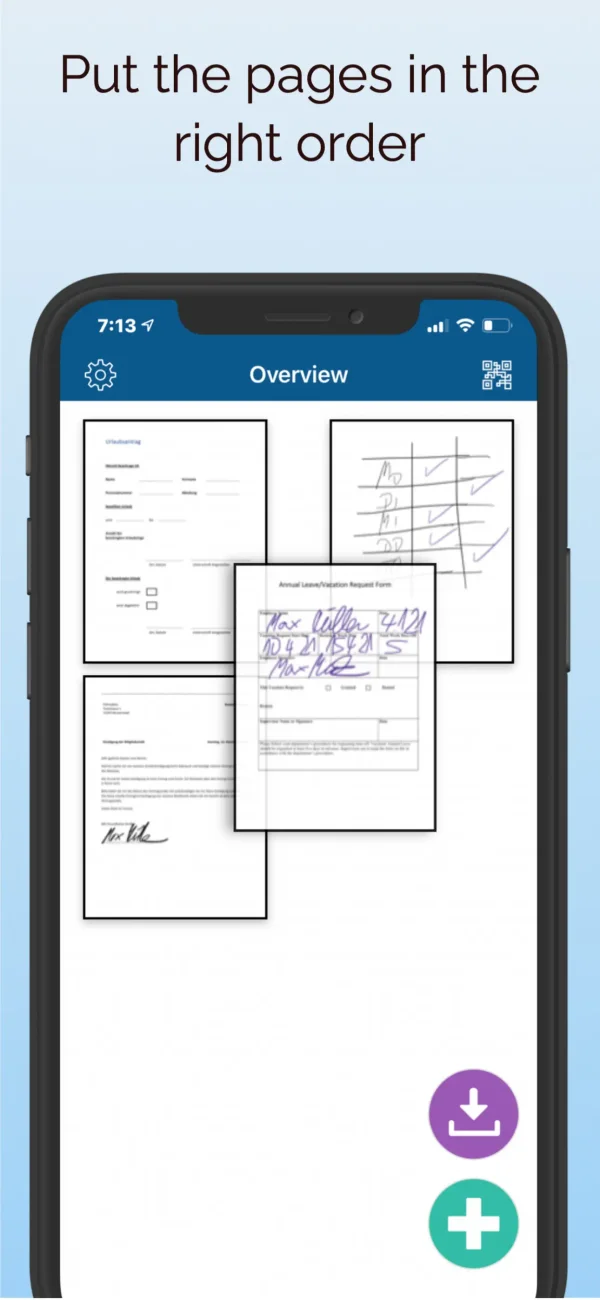
• Create multi-page PDFs & rearrange pages with drag & drop
• Filters: color, grayscale, black & white – auto-optimized
• Insert blank pages & fill with Pencil or finger
• PDF encryption for sensitive documents
Always up to date
ScanBox is regularly updated with new features and performance improvements. Your feedback matters! Contact us at support@onetwoapps.com – we’d love to hear your ideas.
Download ScanBox today and turn your iPhone or iPad into the ultimate PDF scanner!
What’s new
Version 3.4 · Sep 22, 2025
This update brings fresh improvements to keep ScanBox your best companion:
• More than 32 languages available
• Faster recognition & more accurate scans
• Improved stability & loading times
• Modernized UI for better usability
• Bug fixes for an even smoother experience
Thank you for using ScanBox!
Please rate the app on the App Store – your feedback greatly helps us improve ScanBox continuously.
App privacy
What Christian Drapatz declares on the App Store about how this app handles data.
-
Data not collected
The developer does not collect any data from this app.
Privacy practices may vary, for example with the features you use or your age.
Information
- Seller
- Christian Drapatz
- Category
- Business
- Version
- 3.4
- Updated
- Sep 22, 2025
- Released
- Dec 19, 2020
- Size
- 13.3 MB
- Requires
- iOS 15.0 or later
- Age rating
- 4+
- Price
- $1.99
- In-app purchases
- Yes
- Languages
- English, Arabic, Catalan, Croatian, Czech, Danish, Dutch, Finnish, French, German, Greek, Hebrew + 21 more
- Copyright
- © Christian Drapatz
You might also like
-
 计划行事按日期与优先级管理任务
-
 NoteLess — To Catch a ThoughtA thought, a note, done
-
 ScanFolio - Doc Scan & EditorPDF Scanner, Sign & Fill Forms
-
 SeeDis Media BrowserFast picture organiser
-
 CADVaultOffline STEP & 3D Viewer
-
 Papierfrei – Paperwork & PDFsScan Receipts, Sign & Convert
-
 OnVault - Document VaultPrivate searchable documents
-
 dodot: To-DoTasks, countdowns & reminders