ScanBridge
unitech Scanner Companion App
Designed for iPhone, iPad, iPod touch
Free
- Age rating4+
- CategoryUtilities
- DeveloperUnitech Electronics
- LanguagesEnglish+ 3 more
- Size27.6 MB
Links to the official App Store page
Download.org hosts no file of ScanBridge. The button opens its official App Store page, published by Unitech Electronics. Listing last checked on Nov 16, 2026.
Screenshots
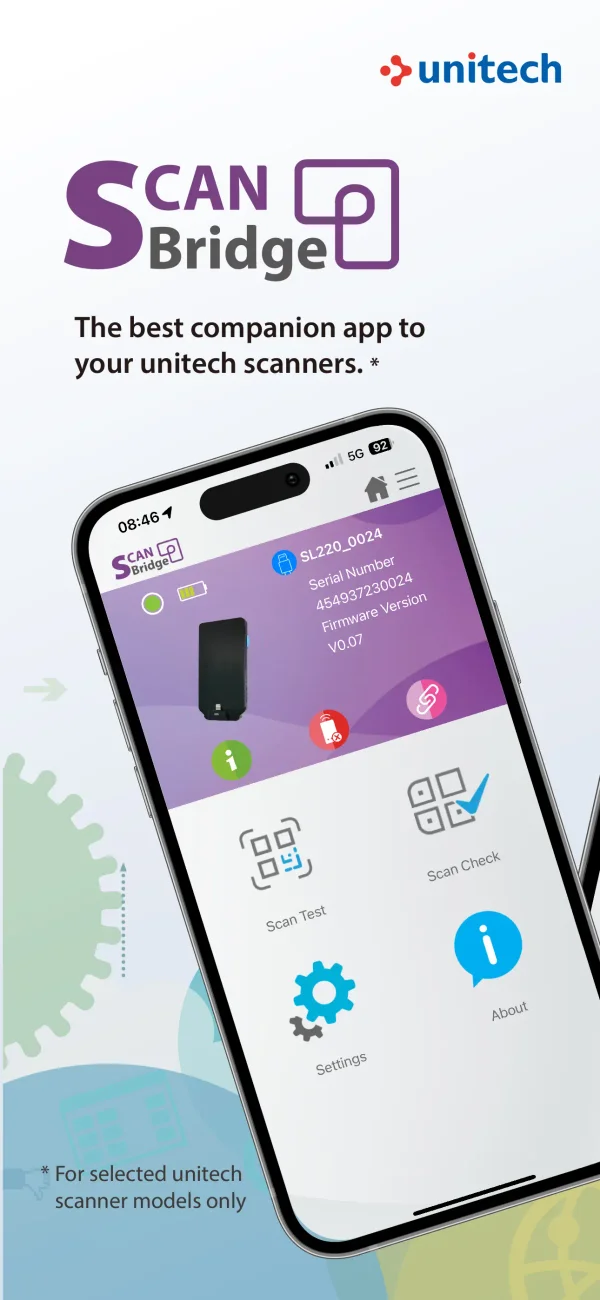
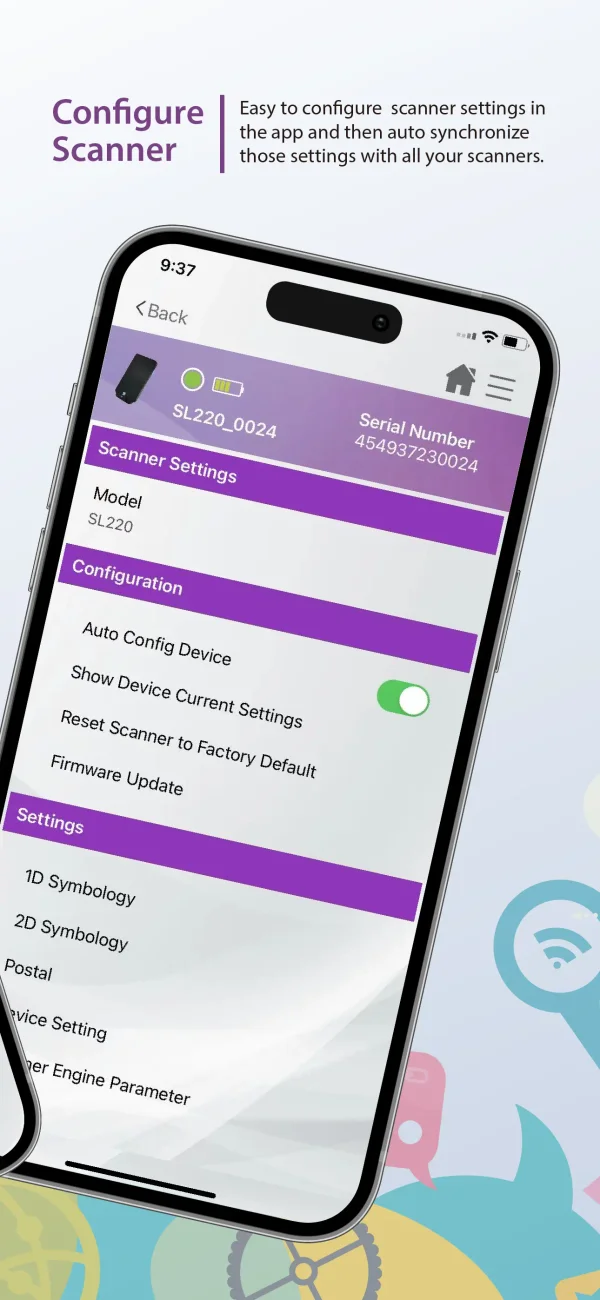
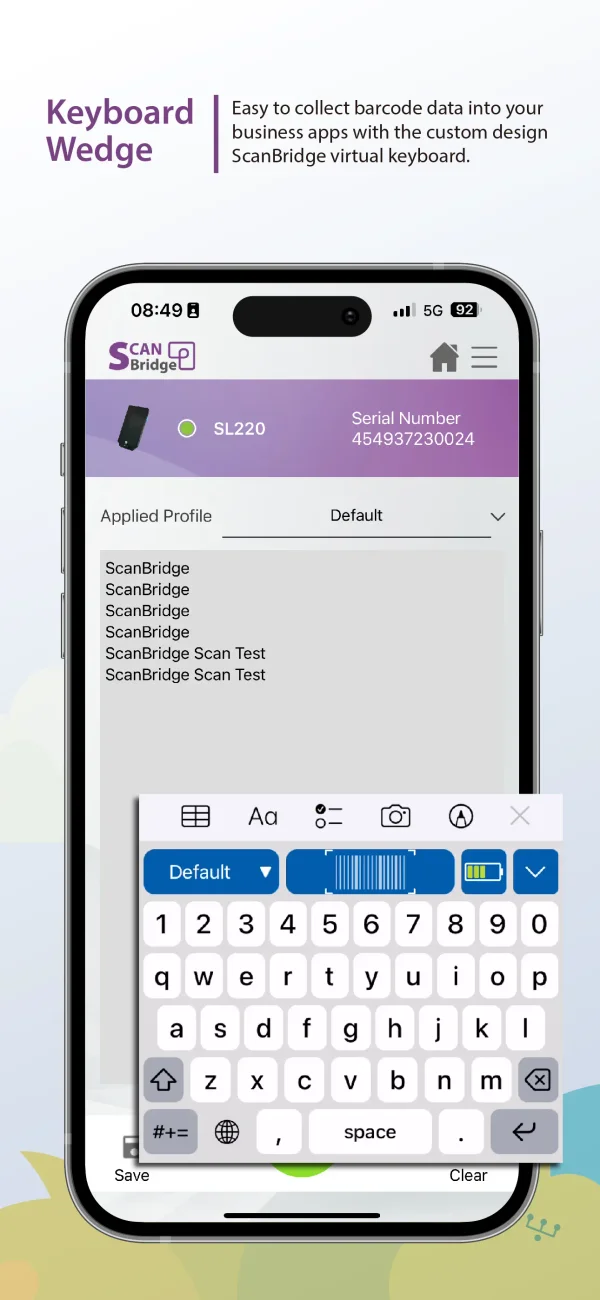
About
Configure. Collect. Scan Check. Take control of your Unitech barcode scanners.
1. Configure: Configure symobology and settings for your scanners, and the ability to auto synchronize settings across different scanners.
2. Collect: Collect barcode data with the comprehensive keyboard wedge function with state of the art data editing capabilities.
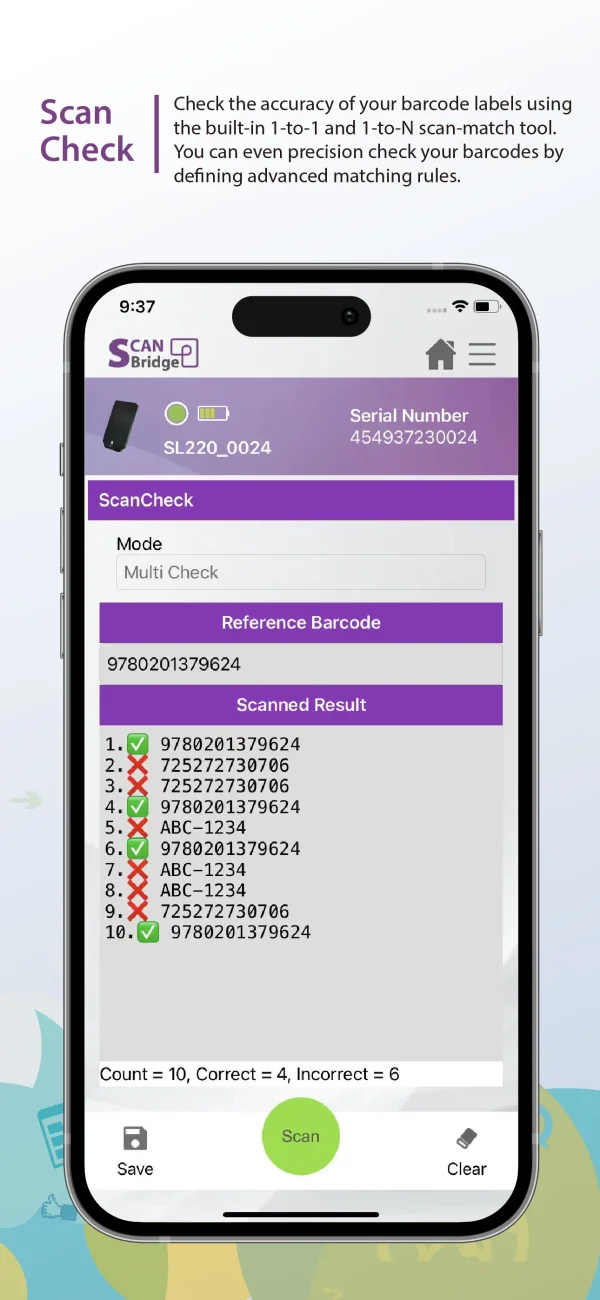
3. Scan Check: 1-to-1, 1-to-N and rule-based barcode validation tool offers the ability to quickly check whether barcodes match each other.
4. Profile Management: Create multiple data output profiles for use with different apps. Quickly switch between profiles for different data collection requirements.
What’s new
Version 1.0.11 · Jan 20, 2026
1.0.11(1047)
- Added a new feature to hide the ScanBridge Keyboard Toolbar, and requires selecting a Data Editing Profile after enabling the option
App privacy
What Unitech Electronics declares on the App Store about how this app handles data.
-
Data not collected
The developer does not collect any data from this app.
Privacy practices may vary, for example with the features you use or your age.
Information
- Seller
- Unitech Electronics Co., Ltd.,
- Category
- Utilities
- Version
- 1.0.11
- Updated
- Jan 20, 2026
- Released
- Dec 8, 2023
- Size
- 27.6 MB
- Requires
- iOS 13.0 or later
- Age rating
- 4+
- Price
- Free
- Languages
- English, Japanese, Simplified Chinese, Traditional Chinese
- Copyright
- © copyright 2023-2026 Unitech Electronics Co. Ltd. All Rights Reserved.