- Age rating4+
- CategoryUtilities
- DeveloperStimare Ltd
- LanguagesEnglish
- Size68.2 MB
Links to the official App Store page
Download.org hosts no file of Saveo Support. The button opens its official App Store page, published by Stimare Ltd. Listing last checked on Nov 23, 2026.
Screenshots

About
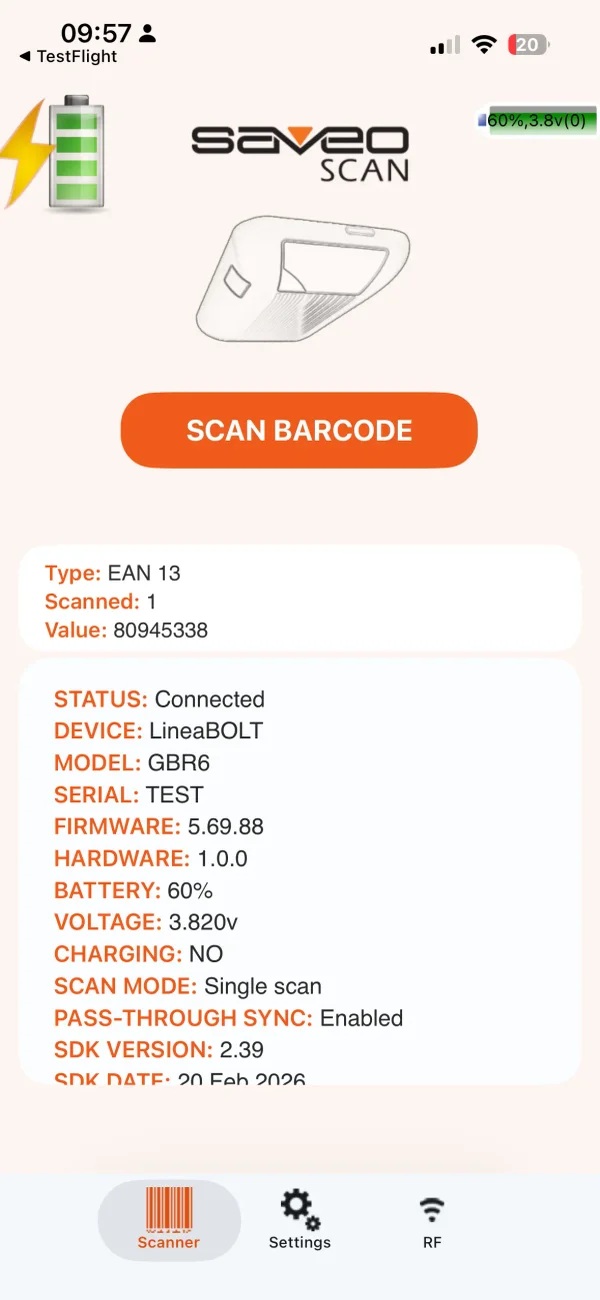
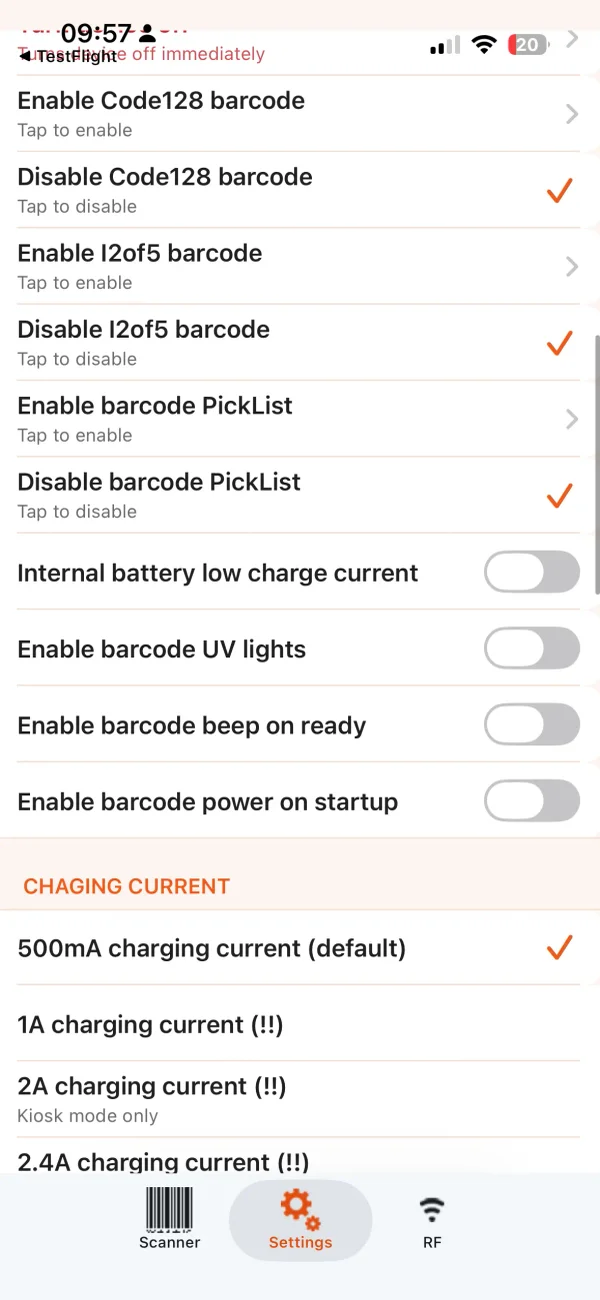
Saveo Support works with supported Saveo scanner hardware to provide barcode scanning, device status, and configuration tools in a simple mobile workflow.
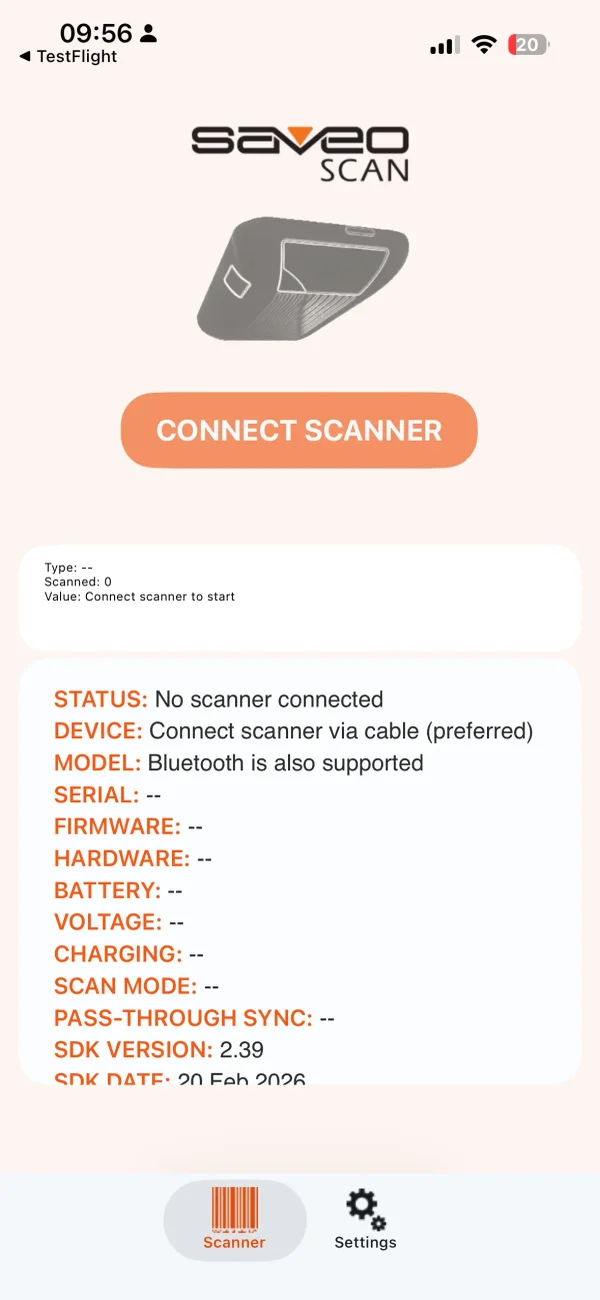
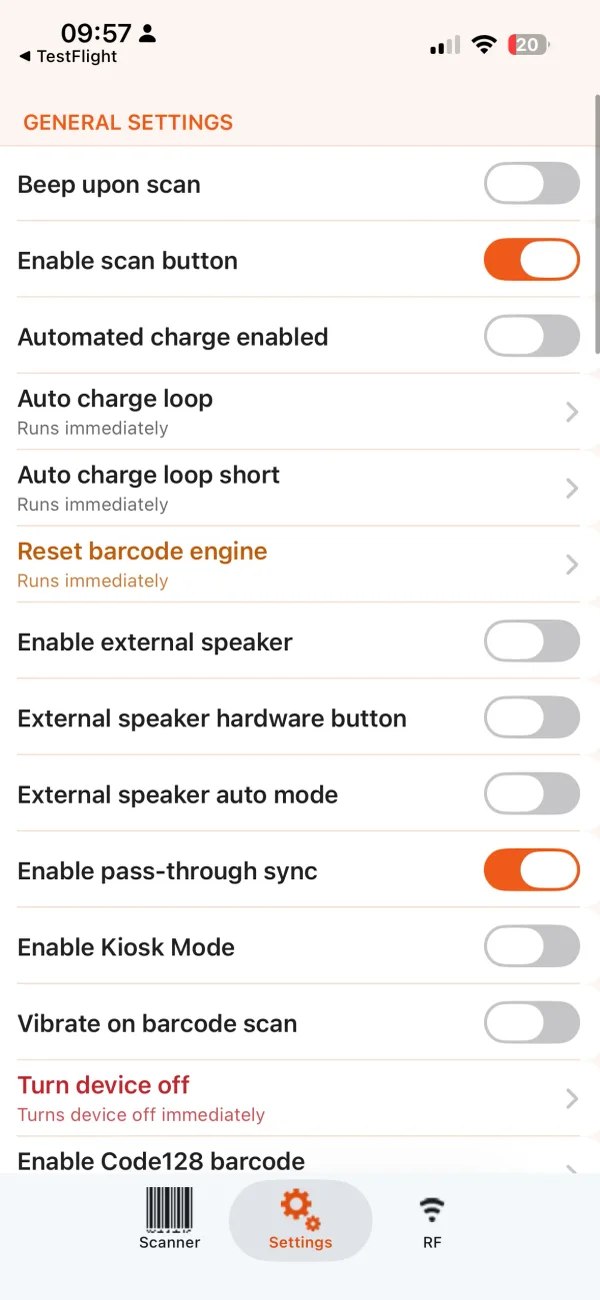
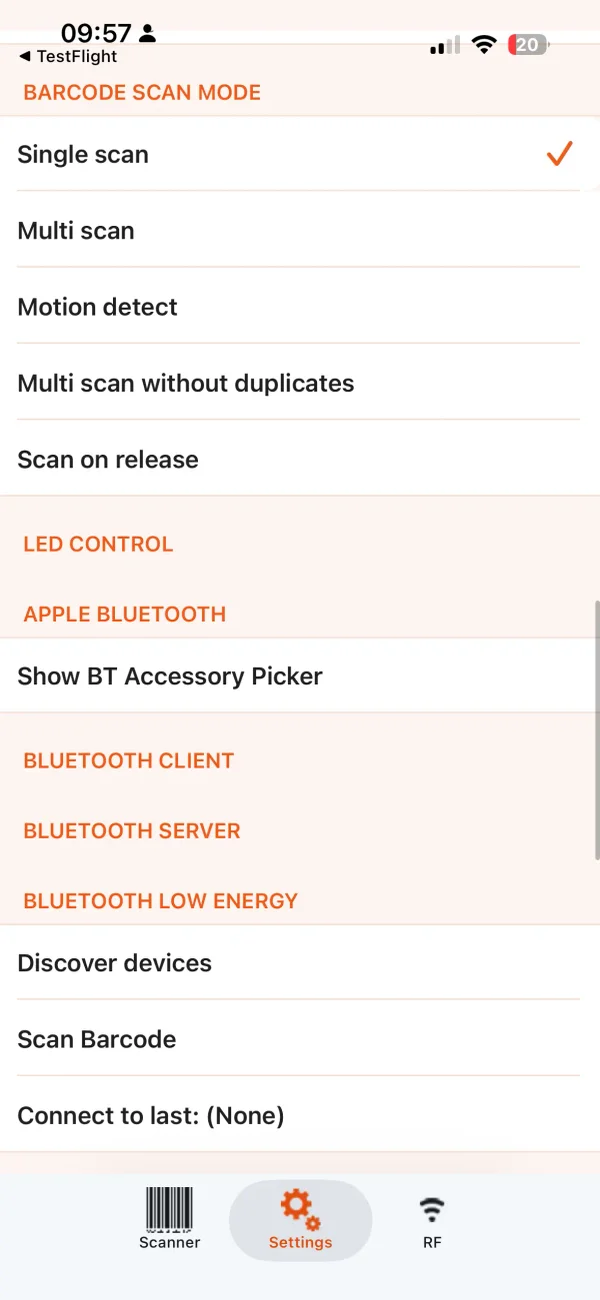
Use the app to connect supported hardware, scan barcodes, view device information, monitor firmware and battery details, and access device settings from a single interface.
Features include:
• Barcode scanning with supported Saveo hardware
• Live device information and connection status
• Battery, firmware, and SDK information
• Device settings and scanner configuration
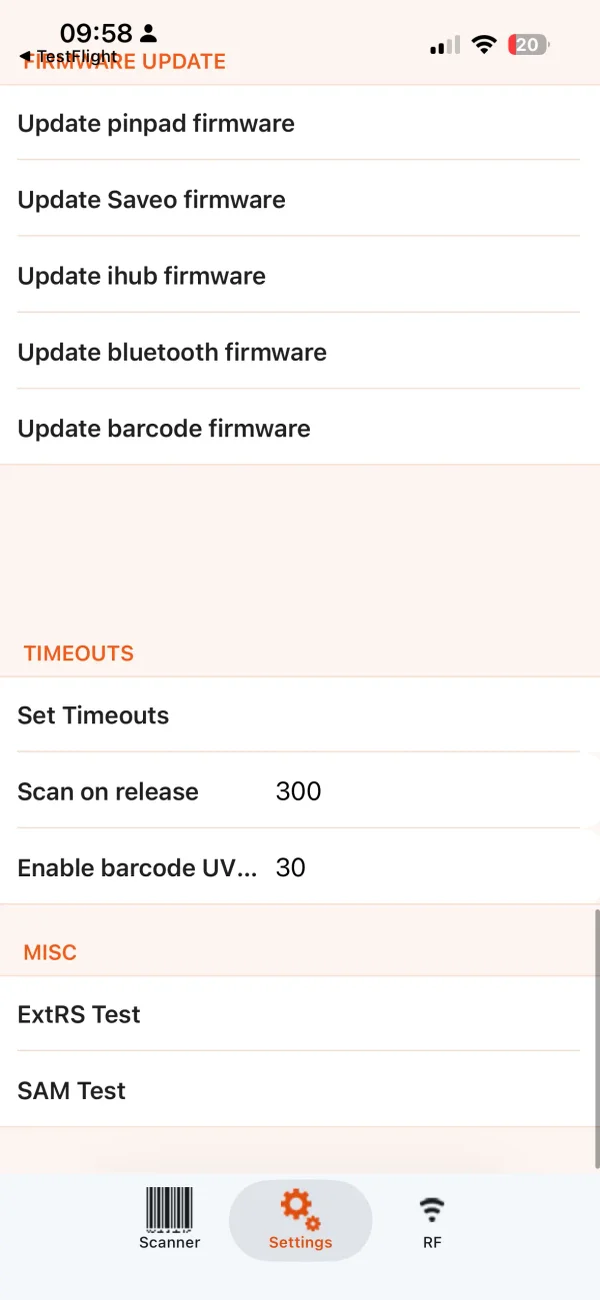
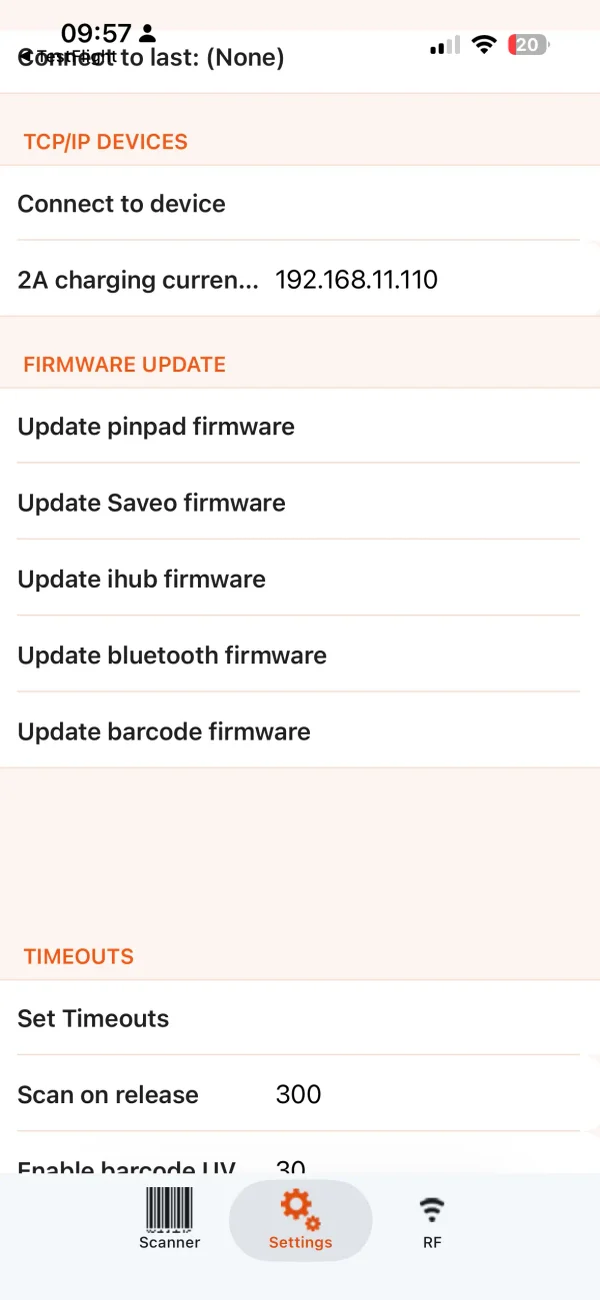
• Firmware update support for compatible devices
• Bluetooth support on compatible hardware
• iHUB connectivity support for compatible workflows
Saveo Support is intended for use with supported external accessories. Some features require compatible hardware to function.
What’s new
Version 1.22.3 · Nov 21, 2026
iPad: Saveo Support now works in landscape, for example in a POS stand, and fills the whole screen.
Saveo Sled 15/16/16E: new keyboard (HID) firmware 01.05.70.29, adding the on-screen keyboard show/hide toggle (bottom-left key), as on the Saveo Bolt X2.
How to update (scanner connected):
1. Settings › Update Saveo firmware › tap the keyboard firmware offered and wait for the update to finish.
2. Settings › Reset barcode engine › OK (one-time step after updating).
3. Optional: Settings › HID Barcode Suffix › Enter.
4. Scan into any app. Press the bottom-left key to show or hide the on-screen keyboard.
Also includes minor fixes and improvements.
Video guide: saveoscan.com/support-2/#hid-firmware
App privacy
What Stimare Ltd declares on the App Store about how this app handles data.
-
Data not collected
The developer does not collect any data from this app.
Privacy practices may vary, for example with the features you use or your age.
Information
- Seller
- Stimare Ltd
- Category
- Utilities
- Version
- 1.22.3
- Updated
- Nov 21, 2026
- Released
- May 12, 2026
- Size
- 68.2 MB
- Requires
- iOS 15.0 or later
- Age rating
- 4+
- Languages
- English
- Copyright
- © Stimare Ltd