
- Age rating4+
- CategoryProductivity
- DeveloperJAE HYUNG LEE
- LanguagesEnglish
- Size2.1 MB
Links to the official App Store page
Download.org hosts no file of ScanDat AI. The button opens its official App Store page, published by JAE HYUNG LEE. Listing last checked on Nov 27, 2026.
Screenshots

About
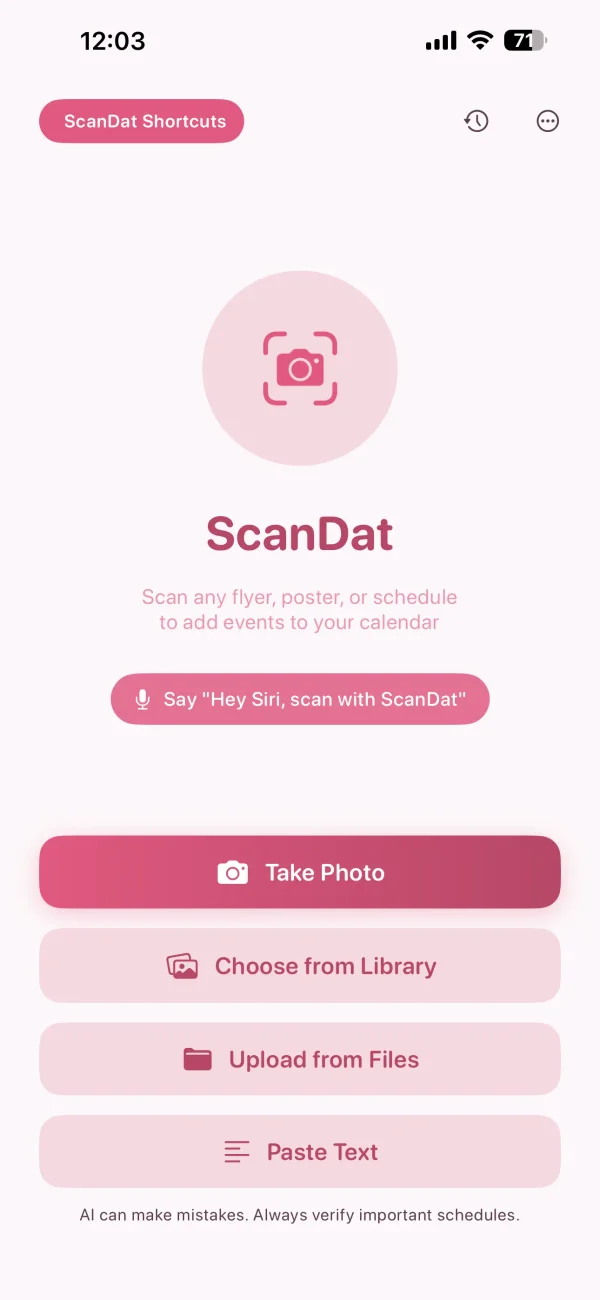
ScanDat AI turns any flyer, poster, schedule, or screenshot into calendar events in seconds.
HOW IT WORKS
1. Scan - Take a photo, pick from your library, import a PDF, or paste text
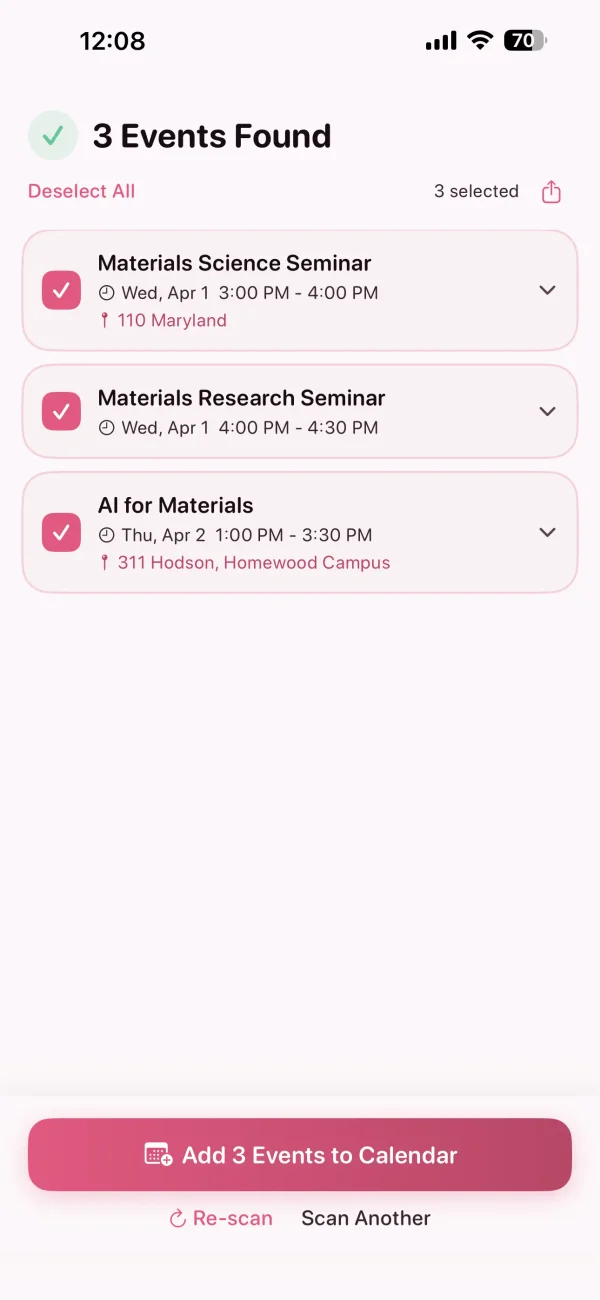
2. Review - Edit the AI-extracted event details if needed (title, time, location)
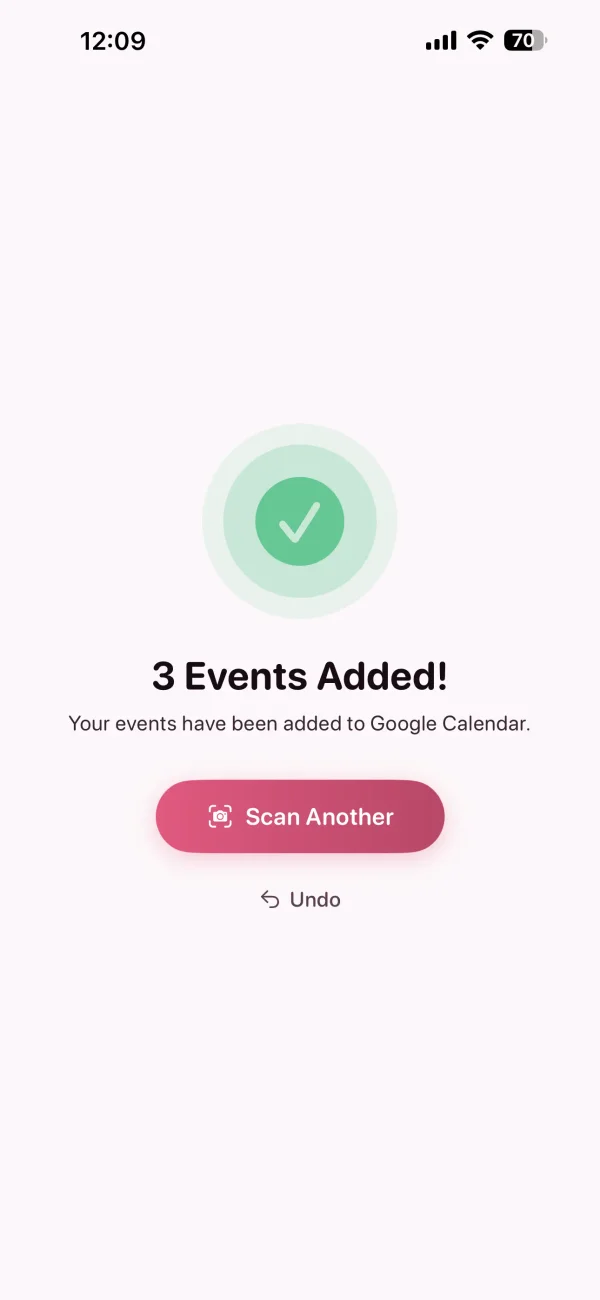
3. Add - Save to Apple Calendar or Google Calendar with one tap
FEATURES
- Multi event detection: Extracts multiple events from a single image
- Batch scanning: Scan up to 10 images at once
- PDF support: Import multi-page documents
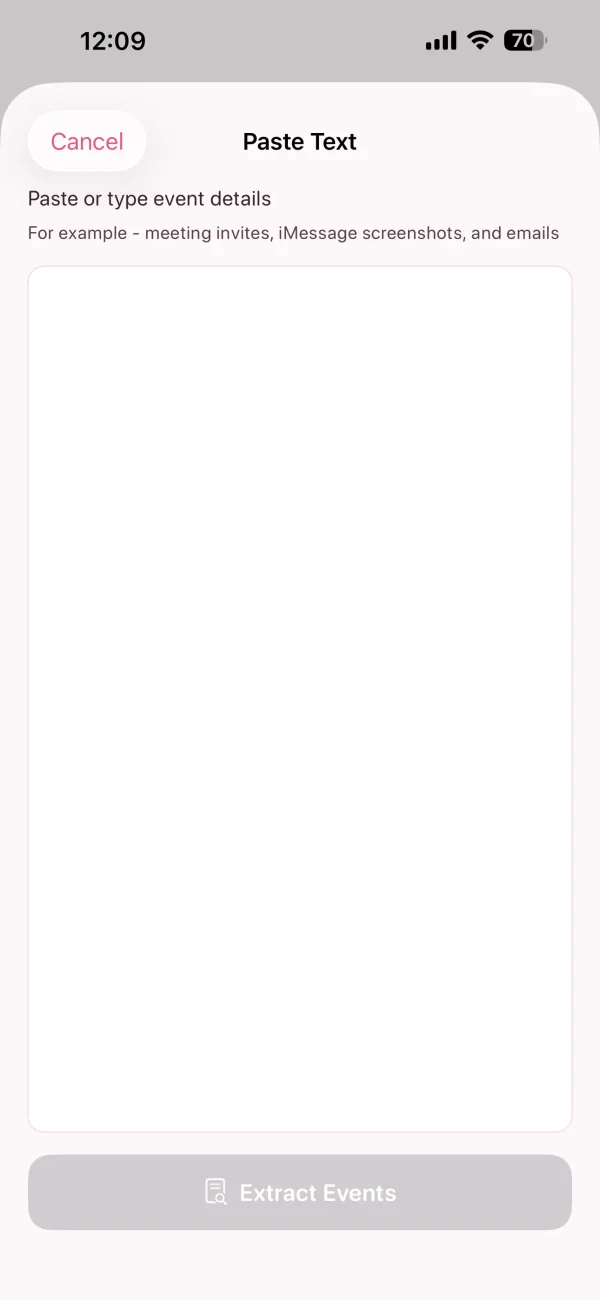
- Text input: Paste meeting invites, emails, or messages
- Smart calendar suggestions: Automatically picks the right calendar
- Recurring event detection: Warns before creating overlapping events
- Scan history: Browse and edit previously added events
- .ics export: Share events as calendar files
- Undo: Remove added events with one tap
- Dark mode: Full light and dark theme support
- Siri Shortcuts: "Hey Siri, scan with ScanDat"
- Home screen widget: Quick access to scanning
- Share extension: Scan images directly from Photos or Safari
Terms of Use: https://scandat.app/terms
What’s new
Version 1.2 · Oct 1, 2026
1. A fresh new look: ScanDat has a new app icon, and the new logo now appears throughout the app, widgets and Apple Watch.
2. Bug fixes and performance improvements.
App privacy
What JAE HYUNG LEE declares on the App Store about how this app handles data.
-
Data linked to you
May be collected and linked to your identity.
- Identifiers
- Usage data
-
Data not linked to you
May be collected but is not linked to your identity.
- User content
Privacy practices may vary, for example with the features you use or your age.
Information
- Seller
- JAE HYUNG LEE
- Category
- Productivity
- Version
- 1.2
- Updated
- Oct 1, 2026
- Released
- Jun 2, 2026
- Size
- 2.1 MB
- Requires
- iOS 16.0 or later
- Age rating
- 4+
- Price
- Free
- In-app purchases
- Yes
- Languages
- English
- Copyright
- © 2026 Jaehyung Lee
You might also like
-
 Calenbee: Photo & Voice EventsSnap or Speak Your Calendar
-
 CaptureMobile AICreate Calendar Events with AI
-
 ActionPanda AIPaste, detect & share events
-
 Shotbox: Screenshot OrganizerOCR, Receipts & Reminders
-
 TimeLog: Personal Time TrackerProductivity
-
 168 PlannerOptimize your 168 hours
-
 ImageCal: Photo to CalendarAI event scanner for flyers
-
 168: Time BudgetProductivity
-
 Add to Calendar: AI EventsScan screenshots, photos, text
-
 ToCalendar - Scan to CalendarWeekly plans, rosters & PDFs