
ScanLan: Network Scanner
On-Device AI Insights
Designed for iPhone, iPad, Mac
Free
- Age rating4+
- CategoryUtilities
- DeveloperMatthew Meyers
- LanguagesEnglish
- Size7.3 MB
Links to the official App Store page
Download.org hosts no file of ScanLan: Network Scanner. The button opens its official App Store page, published by Matthew Meyers. Listing last checked on Nov 12, 2026.
Screenshots
About
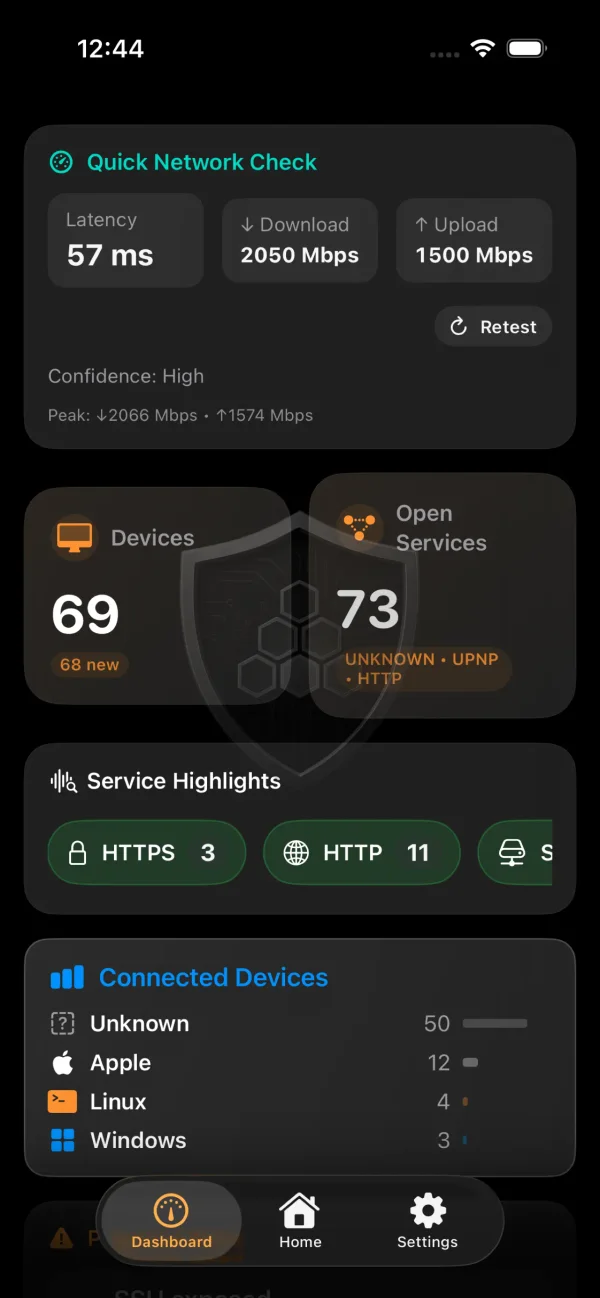
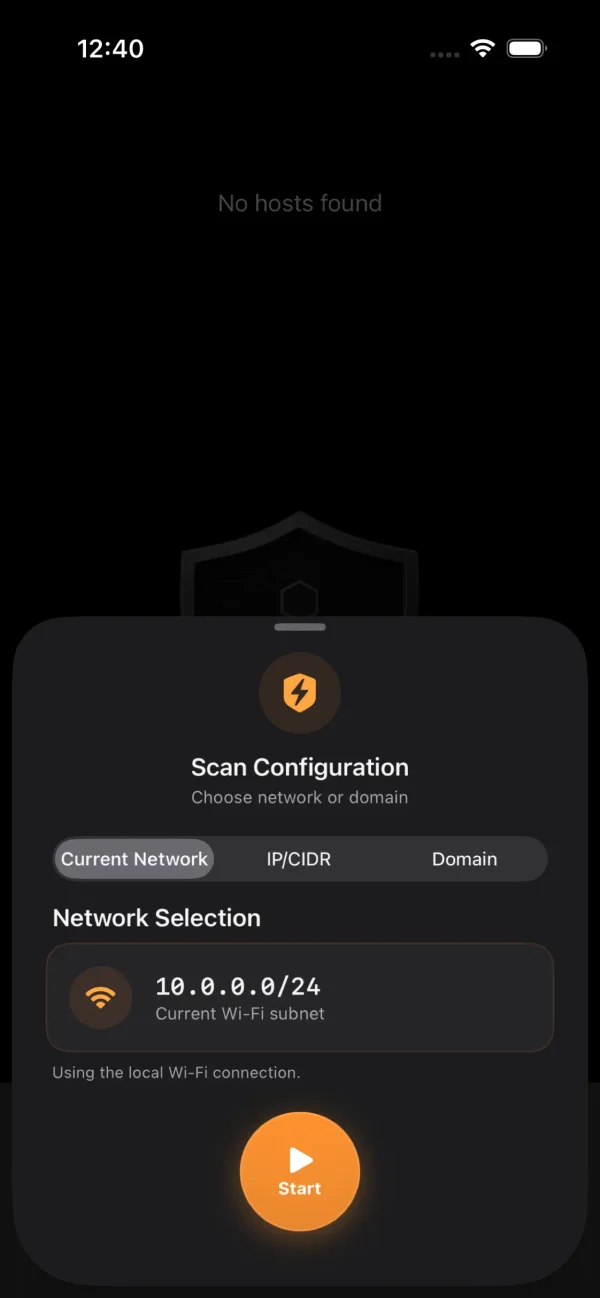
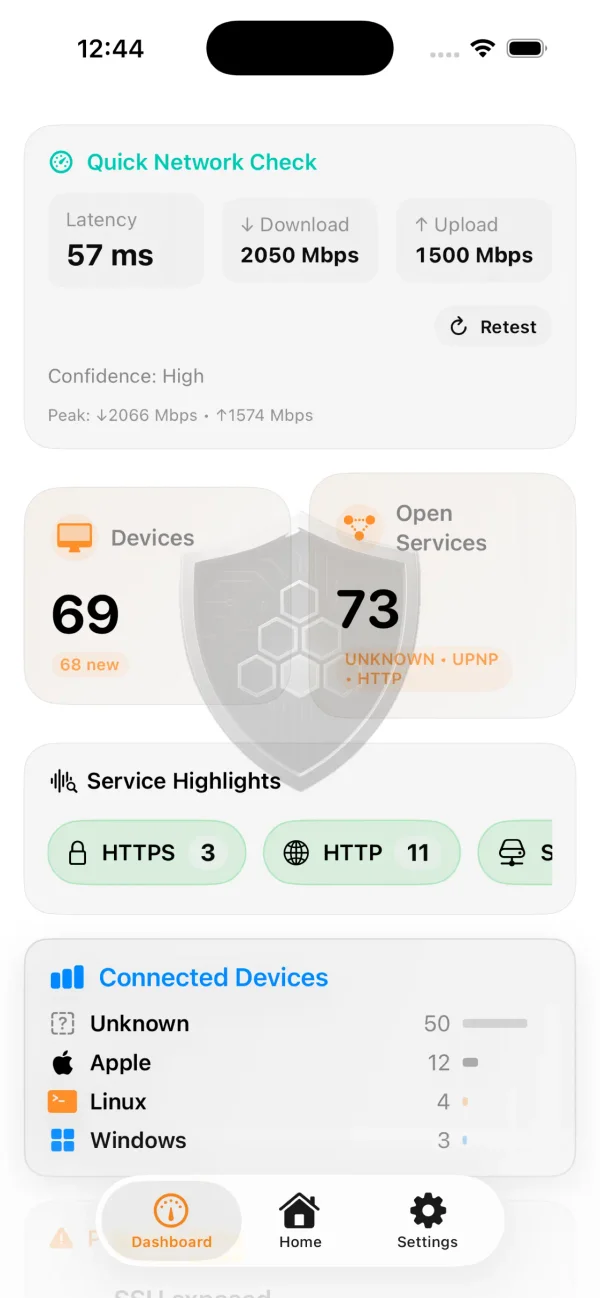
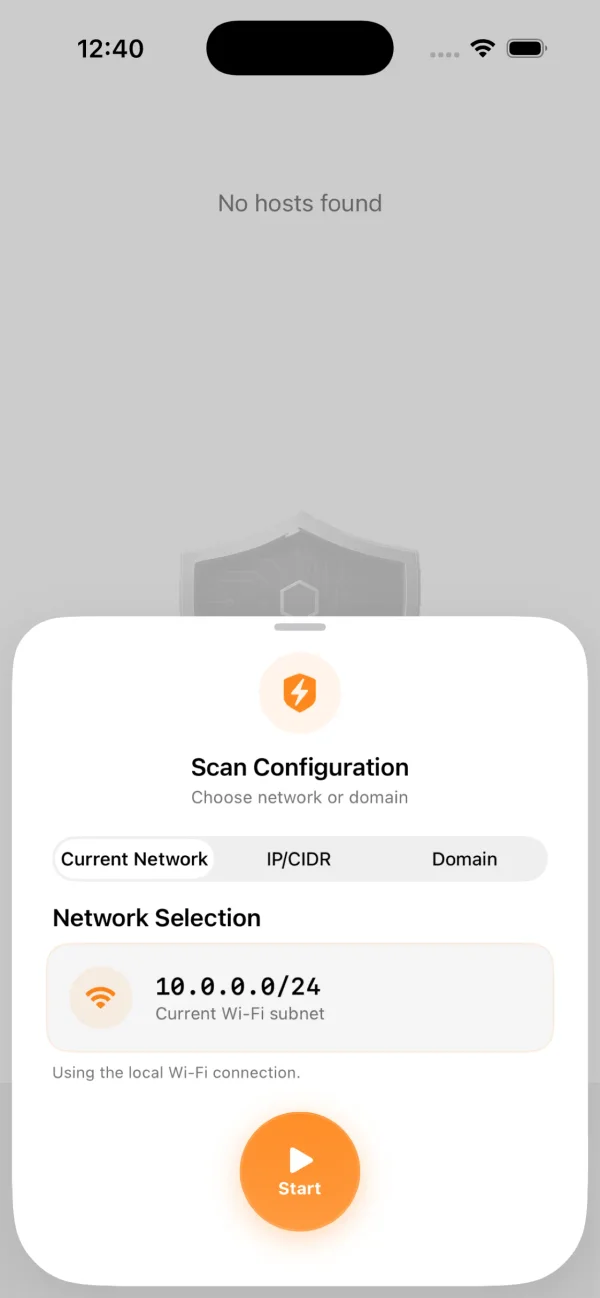
ScanLan helps you quickly understand what’s on your Wi‑Fi, how your network is performing, and what changed since your last check.
Whether you’re at home, in a hotel, or helping family troubleshoot internet issues, ScanLan gives clear, practical visibility in just a few taps.
What you can do with ScanLan:
- Discover connected devices on your local network
- Run a quick network check for latency, download, and upload speed
- Spot unfamiliar devices and open services
- Compare scans to see what was added, removed, or changed
- View per-device details and run deeper checks when needed
- Export results (CSV, JSON, TXT) for sharing or record keeping
Great for:
- Home users who want better Wi‑Fi awareness
- Travelers checking unfamiliar networks
- Small office users and tech enthusiasts who want more network insight
ScanLan is designed to be fast, easy to use, and privacy-conscious, with core scanning built to run on-device.
What’s new
Version 1.2 · Sep 22, 2026
Your network, explained with on-device AI.
ScanLan 1.2 introduces more helpful Insights that go beyond counts and port numbers:
• Understand what matters, what changed, and what to review next.
• Connect service observations to specific hosts by name and IP address.
• Get clearer explanations of remote-access and possible camera/streaming services, without treating every open port as a threat.
• Use Apple on-device AI on compatible devices, with local summaries when AI is unavailable. Scan reports aren't sent to an external AI provider.
• Open the scanner, Insights, and history with Siri and Shortcuts.
• Enjoy a cleaner dashboard, more readable Insights, and improved network-check reliability.
On-device AI requires a compatible device, supported OS, and an available Apple Intelligence model. AI summaries may be imperfect; verify important findings.
App privacy
What Matthew Meyers declares on the App Store about how this app handles data.
-
Data not collected
The developer does not collect any data from this app.
Privacy practices may vary, for example with the features you use or your age.
Information
- Seller
- Matthew Meyers
- Category
- Utilities
- Version
- 1.2
- Updated
- Sep 22, 2026
- Released
- Feb 20, 2026
- Size
- 7.3 MB
- Requires
- iOS 17.6 or later
- Age rating
- 4+
- Price
- Free
- Languages
- English
- Copyright
- © 2026 Matthew Meyers
You might also like
-
 Network Doctor: WiFi ToolsLAN scanner, ping & DNS
-
 Domain Checker: DNS & SSLLocal-First DNS & SSL Sentinel
-
 Photo Album Organizer OfflineMass Delete Photos & Cleaner
-
 Shellcove · Cloud AgentPrivate AI tasks on your Macs
-
 Immersive ClockA Calmer Way to See Time
-
 RoomTrace 3DGuided LiDAR Room Scanner
-
 Klin: Resize & Compress VideoShrink Videos, Save Space
-
 Color AlertsAlerts triggered by color
-
 RecallRoll: Photo CleanerRandom Photo Review & Cleanup
-
 WebClean: Ad Blocker & DarkSafari Popup & Tracker Blocker