ScanLark - PDF Scanner
Scan, organize & extract text
Designed for iPhone
Free · In-app purchases
- Age rating4+
- CategoryProductivity
- Developer加胜 钟
- LanguagesEnglish+ 4 more
- Size99.0 MB
Links to the official App Store page
Download.org hosts no file of ScanLark - PDF Scanner. The button opens its official App Store page, published by 加胜 钟. Listing last checked on Nov 18, 2026.
Screenshots

About
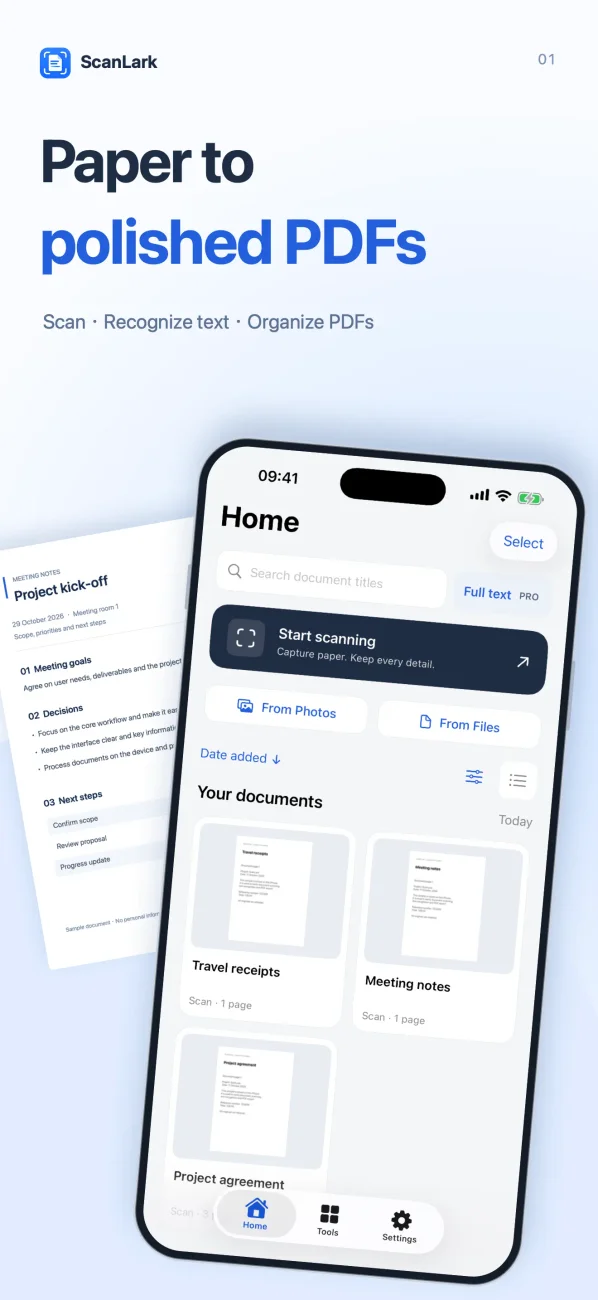
Turn contracts, invoices, receipts and study notes into PDFs you can carry and share. ScanLark combines document scanning, text recognition, ID photo tools and document organization on your iPhone. Processing happens on your device, with no app account required.
SCAN AND SAVE AS PDF
• Scan one page or a whole document. Crop, rotate, enhance and reorder pages while keeping the originals.
• Import photos and PDFs, plus Word, Excel, PowerPoint and text files for preview.
• Basic scanning and standard PDF and image exports are free. Share files or print directly.
EXTRACT AND EDIT TEXT
• Recognize text from a single page for free. Copy, review and correct the result, then export it as TXT.
• Reuse text from paper documents for work or study, with less retyping.
CREATE ID PHOTOS
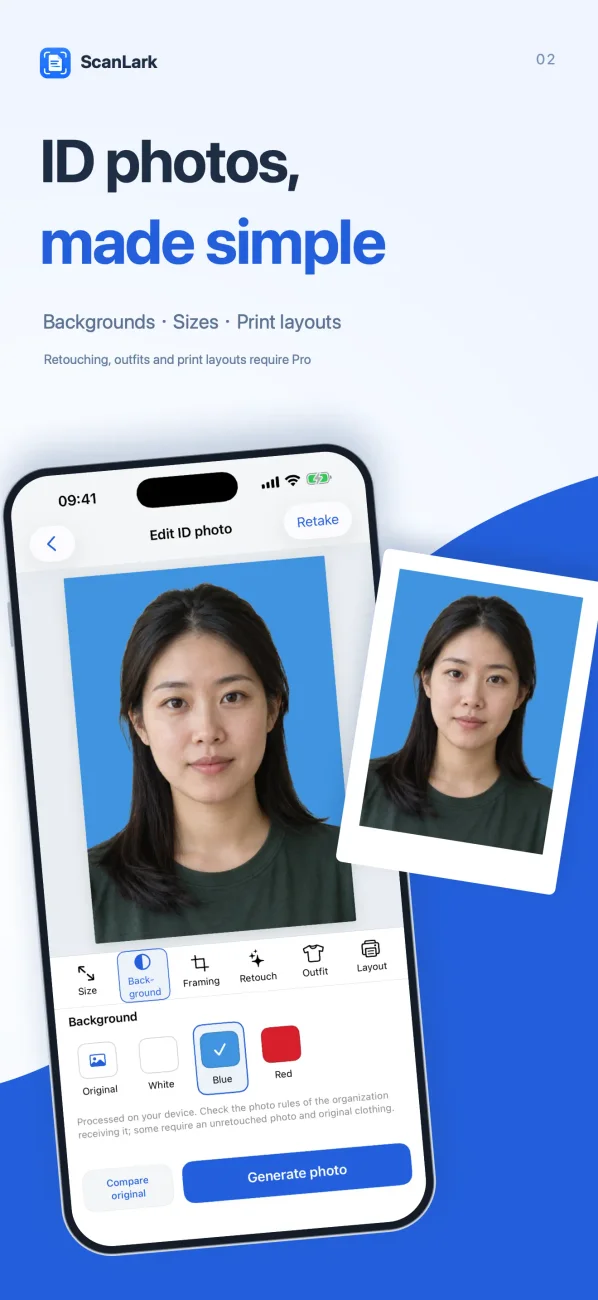
• Take or import a portrait. Adjust framing, choose a standard or custom size, switch to a white, blue or red background, and save a single photo for free.
• Options for official ID photos vary by region and purpose; some provide guidance only.
KEEP DOCUMENTS ORGANIZED
• Rename files, add tags and filter by type, source or date.
• Recover accidentally deleted documents from the trash.
OFFLINE PROCESSING AND PRIVACY
Scanning, text recognition, document editing and ID photo processing run locally, without uploading documents. App lock and private documents help control access within the app. Subscription purchases and optional feedback require an internet connection.
OPTIONAL SCANLARK PRO
• Whole-document and batch OCR, full-text search and searchable PDFs.
• Merge, split, compress and password-protect PDFs. Add watermarks and handwritten signatures.
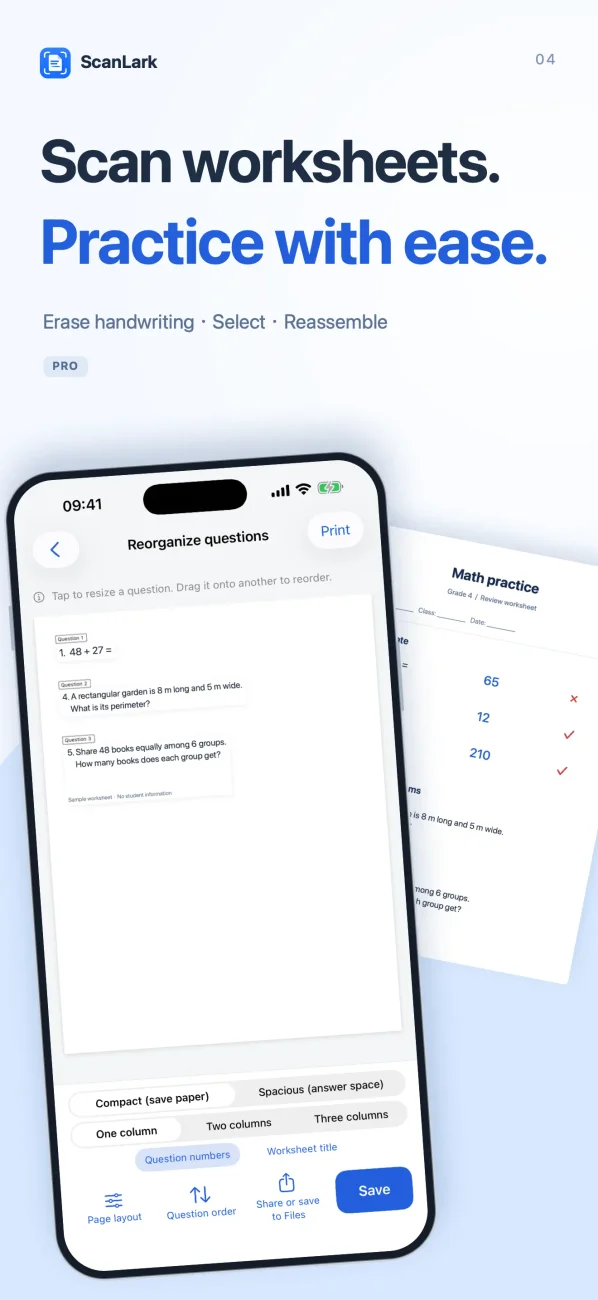
• Split book spreads, arrange ID document copies and build practice worksheets.
• Photo retouching, outfit templates and print layouts for ID photos.
Pro offers monthly and yearly auto-renewable subscriptions. Prices and purchase terms are shown before purchase. Manage or cancel in your Apple account subscription settings, or restore purchases with the same Apple account.
Recognition and automatic processing depend on the original. Review important text and pages before use.
Privacy Policy: https://api.moyustock.com/scan-flow/en/privacy.html
Terms of Use: https://api.moyustock.com/scan-flow/en/terms.html
Apple Standard EULA: https://www.apple.com/legal/internet-services/itunes/dev/stdeula/
Support: 770649662@qq.com
App privacy
What 加胜 钟 declares on the App Store about how this app handles data.
-
Data not collected
The developer does not collect any data from this app.
Privacy practices may vary, for example with the features you use or your age.
Information
- Seller
- 加胜 钟
- Category
- Productivity
- Version
- 1.0
- Updated
- Nov 11, 2026
- Released
- Nov 10, 2026
- Size
- 99.0 MB
- Requires
- iOS 16.6 or later
- Age rating
- 4+
- Price
- Free
- In-app purchases
- Yes
- Languages
- English, French, German, Simplified Chinese, Spanish
- Copyright
- © 2026 钟加胜
You might also like
-
 SnapDoc: PDF Scanner & EditorScan, Annotate & Export to PDF
-
 MyListen: Create Audio OfflineTurn Text into Personal Audio
-
 OneScan: PDF & ID ScannerScan, Save & Find Documents
-
 ChatWing AIHigh EQ chat skills,AI Chat
-
 Life Metro: Daily PlannerTo-do list & weekly reviews
-
 纳米Work-安全可靠的AI办公平台Productivity
-
 Transcribe: speech to textlive transcribe,voice recorder
-
 TheGreatMe: AI Weekly ReviewLife Planner, Goals & Habits
-
 IdeaSnap: AI Voice Notes&TasksAIVoice Notes & Task reminders
-
 PAUSED: Limit Screen TimeApp Blocker, Dopamine Detox