SnapDoc: PDF Scanner & Editor
Scan, Annotate & Export to PDF
Designed for iPhone, iPad
- Age rating4+
- CategoryProductivity
- DeveloperSoe Htut
- LanguagesEnglish
- Size7.6 MB
Links to the official App Store page
Download.org hosts no file of SnapDoc: PDF Scanner & Editor. The button opens its official App Store page, published by Soe Htut. Listing last checked on Nov 10, 2026.
Screenshots
About
SnapDoc is your all-in-one document scanner and PDF editor for iPhone and iPad.
Scan documents, receipts, IDs, notes, and whiteboards in seconds. Automatically detect edges, correct perspective, enhance image quality, then edit, annotate, sign, organize, and share your PDFs — all with a fast, private, on-device experience.
SCAN WITH EASE
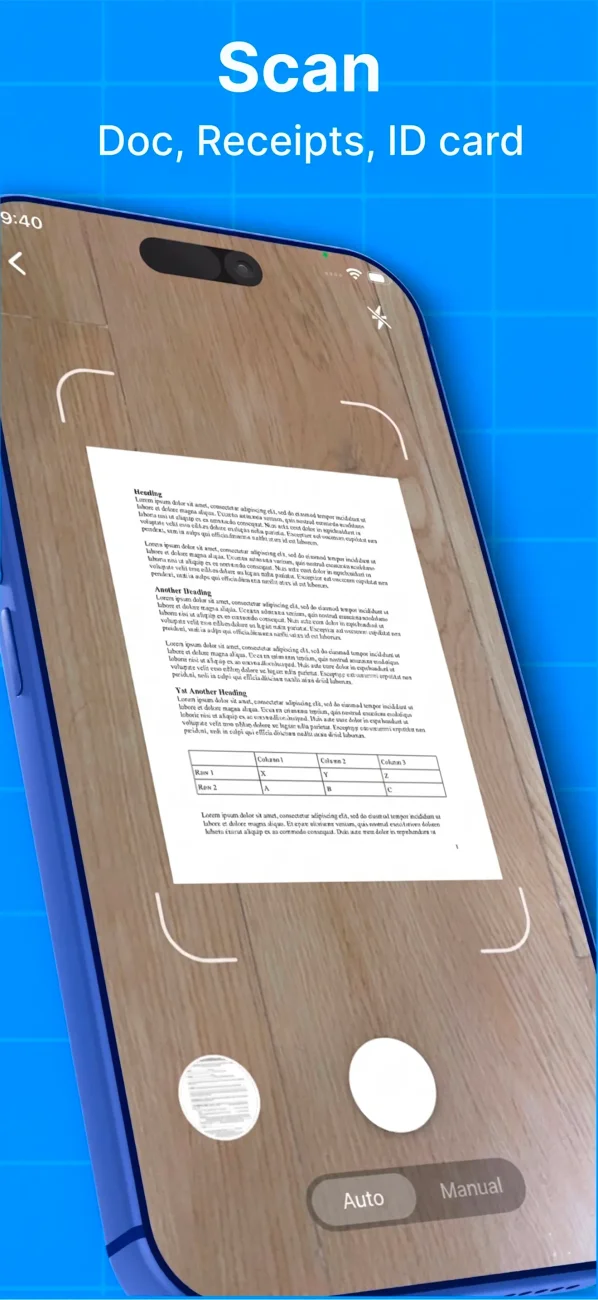
• Automatic edge detection with a live scanning overlay
• Auto-capture when your document is steady, or capture manually
• Perspective correction for clean, straightened pages
• Scan documents, receipts, IDs, notes, and whiteboards
ENHANCE YOUR SCANS
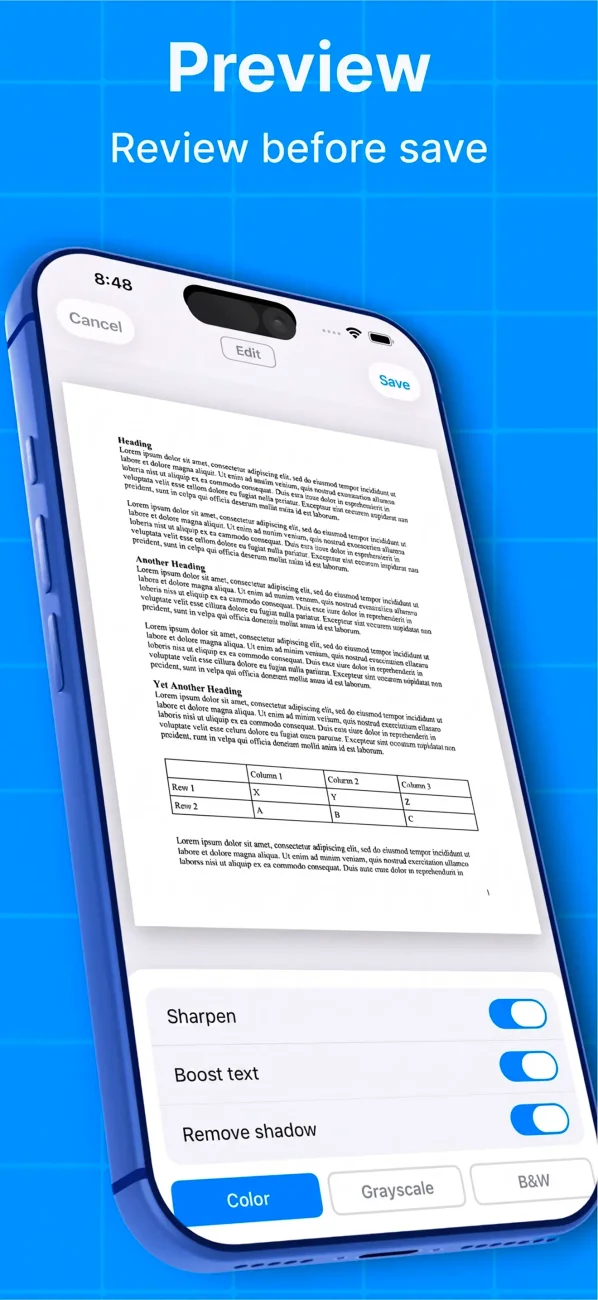
• Boost text for sharper, more readable documents
• Remove shadows and uneven lighting
• Sharpen, Grayscale, and Black & White filters
• Turn photos and scans into clean PDFs
EDIT & ANNOTATE PDFs
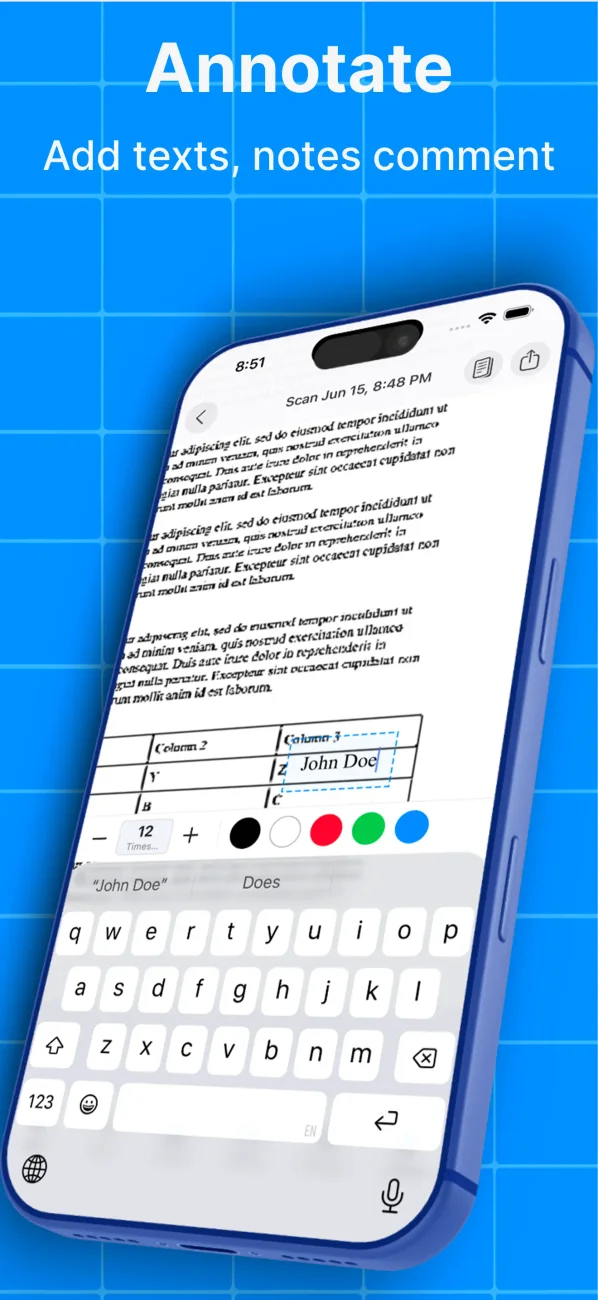
• Add text and images to your PDFs
• Draw naturally with Pen
• Add stamps for quick annotations
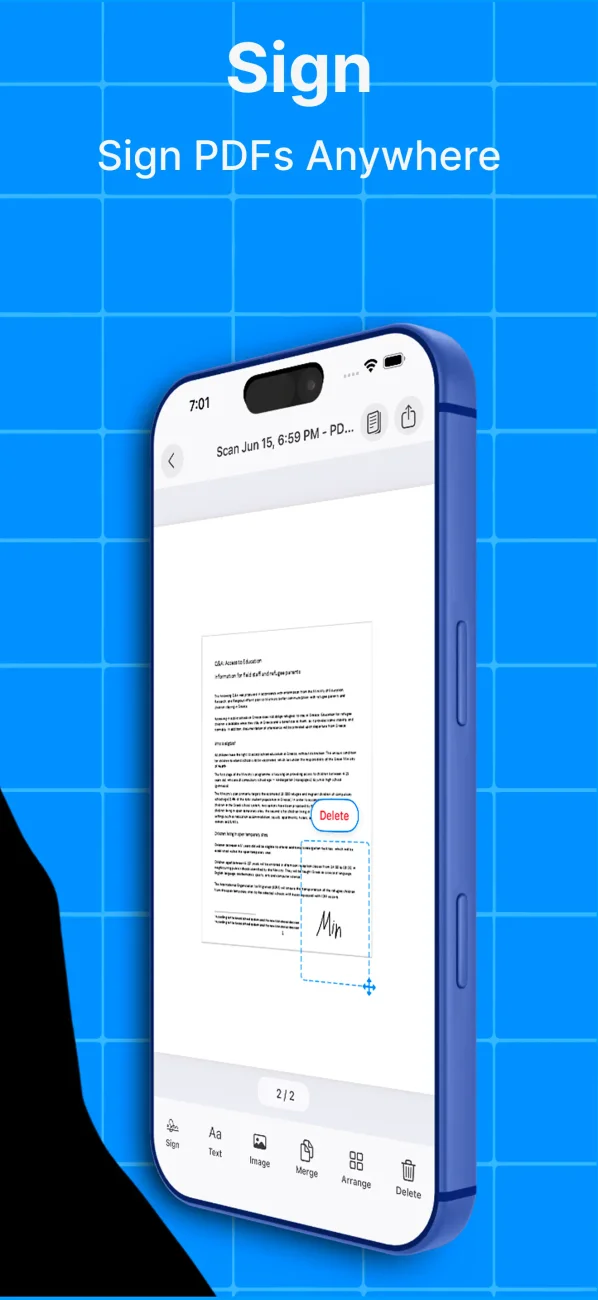
• Sign documents with your signature
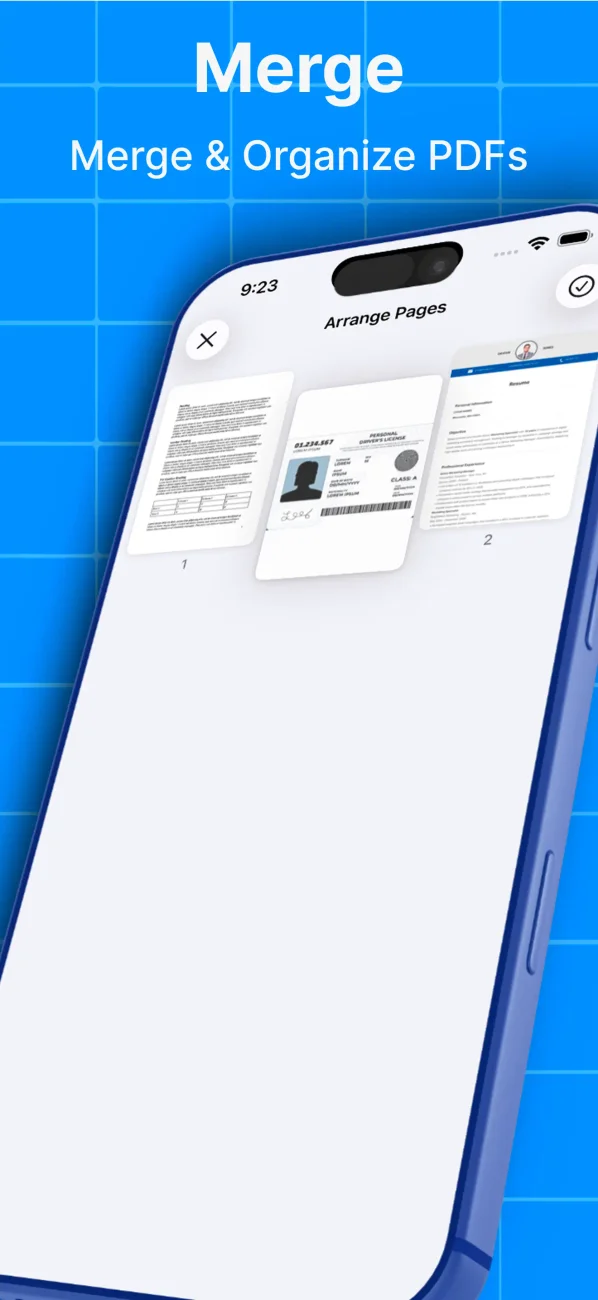
• Reorder, rotate, and delete pages
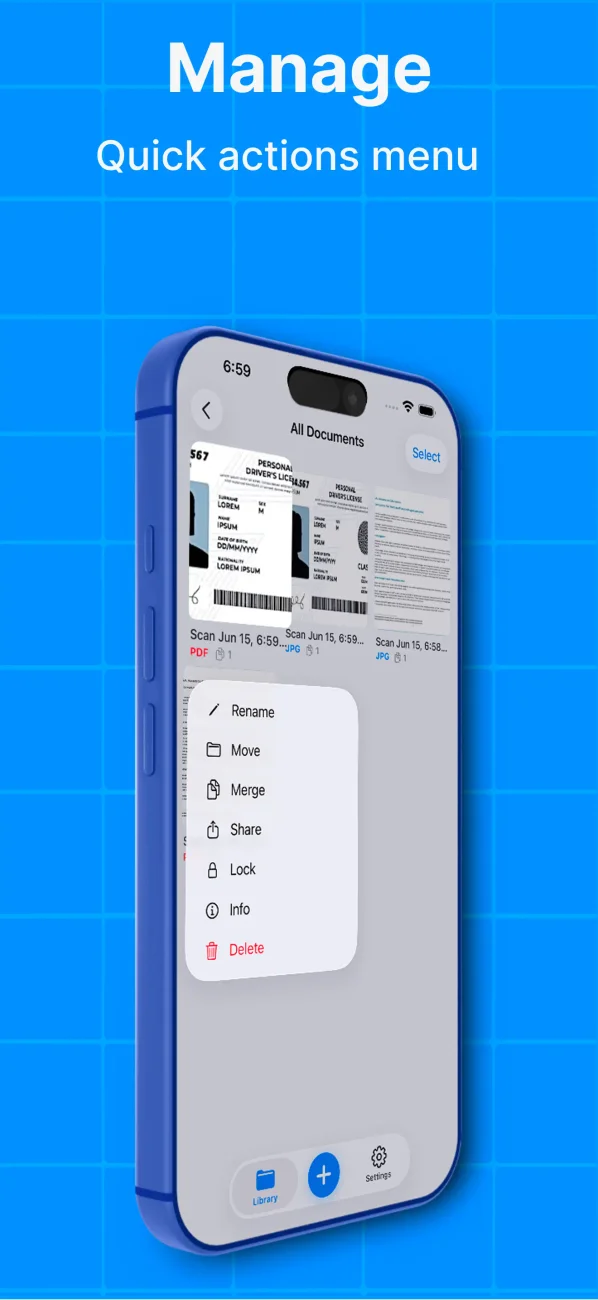
• Merge multiple PDFs into one
PROTECT YOUR DOCUMENTS
• Password-protect PDF documents
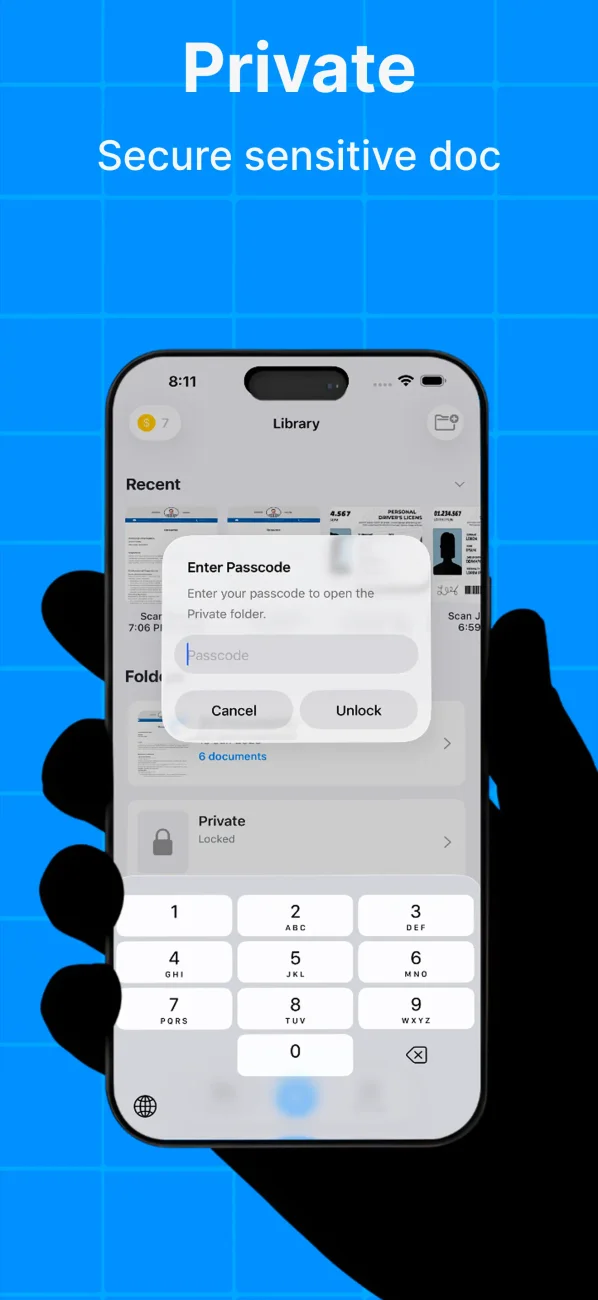
• Keep sensitive files in a Private Folder
• Protect your Private Folder with a passcode and Face ID
READ PDFs YOUR WAY
• Full-screen reading mode for a distraction-free experience
• Adjust your reading view for a comfortable experience
• Easily navigate through multi-page documents
STAY ORGANIZED
• Organize documents into folders
• Keep important files in one place
• Protect sensitive documents with a private folder, passcode, and Face ID
SHARE & EXPORT
• Export high-quality, selectable PDFs
• Save documents to Files
• Share via Mail, Messages, AirDrop, and other apps
PRIVATE BY DESIGN
Your scans and documents are processed on your device and are never uploaded to our servers.
Scan. Edit. Annotate. Sign. Read.
SnapDoc gives you everything you need to work with documents on iPhone and iPad.
What’s new
Version 1.6 · Aug 26, 2026
• Added iPad support
• Optimized the PDF editing experience for iPad
• Improved document reading and annotation
• Password-protected PDFs and share
• Performance and stability improvements
App privacy
What Soe Htut declares on the App Store about how this app handles data.
-
Data used to track you
May be used to track you across apps and websites owned by other companies.
- Identifiers
- Usage data
-
Data linked to you
May be collected and linked to your identity.
- Identifiers
- Usage data
-
Data not linked to you
May be collected but is not linked to your identity.
- Diagnostics
Privacy practices may vary, for example with the features you use or your age.
Information
- Seller
- Soe Htut
- Category
- Productivity
- Version
- 1.6
- Updated
- Aug 26, 2026
- Released
- Jun 22, 2026
- Size
- 7.6 MB
- Requires
- iOS 16.6 or later
- Age rating
- 4+
- Languages
- English
- Copyright
- © 2026 Soe Htut
You might also like
-
 Snapdoc ScannerScan to PDF
-
 Toolverse: Scan & Photo EditorOCR, PDF, Retouch & Erase
-
 Scanmint: PDF Document ScannerPDF converter, scan, receipts
-
 PDF Scanner - Scan & OCRScan, OCR & AI Document Reader
-
 ScanNest: PDF Scanner & OCRSmart PDF Scanner & OCR Tool
-
 Snap Doc Pro: PDF ScannerScan, Sign & Compress PDFs
-
 SnapDoc PDF - AI ScannerScan Documents, QR, objects
-
 Doc Scanner : scan to pdfcam scanner with pdf scanner
-
 ScannerBest - PDF Scanner AppScan docs, export PDF
-
 SnapDocs - Document ScannerPDF Scanner & File Organizer