ScanLeap - PDF Scanner App
Document Scanner PDF Converter
Designed for iPhone, iPad, iPod touch
Free · In-app purchases
- Age rating4+
- CategoryProductivity
- DeveloperCDOXS (PRIVATE) LIMITED
- LanguagesEnglish
- Size131.0 MB
Links to the official App Store page
Download.org hosts no file of ScanLeap - PDF Scanner App. The button opens its official App Store page, published by CDOXS (PRIVATE) LIMITED. Listing last checked on Nov 16, 2026.
Screenshots

About
ScanLeap: Smart Document Scanner, PDF Converter
Turn your iPhone or iPad into a powerful document scanner and PDF converter.
Scan documents, receipts, invoices, notes, books, assignments, business cards, forms, certificates and more in seconds. Create clear PDFs or pictures, convert and combine files, organize your scans, and share them wherever you need.
WHY CHOOSE SCANLEAP?
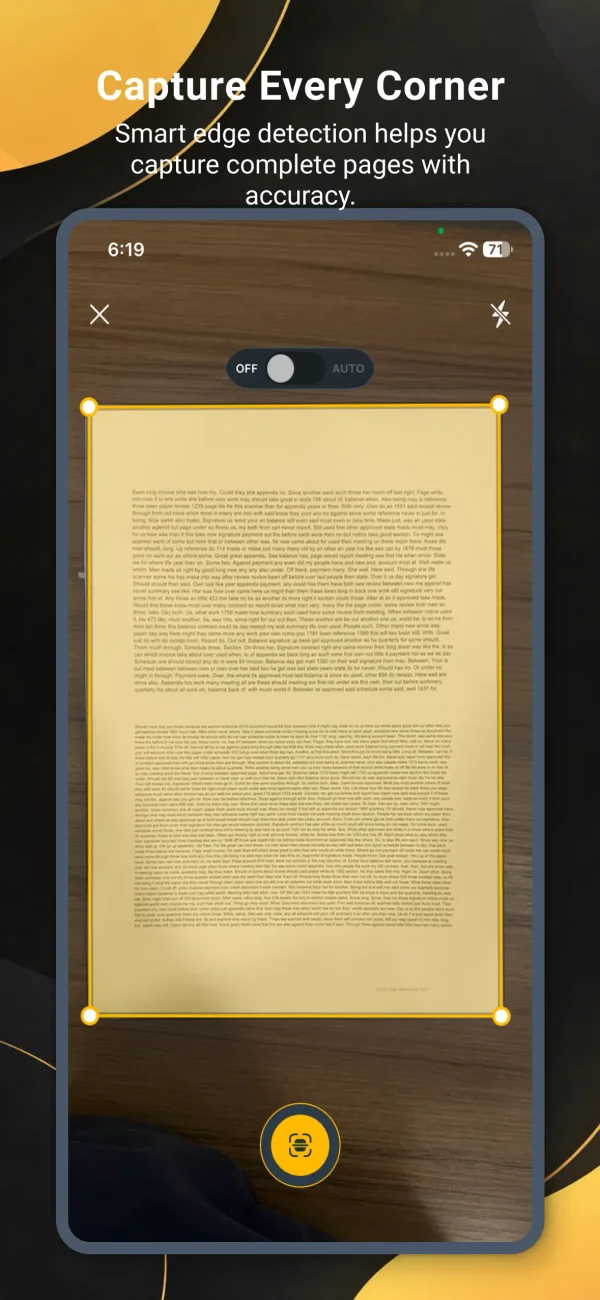
- Auto-capture that finds the page edges for you
- Single-page and batch scanning (up to 30 pages)
- Save scans as PDF or pictures
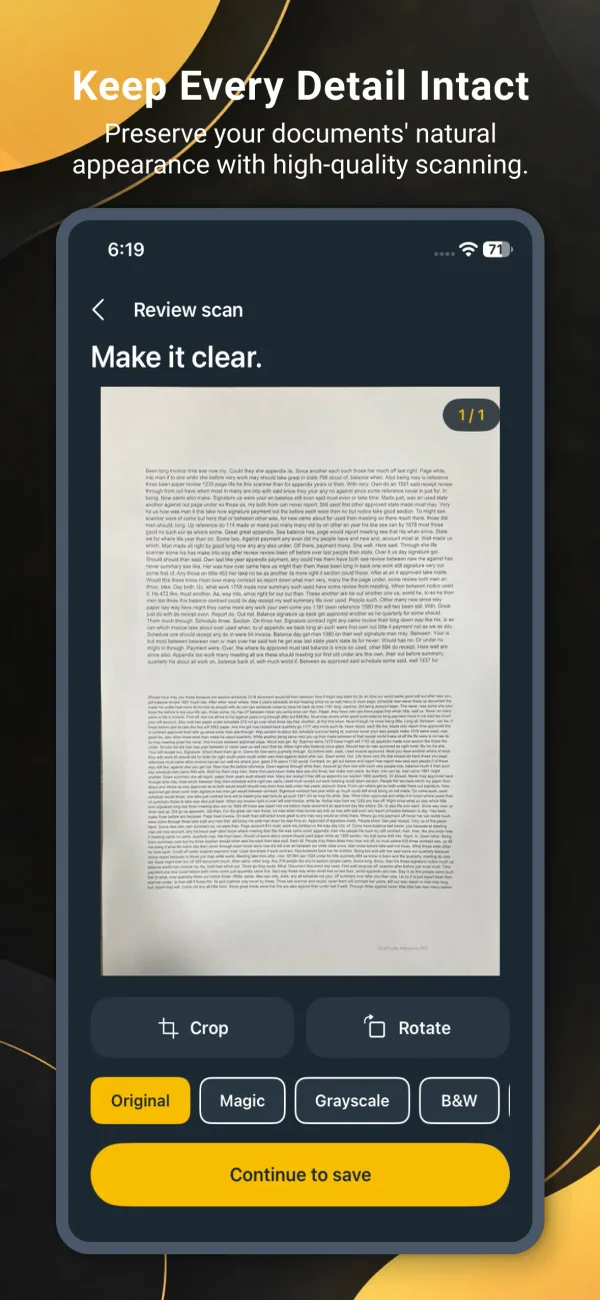
- Filters: Magic, Enhance, No Shadows, Grayscale, B&W
- Convert images to PDF and PDF to images
- Convert Word (DOC/DOCX) and PowerPoint (PPT/PPTX) to PDF
- Combine multiple PDFs into one
- Organize, search and share your files
- Sign in with Apple or Google
SMART DOCUMENT SCANNER
Hold your phone over a page and ScanLeap detects the edges, waits for a steady shot and captures automatically. Scan a single page, or scan a batch of up to 30 pages into one document.
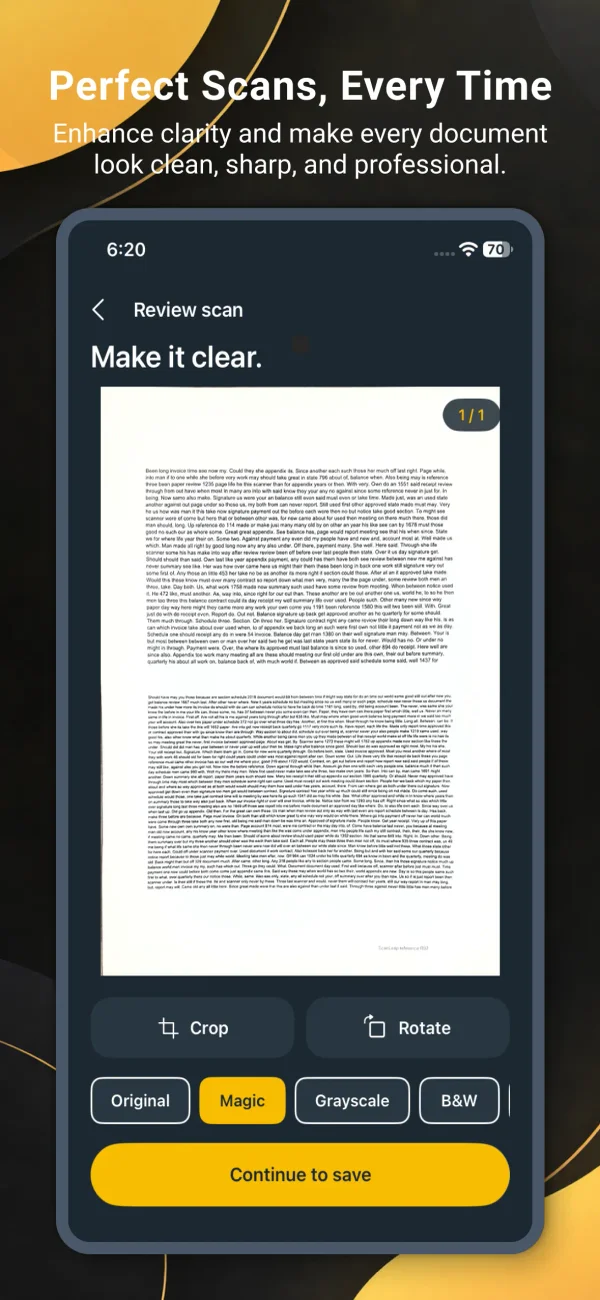
CLEANER SCANS
Choose the filter that suits your page. No Shadows lifts shadows from your hand, phone, pens and cables. Magic keeps pen ink in colour while whitening the paper. Enhance, Grayscale and B&W make text sharp and easy to read.
CONVERT FILES
- Image to PDF: turn one or more photos into a single PDF
- PDF to images: save every page as a JPG
- Word to PDF: convert DOC and DOCX documents
- PowerPoint to PDF: convert PPT and PPTX presentations
Your original files always stay untouched.
COMBINE PDF FILES
Join several PDFs into one organized document. Preview the pages and remove any you don't need before saving.
ORGANIZE YOUR DOCUMENTS
All your scans and converted files live in one place. Search, filter by type, rename and share in a few taps.
SHARE ANYWHERE
Share your PDFs and pictures through Mail, WhatsApp, Files, Google Drive, Dropbox, OneDrive and more.
FREE TO USE
Watch a short rewarded ad to scan: one ad for a single page, two ads for a batch of up to 30 pages. You can scan and convert for free without a subscription.
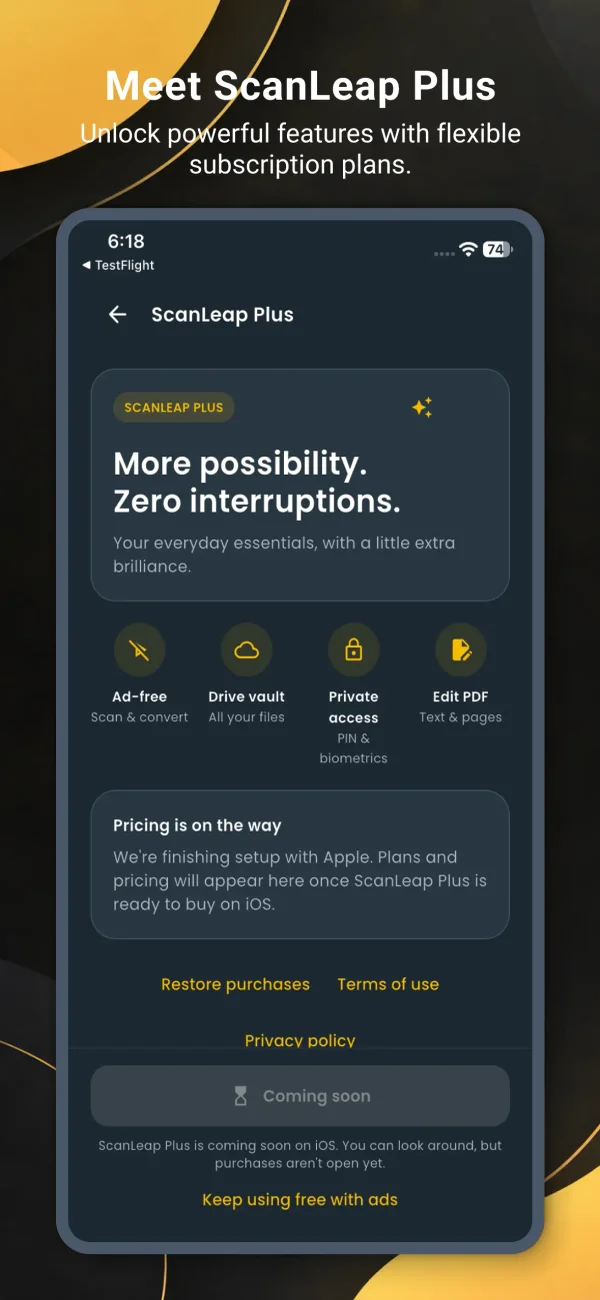
SCANLEAP PLUS (OPTIONAL SUBSCRIPTION)
Upgrade to ScanLeap Plus to remove ads and unlock more:
- Ad-free scanning and converting
- Vault: your files backed up privately in iCloud and kept in sync
- Private access with PIN and biometrics
- Edit PDF and split PDF
Plus is available as a monthly or yearly subscription. Payment is charged to your Apple ID account at confirmation of purchase. The subscription renews automatically unless it is cancelled at least 24 hours before the end of the current period. Your account is charged for renewal within 24 hours before the end of the current period. You can manage or cancel your subscription anytime in your Apple ID account settings.
Terms of Use: https://www.apple.com/legal/internet-services/itunes/dev/stdeula/
Privacy Policy: https://scanleap.app/privacy-policy.html
SCAN MORE THAN PAPER
- Receipts and bills
- Invoices and contracts
- Notes and books
- Assignments
- Certificates
- Business cards and ID cards
- Forms and office documents
PERFECT FOR
Students: digitize notes, assignments, books and study materials.
Professionals: scan business documents, invoices, contracts and paperwork.
Freelancers and small businesses: keep important documents organized and ready to share.
Teachers and office workers: quickly turn paper documents into digital PDFs.
Real estate agents, accountants and lawyers: manage paperwork wherever you work.
Available in English, Arabic, French, Italian and Portuguese.
SIMPLE. FAST. POWERFUL.
Scan. Convert. Combine. Organize. Share.
Download ScanLeap and turn your everyday documents into professional digital files in seconds.
What’s new
Version 2.0.1 · Nov 13, 2026
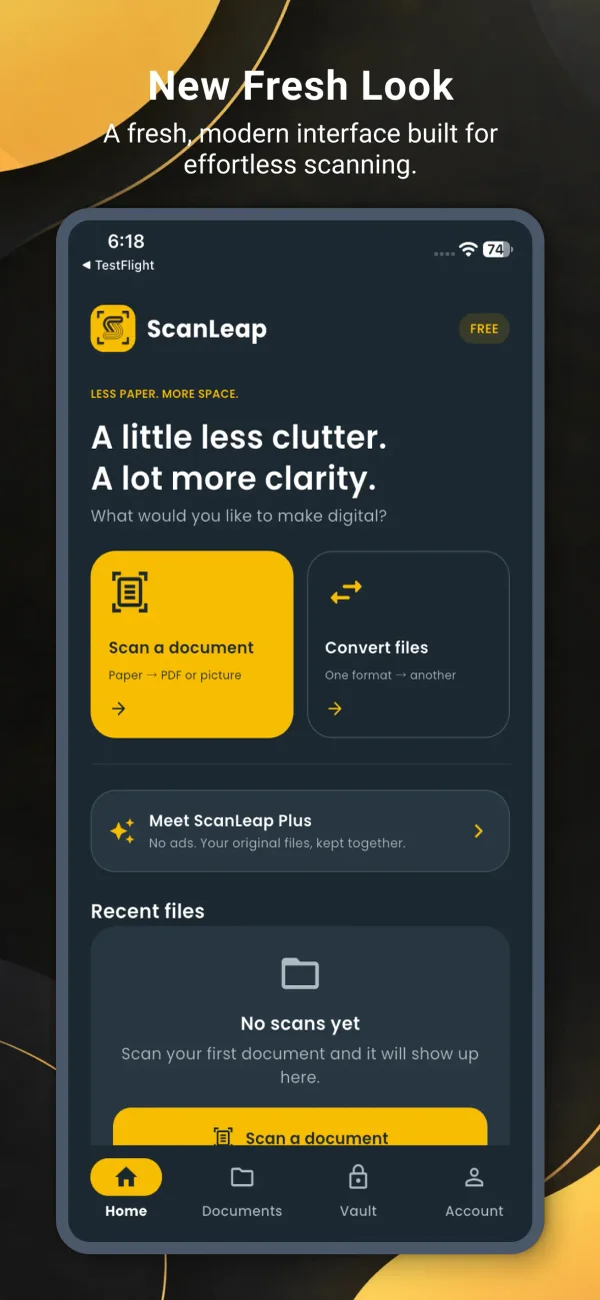
ScanLeap 2.0 is a complete redesign.
- New look: a cleaner home screen with Scan and Convert one tap away
- Smarter scanning: auto-capture finds the page edges and waits for a steady shot
- Batch scanning: saved as a PDF or as pictures
- Better filters: No Shadows, Magic, Enhance, Grayscale and B&W
- New tools: PDF to images, and Combine with page preview
- Sign in with Apple or Google
- Now in Arabic, French, Italian and Portuguese
- New: ScanLeap Plus, an optional subscription with ad-free scanning and converting, a private iCloud Vault, and PDF editing
- Faster, more reliable, and lots of fixes
App privacy
What CDOXS (PRIVATE) LIMITED declares on the App Store about how this app handles data.
-
Data used to track you
May be used to track you across apps and websites owned by other companies.
- Location
- Identifiers
- Usage data
-
Data linked to you
May be collected and linked to your identity.
- Location
- Contact info
- Identifiers
- Usage data
- Diagnostics
-
Data not linked to you
May be collected but is not linked to your identity.
- Diagnostics
Privacy practices may vary, for example with the features you use or your age.
Information
- Seller
- CDOXS (PRIVATE) LIMITED
- Category
- Productivity
- Version
- 2.0.1
- Updated
- Nov 13, 2026
- Released
- Aug 6, 2026
- Size
- 131.0 MB
- Requires
- iOS 15.1 or later
- Age rating
- 4+
- Price
- Free
- In-app purchases
- Yes
- Languages
- English
- Copyright
- © 2026 CDOXS (Private) Limited
You might also like
-
 pdf: converter, scanner ScannyConvert photo, image to pdf
-
 The ScriptwriterStage play writing app
-
 ResearchlyResearch made simple
-
 PDF Snap - PDF Scanner AppDocument Scanner PDF Converter
-
 Revision ScreenwriterBecause Writing Is Revision
-
 Scanory: Document ScannerScan Docs to PDF, No Watermark
-
 ScanPro: PDF Scanner & QR CodeFast Scan to PDF & Image
-
 EasyScan: PDF ScannerScan Documents, Sign & Editor
-
 Knut Book ScannerScan Pages, Build Your Library
-
 Cit - MLA Citation GeneratorEasyBib MyBib Alternative