Scanner App - PDF & OCR
Smart PDF & Document Scanner
Designed for iPhone, iPad
Free · In-app purchases
- Age rating4+
- CategoryProductivity
- Developerdavid levin
- LanguagesEnglish+ 23 more
- Size29.8 MB
Links to the official App Store page
Download.org hosts no file of Scanner App - PDF & OCR. The button opens its official App Store page, published by david levin. Listing last checked on Nov 14, 2026.
Screenshots

About
Turn your iPhone into a fast and powerful mobile scanner.
Scan documents, receipts, notes, contracts, and more in seconds. Create high-quality PDF files, organize your scans, and share them anywhere.
Scanner App - PDF & OCR is designed to make document scanning simple, fast, and reliable.
KEY FEATURES
SCAN DOCUMENTS
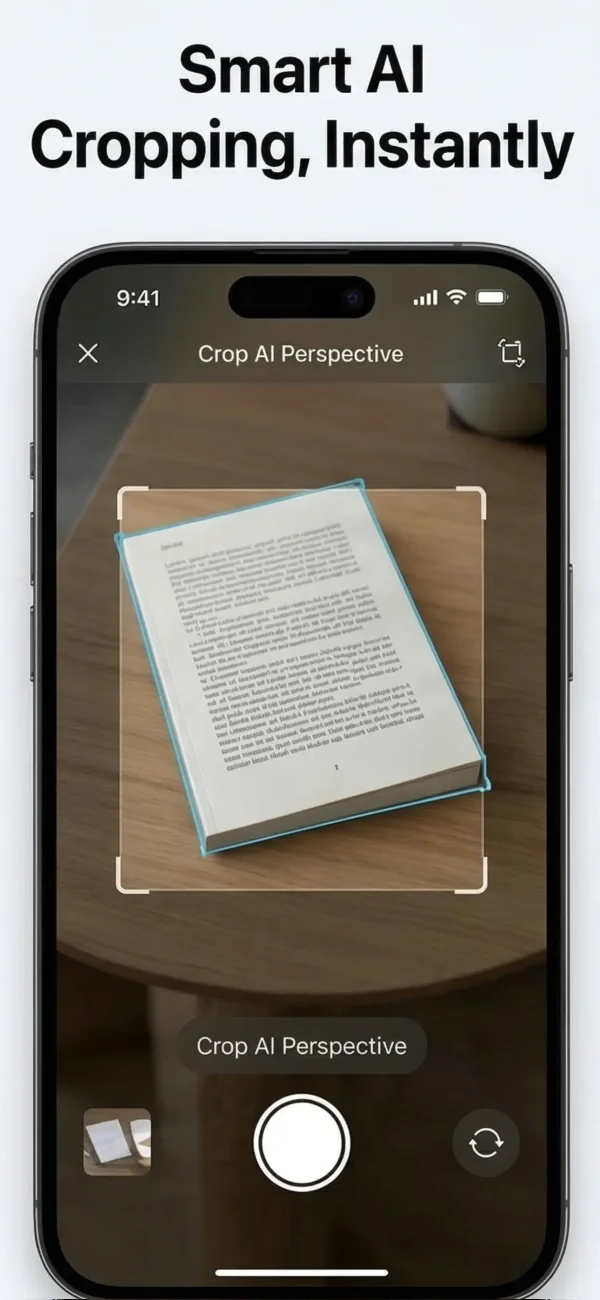
Use your camera to scan paper documents instantly. The app automatically detects document edges and creates a clean, professional scan.
AUTO EDGE DETECTION
Advanced detection automatically finds document borders and crops them for perfect results.
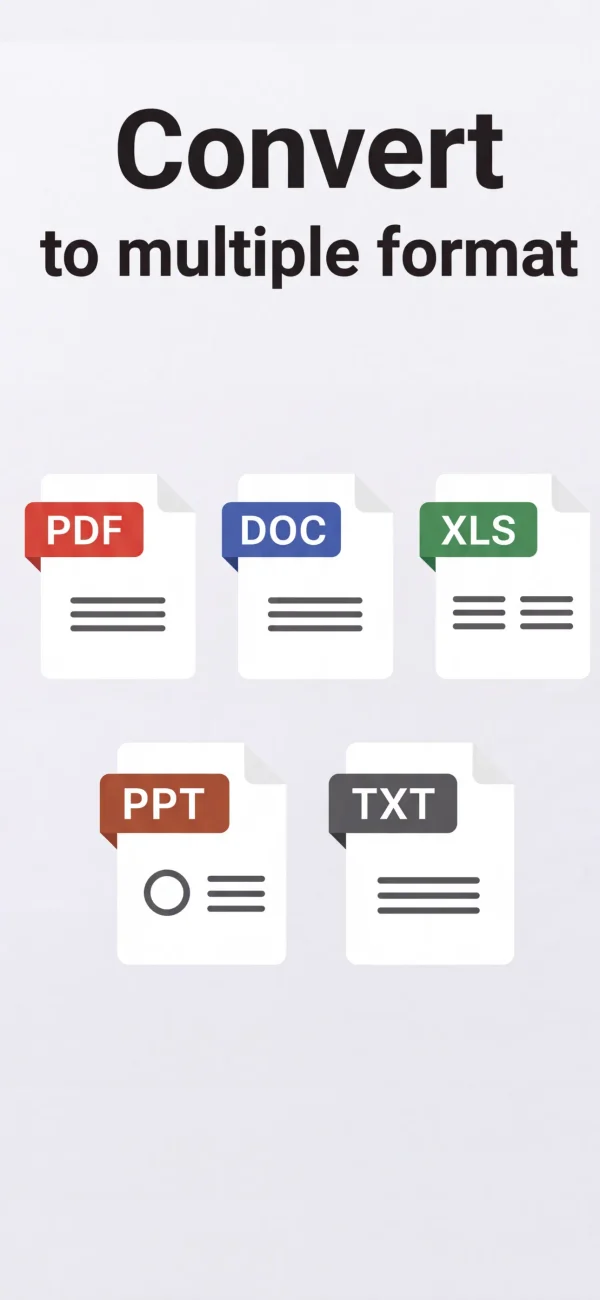
CREATE HIGH-QUALITY PDFs
Convert scanned pages into clear and sharp PDF files. Combine multiple pages into one PDF document.
MULTI-PAGE SCANNING
Scan several pages and organize them in the correct order before exporting.
IMAGE ENHANCEMENT
Improve your scans with filters such as:
• Color
• Black & White
• Grayscale
• Original
ORGANIZE YOUR DOCUMENTS
Keep all your scans in one place. Rename files, organize documents, and quickly find what you need.
SHARE ANYWHERE
Export and share PDFs easily via:
• Email
• Messages
• Files
• AirDrop
• Other apps
FAST AND EASY
Designed for speed and simplicity so you can scan documents anytime, anywhere.
Perfect for scanning:
• Receipts
• Contracts
• Notes
• Invoices
• IDs
• Forms
• Documents
SUBSCRIPTION
This app offers an auto-renewable subscription for premium features, including:
• Unlimited scans
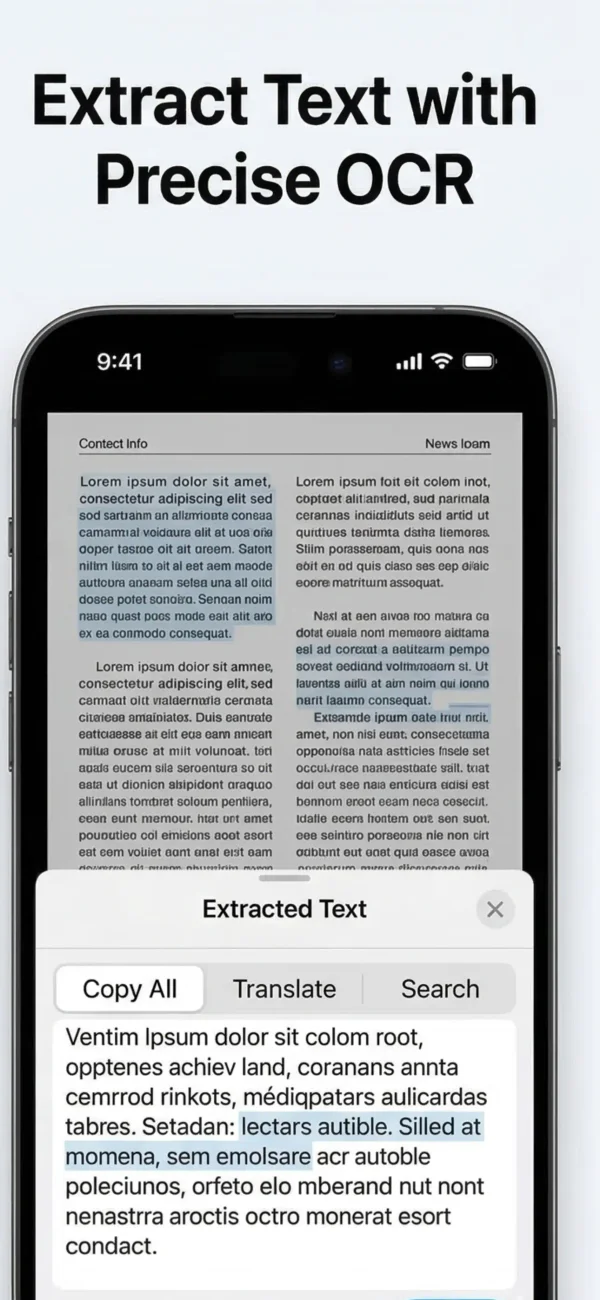
• Advanced OCR text recognition
• Export without watermark
Subscription is required to access premium features.
Subscription options may include weekly, monthly, or yearly plans. Pricing is displayed in the app and may vary by region.
Payment will be charged to your Apple ID account at confirmation of purchase.
Your account will be charged for renewal within 24 hours prior to the end of the current period.
Subscription automatically renews unless canceled at least 24 hours before the end of the current period.
Privacy Policy:
https://privacypolicyone.carrd.co/
Terms of Use (EULA):
https://www.apple.com/legal/internet-services/itunes/dev/stdeula/
What’s new
Version 1.0.8 · Aug 26, 2026
Bug fixes and performance improvements.
App privacy
What david levin declares on the App Store about how this app handles data.
-
Data used to track you
May be used to track you across apps and websites owned by other companies.
- Identifiers
-
Data linked to you
May be collected and linked to your identity.
- Purchases
- Identifiers
- Usage data
-
Data not linked to you
May be collected but is not linked to your identity.
- Diagnostics
Privacy practices may vary, for example with the features you use or your age.
Information
- Seller
- david levin
- Category
- Productivity
- Version
- 1.0.8
- Updated
- Aug 26, 2026
- Released
- Mar 6, 2026
- Size
- 29.8 MB
- Requires
- iOS 18.0 or later
- Age rating
- 4+
- Price
- Free
- In-app purchases
- Yes
- Languages
- English, Albanian, Arabic, Czech, Danish, Dutch, French, German, Hebrew, Hindi, Indonesian, Italian + 12 more
- Copyright
- © 2026 DocScan
You might also like
-
 Scanovo: QR & PDF ScannerScan, Create QR & PDF
-
 Notiz: AI Note Taker & SummaryTranscribe Voice, PDF, Video
-
 PDF Extractor: Image & OCROffline OCR, Tables, Markdown
-
 Documents: Reader & ConverterDocuments: Reader & Converter
-
 SparkPDF: Scan, Sign & FillPDF Filler & Document Scanner
-
 CamVision: PDF & OCR ScannerSmart PDF & Document Scan
-
 Minine: AI Note TakerRecord, Transcribe, Translate
-
 Scanner PDF: Scan & EditScan, Edit & Sign PDFs
-
 Scan Now - PDF Scanner AppPhoto PDF & Document converter
-
 Clipboard Manager - ClipBoxCopy History & Paste Keyboard