Scanner for Docs: Scan & Sign
Organize your documents easily
Designed for iPhone, iPod touch
Free · In-app purchases
- Age rating4+
- CategoryBusiness
- DeveloperLEVERX POLAND SP Z O O
- LanguagesEnglish+ 2 more
- Size83.7 MB
Links to the official App Store page
Download.org hosts no file of Scanner for Docs: Scan & Sign. The button opens its official App Store page, published by LEVERX POLAND SP Z O O. Listing last checked on Nov 13, 2026.
Screenshots


About
Welcome a new portable document scanner!
Forget about long and tedious ways to scan documents in the office or at home. Scanner for Docs is the fastest and most convenient way to scan and send docs. Download now for free and get access to a high quality scanner, electronic sign, safety docs storage, and clear tag search.
Be mobile with a Docs scanner. Scan, manage, print, and share PDF or JPEG files in one minute!
Download a Free High Quality Scanner!
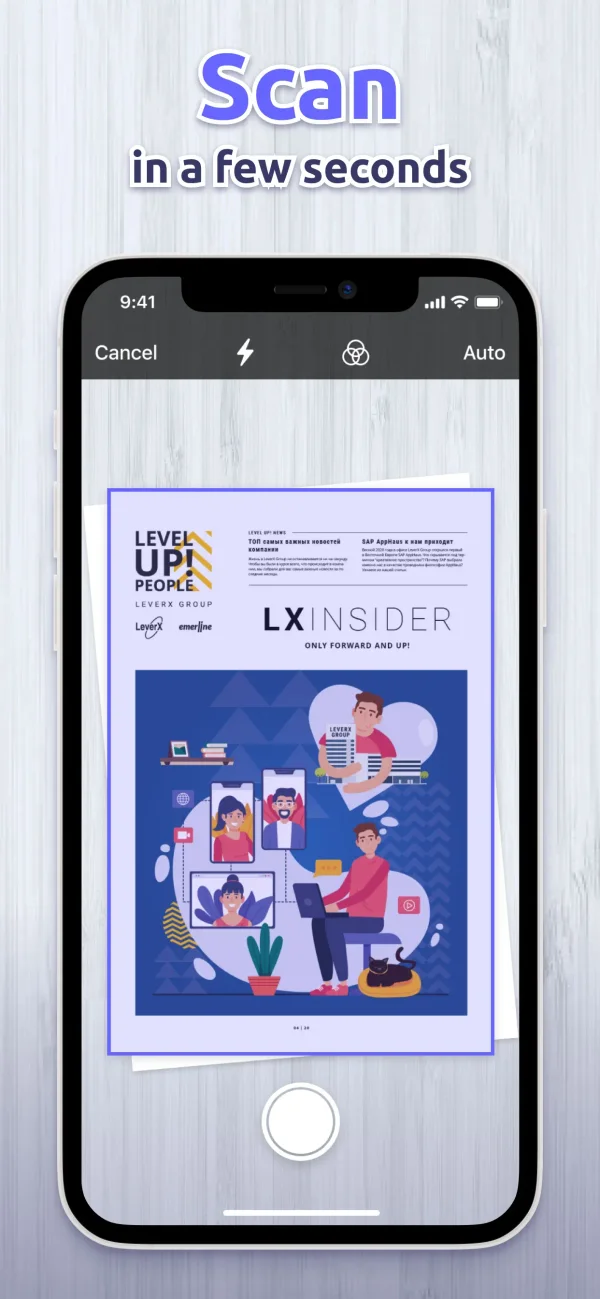
Use your iPhone camera to scan documents, recipes, contracts, notes, passports, or ID cards. All you need is to open Scanner for Docs, press “Scan”, and save or send your doc.
Edit Your Documents!
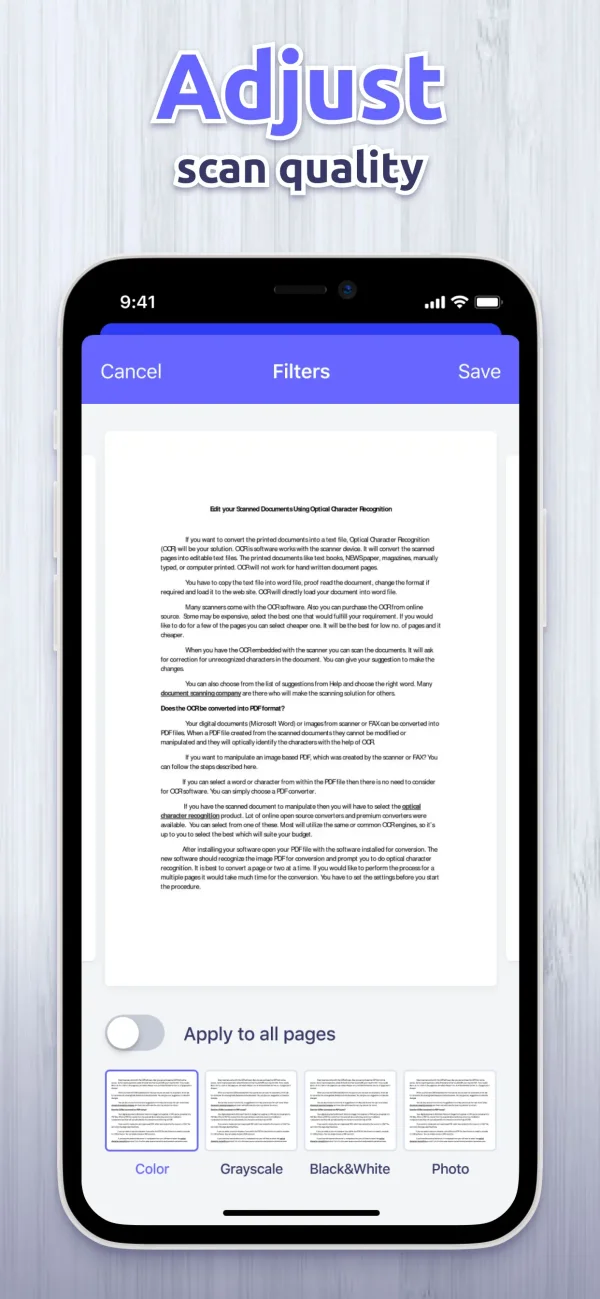
Scan and edit documents without efforts. A variety of filters allows you to edit docs and photos, adjust the contrast, change the orientation of the doc, crop files, etc. Optimize a scan quality removing shadows and glares.
Insert Sign!
With Scanner for Docs, you have an opportunity to sign documents online, using your iPhone only. It takes one minute and a few clicks to receive a contract or invoice and send an already signed copy of it.
Find Docs Easily!
An intuitive tag search takes your app experience to the next level: add simple tags to your documents, and you’ll quickly find the needed files.
Protect Your Files!
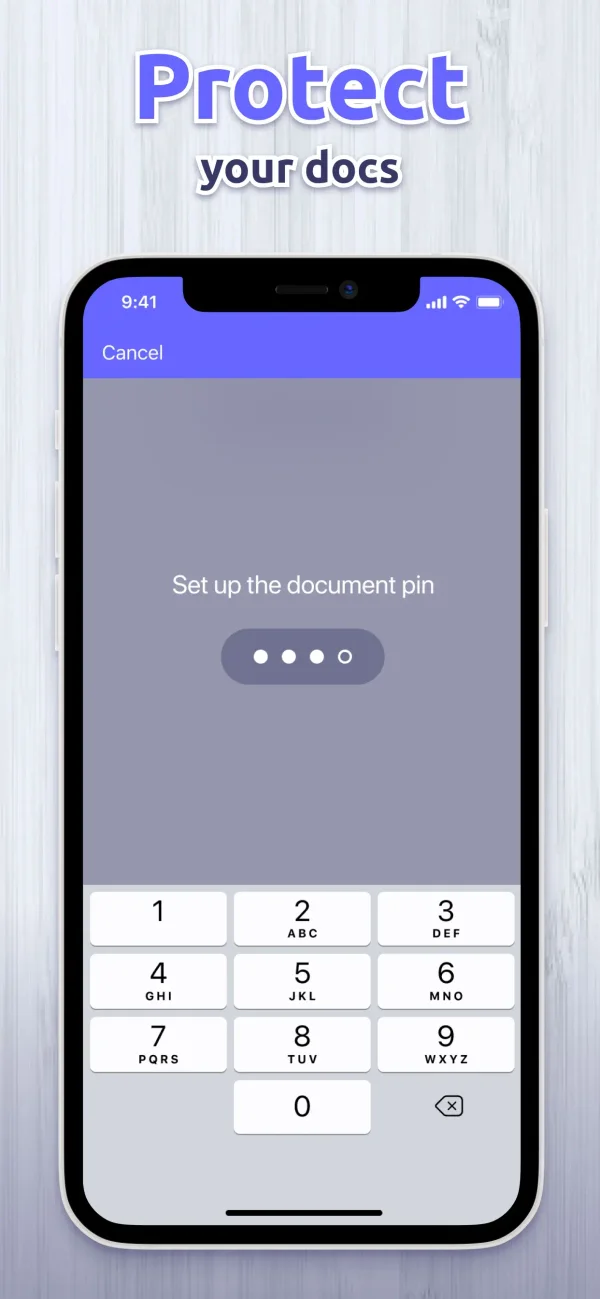
You can easily add a password to each doc to protect your private information.
Share in One Click!
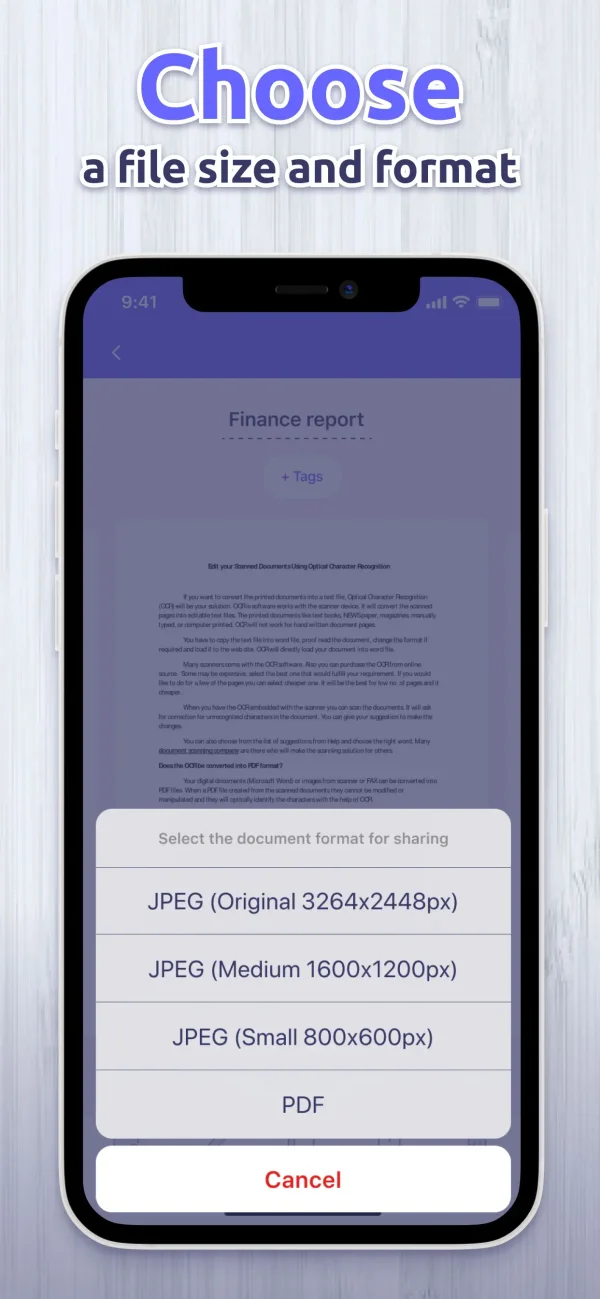
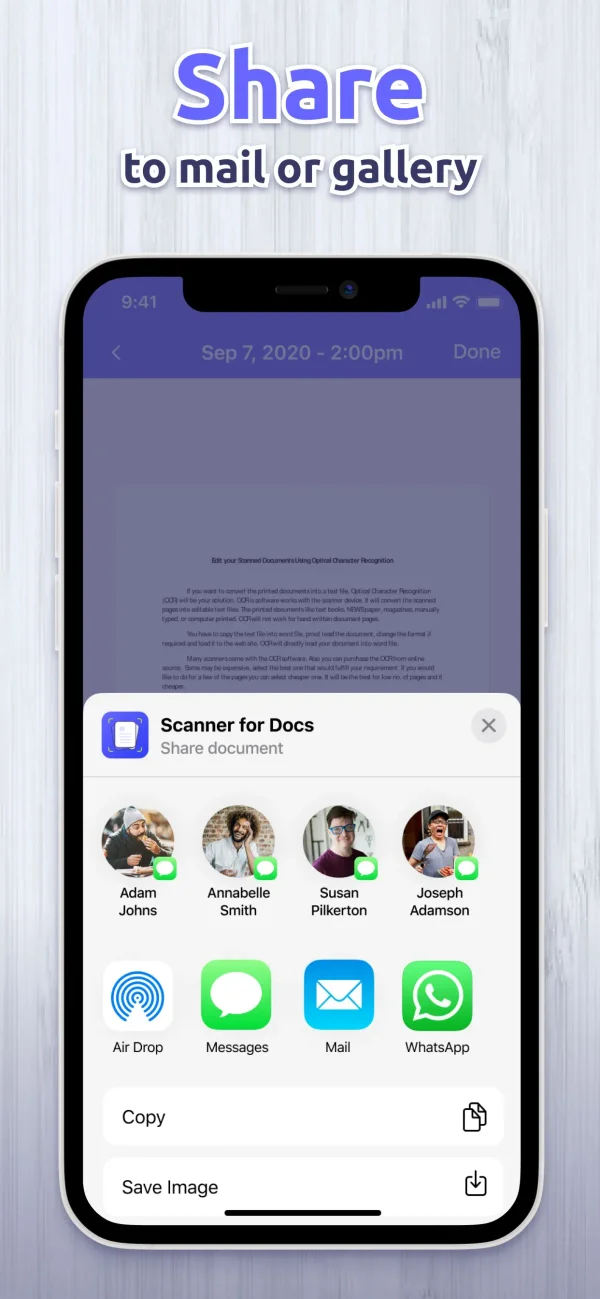
Scan and share JPEG or PDF by email and messenger or save them in the phone’s gallery. You can choose the necessary size (small, medium, or large) of the JPEG file you want to send.
Scanner for Docs is the best app for business, education, or personal use. Download and get access to the scanned files from any device with your iCloud account!
Privacy Policy: http://scannerapp.tilda.ws/privacy
Terms of Use: http://scannerapp.tilda.ws/terms
What’s new
Version 1.1.12 · Oct 17, 2025
This update includes several minor bug fixes.
App privacy
What LEVERX POLAND SP Z O O declares on the App Store about how this app handles data.
-
Data used to track you
May be used to track you across apps and websites owned by other companies.
- Location
- Identifiers
- Usage data
- Diagnostics
-
Data linked to you
May be collected and linked to your identity.
- Location
- Identifiers
- Usage data
- Diagnostics
-
Data not linked to you
May be collected but is not linked to your identity.
- Identifiers
- Diagnostics
- Other data
Privacy practices may vary, for example with the features you use or your age.
Information
- Seller
- LEVERX POLAND SP Z O O
- Category
- Business
- Version
- 1.1.12
- Updated
- Oct 17, 2025
- Released
- Nov 25, 2020
- Size
- 83.7 MB
- Requires
- iOS 13.0 or later
- Age rating
- 4+
- Price
- Free
- In-app purchases
- Yes
- Languages
- English, German, Russian
- Copyright
- © LeverX Poland sp. z o.o
You might also like
-
 PDF Scanner DocumentsYour portable business scanner
-
 Scanner App: Scan Paper to PDFDocument Scanner, Fill & Sign
-
 Scan PDF Scanner appScan & Convert photos to PDFs
-
 PDF Scanner - Document Scan ·Convert to PDF, Image to Text
-
 Nova Scanner-Scan PDF DocumentPDF Scanner app with OCR & Fax
-
 Scanner - convert photo to pdfSign jpg image, ai chat pdf
-
 Scan Documents to PDF l by TSPCamera scanner, text OCR &sign
-
 Scanner App: Docs Scan & SignDocuments and photos into PDF
-
 Convert Image to PDF ScannerMePhoto To PDF Converter
-
 Scanner App: Fast PDF Doc ScanEdit, Convert, & Sign Scans