Scanner: PDF & Document Scan
Receipts, Notes, Forms & IDs
Designed for iPhone, iPad
Free · In-app purchases
- Age rating4+
- CategoryProductivity
- DeveloperYOU SEUNGMIN
- LanguagesEnglish+ 43 more
- Size82.7 MB
Links to the official App Store page
Download.org hosts no file of Scanner: PDF & Document Scan. The button opens its official App Store page, published by YOU SEUNGMIN. Listing last checked on Nov 16, 2026.
Screenshots

About
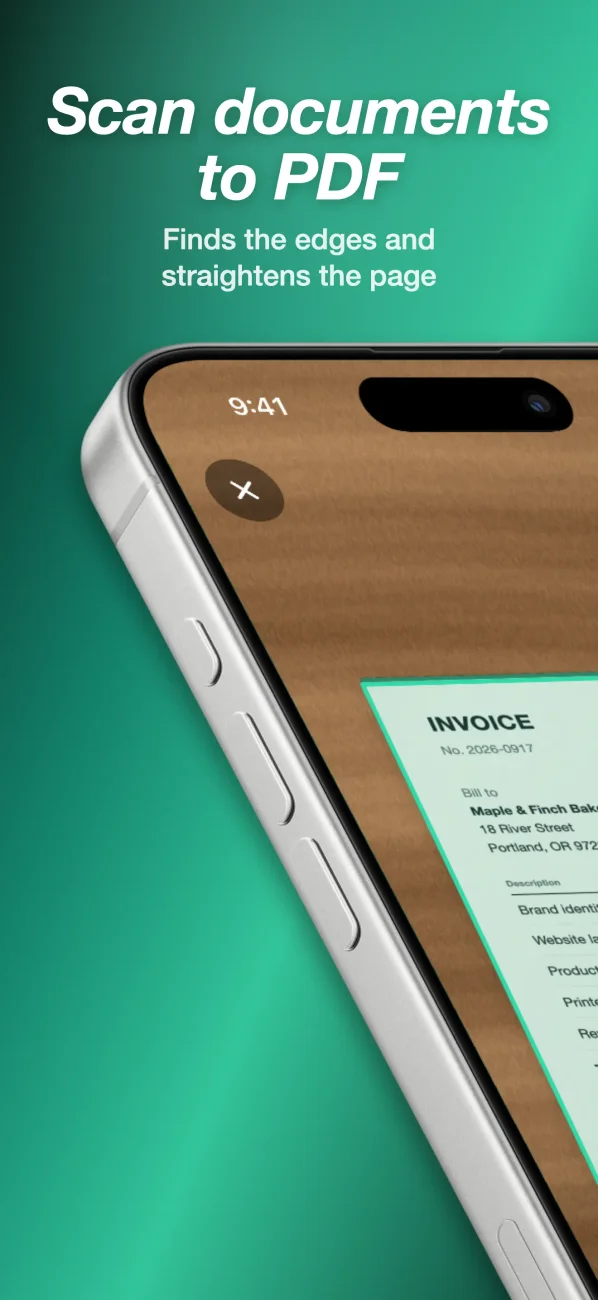
Scanner turns paper into clean PDFs with your phone camera. Point it at a page, and Scanner finds the edges, straightens the page and takes the picture when you hold still.
SCAN
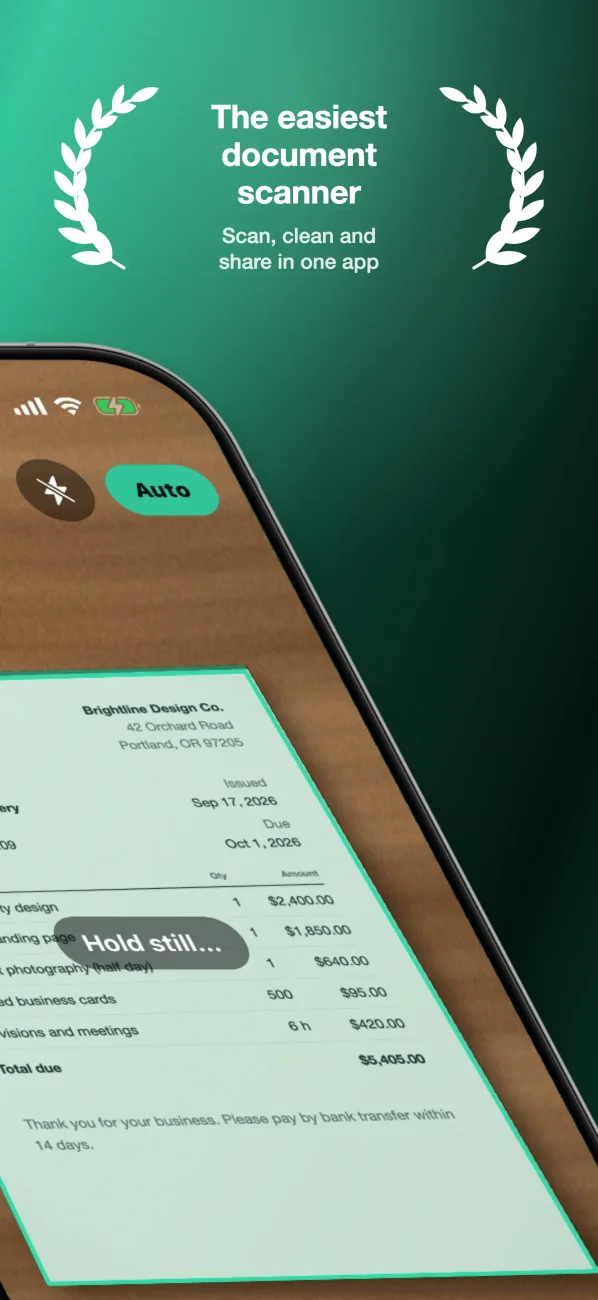
• Live edge detection outlines the page as you aim.
• Automatic capture when the page is found and the phone is steady, or tap to scan yourself.
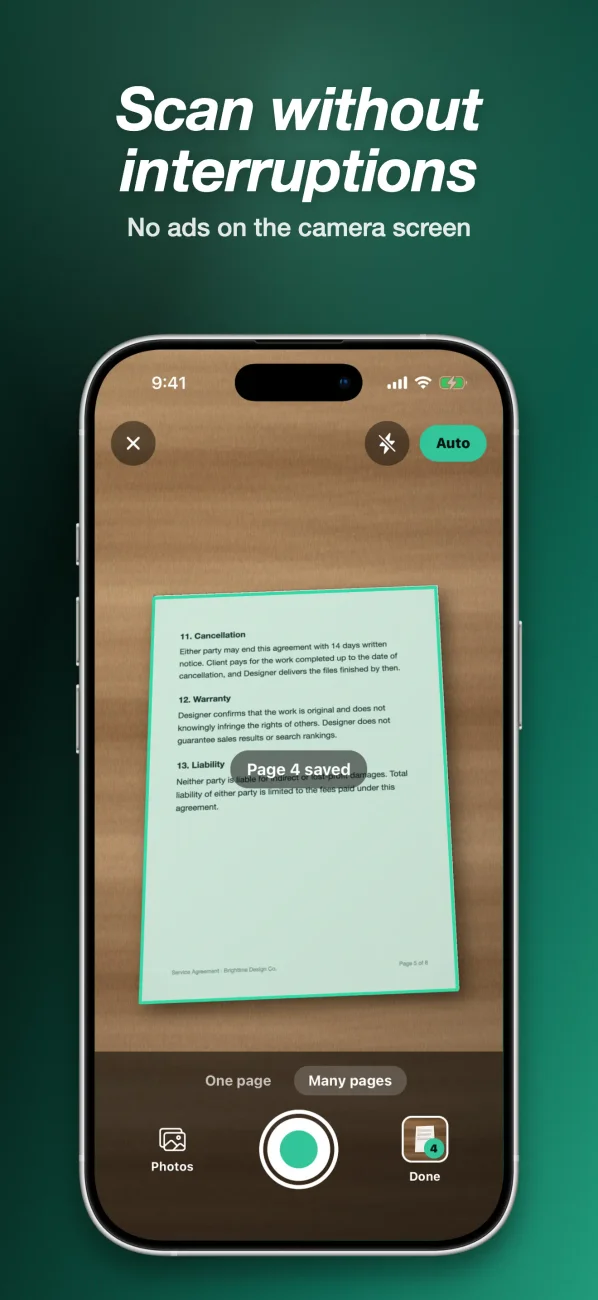
• One page at a time, or many pages in a row.
• Flash and light for dim rooms.
• Import photos of documents you already took.
NEVER LOSE A PAGE
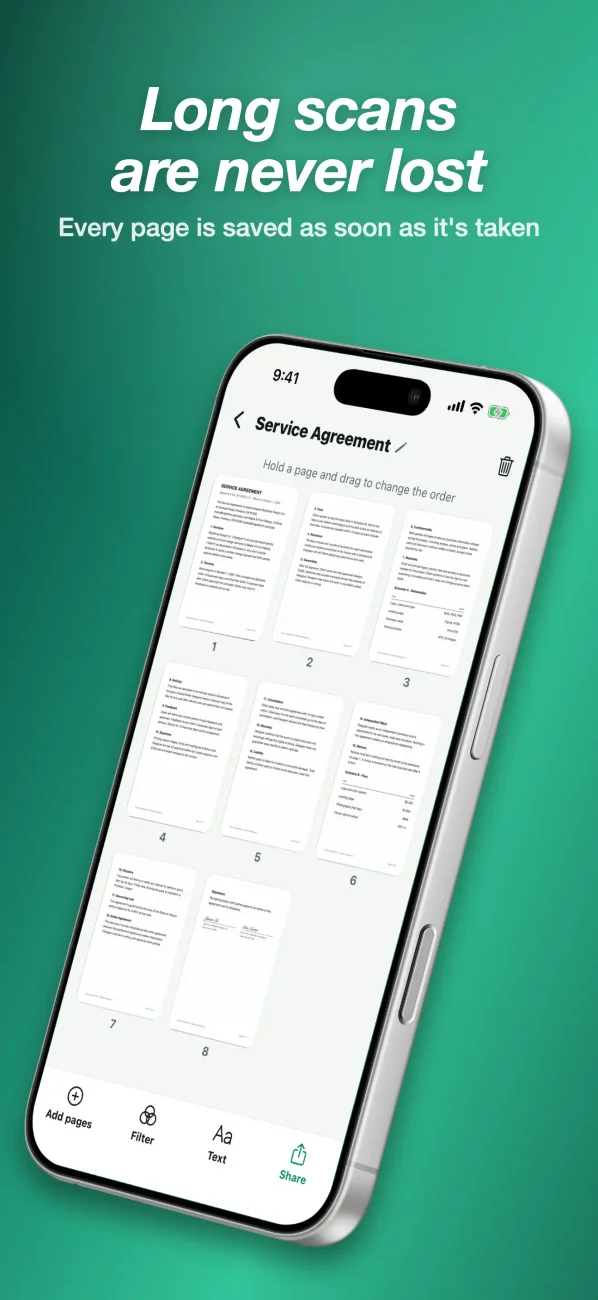
Each page is saved the moment it is taken. If a call comes in or the app closes during a long scan, the pages you took are still there.
CLEAN PAGES
• Tilted photos come out square with perspective correction.
• The Clean filter removes shadows and whitens the paper.
• Gray and black-and-white filters for crisp text.
• Drag the corners to adjust a page, rotate it, or apply a filter to every page at once.
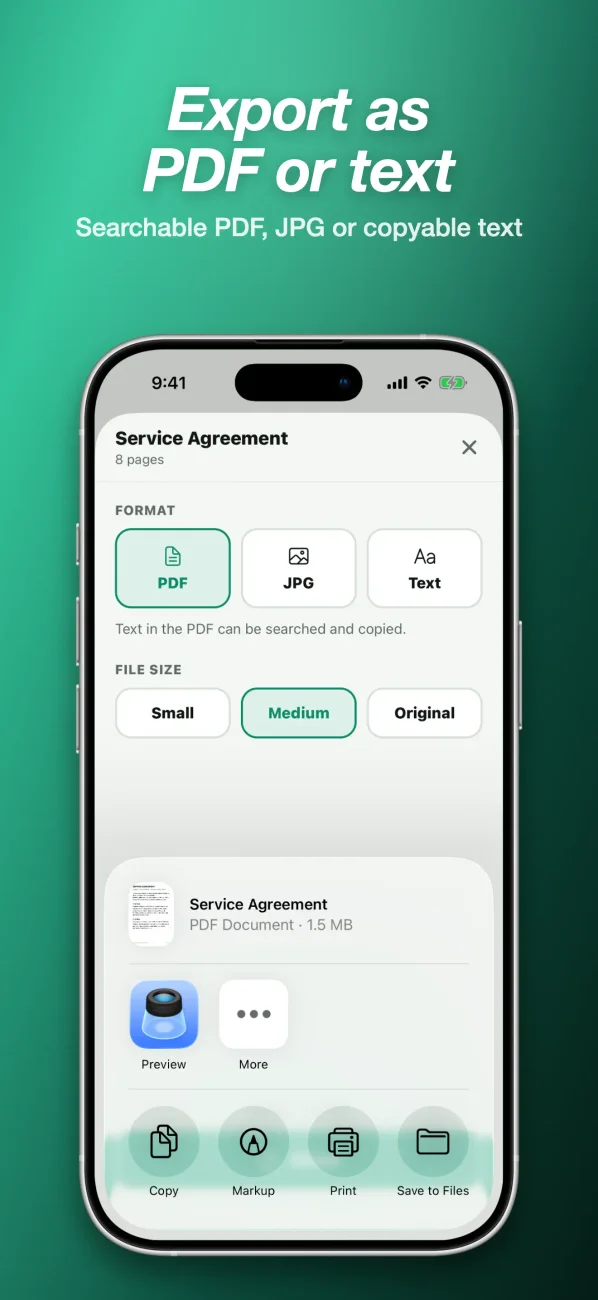
EXPORT AS PDF, JPG OR TEXT
• PDFs with searchable, copyable text.
• Small, medium or original file size.
• Page size: same as the scan, A4 or Letter.
• Text recognition reads the words on your pages so you can copy or share them.
• Share to mail, messages and other apps, or save to Files.
ORGANIZE
• Drag pages to reorder them, delete pages or add more.
• Rename documents and search by name or by the text inside.
PRIVATE
Scanning, cleaning and text recognition all happen on your phone. Nothing is uploaded, and no account is needed.
FREE WITH ADS, OR PREMIUM
Scanner is free with ads, and there are no ads on the camera screen. Scanner Premium removes all ads. Choose a monthly subscription or a one-time lifetime purchase.
Privacy Policy: https://dsm0829.github.io/scanner-privacy/
Terms of Use: https://www.apple.com/legal/internet-services/itunes/dev/stdeula/
What’s new
Version 1.0.2 · Nov 6, 2026
Bug fixes.
App privacy
What YOU SEUNGMIN declares on the App Store about how this app handles data.
-
Data used to track you
May be used to track you across apps and websites owned by other companies.
- Location
- Identifiers
- Usage data
-
Data linked to you
May be collected and linked to your identity.
- Location
- Identifiers
- Usage data
-
Data not linked to you
May be collected but is not linked to your identity.
- Diagnostics
Privacy practices may vary, for example with the features you use or your age.
Information
- Seller
- YOU SEUNGMIN
- Category
- Productivity
- Version
- 1.0.2
- Updated
- Nov 6, 2026
- Released
- Oct 2, 2026
- Size
- 82.7 MB
- Requires
- iOS 16.4 or later
- Age rating
- 4+
- Price
- Free
- In-app purchases
- Yes
- Languages
- English, Arabic, Bengali, Catalan, Croatian, Czech, Danish, Dutch, Finnish, French, German, Greek + 32 more
- Copyright
- © 2026 YOU SEUNGMIN
You might also like
-
 PDF Document Scanner - PDFscanPhotos & JPG to PDF Converter
-
 ScanQ: PDF Scanner & ConverterCompress, Split & XML Viewer
-
 Honest Scanner: PDF & OCRScan to PDF — No Watermark
-
 一鍵去手寫Productivity
-
 Unscribble Handwriting to TextCursive OCR, Image & Note Scan
-
 PureScan Doc ScannerPure scanning, shared fast
-
 PDFLove: PDF Scanner & OCRScan, OCR & PDF Tools
-
 PDF to Text OCR: Scan & CopyExtract Words from Image & Doc
-
 Capacity: AI AgentBuilds and grows your business
-
 Loomo для юристовProductivity