Scanner PDF Editor
Scan, sign & convert documents
Designed for iPhone, iPad, iPod touch
Free · In-app purchases
- Age rating4+
- CategoryBusiness
- DeveloperGowalk - Fzco
- LanguagesEnglish
- Size45.4 MB
Links to the official App Store page
Download.org hosts no file of Scanner PDF Editor. The button opens its official App Store page, published by Gowalk - Fzco. Listing last checked on Nov 12, 2026.
Screenshots
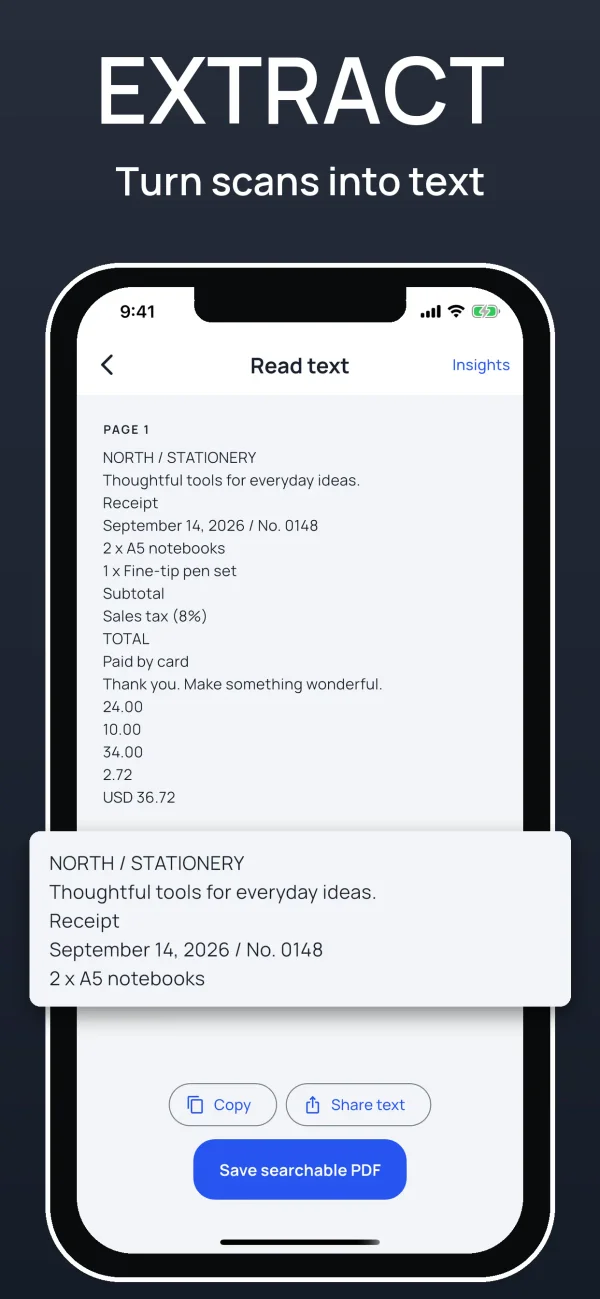
About
Turn paper and existing PDFs into documents you can finish and send from your phone.
Scanner PDF Editor brings scanning, meaningful PDF editing, signing, organization and conversion into one document workflow. An active subscription or valid existing paid purchase is required to use app features. You can finish onboarding, close the offer and explore the app interface before purchasing.
CAPTURE AND ORGANIZE
Scan pages with automatic edge detection, adjust the crop and improve readability. Import PDFs and photos, search recognized text, and organize documents with folders, tags and pinned items.
EDIT THE DOCUMENT ITSELF
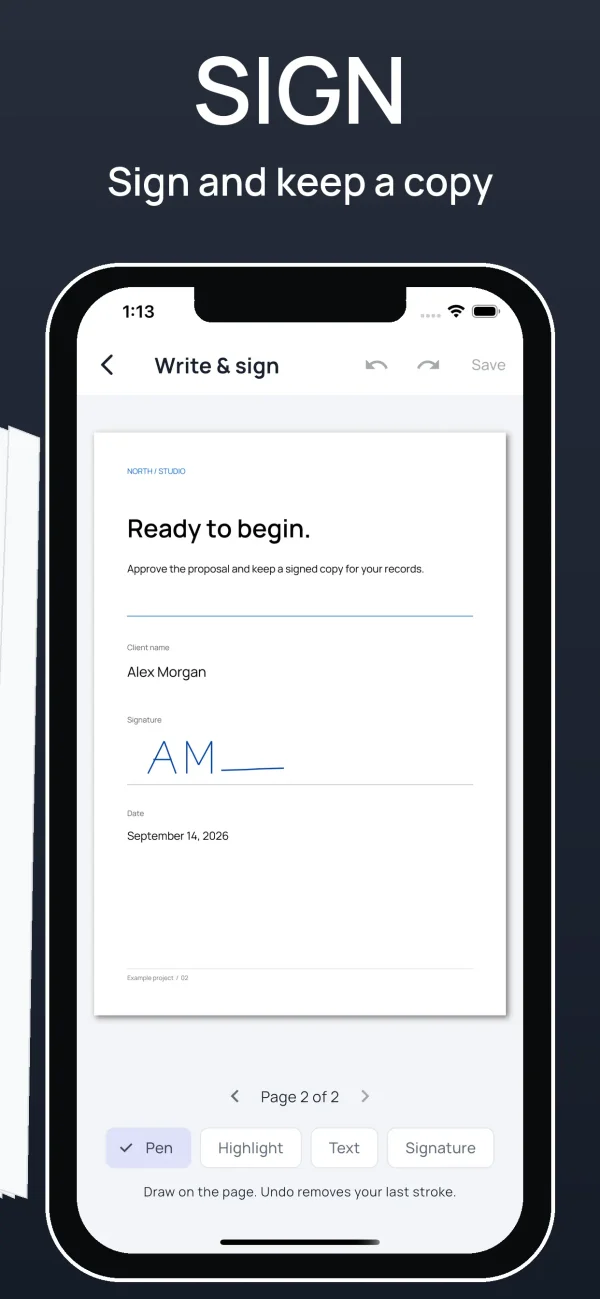
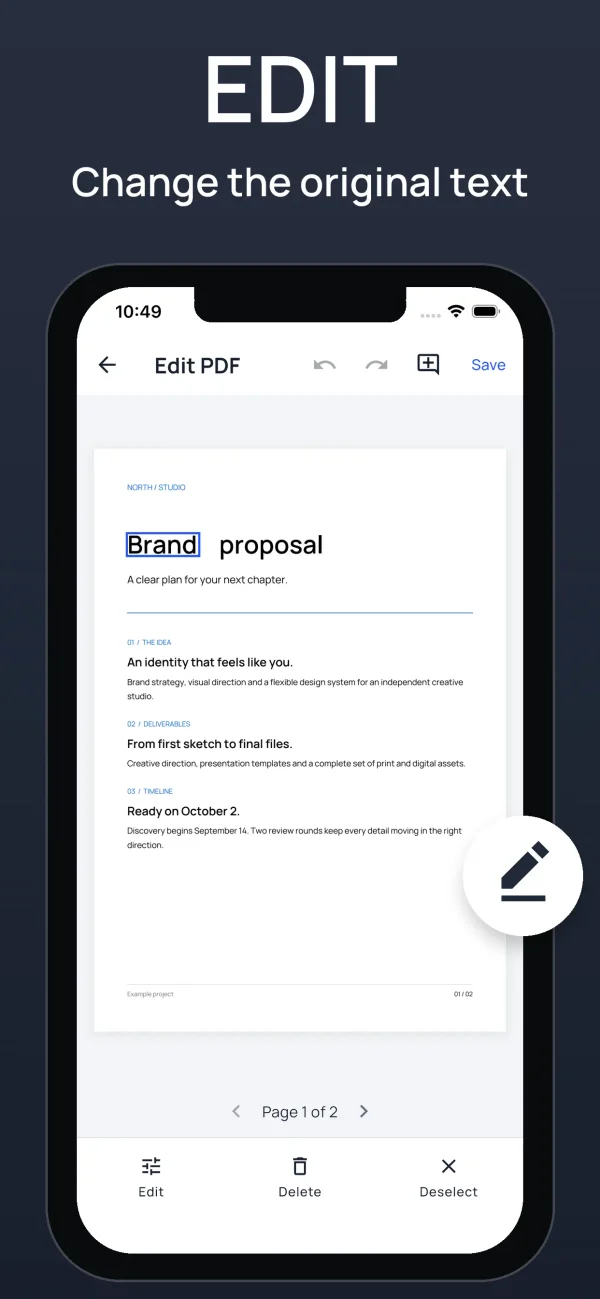
Change existing PDF text and images. Move text, resize images, add notes and links, fill supported forms, and add a drawn signature, ink or highlights. Reorder, duplicate, rotate, crop, add or remove pages. Combine documents or save selected pages separately. Save revisions while preserving your original work.
PREPARE THE RIGHT FILE
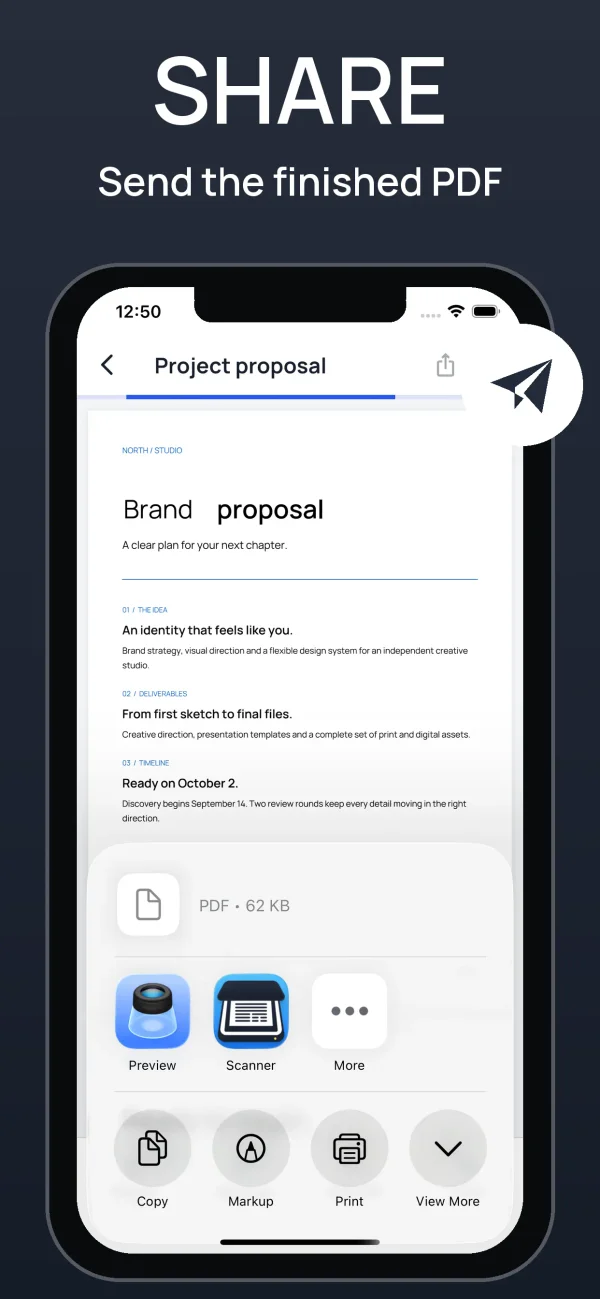
Share PDF, JPG, PNG or text. Convert suitable PDFs to editable Word, Excel or PowerPoint files, and turn Office files into PDFs. Review converted output before saving; complex layouts may differ from the original. Create password-protected copies, reduce file size, or redact sensitive areas into a flattened copy that removes the covered content.
UNDERSTAND WHAT YOU SCANNED
On-device OCR makes image scans searchable. Optional AI helps summarize selected document text, identify receipt details and organize action items with page references. Check the source and edit the result before sharing. AI can make mistakes and does not replace your review.
YOUR FILES, CLEAR CHOICES
Your library is stored locally. AI and Office conversion require an internet connection and your consent before selected text or files are sent for remote processing. These online features have usage limits. Local document tools work on the device while your paid access remains valid.
FULL ACCESS
Choose from the plans and prices shown by your store. Subscriptions renew automatically unless canceled through store settings. Restore purchases is available. Valid existing lifetime purchases and subscriptions continue to unlock the app; you do not need to buy again. Any trial is shown only when your store confirms eligibility.
Terms of Use: https://www.apple.com/legal/internet-services/itunes/dev/stdeula/
Privacy Policy: https://scanner-ios-mlwl.pages.dev/p/scanner-ios/privacy
What’s new
Version 1.8.0 · Sep 13, 2026
A rebuilt document workspace with direct PDF text and image editing, page organization with Undo and Redo, form filling, electronic signatures, and separate exports that preserve your originals.
App privacy
What Gowalk - Fzco declares on the App Store about how this app handles data.
-
Data used to track you
May be used to track you across apps and websites owned by other companies.
- Usage data
-
Data not linked to you
May be collected but is not linked to your identity.
- Diagnostics
Privacy practices may vary, for example with the features you use or your age.
Information
- Seller
- GOWALK - FZCO
- Category
- Business
- Version
- 1.8.0
- Updated
- Sep 13, 2026
- Released
- Feb 16, 2022
- Size
- 45.4 MB
- Requires
- iOS 15.5 or later
- Age rating
- 4+
- Price
- Free
- In-app purchases
- Yes
- Languages
- English
- Copyright
- © Gowalk
You might also like
-
 Invoice Maker Manager On FlyEstimates, receipts & expenses
-
 Fax Fast Scan Send DocumentTiny Scan Scanner Document
-
 Recorder Call Voice RecordingTranscripts, clips & notes
-
 Record Talk: AI Call RecorderTranscripts & AI summaries
-
 Fax Fax Scan Pdf Send DocumentScanner Reader Pdf Scan Genius
-
 Package Tracker: Parcel U MailPostal Parcel Tracking Tracer
-
 Capture Screen Video RecorderVideo Call Game Live Cam Bicam
-
 AI QR Code Barcode Scanner iqrCreate, scan, design & print
-
 Camera Translator PhotoScan Text Translator Translate
-
 Second Phone Number: PlusPhoneBusiness 2nd Phone Number