Scanner PDF Editor
Scan, sign & convert documents
iPhone, iPad, iPod touch向けに設計
無料 · アプリ内課金
- 対象年齢4+
- カテゴリビジネス
- 開発元Gowalk - Fzco
- 言語英語
- サイズ45.4 MB
App Storeの公式ページにリンクしています
Download.orgはScanner PDF Editorのファイルを一切ホストしていません。ボタンを押すと、Gowalk - Fzcoが公開しているApp Storeのアプリページが開きます。ページの最終確認:2026/11/12。
スクリーンショット
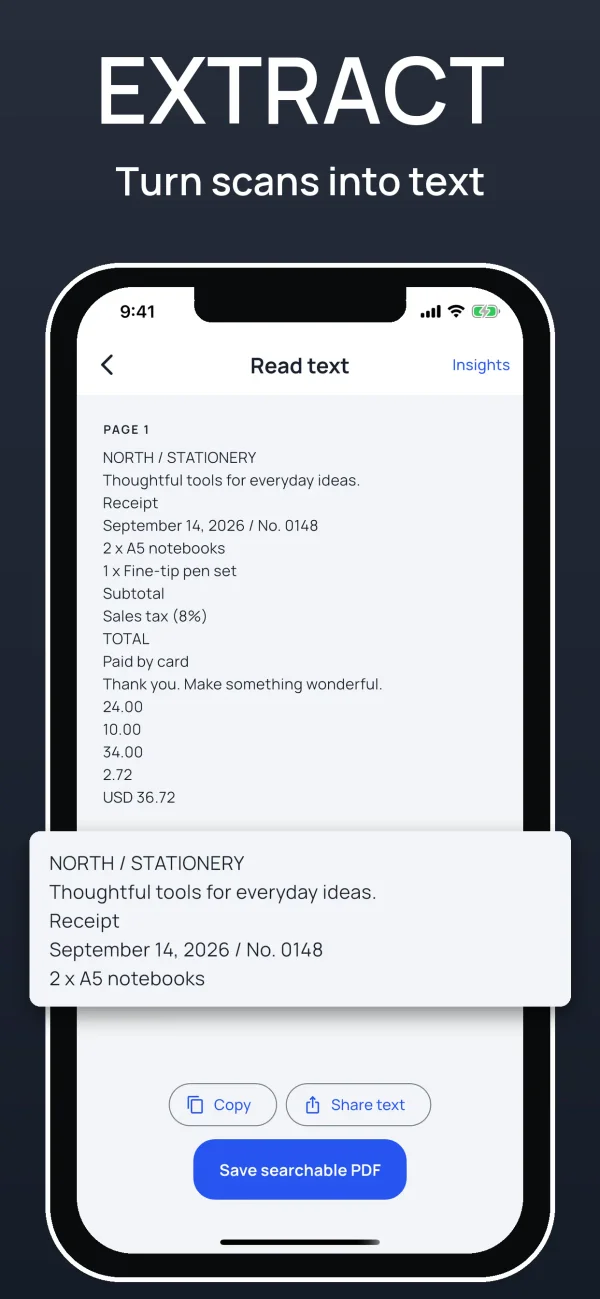
概要
開発元はこのテキストをお使いの言語で提供していません。
Turn paper and existing PDFs into documents you can finish and send from your phone.
Scanner PDF Editor brings scanning, meaningful PDF editing, signing, organization and conversion into one document workflow. An active subscription or valid existing paid purchase is required to use app features. You can finish onboarding, close the offer and explore the app interface before purchasing.
CAPTURE AND ORGANIZE
Scan pages with automatic edge detection, adjust the crop and improve readability. Import PDFs and photos, search recognized text, and organize documents with folders, tags and pinned items.
EDIT THE DOCUMENT ITSELF
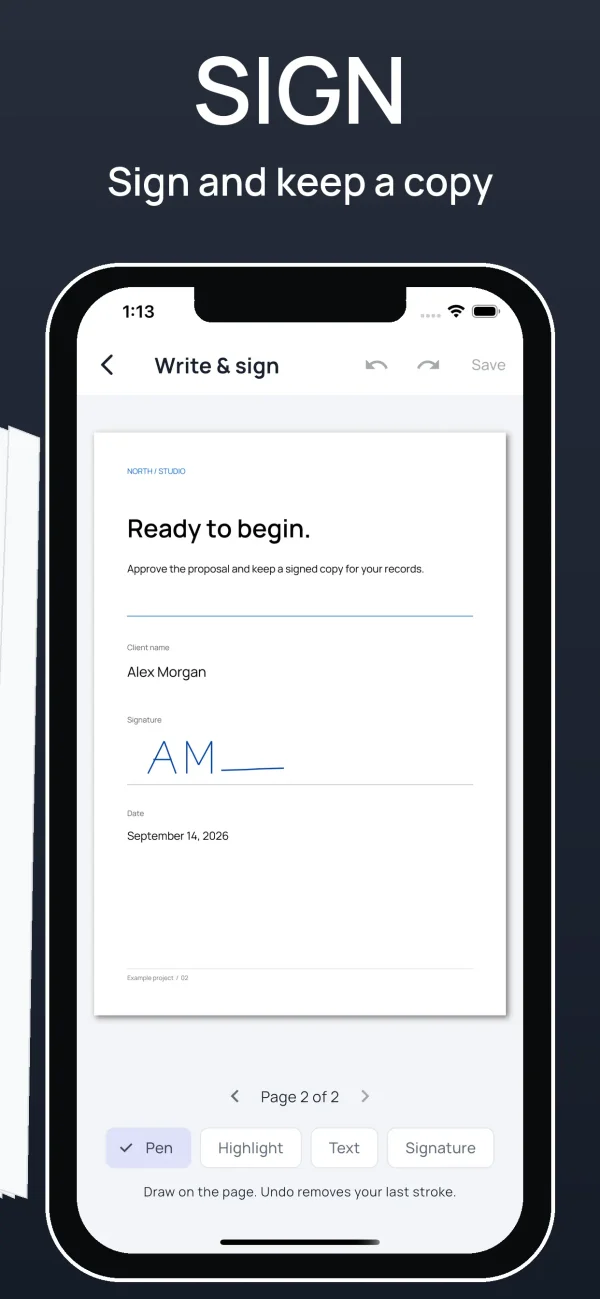
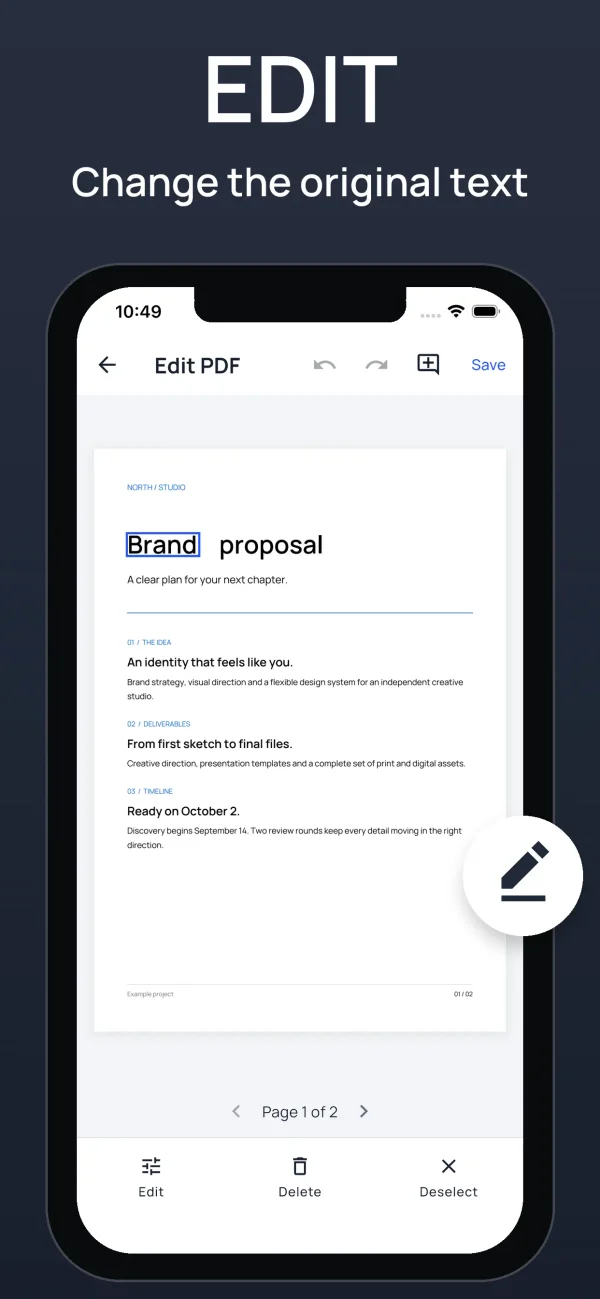
Change existing PDF text and images. Move text, resize images, add notes and links, fill supported forms, and add a drawn signature, ink or highlights. Reorder, duplicate, rotate, crop, add or remove pages. Combine documents or save selected pages separately. Save revisions while preserving your original work.
PREPARE THE RIGHT FILE
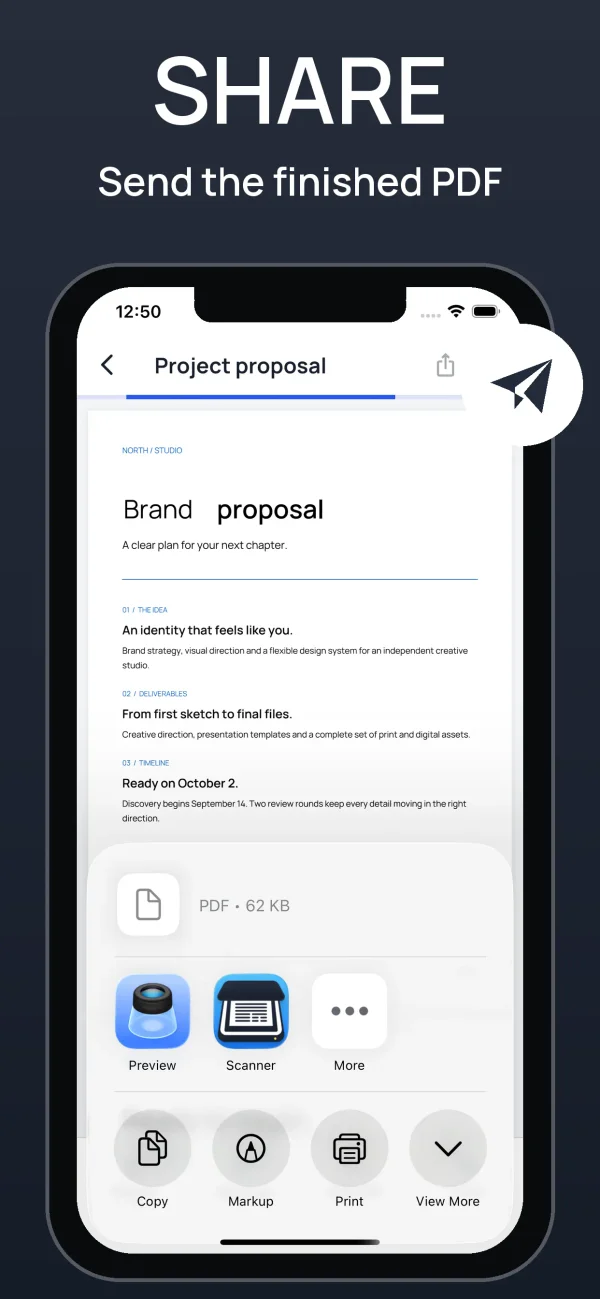
Share PDF, JPG, PNG or text. Convert suitable PDFs to editable Word, Excel or PowerPoint files, and turn Office files into PDFs. Review converted output before saving; complex layouts may differ from the original. Create password-protected copies, reduce file size, or redact sensitive areas into a flattened copy that removes the covered content.
UNDERSTAND WHAT YOU SCANNED
On-device OCR makes image scans searchable. Optional AI helps summarize selected document text, identify receipt details and organize action items with page references. Check the source and edit the result before sharing. AI can make mistakes and does not replace your review.
YOUR FILES, CLEAR CHOICES
Your library is stored locally. AI and Office conversion require an internet connection and your consent before selected text or files are sent for remote processing. These online features have usage limits. Local document tools work on the device while your paid access remains valid.
FULL ACCESS
Choose from the plans and prices shown by your store. Subscriptions renew automatically unless canceled through store settings. Restore purchases is available. Valid existing lifetime purchases and subscriptions continue to unlock the app; you do not need to buy again. Any trial is shown only when your store confirms eligibility.
Terms of Use: https://www.apple.com/legal/internet-services/itunes/dev/stdeula/
Privacy Policy: https://scanner-ios-mlwl.pages.dev/p/scanner-ios/privacy
新機能
バージョン 1.8.0 · 2026/9/13
A rebuilt document workspace with direct PDF text and image editing, page organization with Undo and Redo, form filling, electronic signatures, and separate exports that preserve your originals.
アプリのプライバシー
このアプリのデータの取り扱いについて、Gowalk - FzcoがApp Storeで申告している内容です。
-
ユーザーのトラッキングに使用されるデータ
他社のアプリやウェブサイトを横断してユーザーをトラッキングする目的で使用される場合があります。
- 使用状況データ
-
ユーザーに関連付けられないデータ
収集される場合がありますが、ユーザーの識別情報には関連付けられません。
- 診断
プライバシーの取り扱いは、ご利用の機能やお客様の年齢などに応じて異なる場合があります。
情報
- 販売元
- GOWALK - FZCO
- カテゴリ
- ビジネス
- バージョン
- 1.8.0
- 更新日
- 2026/9/13
- リリース
- 2022/2/16
- サイズ
- 45.4 MB
- 必要条件
- iOS 15.5以降
- 対象年齢
- 4+
- 価格
- 無料
- アプリ内課金
- あり
- 言語
- 英語
- 著作権
- © Gowalk
こちらもおすすめ
-
 Invoice Maker Manager On Flyビジネス
-
 Fax Fast Scan Send Documentビジネス
-
 Recorder Call Voice Recordingビジネス
-
 Record TalkCall Recording App
-
 Fax Fax Scan Pdf Send Document仕事効率化
-
 Package Tracker: Parcel U Mailビジネス
-
 Capture Screen Video Recorder仕事効率化
-
 AI QR Code Barcode Scanner iqr仕事効率化
-
 Camera Translator Photo仕事効率化
-
 Second Phone Number: PlusPhoneビジネス