- Age rating4+
- CategoryProductivity
- DeveloperJorge Lucioni Charalla
- LanguagesEnglish
- Size2.8 MB
Links to the official App Store page
Download.org hosts no file of Scanner Pro OCR. The button opens its official App Store page, published by Jorge Lucioni Charalla. Listing last checked on Nov 17, 2026.
Screenshots
About
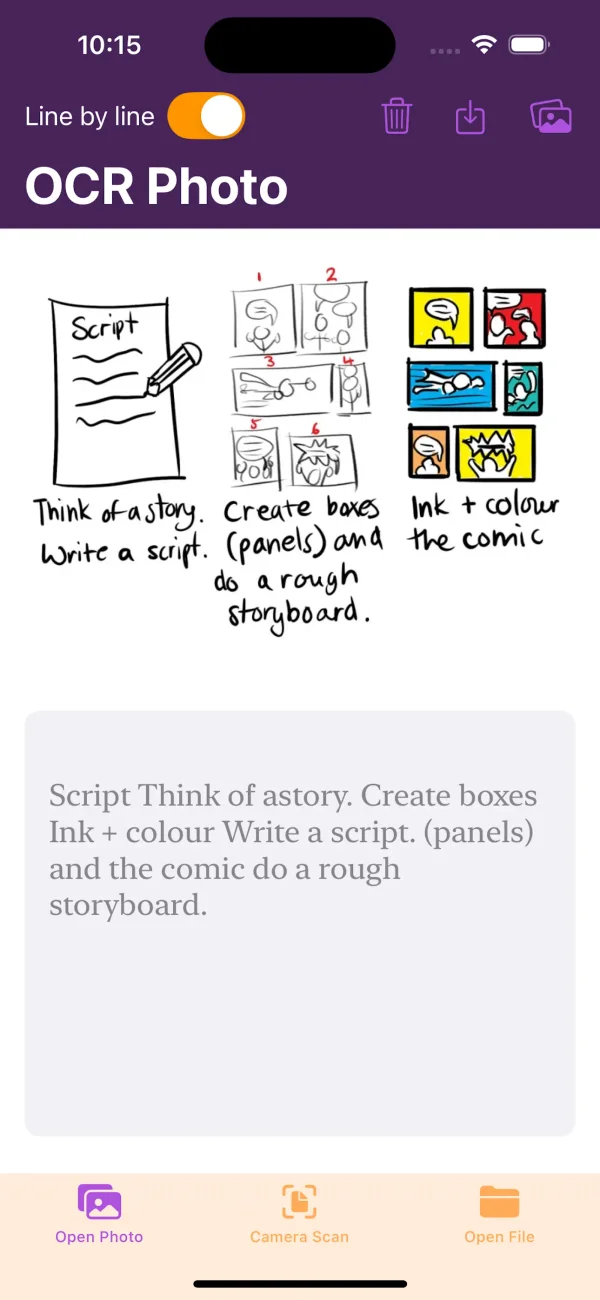
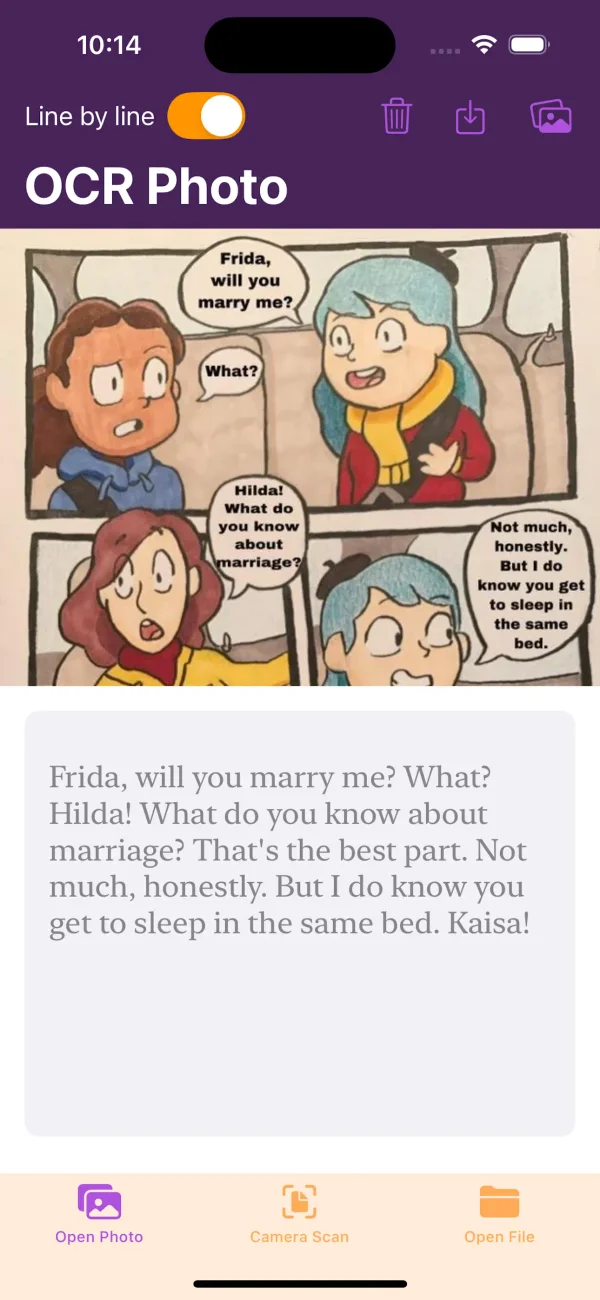
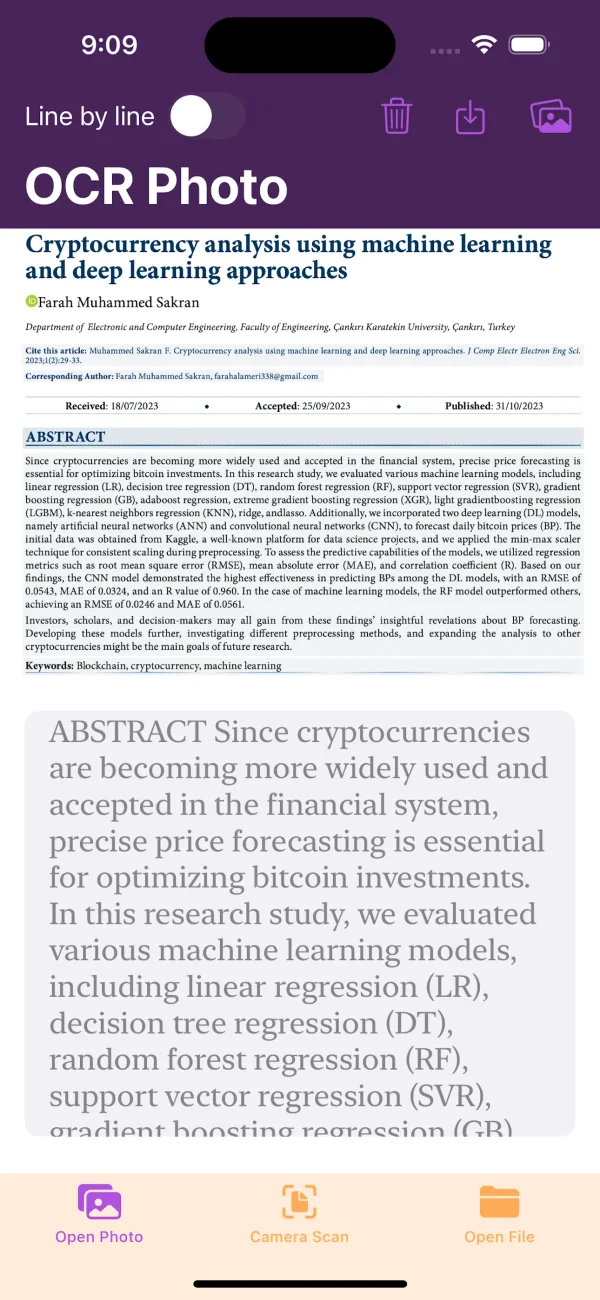
Scan and extract text easily with our OCR app:
Multiple Import Options: Capture from camera, photo library, or Files app.
Fast & Accurate OCR: Quickly recognize printed text with precision.
Flexible Viewing: Zoom and pan your scanned images effortlessly.
Organized Output: Toggle line-by-line formatting for clean results.
Offline Capability: Scan and extract text anytime, no internet needed.
Easy Export: Save recognized text as a .txt file to Files app.
Empower your productivity with reliable, versatile scanning – all in one app.
What’s new
Version 1.1 · Jul 8, 2025
Added File Import: Open images directly from Files app for OCR.
Added Camera Capture: Take photos and scan instantly within the app.
Introduced Zoom & Pan: View images in detail with pinch and drag.
New Dark Purple Theme for a sleek professional look.
Improved Line by Line Toggle for clearer text formatting.
Enhanced performance and stability across all devices.
App privacy
What Jorge Lucioni Charalla declares on the App Store about how this app handles data.
-
Data not collected
The developer does not collect any data from this app.
Privacy practices may vary, for example with the features you use or your age.
Information
- Seller
- Jorge Lucioni Charalla
- Category
- Productivity
- Version
- 1.1
- Updated
- Jul 8, 2025
- Released
- Oct 15, 2023
- Size
- 2.8 MB
- Requires
- iOS 18.0 or later
- Age rating
- 4+
- Price
- $1.99
- Languages
- English
- Copyright
- © 2020 - 2025 BarrancoStudio
You might also like
-
 Fast Offline OCR: IMAGE TO TXTCONVERT IMAGE TO TEXT OFFLINE
-
 PST Viewer for OutlookOpen OST Files · Email Reader
-
 FaceDown: App Blocker & FocusScreen time limit & timer
-
 xTract - OCR scanner & readerImage to text converter & read
-
 Notebooks: Write and OrganizeNotes, Tasks, Markdown, Files
-
 Life Metro: Daily PlannerTo-do list & weekly reviews
-
 DEVONthink To Go 4Document & Information Manager
-
 iNote - Sticky Note by ColorManage note by beautiful color
-
 UnTrap for YouTubeRemove Shorts & Distractions
-
 TypeApp Email, Mail & ExchangeUpgrade your Email Experience