Scannerly: Doc Scanner & OCR
Scan to PDF, e-sign, copy text
Designed for iPhone, iPad, iPod touch
Free · In-app purchases
- Age rating4+
- CategoryUtilities
- DeveloperEAST FUSION FZCO
- LanguagesEnglish
- Size94.7 MB
Links to the official App Store page
Download.org hosts no file of Scannerly: Doc Scanner & OCR. The button opens its official App Store page, published by EAST FUSION FZCO. Listing last checked on Nov 22, 2026.
Screenshots
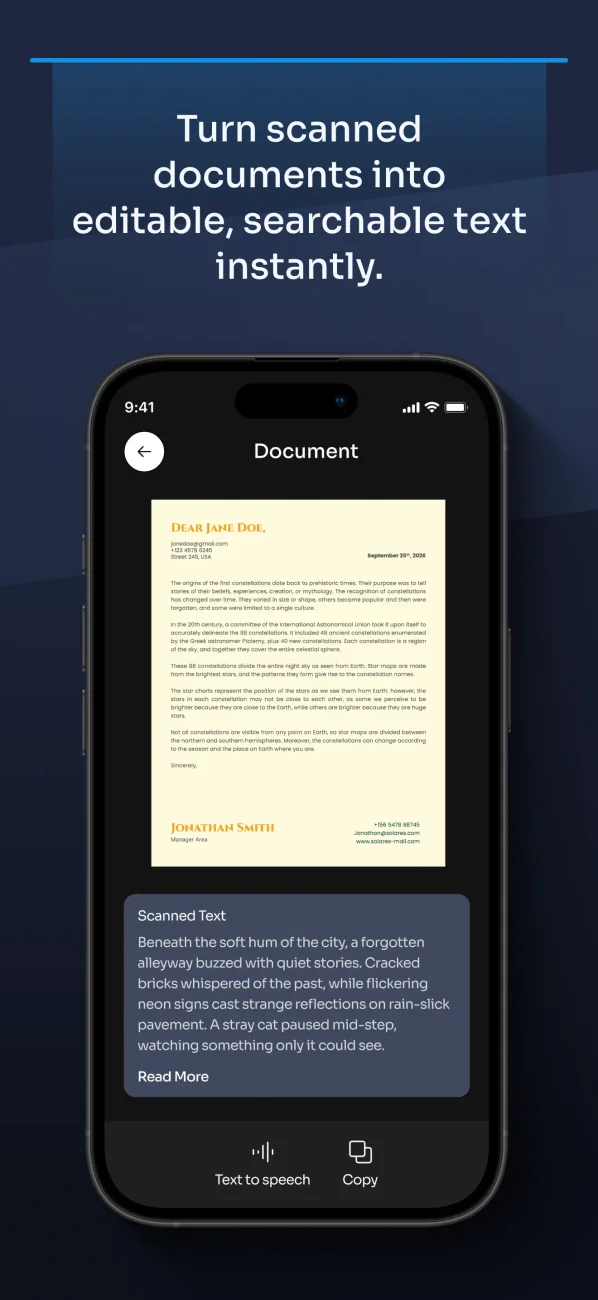
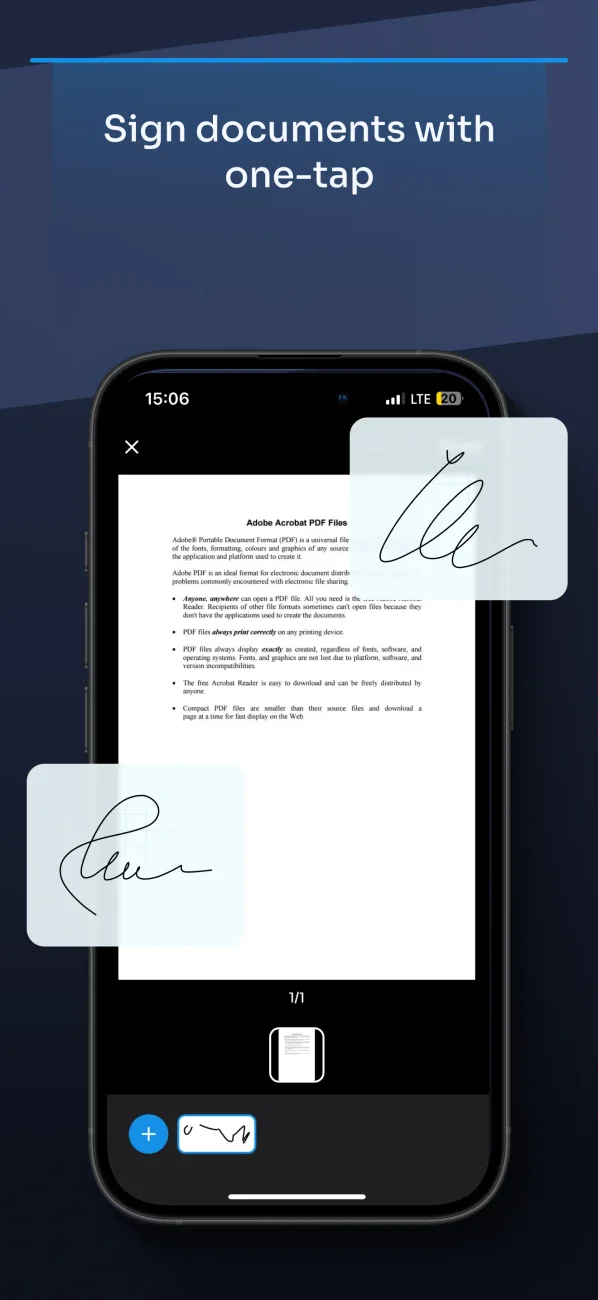
About
Scan. Sign. Share.
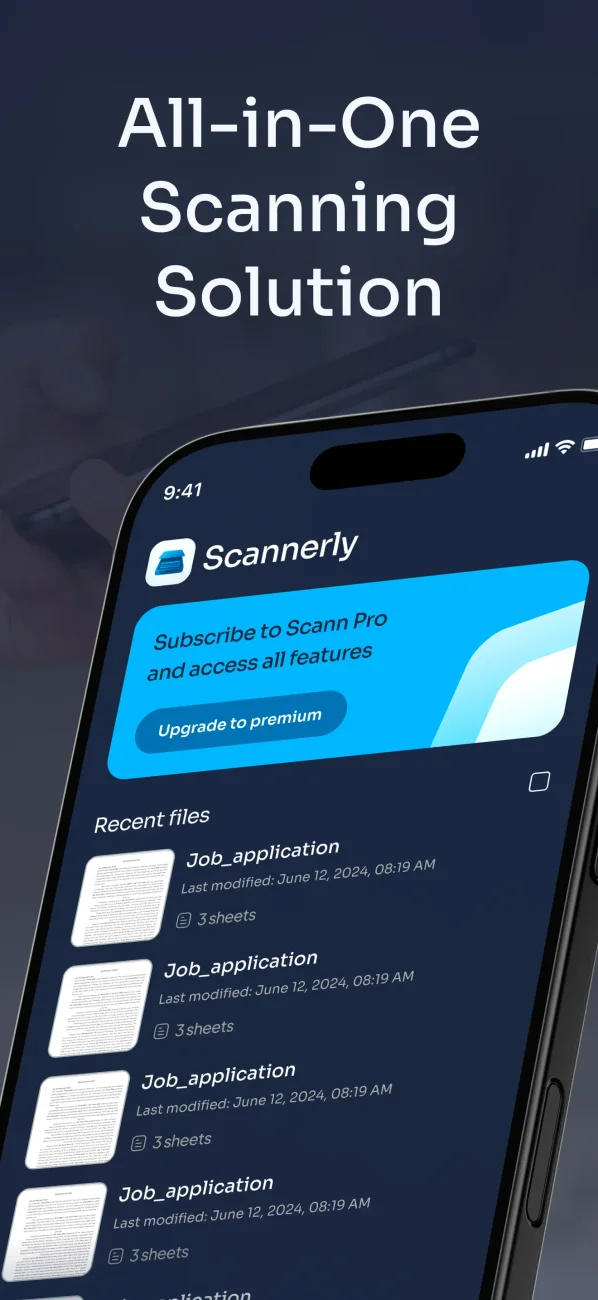
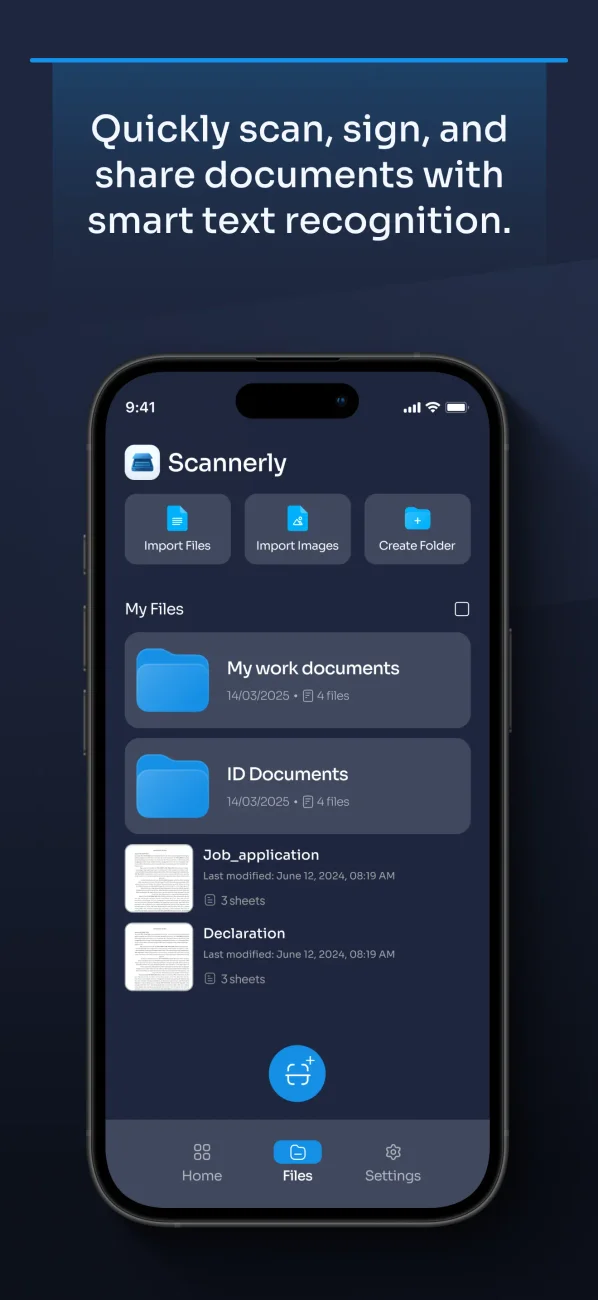
Turn your camera into a real document scanner. Scan any paper document, sign it, turn it into editable text, and send it as a PDF - all from your phone.
SCAN
Point your camera at any document and get a clean, high-quality copy in seconds. Auto capture finds the edges and straightens the page, or switch to manual. Multi-page documents save as one file.
EDIT & SIGN
Add your signature and typed fields, with no printer involved. Crop, rotate and adjust brightness, contrast and color, with undo at every step.
CONVERT
Text recognition reads every word your camera caught, so you can copy, edit or search it like any note on your phone. Have a document read aloud with text to speech.
EXPORT
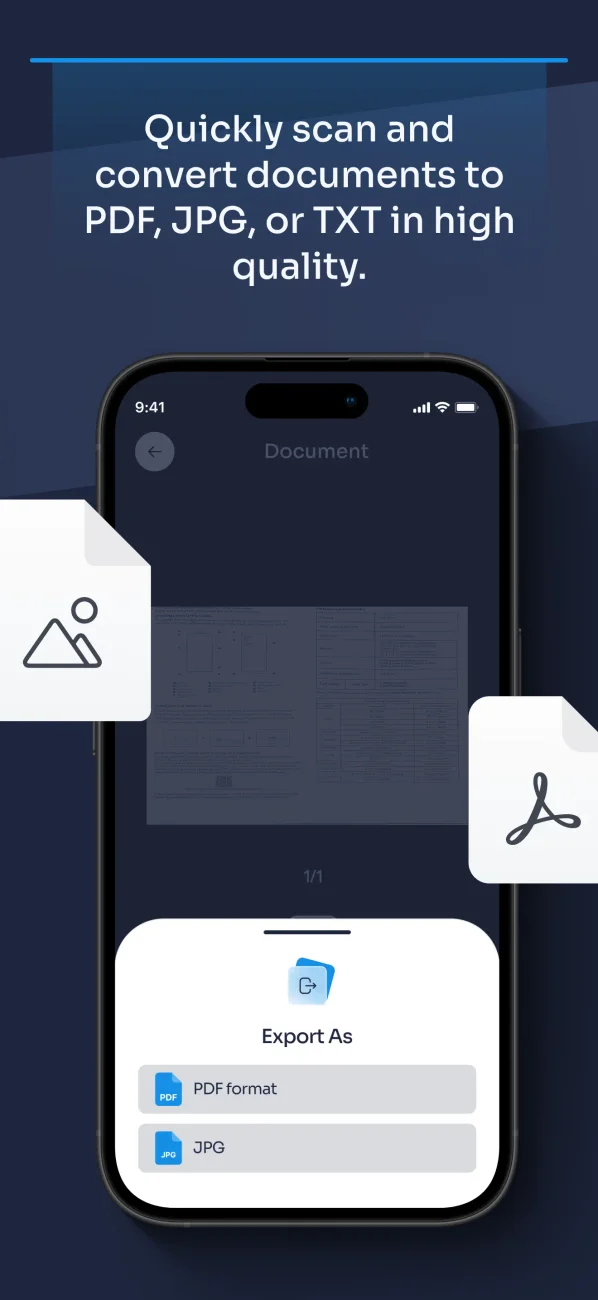
Save as PDF or JPG, pick the file size, and send to mail, cloud or chat in a tap. Print straight from the app.
KEEP SAFE
Files keeps every scan in one place, with folders to group them and a trash so nothing disappears by accident.
WORKS OFFLINE
Scans are saved locally - share when you're ready.
WHAT YOU CAN SCAN
Invoices, receipts, contracts, forms, IDs, passports, notes, whiteboards and books.
SCANNERLY PRO
Pro lifts the daily export limit and unlocks unlimited scanning, batch scanning, text recognition and the full editing toolset.
Payment is charged to your Apple ID at confirmation of purchase. Subscriptions renew automatically unless auto-renew is switched off at least 24 hours before the end of the current period, and your account is charged for renewal within 24 hours of the end of that period. You can manage your subscription and turn off auto-renewal in your Account Settings after purchase. Any unused portion of a free trial is forfeited when a subscription is purchased.
Terms of Use (EULA): https://www.apple.com/legal/internet-services/itunes/dev/stdeula/
What’s new
Version 1.1 · Nov 12, 2026
Small improvements, better experience!
We've made some behind-the-scenes tweaks and technical improvements to keep the app running smoother, faster, and more reliably.
App privacy
What EAST FUSION FZCO declares on the App Store about how this app handles data.
-
Data used to track you
May be used to track you across apps and websites owned by other companies.
- Identifiers
-
Data not linked to you
May be collected but is not linked to your identity.
- Purchases
- Location
- Identifiers
- Usage data
- Diagnostics
Privacy practices may vary, for example with the features you use or your age.
Information
- Seller
- EAST FUSION - FZCO
- Category
- Utilities
- Version
- 1.1
- Updated
- Nov 12, 2026
- Released
- Apr 27, 2026
- Size
- 94.7 MB
- Requires
- iOS 15.5 or later
- Age rating
- 4+
- Price
- Free
- In-app purchases
- Yes
- Languages
- English
- Copyright
- © 2026, East fusion FZCO
You might also like
-
 Noise Diary: dB LogMeasure, note and export noise
-
 Whispr – Watch MicrophoneLive mic from wrist to iPhone
-
 UnitPro - All Converter10 Categories, Fully Offline
-
 Falconkey (developer keyboard)Falconkeyboard
-
 EMF Meter Scanner DetectorWave Radar: Find and Measure
-
 Flipper MapSee Flipper Zero Files on Map
-
 Badr: Prayer Times & QiblaPrayer Times & Qibla
-
 TV Remote: Universal All TVsRemote & Screen Mirroring
-
 SmartBeam® Luminance CameraLighting Design App
-
 Unit Converter MaxConvert All Unit and Currency