ScanOne - PDF Scanner
One Price. Zero Ads. Forever.
Designed for iPhone, iPad, iPod touch
Free · In-app purchases
- Age rating4+
- CategoryProductivity
- DeveloperJustin McCloud
- LanguagesEnglish
- Size4.2 MB
Links to the official App Store page
Download.org hosts no file of ScanOne - PDF Scanner. The button opens its official App Store page, published by Justin McCloud. Listing last checked on Nov 18, 2026.
Screenshots

About
ScanOne - PDF Scanner
Simple. Private. Powerful document scanning.
Try free for 7 days, then a one-time $4.99 purchase. No subscriptions, no ads, no tracking.
We built ScanOne with privacy first:
• 7-day free trial with full features
• One-time purchase - own it forever after trial
• Zero ads or tracking
• No accounts required
• All documents stored locally on your device
• Works offline (internet only needed for purchase)
KEY FEATURES:
Document Scanning
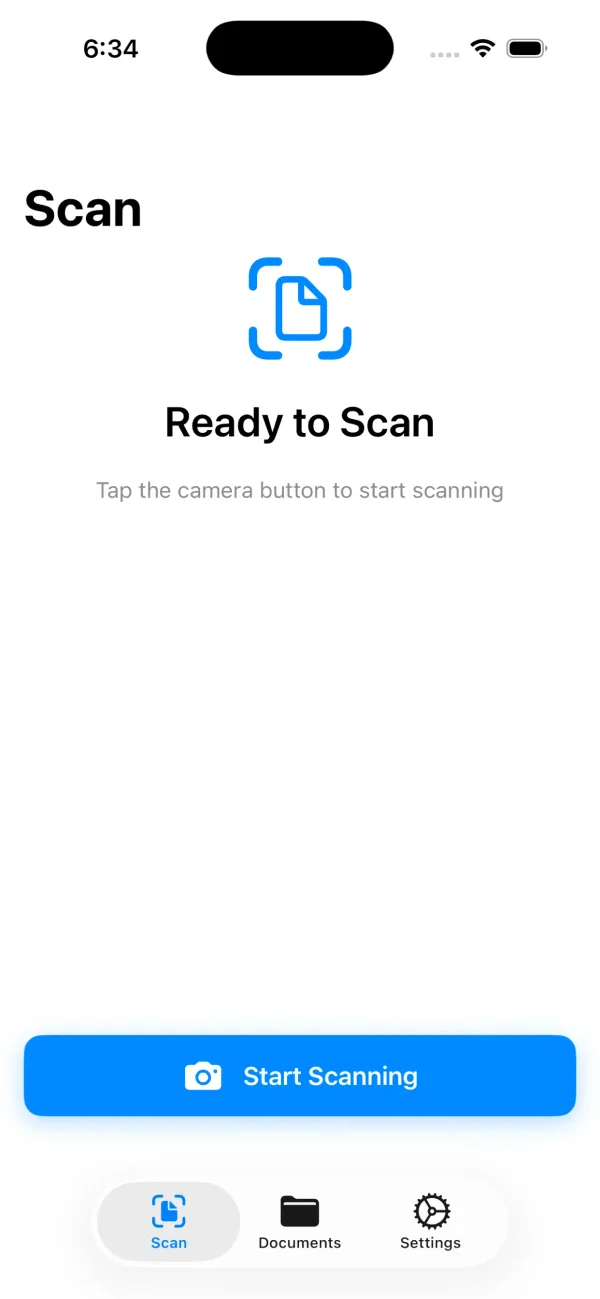
• Instant capture with automatic edge detection
• Batch scanning for multi-page documents
• Automatic image enhancement
• Smart naming with timestamps
PDF Management
• Create PDFs from scans instantly
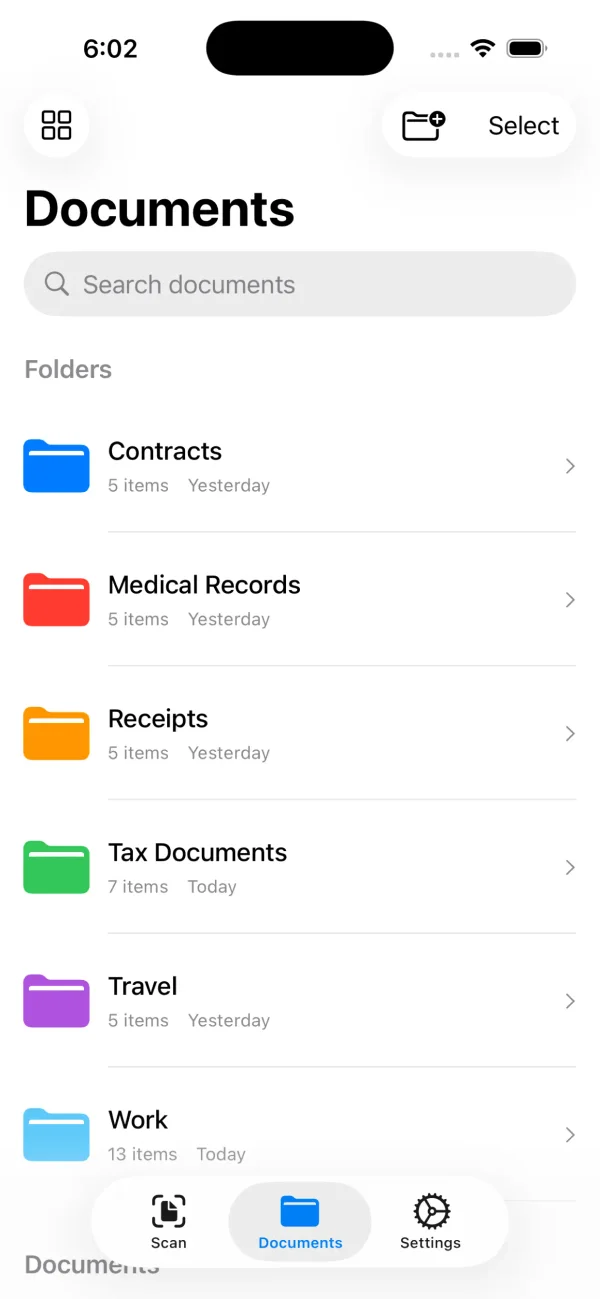
• Organize in custom folders with colors
• Search all your documents
• Grid or list view options
Advanced PDF Editing
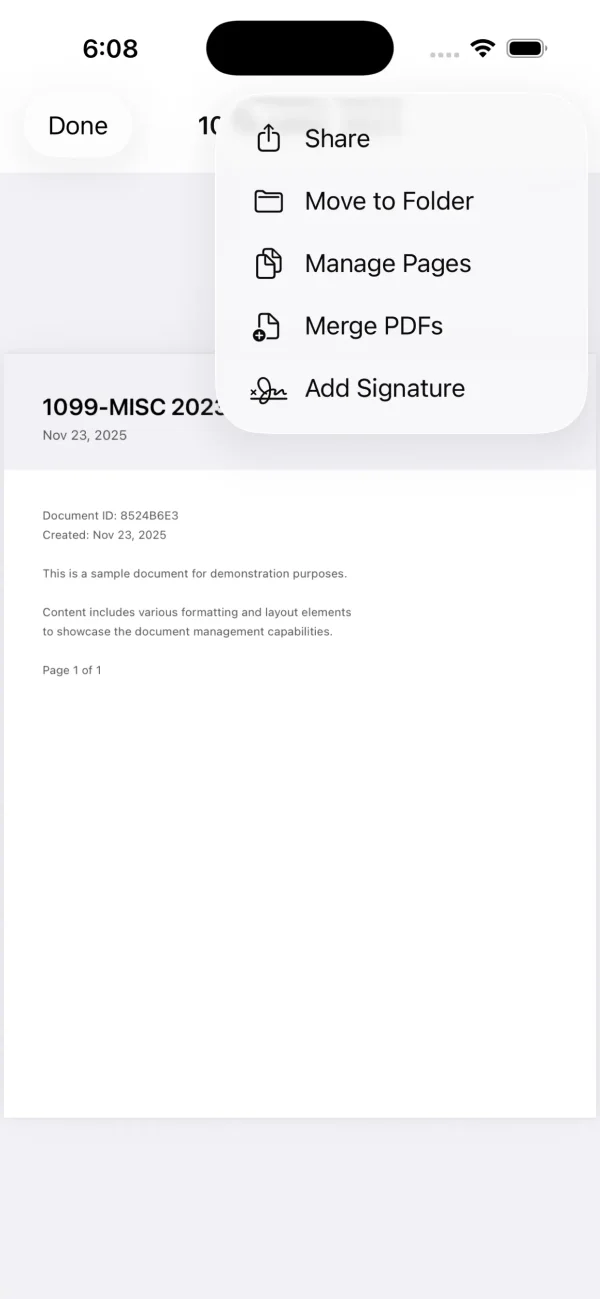
• Reorder pages easily
• Rotate pages individually
• Delete unwanted pages
• Merge multiple PDFs together
• Add signatures - draw or place on any page
Sharing & Export
• Share to any app via iOS Share Sheet
• Save directly to Files app
• Email and print documents
• Multiple quality options (Low to Original)
• Batch operations supported
PERFECT FOR:
• Receipts and expenses
• Contracts and legal documents
• Medical records
• School assignments
• Business cards
• Whiteboards and notes
• Travel documents
• Tax paperwork
Privacy & Security
• Documents stay on YOUR device
• No cloud uploads unless you share
• No user accounts or registration
• No usage analytics or telemetry
• Your scans remain completely private
PRICING:
• 7-day free trial to try everything
• One-time $4.99 purchase after trial
• No recurring charges
• Family Sharing supported
• Restore purchases on all your devices
Requirements:
• iOS 15.0 or later
• iPhone and iPad universal app
• Camera required for scanning
• ~15MB download size
App privacy
What Justin McCloud declares on the App Store about how this app handles data.
-
Data not collected
The developer does not collect any data from this app.
Privacy practices may vary, for example with the features you use or your age.
Information
- Seller
- Justin McCloud
- Category
- Productivity
- Version
- 1.0
- Updated
- Nov 24, 2025
- Released
- Nov 24, 2025
- Size
- 4.2 MB
- Requires
- iOS 15.0 or later
- Age rating
- 4+
- Price
- Free
- In-app purchases
- Yes
- Languages
- English
- Copyright
- © 2024 CoreLift LLC
You might also like
-
 ReMember: Manage MembershipsProductivity
-
 Chapters - DRHProductivity
-
 PDF Converter-Local ConversionDoc PPT JPG to PDF
-
 Smart Birthday ReminderBirthday Reminder and Events
-
 Triofoxmobile file server access
-
 VMMap ProProductivity
-
 PDF Converter : PDF To Word •Photos to PDF & Word To PDF
-
 Document Scanner: ScanivaNo Subscription, Photos to PDF
-
 NimbalystAI Native Remote Agent Control
-
 FamnLess chaos. More embrace.