
Document Scanner: Scaniva
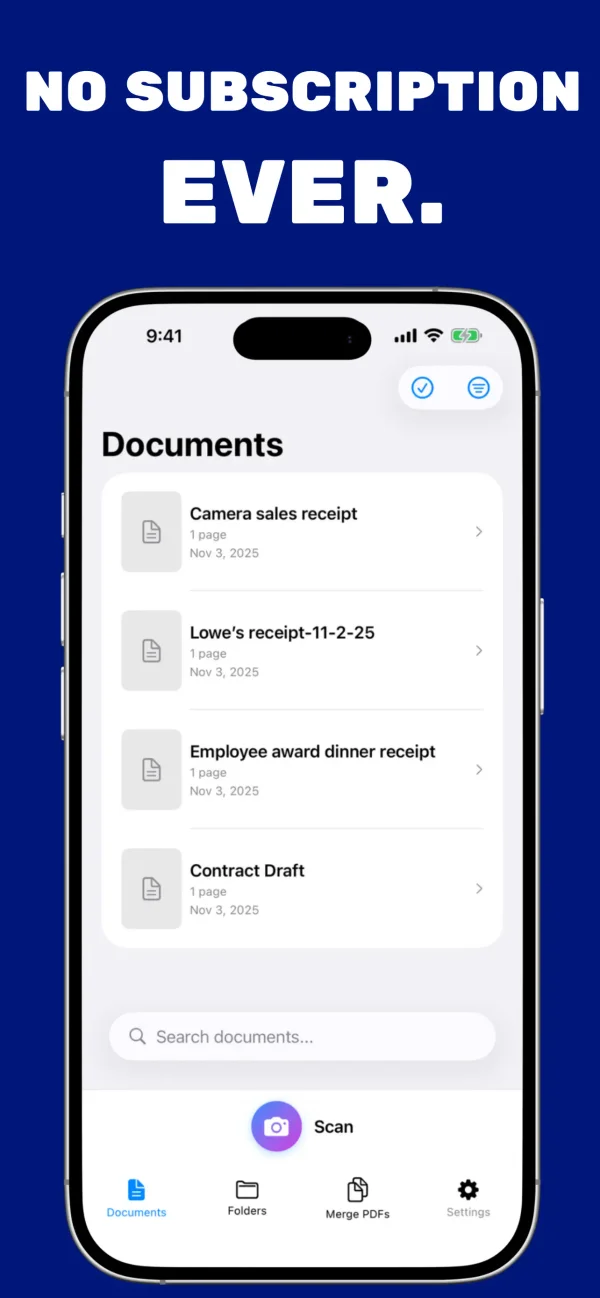
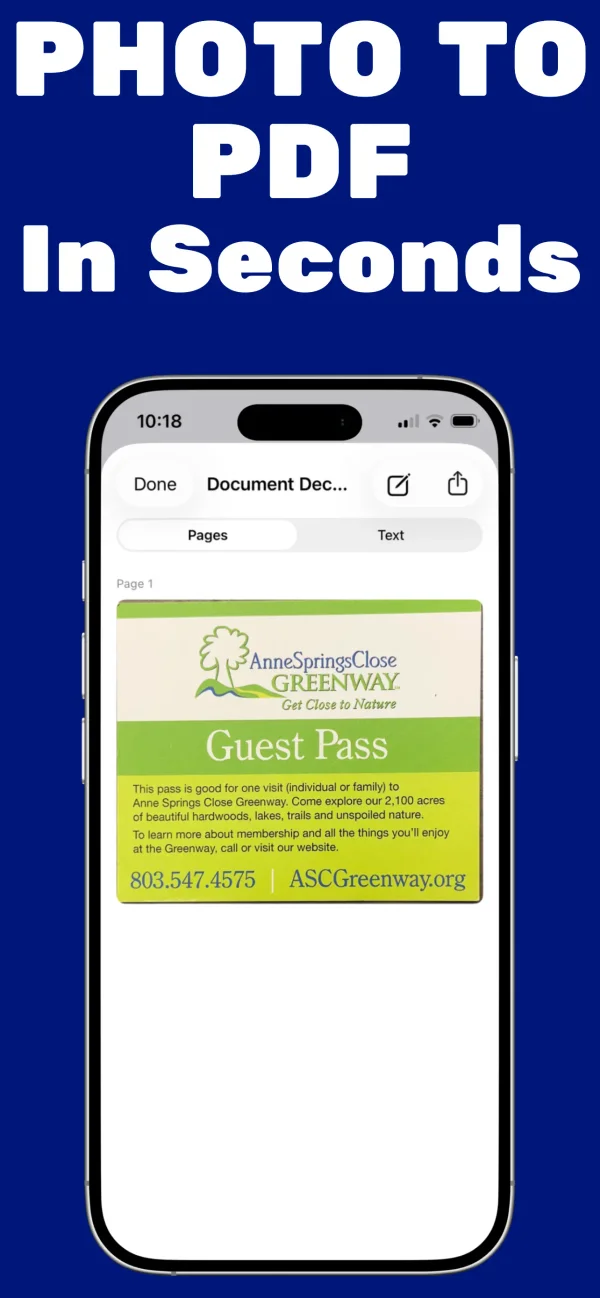
No Subscription, Photos to PDF
Designed for iPhone, iPad
Free · In-app purchases
- Age rating4+
- CategoryProductivity
- DeveloperEssex Software
- LanguagesEnglish+ 23 more
- Size5.6 MB
Links to the official App Store page
Download.org hosts no file of Document Scanner: Scaniva. The button opens its official App Store page, published by Essex Software. Listing last checked on Nov 25, 2026.
Screenshots

About
THE LAST SCANNER APP YOU'LL EVER BUY
Stop paying monthly for basic features. One simple purchase unlocks everything forever. No monthly fees, no hidden costs, no expiration.
NO SUBSCRIPTION. EVER.
Pay once. Own forever. While competitors charge monthly subscriptions, Scaniva is a one-time purchase.
PRIVATE BY DESIGN
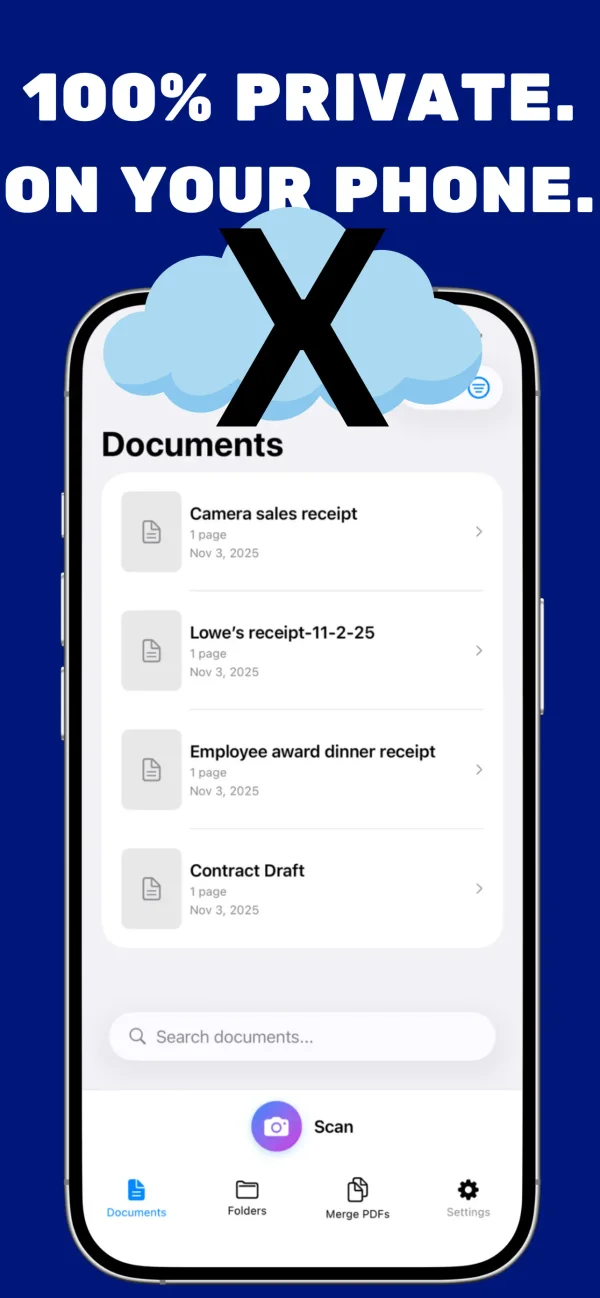
Scaniva never uploads your documents. Scanning and text recognition run on your iPhone and iPad. No cloud uploads required. No account sign-up.
14 LANGUAGES INCLUDED
OCR text recognition in 14 languages:
English • Spanish • French • German • Italian • Portuguese • Russian • Ukrainian • Japanese • Chinese (Simplified & Traditional) • Korean • Arabic • Turkish
PROFESSIONAL FEATURES
• 5 scan modes: Documents, Business Cards, ID Cards, Receipts, QR Codes
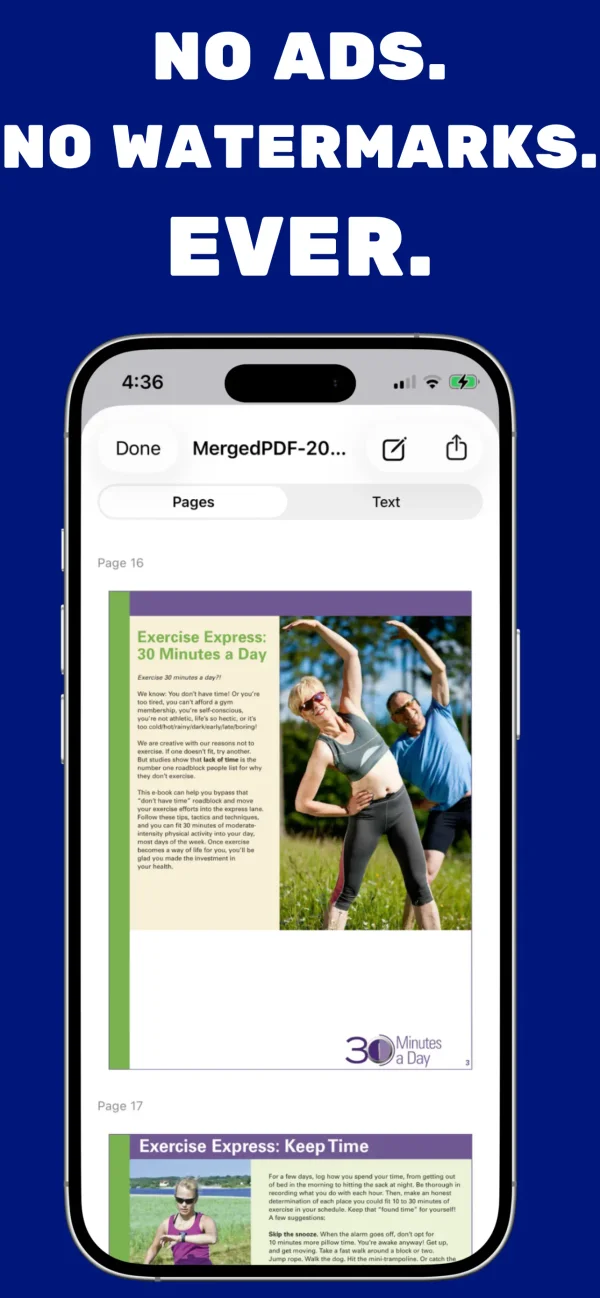
• PDF tools: Compress (80%) and merge multiple documents
• Export formats: PDF, JPG, TXT
• Batch operations: Process multiple documents at once
• Open in Scaniva from any app · Siri Shortcuts
• Offline mode: Scan, recognize text and export without internet
SIGN, PROTECT, WATERMARK
• Sign documents: draw your signature once, place it on any page, reuse saved signatures
• Password-protect your PDF exports
• Watermark exports: CONFIDENTIAL, DRAFT or your own text
NO WATERMARKS. NO ADS.
TRY FREE, UPGRADE WHEN READY
Free to start:
• 10 free scans
• 10 OCR pages
• 3 merges
• All 5 scan modes included
• Store up to 10 documents
One-Time Purchase:
• Unlimited scans, OCR & merges
• Unlimited storage
• Professional exports (no footer)
• PDF compression
• Lifetime updates
• All future features
• No recurring charges
WHY CHOOSE SCANIVA?
Most scanner apps charge monthly subscriptions.
• CamScanner: Subscription model
• Adobe Scan: Subscription, requires account, cloud storage
• iScanner: Monthly fees
• Genius Scan: Paid OCR features
Scaniva: One simple payment. Forever.
TRUSTED & SECURE
• Developed by Essex Software (Charlotte, NC)
• 22 years in business
• A+ BBB Rating
DOWNLOAD FREE TODAY
Start with 10 free scans, 10 OCR pages and 3 merges. One purchase unlocks unlimited scans, OCR and merges - forever, no subscription.
Your documents. Your device. Your privacy.
What’s new
Version 4.5.7 · Nov 24, 2026
What's New in 4.5.7
• The privacy policy in Settings now explains what the app sends at install and purchase.
• Bug fixes and performance improvements.
App privacy
What Essex Software declares on the App Store about how this app handles data.
-
Data not linked to you
May be collected but is not linked to your identity.
- Purchases
- Identifiers
- Usage data
- Diagnostics
Privacy practices may vary, for example with the features you use or your age.
Information
- Seller
- The Essex Redevelopment Group, LLC
- Category
- Productivity
- Version
- 4.5.7
- Updated
- Nov 24, 2026
- Released
- Dec 10, 2025
- Size
- 5.6 MB
- Requires
- iOS 16.0 or later
- Age rating
- 4+
- Price
- Free
- In-app purchases
- Yes
- Languages
- English, Arabic, Czech, Danish, Dutch, Finnish, French, German, Greek, Hebrew, Italian, Japanese + 12 more
- Copyright
- © 2026 The Essex Redevelopment Group, LLC
You might also like
-
 ScanLens: PDF Document ScannerScan & Convert Photos to PDF
-
 QuickScan:PDF OCR Text ScannerScan,Doc,Sign,Edit,Privacy
-
 vFlat Scan - PDF & OCR ScannerScan Books Flat — No Cutting
-
 Scan MyPDF ProScan and Share PDF Documents
-
 PDF Scanner・Document ScannerScan ID Card, Sign, OCR & Edit
-
 RepairBuddy: AI Repair & DIYFix appliances, cars, plumbing
-
 Mobile Scanner App - Scan PDFDocument Scanning, Sign & OCR
-
 Google AI Edge GalleryPrivate, Fast, Offline AI
-
 BC Services CardProductivity