
ScanWritr
Scanner,Editor,Converter,Fax
Designed for iPhone, iPad, iPod touch
Free · In-app purchases
- Age rating4+
- CategoryProductivity
- DeveloperVanaia LLC
- LanguagesEnglish+ 11 more
- Size72.4 MB
Links to the official App Store page
Download.org hosts no file of ScanWritr. The button opens its official App Store page, published by Vanaia LLC. Listing last checked on Nov 15, 2026.
Screenshots

About
ScanWritr enables you to:
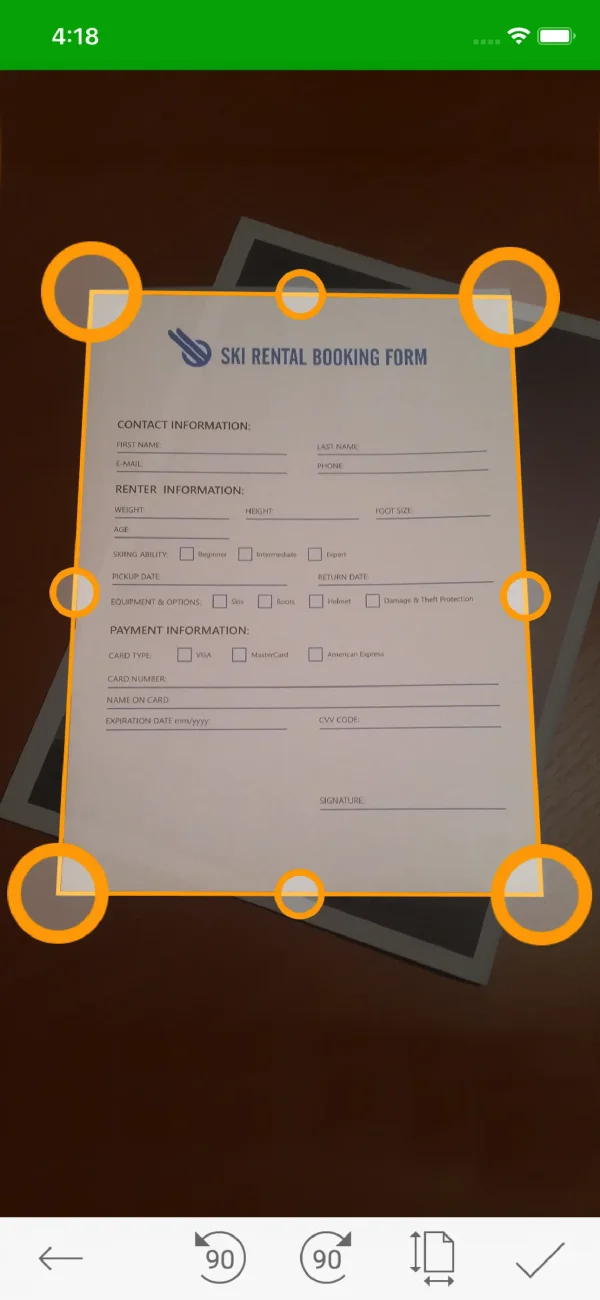
● Scan documents quickly using camera.
● Convert and open most used document formats easily.
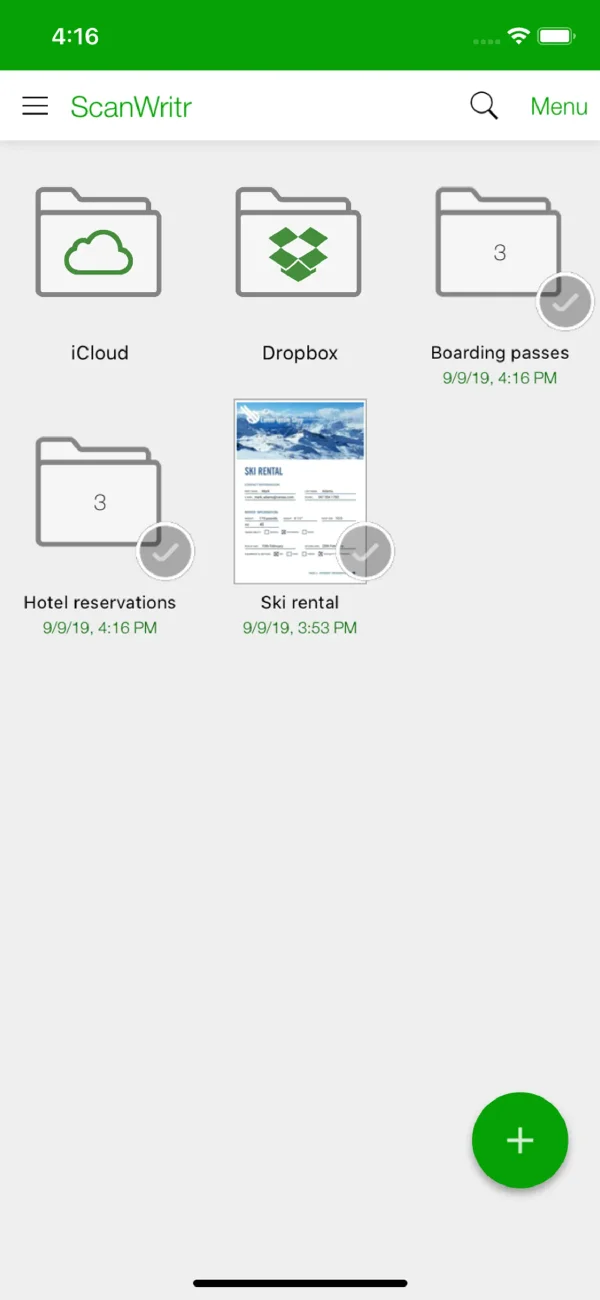
● Organize and store documents into multiple local and cloud archives.
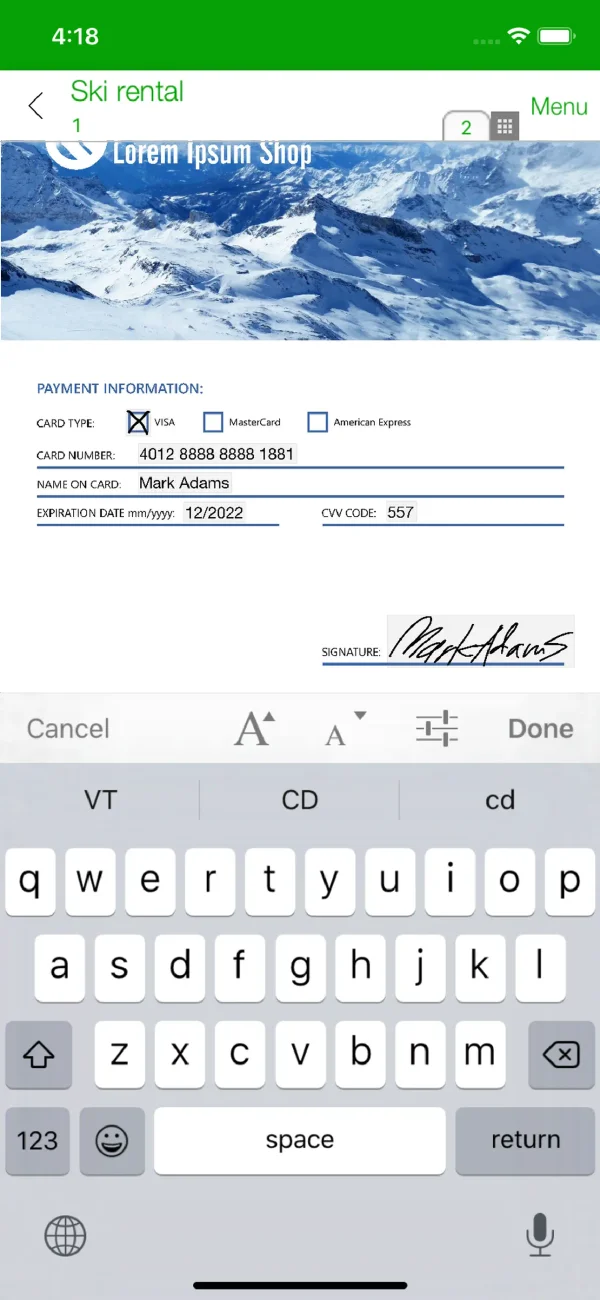
● Edit, fill, sign and annotate documents.
● Improve document quality and retouch.
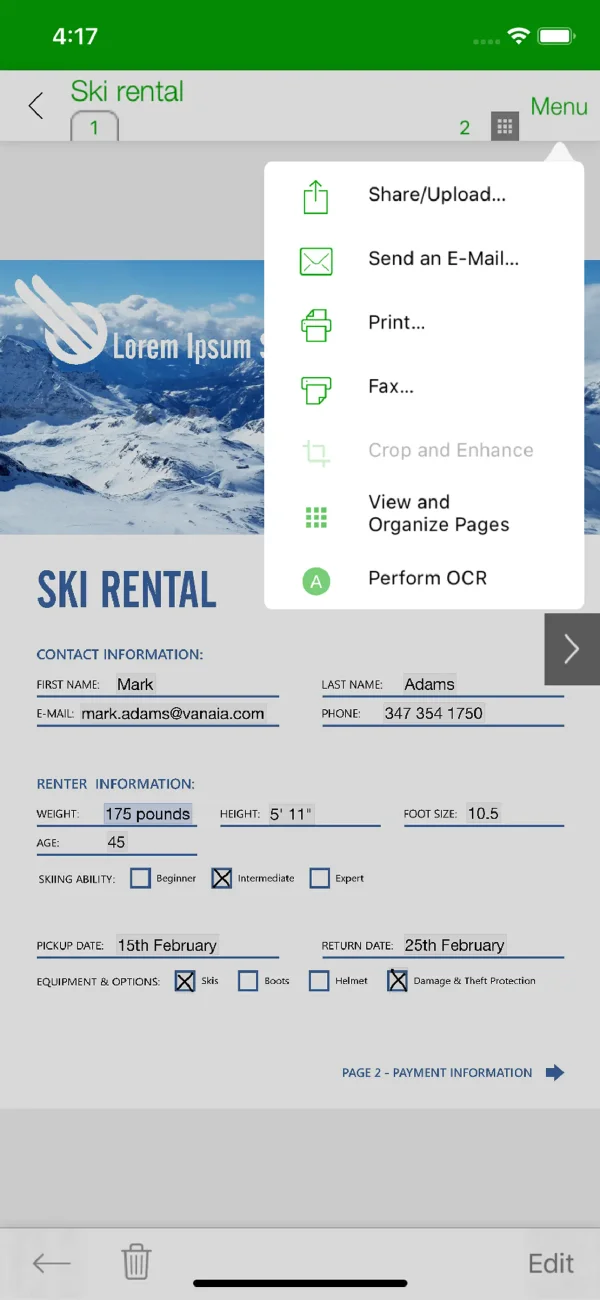
● Print, fax and email documents to your partners and customers.
● Sync documents between phones, tablets and computers.
● Share notes, pages and tickets with your friends and colleagues.
● Export documents to the most popular apps and services.
ScanWritr is perfect for business, educational and home use. It turns your Apple device with a camera into a all-in-one scanner, document editor and arhiving tool, suitable for scanning, organizing, editing, printing, faxing, emailing, syncing with cloud, sharing and exporting of various documents like contracts, articles, business cards, notes, receipts, warranty papers etc. Image capture is done with the help of Real-Time Edge Detection (auto crop).
This scanner app also excels in import options. It imports variety of document formats, such as PDF, OpenOffice and LibreOffice documents (*.odt, *.ods, *.odp), Microsoft Office documents (Word, Excel, PowerPoint), Hancom documents (*.hwp), JPEG and PNG images, CSV, and more.
ScanWritr enables you to edit scanned and imported documents as an image. You can add signature, annotation, use eraser or pen, and fill out the blanks using writing tool. Convert the scanned document to PDF or JPG, save it to your phone's gallery, send it via e-mail, fax it, print it (with the help of Cloud Print) or synchronize and backup it to Dropbox or iCloud.
Support for synchronization of documents with the Dropbox and iCloud cloud storage providers enables you to:
● Share documents with your family members or team members at your work.
● Remote-site backup of your documents.
● Two-way shared folder synchronization.
● Access, edit and convert your documents anytime, everywhere from any device including smartphones, tablets and PCs.
● Transfer documents between your devices (phones, tablets and PCs).
Some services (i.e. faxing, converting) require a network connection, for which user's carrier fees may apply.
Sending faxes from ScanWritr requires the purcahse of fax tokens.
All limitations of this free version can be removed at any time by making an in-app purchase.
DO YOU HAVE QUESTIONS?
If you have any questions or require assistance don't hesitate to email us at support@vanaia.com
What’s new
Version 3.1.11 · Sep 16, 2026
Improved user experience.
App privacy
What Vanaia LLC declares on the App Store about how this app handles data.
-
Data linked to you
May be collected and linked to your identity.
- Contact info
- Identifiers
-
Data not linked to you
May be collected but is not linked to your identity.
- Usage data
- Diagnostics
Privacy practices may vary, for example with the features you use or your age.
Information
- Seller
- VANAIA LLC
- Category
- Productivity
- Version
- 3.1.11
- Updated
- Sep 16, 2026
- Released
- Mar 10, 2014
- Size
- 72.4 MB
- Requires
- iOS 15.6 or later
- Age rating
- 4+
- Price
- Free
- In-app purchases
- Yes
- Languages
- English, French, German, Italian, Japanese, Korean, Portuguese, Russian, Simplified Chinese, Slovenian, Spanish, Turkish
- Copyright
- © 2026 Vanaia LLC. All Rights Reserved.
You might also like
-
 PDFEsign.com PDF E-SignPDFEsign.com PDF E-Sign
-
 PDF Creator - Fill and SignConvert, read and edit PDF
-
 PDF Editor Docs files scannerRead Scan & write PDF files
-
 PDF Export: Editor & ConverterTools, Scan, Compress & Merge
-
 Document Editor—Docs,SheetsEdit word,excel,pdf,slides
-
 FreeEdit, PDF EditorProductivity
-
 Scanner - convert photo to pdfSign jpg image, ai chat pdf
-
 Documents Reader+files browserDownloads&edit docs by Datacom
-
 Documents Pro, Download & EditFor Web, Dropbox, Google Drive
-
 FreePayStub Now: Paystub MakerCheck Stubs Maker