Schedule Highlighter
Import Notes Cycle Calendar
Designed for iPhone, iPad, iPod touch
- Age rating4+
- CategoryProductivity
- DeveloperAlisa Rayzman
- LanguagesEnglish
- Size7.0 MB
Links to the official App Store page
Download.org hosts no file of Schedule Highlighter. The button opens its official App Store page, published by Alisa Rayzman. Listing last checked on Nov 10, 2026.
Screenshots

About
Your calendar. Your colors. Zero accounts.
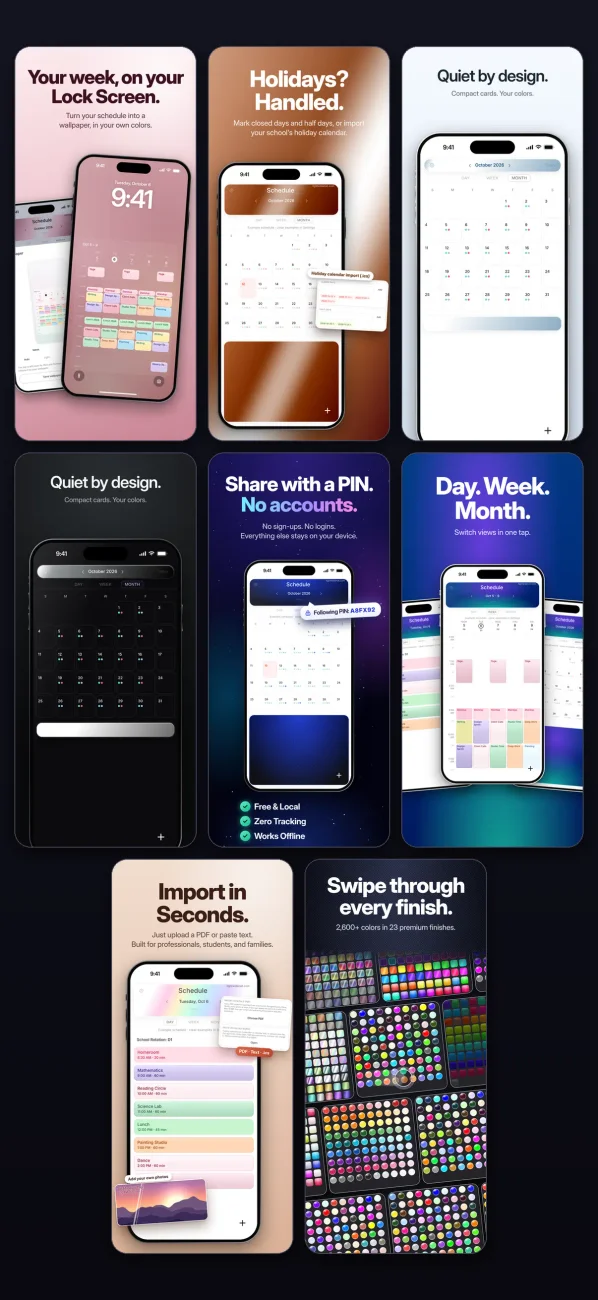
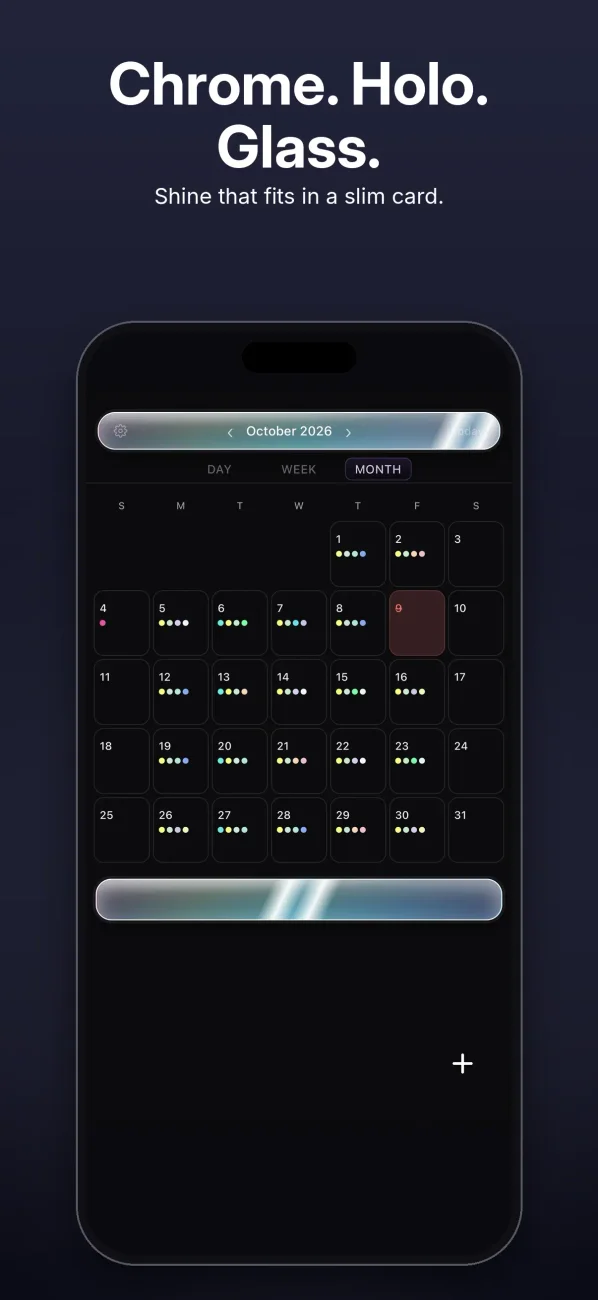
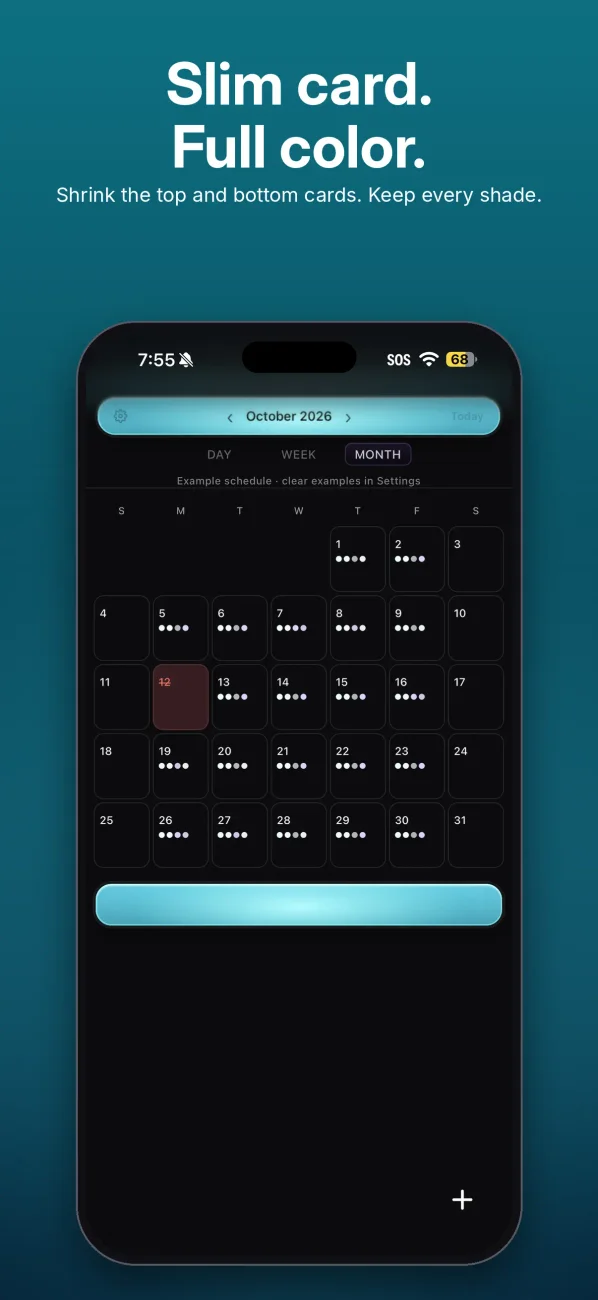
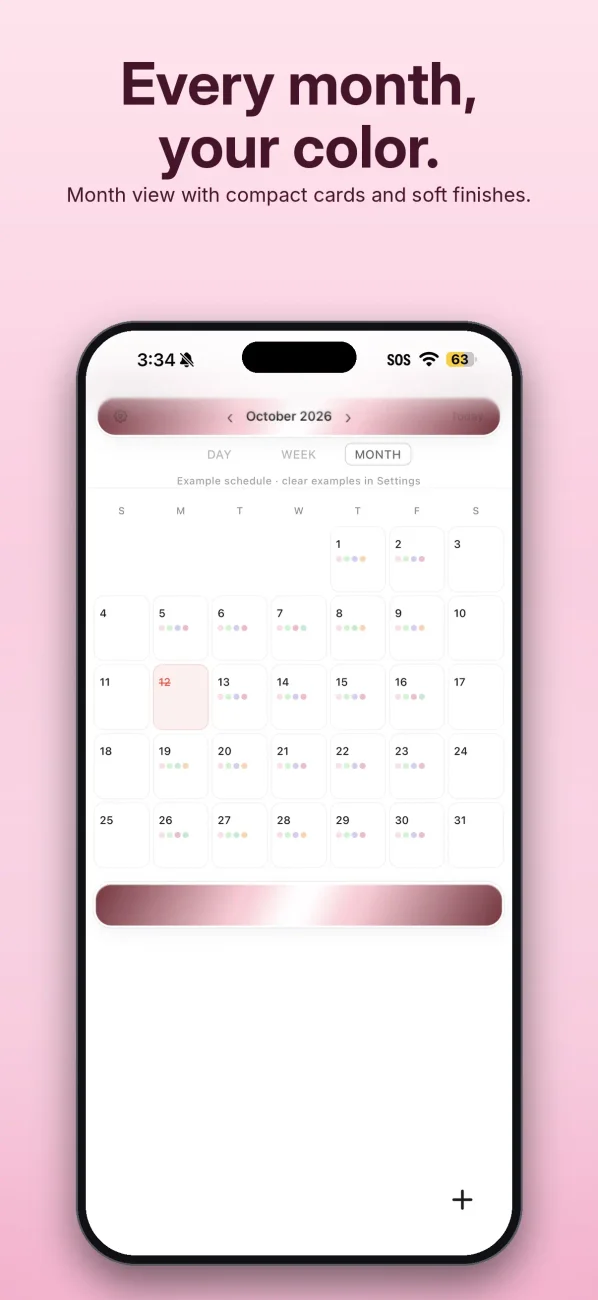
Schedule Highlighter is the free planner that makes your week feel good. Pick from 2,600+ colors in 23 premium finishes (metal, chrome, holo, neon, carbon, pearl and more), then watch the light follow your finger. Day, week or month, light or dark. Make it yours in seconds.
MAKE IT YOURS
• 23 finishes, 2,600+ colors: swipe through them all.
• Color your header, your cards and every event your way.
• Light or dark, compact or roomy. Quiet by design.
• Add your own photos to your events.
• Put your week on your Lock Screen as a wallpaper in your own colors.
YOUR WHOLE LIFE, ONE CALENDAR
• Work, workouts, school, family, friends, hobbies: all in one place.
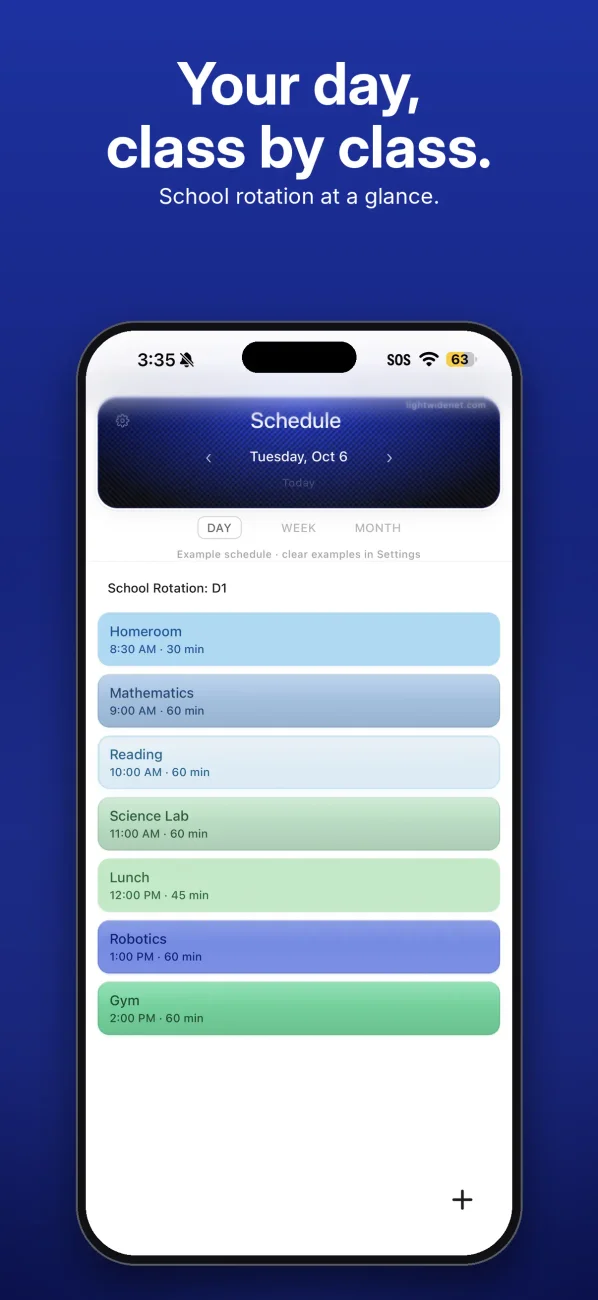
• Beautiful Day, Week and Month views, plus an optional weekend view.
• Export to Apple Calendar, Google Calendar or any calendar app.
SHARE WITH ONE PIN
• Share your schedule with family, friends or your team using a simple code. No accounts, no invites, no sign-ups.
• Anyone following your PIN can still add their own private events, and those stay on their device.
BUILT FOR REAL ROUTINES
• Import a schedule from a PDF and the app builds it for you: names, times and colors. Review and edit everything before it's saved.
• Rotating days (A/B, Day 1 to Day 14) are handled automatically.
• Mark days off and half days, or import holidays from a .ics calendar.
• Your PDF is read on your device and never uploaded. Works with text-based PDFs, not photos or scans.
PRIVATE BY DESIGN
• No accounts or sign-ins.
• Works fully offline.
• Your data stays on your device unless you choose to share a PIN. Stop sharing or following a PIN in the app settings anytime and it ends all updates; all data is removed at the end of the school year. To have the data you shared while sharing or following a PIN removed sooner, or to report misuse, please email hello@lightwidenet.com.
• 100% free.
Made by lightwidenet.com.
What’s new
Version 1.2 · Oct 17, 2026
Slide your finger to highlight words, or to color event boxes and notes. Import easily, share your schedule with a pin, set it as a wallpaper, and make your own cards to upload as events.
App privacy
What Alisa Rayzman declares on the App Store about how this app handles data.
-
Data not linked to you
May be collected but is not linked to your identity.
- User content
Privacy practices may vary, for example with the features you use or your age.
Information
- Seller
- Alisa Rayzman
- Category
- Productivity
- Version
- 1.2
- Updated
- Oct 17, 2026
- Released
- Oct 2, 2026
- Size
- 7.0 MB
- Requires
- iOS 13.0 or later
- Age rating
- 4+
- Languages
- English
- Copyright
- © 2026 Alisa Rayzman • lightwidenet
You might also like
-
 Enflo - Visual Focus TimerYour flow, made visible.
-
 Edison GoAR Camera tracking app.
-
 Focus Flip Clock: AestheticPomodoro Timer & Photo Clock
-
 PDF Highlighter - Read & EditCreate, Highlight & View PDF
-
 Caly - Calendar & WidgetsSimple Planner & Schedule
-
 Pure Synth® PlatinumAll-In-One Rompler/Synthesizer
-
 Canon Publisher MobileProductivity
-
 RemotePC Remote DesktopRemote Desktop Access
-
 Essayist: Academic Writing AppAPA, MLA, Chicago & More
-
 Hustly: Focus TimerFocus with binaural sounds