
Scrap Browser: Copy & Capture
Saves what you copy & capture
Designed for iPhone
Free · In-app purchases
- Age rating17+
- CategoryProductivity
- DeveloperONWEALD
- LanguagesEnglish+ 5 more
- Size11.9 MB
Links to the official App Store page
Download.org hosts no file of Scrap Browser: Copy & Capture. The button opens its official App Store page, published by ONWEALD. Listing last checked on Nov 23, 2026.
Screenshots


About
Where did I see that article?
You won't have to ask that anymore.
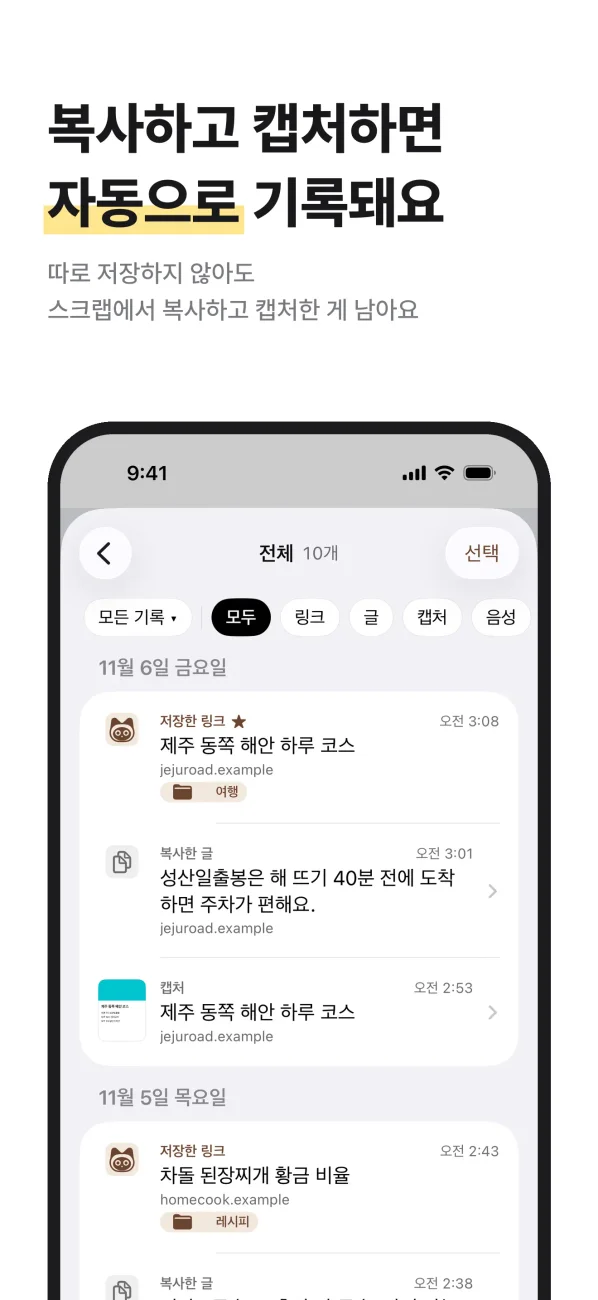
Scrap is a simple browser that automatically keeps what you copy and screenshot. Browse as usual, and anything you copy or capture is saved without an extra step.
■ Saved automatically
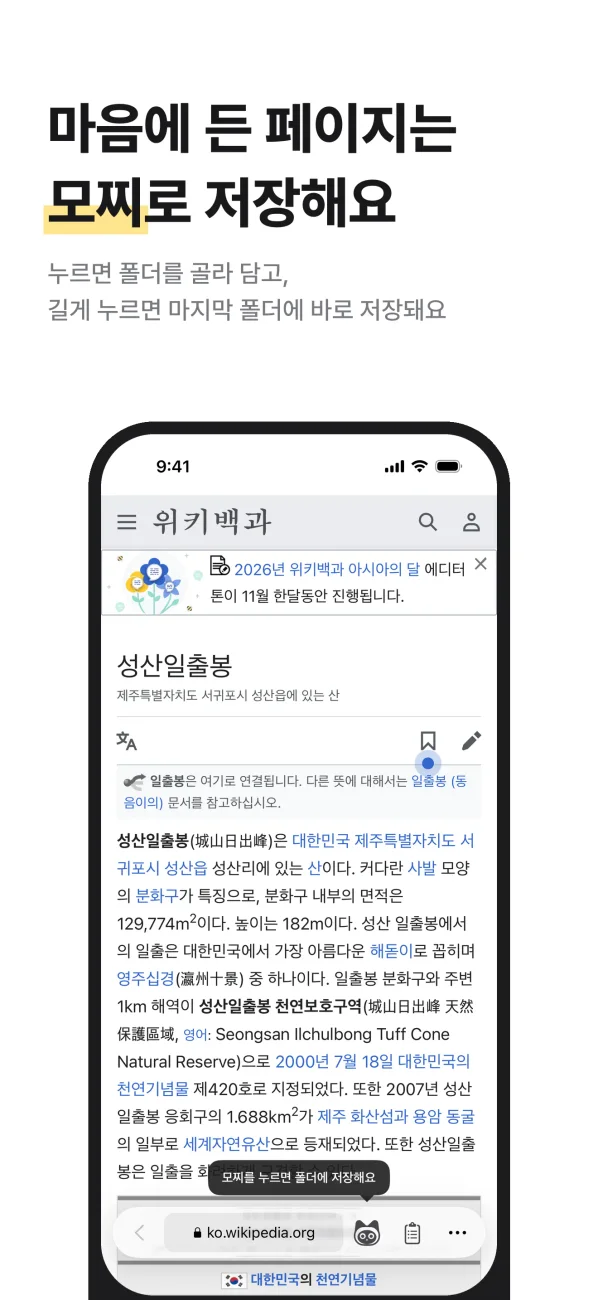
Text and links you copy in Scrap, and screenshots you take, are saved automatically. Save pages you like with the Mochi button.
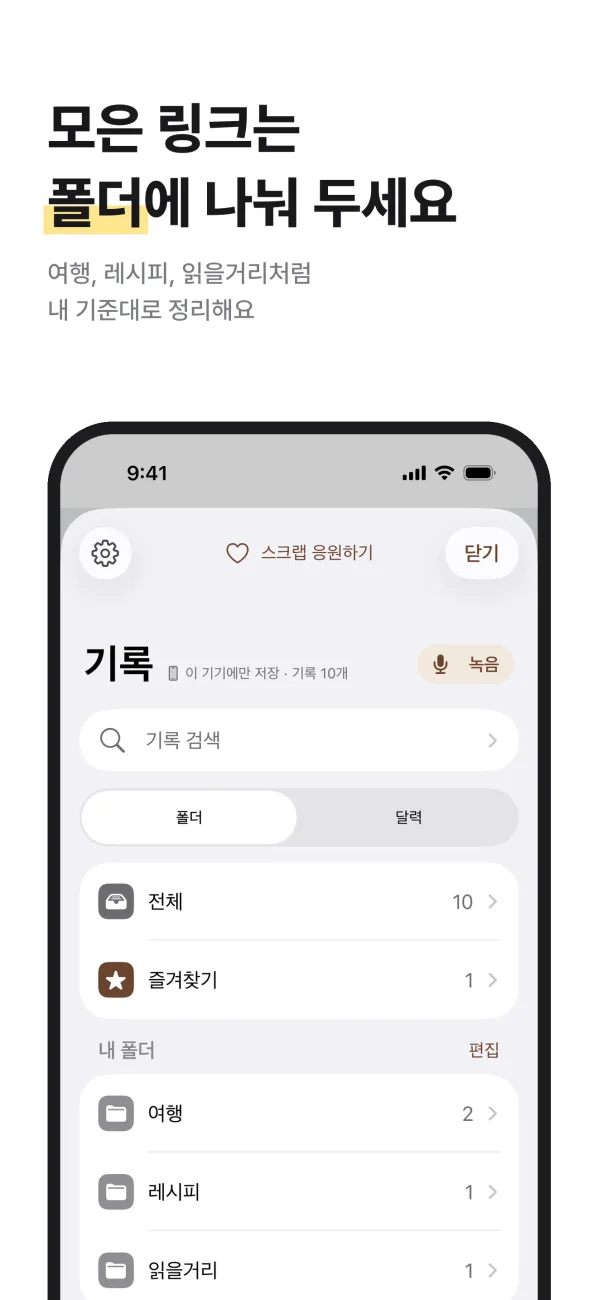
■ Folders and a calendar
Sort things into folders, and look back by date on the calendar.
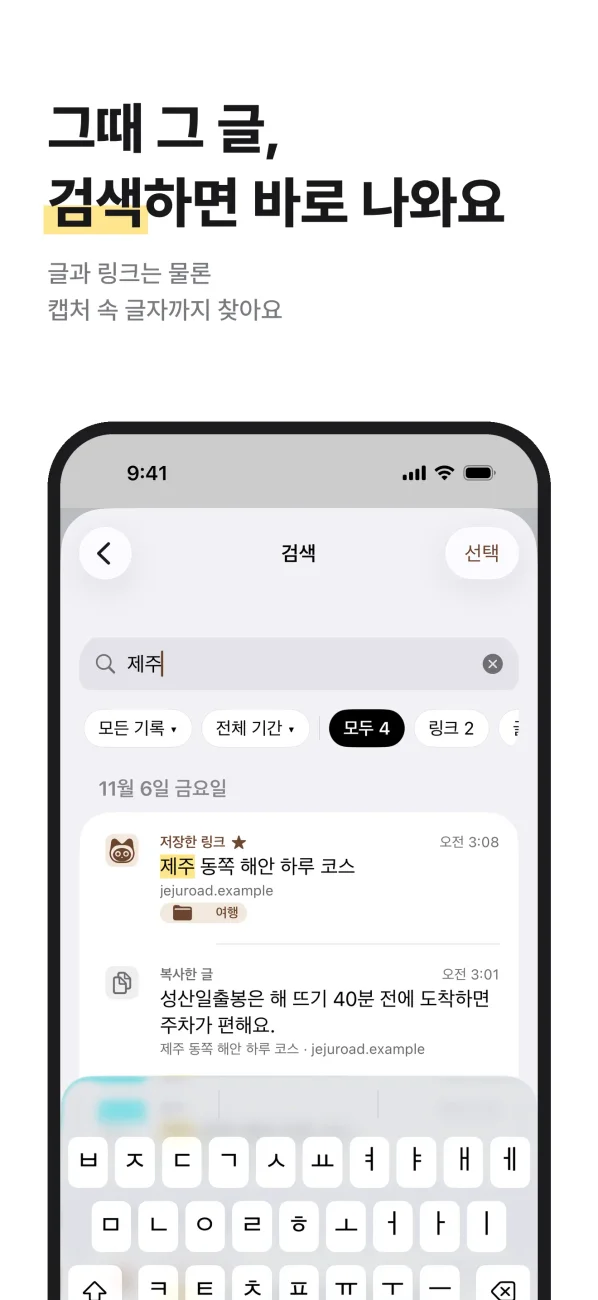
■ Find anything
Search your text and links, and even the words and images inside screenshots. On iOS 26 and later, you can also search what you said in voice memos.
■ Save from other apps
Pick Scrap in another app's share sheet to save links, text and images.
■ Voice memos
Record a thought and listen again later. On iOS 26 and later, Scrap transcribes what you said.
■ Browser tools
Find on page, reader mode, translation and ad blocking. You can also crop and blur parts of a screenshot.
■ Only on your device
No account needed, and everything stays on this device. There's no server, so we can't see your Library. You can also export a password-protected backup file.
What’s new
Version 1.0.1 · Nov 20, 2026
• You can now add screenshots you took in other apps. Tap "Import screenshots from Photos" in your Library and choose them. They're filed under the date they were taken.
• Once you translate a page, Scrap keeps translating as you move to other pages. Tap Translate again to go back to the original.
• Download languages ahead of time in Settings › Translation languages so translating starts right away.
• After saving from the share sheet, tap Close to dismiss it right away.
• Fixed screens that were cut off in landscape and with larger text.
App privacy
What ONWEALD declares on the App Store about how this app handles data.
-
Data not collected
The developer does not collect any data from this app.
Privacy practices may vary, for example with the features you use or your age.
Information
- Seller
- ONWEALD
- Category
- Productivity
- Version
- 1.0.1
- Updated
- Nov 20, 2026
- Released
- Nov 6, 2026
- Size
- 11.9 MB
- Requires
- iOS 18.0 or later
- Age rating
- 17+
- Price
- Free
- In-app purchases
- Yes
- Languages
- English, German, Japanese, Korean, Spanish, Traditional Chinese
- Copyright
- © 2026 온웰드
You might also like
-
 Browsie – Tidy BrowserTabs in spaces and groups
-
 Sandarre BrowserPrivate browsing, your rules
-
 Jade EmailPower over email
-
 Kazzle: AI BuilderApps, websites and AI agents
-
 Consolidate: Teams & ProjekteProductivity
-
 가락 시세Productivity
-
 hyperDart — Trusted AI SearchAI Search, Powered by Experts
-
 Narrow32Browser for slow internet
-
 Toggle: Block ReelsNo Shorts, For You or Explore
-
 SafeRoo:VPN & Adblock BrowserSafe & Quick VPN, Best Privacy