Scream Blocker: Screen Time
Face down focus, or it screams
Designed for iPhone
In-app purchases
- Age rating9+
- CategoryProductivity
- DeveloperIvan de Cabo
- LanguagesEnglish
- Size49.0 MB
Links to the official App Store page
Download.org hosts no file of Scream Blocker: Screen Time. The button opens its official App Store page, published by Ivan de Cabo. Listing last checked on Nov 12, 2026.
Screenshots

About
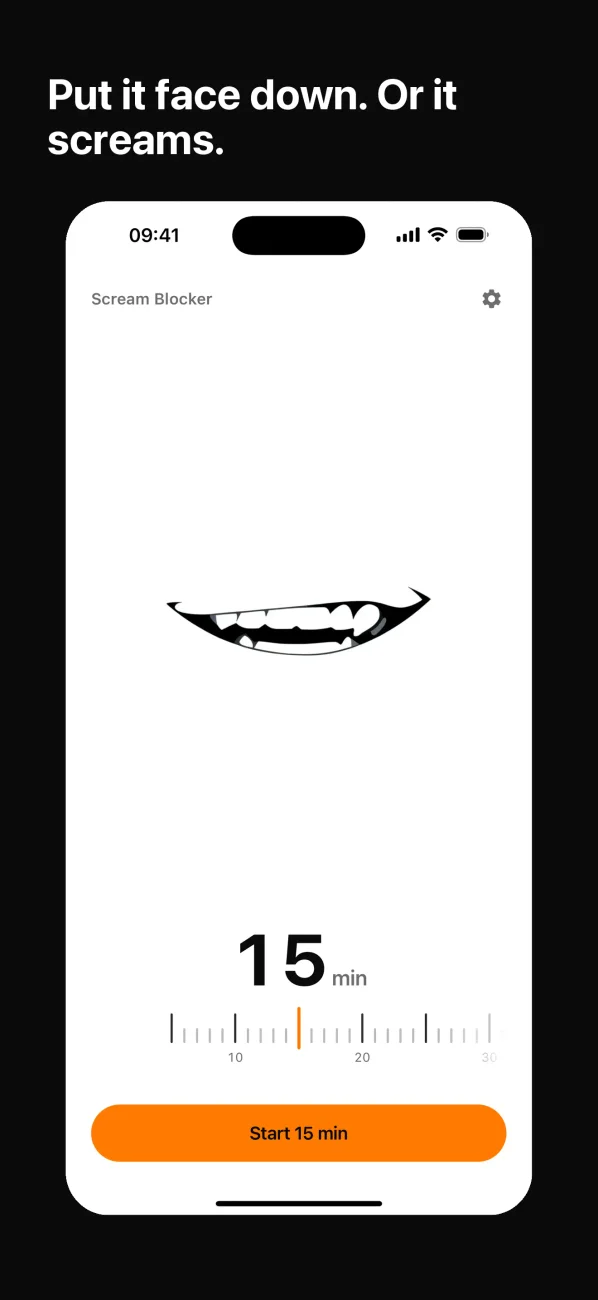
Your phone has one job during a focus session: stay face down. Lift it and it screams.
Scream Blocker is a screen-time blocker with a physical rule instead of a screen you can dismiss. Start a session, put the phone face down on the desk and it goes quiet. Pick it up and it starts screaming, softly at first and louder the further you turn it over, until it is face down again. You don't argue with a button. You smother the phone.
HOW IT WORKS
1. Pick a length on the ruler, from 5 to 120 minutes.
2. Put the phone face down. Nothing screams yet: the session arms once the phone is face down and still.
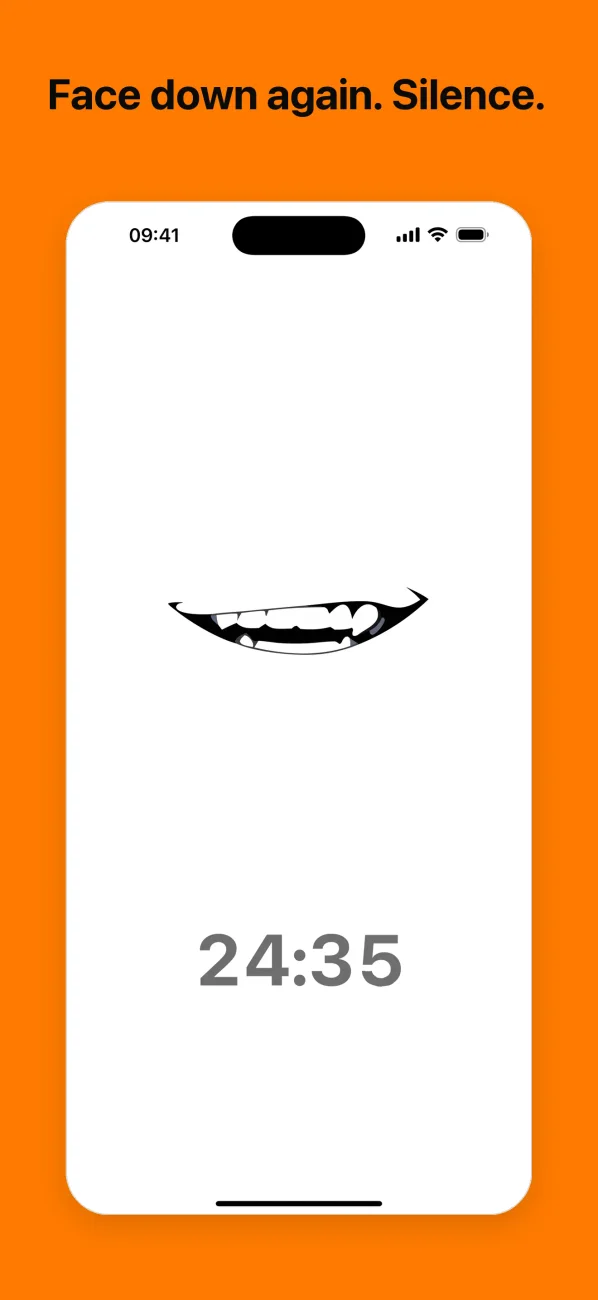
3. Lift it and the scream ramps with the angle. Face down again means silence.
4. At the end, a gentle chime tells you it's over.
WHAT'S INSIDE
• A scream that grows with tilt, not an on/off alarm. Volume goes to maximum and it plays through the silent switch.
• Two screams free, from comedy to terror, and seven more in the Scream Pack, a one-time in-app purchase: an opera singer who will not stop, a metal growl, an inconsolable baby, a demon, a horror-film scream, a man in full panic and nails on a chalkboard. Tap any of them to hear it before you buy.
• Surface check: the proximity sensor knows whether the phone is actually resting on something, so holding it above your face doesn't count as face down.
• Schedules: pick weekdays and hours when sessions should run, with a reminder at the start.
• History: sessions completed, how many times you lifted the phone and how long it spent in the air.
• Give up, if you must: hold for three seconds while it keeps screaming.
GOOD FOR
Deep work, studying, exam prep, reading, meals without a phone and winding down before sleep. Anyone who has learned that a plain app blocker is one tap away from being ignored.
HONEST ABOUT LIMITS
• The scream needs a running session: the app open, or the screen locked with the session still going.
• Orientation comes from the motion sensors, so it wants a real iPhone lying on a real surface.
PRIVACY
No account, no sign-up, no tracking. Your sessions and settings stay on your phone.
Scream Blocker. Put it down. Or else.
What’s new
Version 0.2 · Sep 30, 2026
New: the Scream Pack. Seven more screams, from an opera singer who will not stop to an inconsolable baby. One purchase, yours for good, and you can hear every one of them first in Settings.
App privacy
What Ivan de Cabo declares on the App Store about how this app handles data.
-
Data linked to you
May be collected and linked to your identity.
- Location
- Contact info
- Contacts
- Identifiers
-
Data not linked to you
May be collected but is not linked to your identity.
- Purchases
- Usage data
- Diagnostics
Privacy practices may vary, for example with the features you use or your age.
Information
- Seller
- Ivan de Cabo
- Category
- Productivity
- Version
- 0.2
- Updated
- Sep 30, 2026
- Released
- Sep 27, 2026
- Size
- 49.0 MB
- Requires
- iOS 16.4 or later
- Age rating
- 9+
- In-app purchases
- Yes
- Languages
- English
- Copyright
- © 2026 Ivan de Cabo
You might also like
-
 UAX LIFE MadridProductivity
-
 Focusity: Concentration TimerDopamine detox & app blocker
-
 RelimitFocus to unlock apps
-
 Text Recognizer OCRProductivity
-
 Lifetime: Life ProgressMemento Mori, Life Time Left
-
 Summary AI Text Summarizer PDFSummarize url photo documents
-
 Did I Do? - ADHD & OCD HelpDaily Task Tracker
-
 SCRIBZEE®Access your notes everywhere
-
 Countdown Widget - Days SinceBirthday, Vacation, Retirement
-
 Tally: Counter & Score TrackerClick to count number widget