
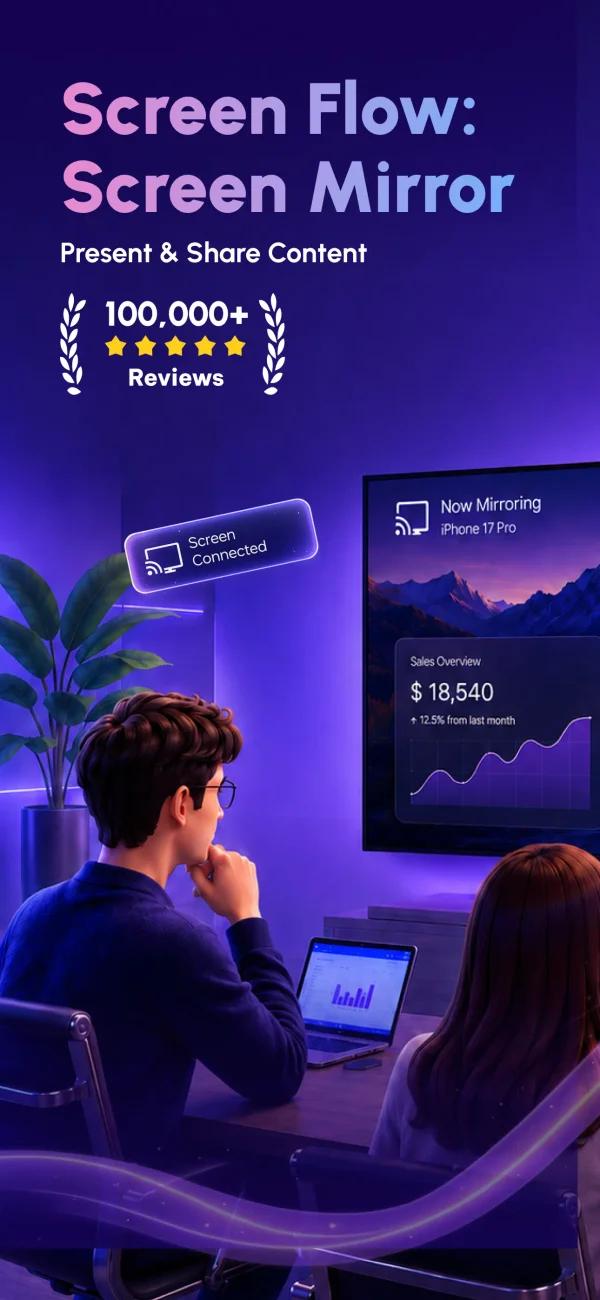
Screen Flow: Screen Mirror
Present & Share Content
Designed for iPhone
Free · In-app purchases
- Age rating4+
- CategoryUtilities
- Developer腾飞 昝
- LanguagesEnglish+ 42 more
- Size120.2 MB
Links to the official App Store page
Download.org hosts no file of Screen Flow: Screen Mirror. The button opens its official App Store page, published by 腾飞 昝. Listing last checked on Nov 17, 2026.
Screenshots

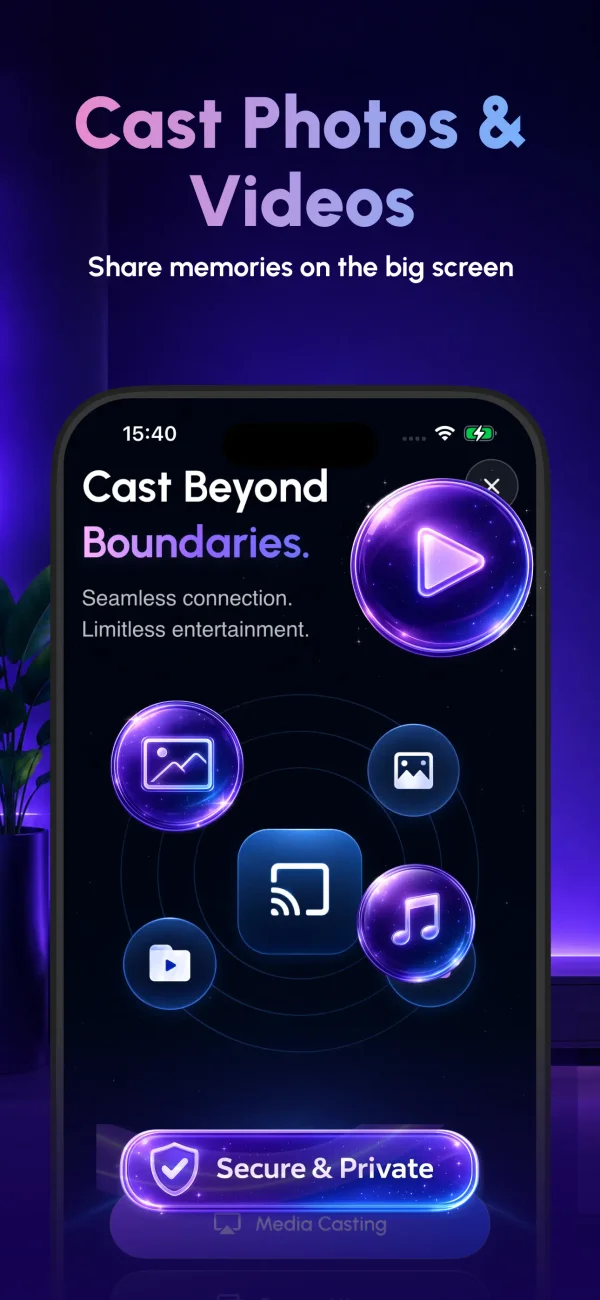
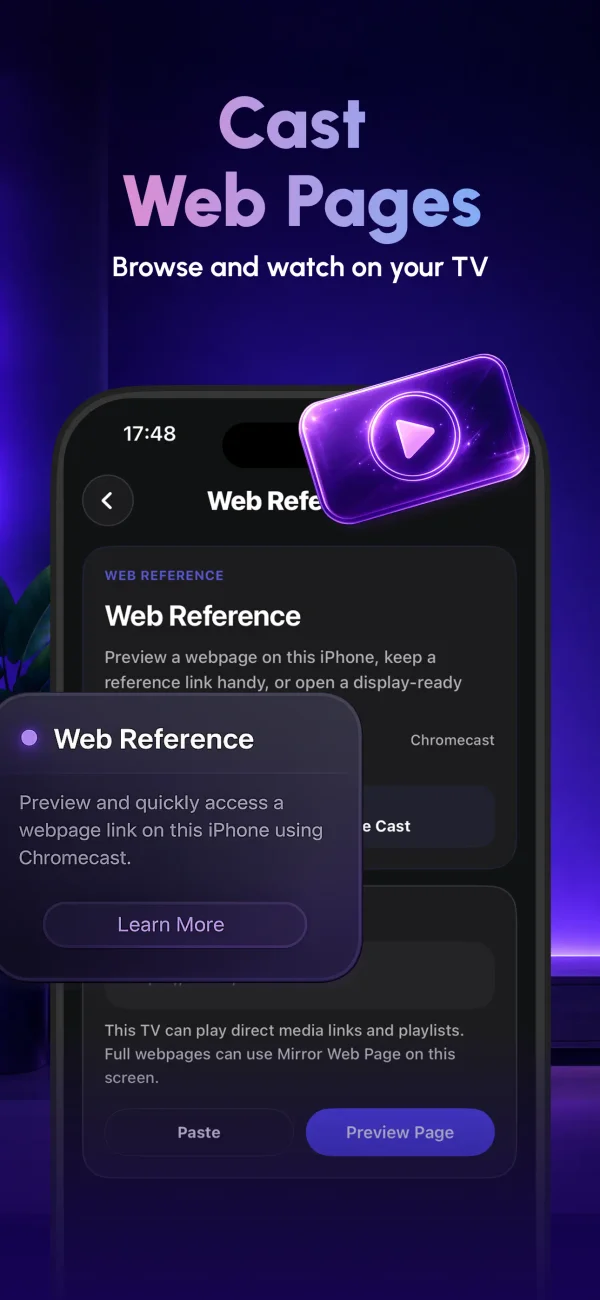
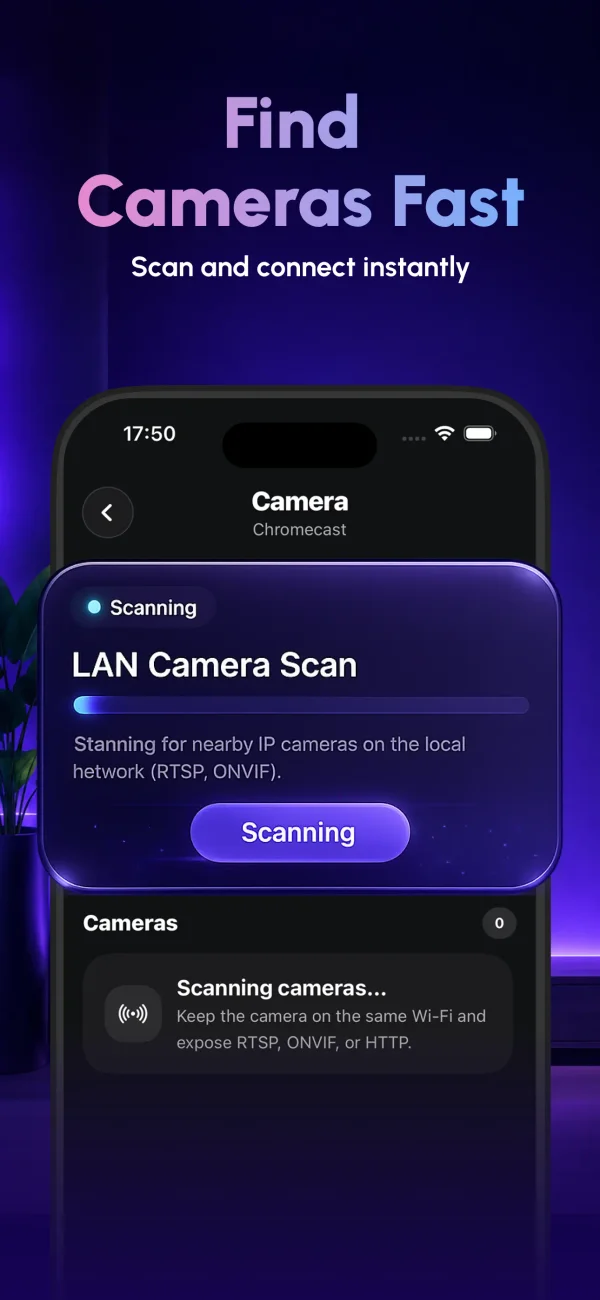
About
Screen Flow is a screen mirroring and presentation tool designed for meetings, presentations, training sessions, and everyday content sharing.
Connect your device to compatible displays and easily share your screen, photos, videos, camera views, web content, and other materials. Screen Flow helps you present information clearly with a smoother and more organized sharing experience.
Whether you are presenting in a meeting room, explaining a project, conducting training, teaching a class, or sharing personal content, Screen Flow makes it easier to connect screens and communicate effectively.
FEATURES
Screen Mirroring & Display Connection
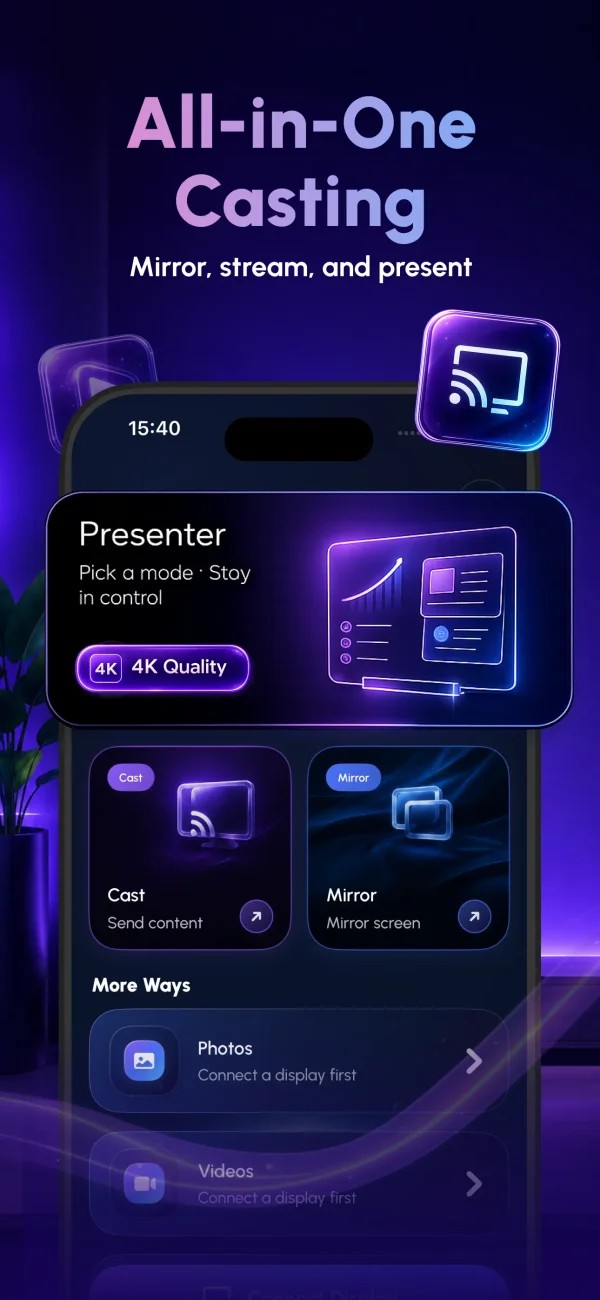
Connect your device with compatible displays and show your content for presentations, demonstrations, collaboration, and everyday sharing.
Content Sharing
Display photos, videos, camera views, web pages, and other materials on a larger screen for different communication and presentation needs.
Presentation Workspace
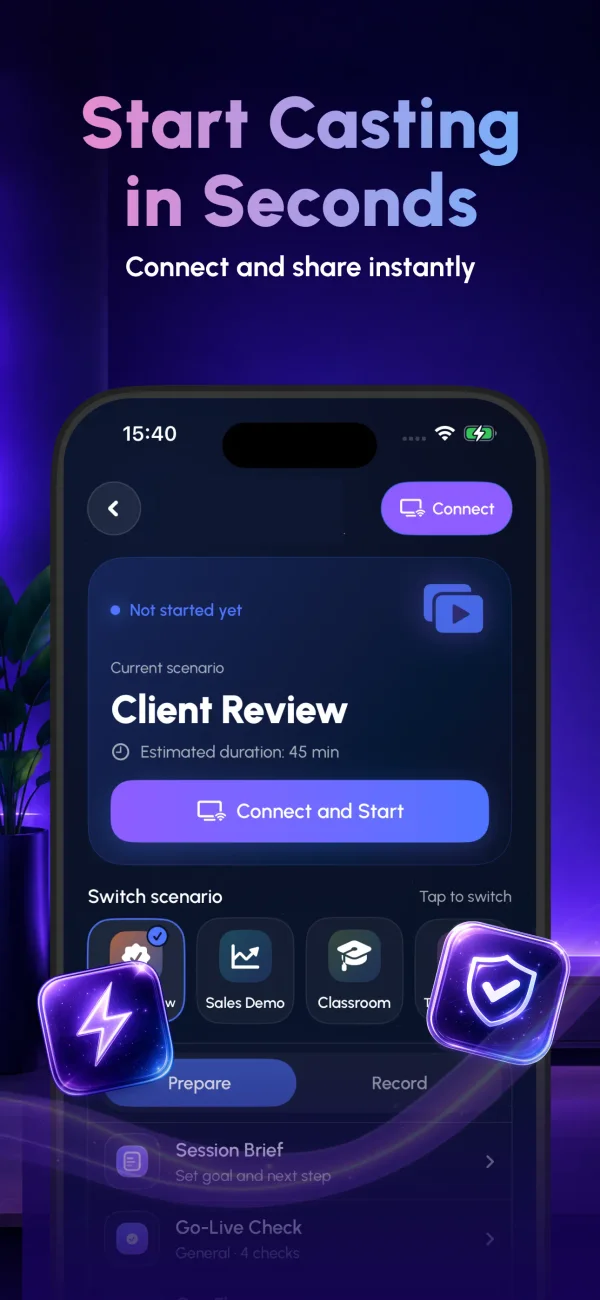
Prepare and organize important materials before presenting, then quickly access the content you need during meetings, training sessions, demonstrations, or personal sharing.
Work & Everyday Sharing
Designed for offices, meeting rooms, classrooms, training spaces, project discussions, and daily content sharing with family or friends.
Flexible Screen Experience
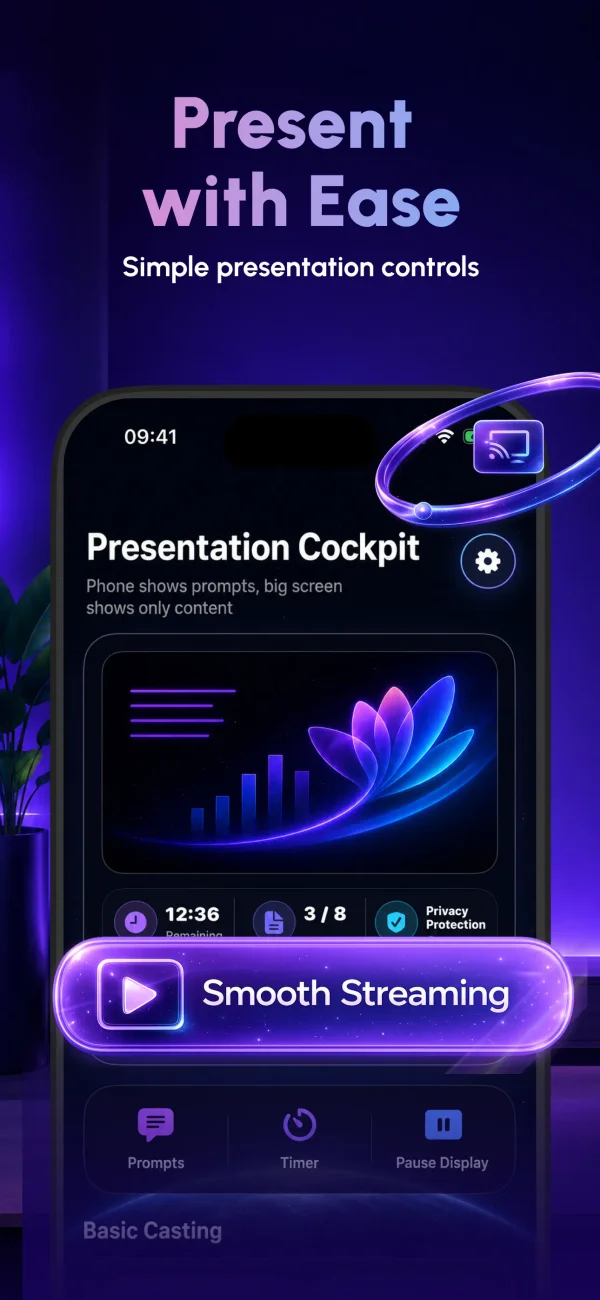
Go beyond basic screen output with a smoother way to connect displays, present information, and share content with better control.
Screen Flow is built for users who need reliable screen mirroring and content presentation in both professional and everyday environments.
From connecting a screen to sharing information, Screen Flow helps you create a smoother, clearer, and more flexible presentation experience.
Subscription
Subscriptions automatically renew unless canceled at least 24 hours before the end of the current period. You can manage or cancel your subscription anytime through your Apple ID account settings.
Privacy Policy
https://www.sunerniang202604.link/pp/6762602167/
Terms of Use
https://www.sunerniang202604.link/tou/6762602167/
What’s new
Version 1.3 · Aug 19, 2026
Bug fixes
App privacy
What 腾飞 昝 declares on the App Store about how this app handles data.
-
Data used to track you
May be used to track you across apps and websites owned by other companies.
- Identifiers
-
Data linked to you
May be collected and linked to your identity.
- Identifiers
Privacy practices may vary, for example with the features you use or your age.
Information
- Seller
- 腾飞 昝
- Category
- Utilities
- Version
- 1.3
- Updated
- Aug 19, 2026
- Released
- Apr 28, 2026
- Size
- 120.2 MB
- Requires
- iOS 17.0 or later
- Age rating
- 4+
- Price
- Free
- In-app purchases
- Yes
- Languages
- English, Arabic, Bengali, Catalan, Croatian, Czech, Danish, Dutch, Finnish, French, German, Greek + 31 more
- Copyright
- © zeng teng fei
You might also like
-
 TV Cast - Screen Mirroring +Share to TV, Mirror Screen
-
 Screen Mirroring・Miracast TVUtilities
-
 Screen Mirroring+ ™Smart View Mirror Screen Share
-
 Replico - Cast to TV RemoteTV Remote Screen Mirroring
-
 Screen Mirroring for MiracastScreen Share & Chromecast TV
-
 Screen Mirroring・Cast to TV +Phone Share & Wireless Display
-
 Multicast - Screen MirroringScreen Mirror Cast to TV
-
 Screen Mirroring | Smart CastScreen Share - Smart View TV
-
 Screen Mirroring | TV CastShare Screen, Wireless Display
-
 TV Cast: Mirror Video & PhotosWireless Display, Screen Share