
- Age rating17+
- CategoryUtilities
- DeveloperMaximumSoft Corp.
- LanguagesEnglish
- Size23.9 MB
Links to the official App Store page
Download.org hosts no file of iSaveWeb Lite. The button opens its official App Store page, published by MaximumSoft Corp. Listing last checked on Nov 17, 2026.
Screenshots
About
Save your favorite websites to your iPhone or iPad.
iSaveWeb Lite is a free version of iSaveWeb app.
Free version includes all features of the paid version, but has some limitations - it allows to save / upload up to 5 web pages. Also, maximum size of uploaded file is limited at 1 MB.
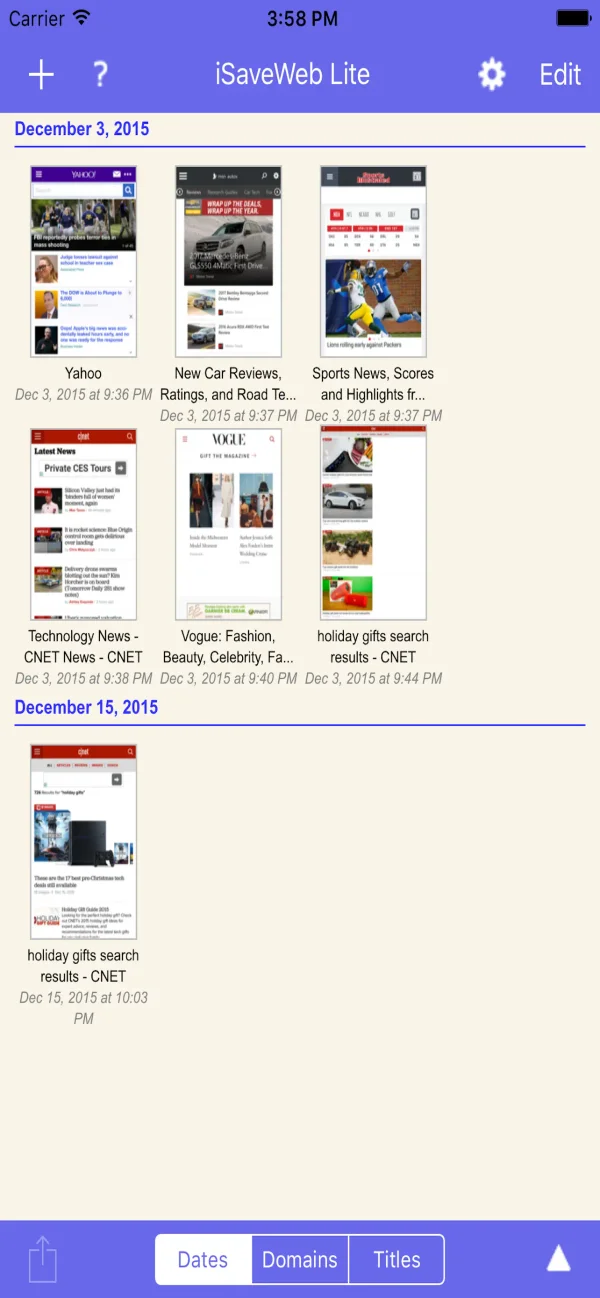
This app helps you save favorite websites directly to your iPad / iPhone / iPod touch and browse them offline, even when you don't have Internet connection.
With iSaveWeb you can:
- Store websites directly on iPhone, ONE PAGE AT A TIME.
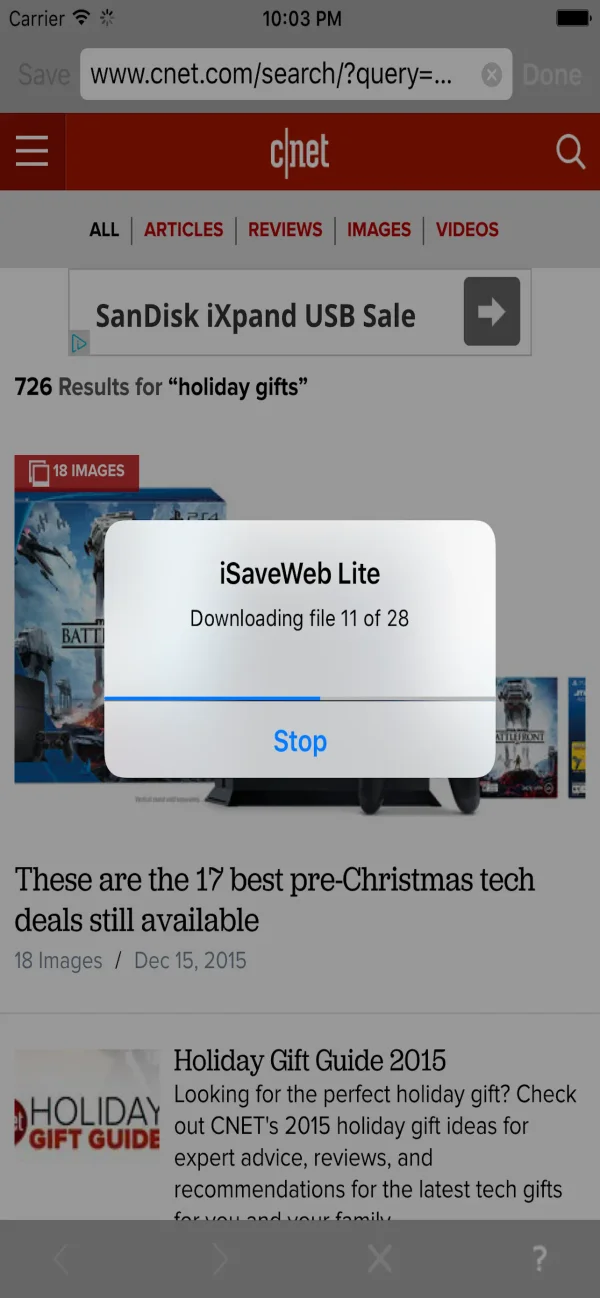
- Each page is saved with all shown images, JavaScript and CSS files.
- iSaveWeb can store public Internet web sites, as well as sites that require users to login. The information is stored directly on your device.
- Browse through sites and save only pages that you need.
Save pages either from
- iSaveWeb build-in browser, or
- Directly from iPhone Safari browser (when using special Safari bookmark, contact support for more information).
- Transfer saved pages from iPhone / iPod touch / iPad to desktop computer.
- Upload files from desktop computers directly to your iPhone / iPod / iPad.
You can upload single HTML files, Web Archives, Zip archives containing saved web sites, PDF and any other files that can be viewed in Safari browser on your iPhone.
Use iSaveWeb to store your favorite web sites, online books, news, pictures, study materials - everything you can see in your browser.
*** IMPORTANT ***
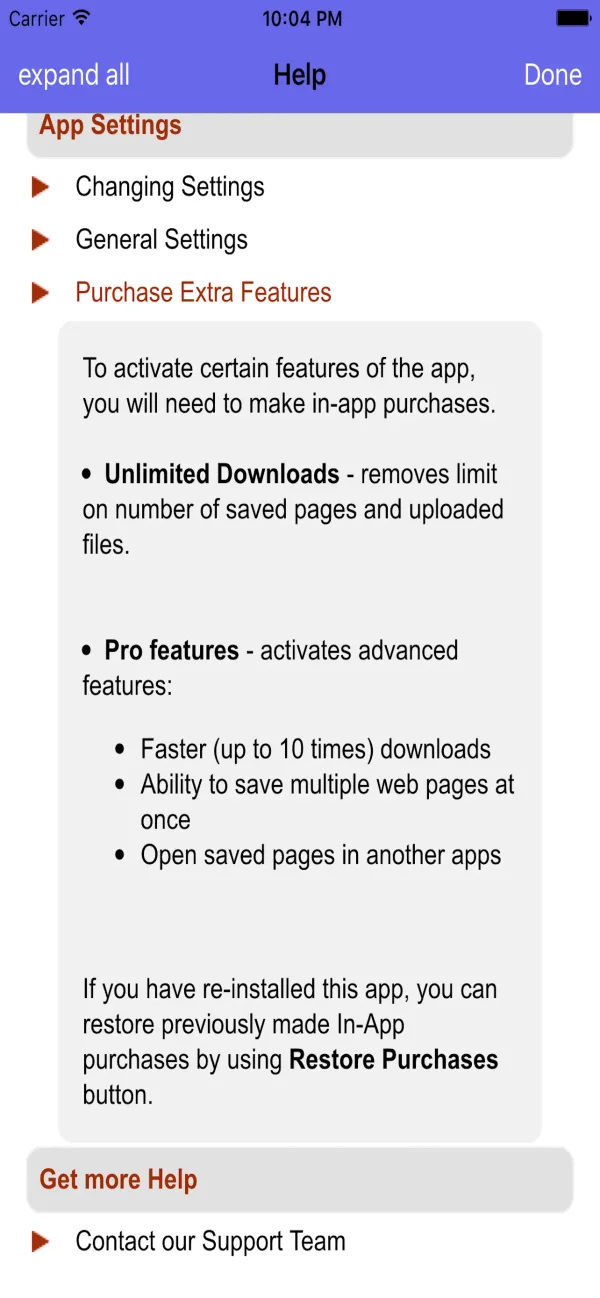
To save MULTIPLE pages at once - purchase 'Pro features'.
If you need greater control over website download (exclude certain links, file types, etc.), we recommend to use our desktop WebCopier products (available for Mac, Windows and Linux) that can download sites to your desktop computer and then transfer downloaded files directly to iSaveWeb running on iPad / iPhone / iPod touch.
What’s new
Version 6.0 · Mar 14, 2025
- Improved Download process
- Minor fixes and enhancements
App privacy
What MaximumSoft Corp. declares on the App Store about how this app handles data.
-
Data not collected
The developer does not collect any data from this app.
Privacy practices may vary, for example with the features you use or your age.
Information
- Seller
- MaximumSoft Corp.
- Category
- Utilities
- Version
- 6.0
- Updated
- Mar 14, 2025
- Released
- Jun 17, 2009
- Size
- 23.9 MB
- Requires
- iOS 12.0 or later
- Age rating
- 17+
- Price
- Free
- In-app purchases
- Yes
- Languages
- English
- Copyright
- Copyright © 2009 - 2025 MaximumSoft Corp.
You might also like
-
 SWeb - Screenshot Web BrowserScreenshots keep your spot
-
 ShunnckLa web abierta al mundo.
-
 eBrowser: Private Web & FilesFast, Private, Download Files
-
 Shiori Web BrowserQuickly search the web
-
 Net SkipA fast, private web browser
-
 Ohajiki Web BrowserNo more glaring web pages.
-
 BuyIt - Hidden Secret BrowserCloaked Tool as Shopping List
-
 SiteSuckerUtilities
-
 Acidity - View Page ArchivesUtilities
-
 TablessIntentional web browser