Screen Recorder: Record App
Video Editor & Face Cam
Designed for iPhone, iPad
Free · In-app purchases
- Age rating4+
- CategoryUtilities
- DeveloperIvanna Koryliak
- LanguagesEnglish+ 10 more
- Size68.3 MB
Links to the official App Store page
Download.org hosts no file of Screen Recorder: Record App. The button opens its official App Store page, published by Ivanna Koryliak. Listing last checked on Nov 12, 2026.
Screenshots


About
Screen Recorder – Record, Edit & Share Videos
All-in-one screen, camera, and audio recording app built for creators, gamers, educators, and anyone who
needs high-quality videos straight from their device. Record your screen, add Face Cam reactions, capture
Dual Camera videos, record voice notes, edit clips, and export your videos to Photos.
SCREEN RECORDING
- Record your screen with just a few taps
- Capture apps, games, tutorials, walkthroughs, and demos
- Record with microphone support for commentary and voiceover
- Save recordings and open them in the built-in editor
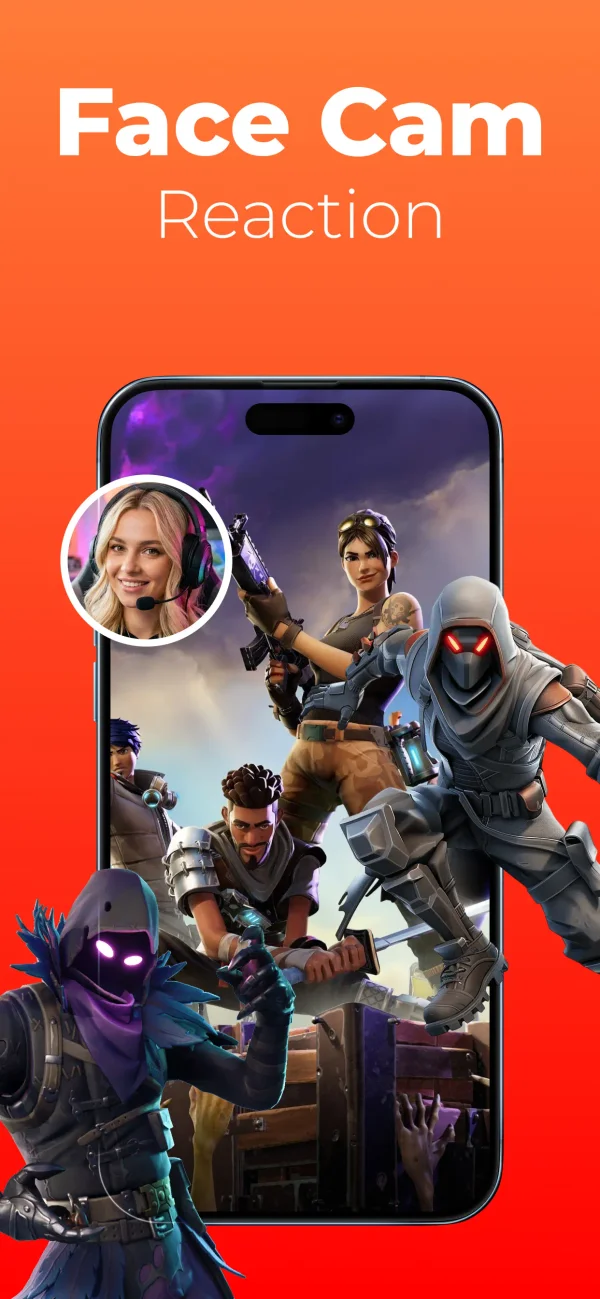
FACE CAM REACTIONS
- Add Face Cam video to your selected videos
- Adjust the camera overlay position before recording
- Record your face and microphone audio together
- Great for reactions, tutorials, lessons, and gameplay content
DUAL CAMERA RECORDER
- Record with front and rear cameras
- Choose camera layouts and quality settings
- Capture synchronized microphone audio
- Open the result directly in the video editor
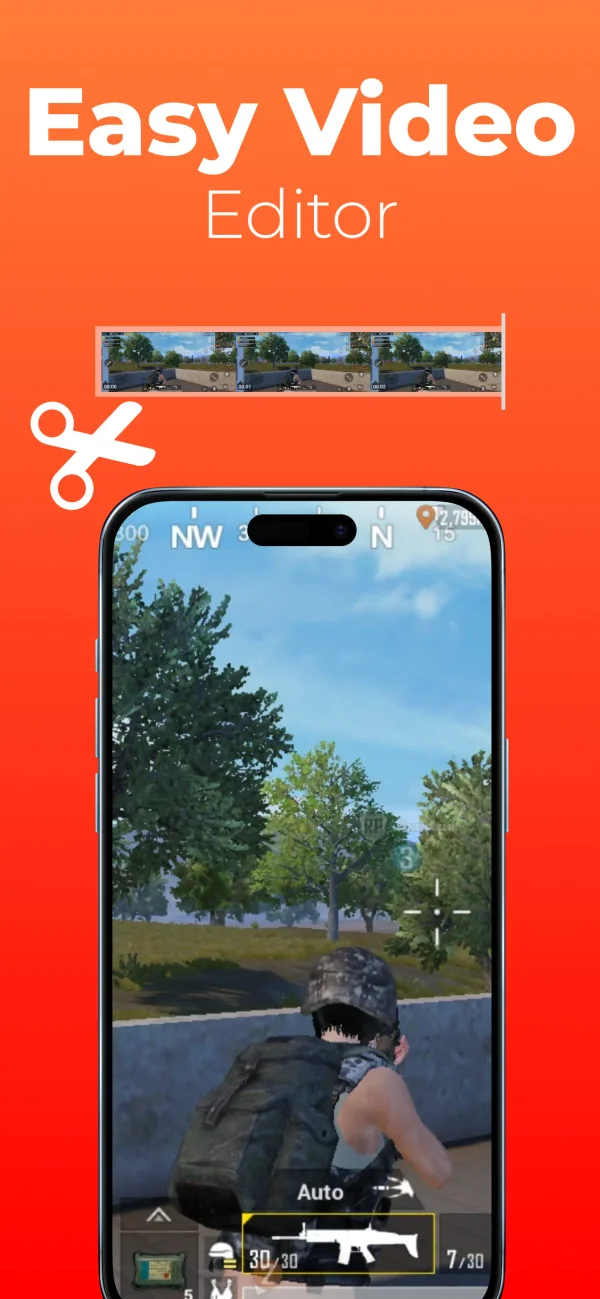
BUILT-IN VIDEO EDITOR
- Edit videos directly inside the app
- Trim clips and adjust playback speed
- Export videos to your photo library
- Free users can export with a watermark
- Premium users can unlock higher export quality
AUDIO RECORDER
- Record high-quality voice notes and commentary
- Play, preview, copy, delete, and export recordings
- Adjust speed, voice effects, and equalizer settings
- Useful for narration, voiceovers, notes, and content creation
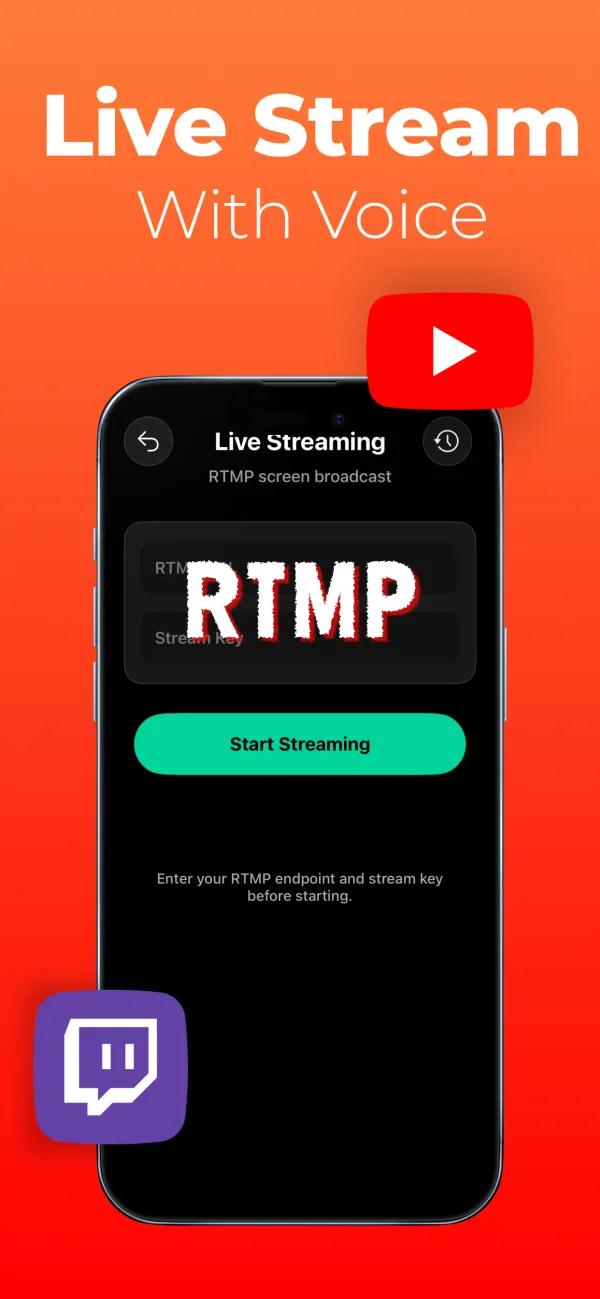
LIVE STREAMING
- Set up RTMP live streaming
- Save stream details for faster access
- Start broadcasts from the app
MY RECORDINGS
- Keep your screen recordings in one place
- Preview recordings with video duration
- Open any recording in the editor
- Delete recordings when you no longer need them
Whether you are making tutorials, recording gameplay, creating reaction videos, saving lessons, or preparing
content for social media, Screen Recorder gives you practical tools to record, edit, and share from your
iPhone or iPad.
PREMIUM SUBSCRIPTION INFORMATION
Upgrade to Premium to unlock advanced recording and export options.
With Premium, you can access:
- Higher export quality options
- Original quality video export
- HD and Full HD export options
- Premium recording and editing features
- No free export limitations
SUBSCRIPTION OPTIONS
- Weekly Subscription
- Yearly Subscription
Privacy Policy: https://sites.google.com/view/screeenrecord/privacy-policy
Terms of Use: https://sites.google.com/view/screeenrecord/terms-of-use
What’s new
Version 1.4 · Aug 22, 2026
Improved app stability and performance.
App privacy
What Ivanna Koryliak declares on the App Store about how this app handles data.
-
Data used to track you
May be used to track you across apps and websites owned by other companies.
- Usage data
-
Data not linked to you
May be collected but is not linked to your identity.
- Usage data
Privacy practices may vary, for example with the features you use or your age.
Information
- Seller
- Ivanna Koryliak
- Category
- Utilities
- Version
- 1.4
- Updated
- Aug 22, 2026
- Released
- Jun 1, 2026
- Size
- 68.3 MB
- Requires
- iOS 18.0 or later
- Age rating
- 4+
- Price
- Free
- In-app purchases
- Yes
- Languages
- English, Arabic, French, German, Hindi, Italian, Japanese, Simplified Chinese, Spanish, Traditional Chinese, Ukrainian
- Copyright
- © ScreenRecord
You might also like
-
 Screen Recorder .Record screen for iphone
-
 Screen Recorder - Record VideoHigh-Quality Screen Capture
-
 Screen Recorder - Video, GamesLive Stream, FaceCam & Editor
-
 Screen Recorder - Voice VideoRecord Audio & Face Camera
-
 Secret Recorder (Black Screen)Hidden invisible camera
-
 Screen Recorder,Screen CaptureRecord Video, Audio & Gameplay
-
 OnAir: Screen Recorder [Live]Video recording with audio
-
 Screen Recorder - RecorderCapture & Edit Your Screen
-
 Screen Recorder for iPhone HDFacecam, Record Video & Stream
-
 Screen Recorder - Go RecordScreen Recorder - Record It