
Screen Recorder・V Record 4K
Easy VRecorder with Face Cam
Designed for iPhone
Free · In-app purchases
- Age rating4+
- CategoryUtilities
- DeveloperANH NGUYEN SERVICE AND TRADING PRODUCTION COMPANY LIMITED
- LanguagesEnglish+ 6 more
- Size79.1 MB
Links to the official App Store page
Download.org hosts no file of Screen Recorder・V Record 4K. The button opens its official App Store page, published by ANH NGUYEN SERVICE AND TRADING PRODUCTION COMPANY LIMITED. Listing last checked on Nov 13, 2026.
Screenshots

About
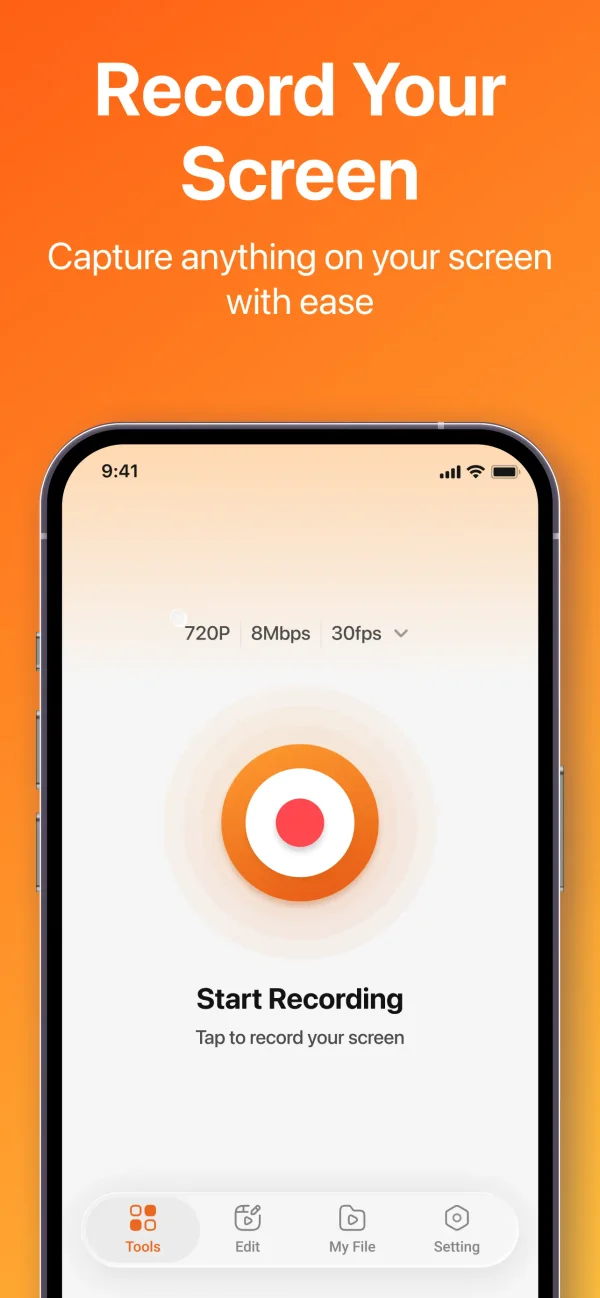
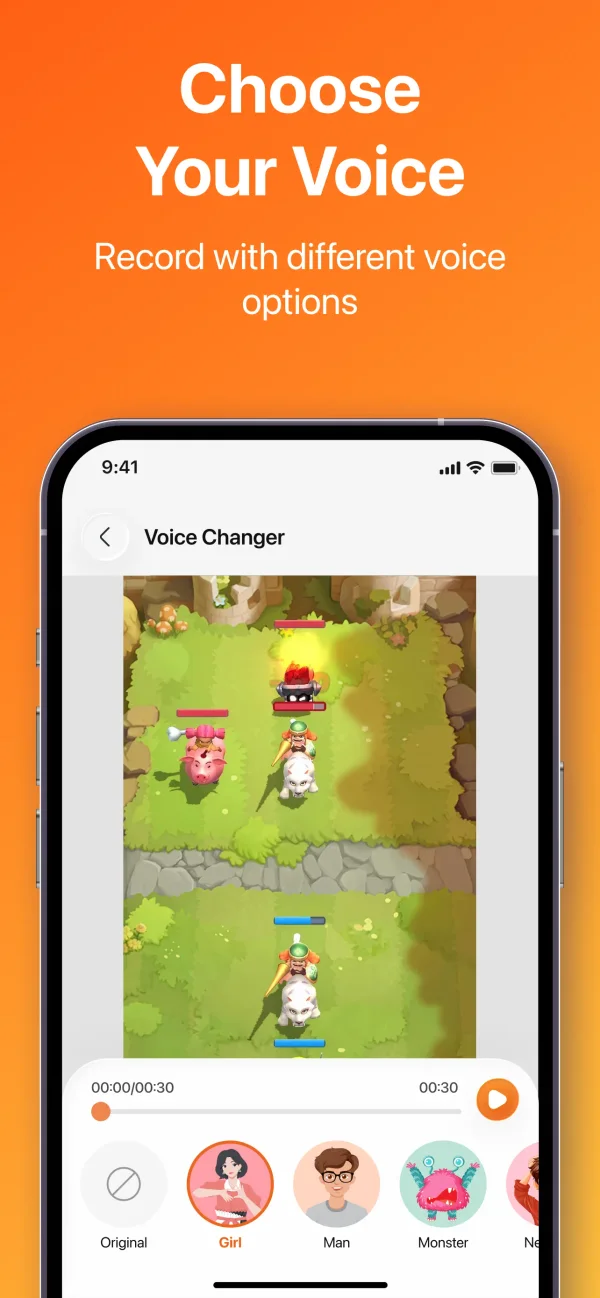
Record, add face cam and voice, edit, share, all in seconds. Screen Recorder does it all, right on your device.
Screen Recorder is a simple and powerful video recording tool designed for creators, gamers, students, teachers and anyone who wants to capture their screen. Create high-quality screen recordings in seconds, record gameplay, tutorials, reactions, presentations and anything happening on your screen, then edit and share your videos with ease.
KEY FEATURES
• Record Your Screen: Capture your screen smoothly and save videos instantly with just a few taps.
• Record with Audio: Add your voice and microphone for commentary, explanations or reactions.
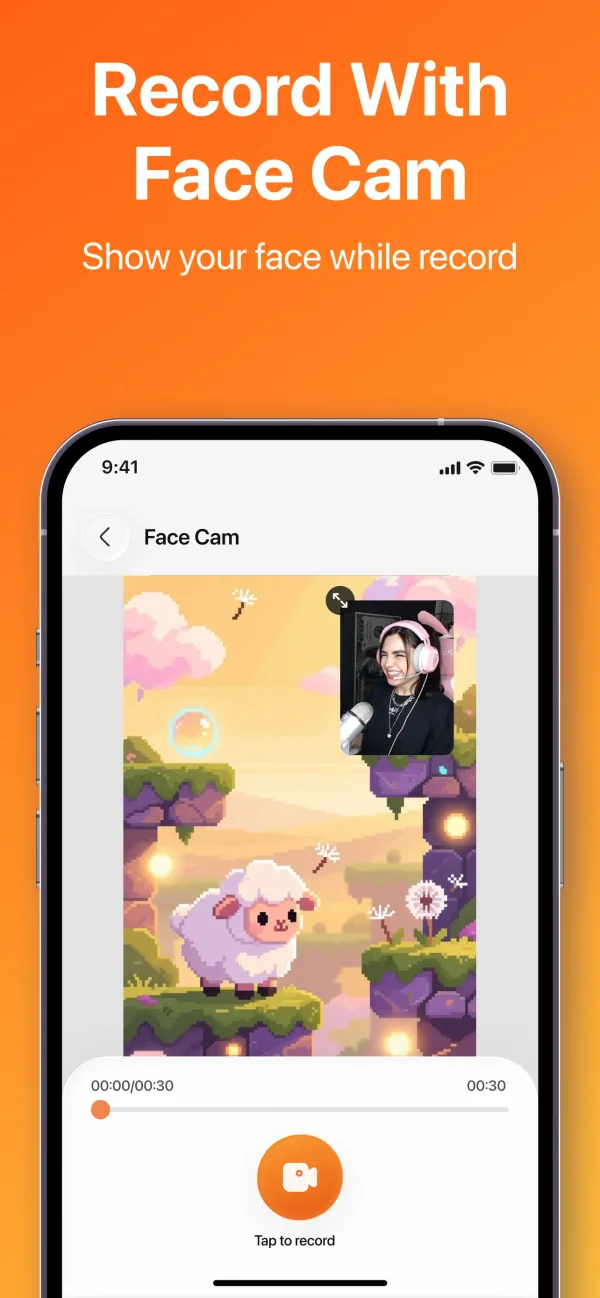
• Add Face Cam: Show your reaction while recording, great for reaction videos and gaming content.
• Record Gameplay: Capture your favorite games and turn them into shareable videos.
• Create Tutorials: Record app walkthroughs, how-to guides and educational content.
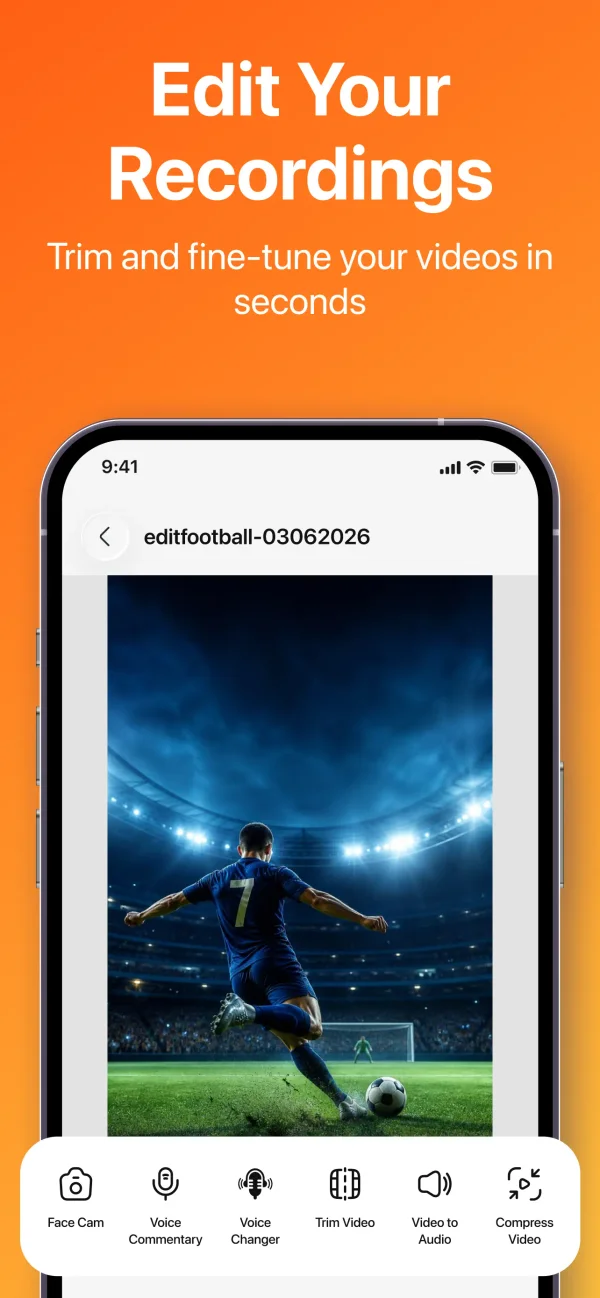
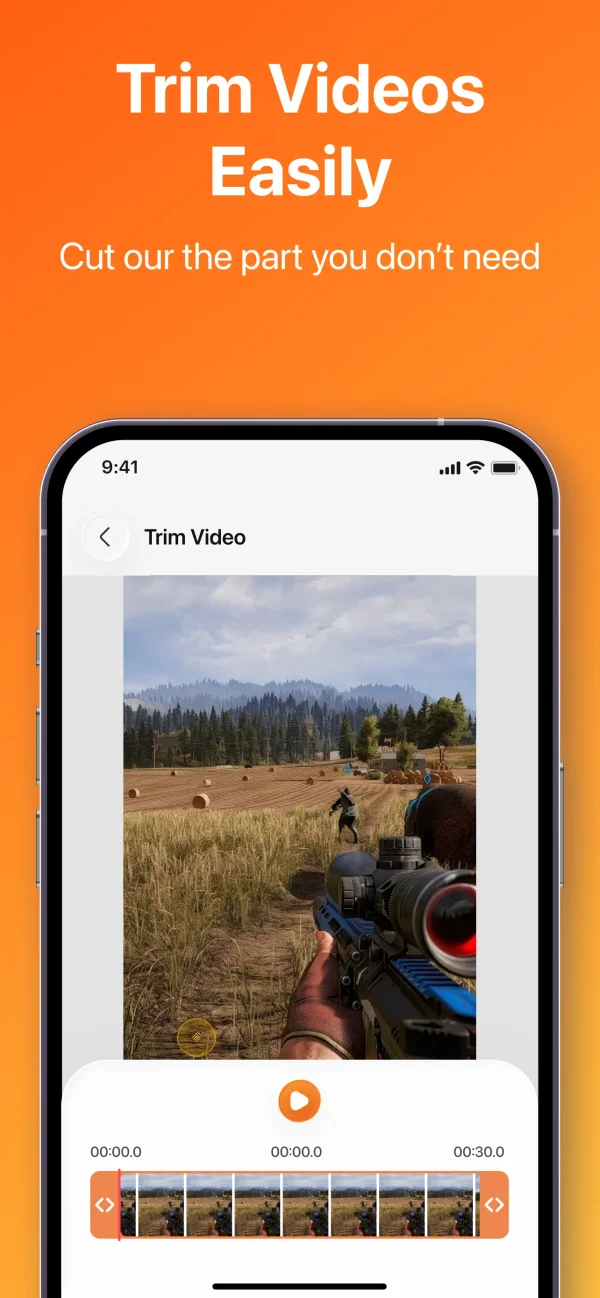
• Edit Your Videos: Trim recordings and adjust video and audio, all without leaving the app.
• Share Anywhere: Export and share your recordings to any social platform or messaging app.
WHY YOU NEED THIS APP
• Turn anything on your screen into a shareable video, in just a few taps
• Add your own commentary or reactions with voice and microphone audio
• Show your face while you record, perfect for reaction videos and gaming content
• Capture your favorite games and turn them into content your audience wants to watch
• Record clear, step-by-step tutorials and walkthroughs without extra tools
• Trim and adjust your videos right in the app, no need to switch to another editor
• Export and share your recordings anywhere, on social platforms, messaging apps and more
Whether you're a gamer, creator, teacher or everyday user, Screen Recorder gives you an easy way to capture what's happening on your screen and turn it into shareable video content.
Download Screen Recorder today and start capturing, editing, and sharing your videos in seconds.
LEGAL INFORMATION:
Privacy Policy: https://mobocovietnam.com/Privacy-policy.html
Terms of Use: https://mobocovietnam.com/Term-of-Use.html
Apple Standard EULA: https://www.apple.com/legal/internet-services/itunes/dev/stdeula/
What’s new
Version 1.0.2 · Nov 6, 2026
What's new in 1.0.2:
• More stable recording and smoother overall performance
• Updated core components for better reliability
• Minor bug fixes
Enjoying Screen Recorder? A quick rating helps us keep improving.
App privacy
What ANH NGUYEN SERVICE AND TRADING PRODUCTION COMPANY LIMITED declares on the App Store about how this app handles data.
-
Data used to track you
May be used to track you across apps and websites owned by other companies.
- Identifiers
- Usage data
-
Data linked to you
May be collected and linked to your identity.
- Identifiers
- Usage data
-
Data not linked to you
May be collected but is not linked to your identity.
- User content
- Diagnostics
Privacy practices may vary, for example with the features you use or your age.
Information
- Seller
- ANH NGUYEN SERVICE AND TRADING PRODUCTION COMPANY LIMITED
- Category
- Utilities
- Version
- 1.0.2
- Updated
- Nov 6, 2026
- Released
- Aug 25, 2026
- Size
- 79.1 MB
- Requires
- iOS 17.0 or later
- Age rating
- 4+
- Price
- Free
- In-app purchases
- Yes
- Languages
- English, German, Hindi, Italian, Simplified Chinese, Spanish, Vietnamese
- Copyright
- © 2026 Moboco
You might also like
-
 Screen Recorder - Voice VideoRecord Audio & Face Camera
-
 Screen Recorder - Record VideoHigh-Quality Screen Capture
-
 Screen Recorder: Video & AudioFacecam, Recording & Editing
-
 Screen Recorder - RecorderCapture & Edit Your Screen
-
 Screen Recorder - Go RecordScreen Recorder - Record It
-
 Screen Recorder Pro⋆Record Display & Reaction Cam
-
 Screen Recorder: REC CastVideo Record, Phone Recording
-
 Screen recorder - videoApp for recording
-
 Screen Recorder-Video & VoiceFace Cam · Reaction · Audio
-
 Screen Recorder: Go RecordFace Cam Reaction Video Editor