Screen Shot App: ScreenCraft
Mockups,Social Posts,App Store
Designed for iPhone
Free · In-app purchases
- Age rating4+
- CategoryDeveloper Tools
- DeveloperSzymon Tadrzak
- LanguagesEnglish
- Size52.3 MB
Links to the official App Store page
Download.org hosts no file of Screen Shot App: ScreenCraft. The button opens its official App Store page, published by Szymon Tadrzak. Listing last checked on Nov 12, 2026.
Screenshots



About
ScreenCraft is a powerful visual editor for creating polished screenshots, social posts, launch graphics, promos and app visuals directly on your iPhone.
Start with the right canvas for your project, then customize it with device frames, text, overlays, backgrounds and precise export sizes. Whether you are preparing App Store screenshots, designing a social media post, building a launch graphic, or creating a clean visual for a deck or website, ScreenCraft gives you a focused editor without the complexity of a full design suite.
What you can create:
• App Store screenshots for iPhone
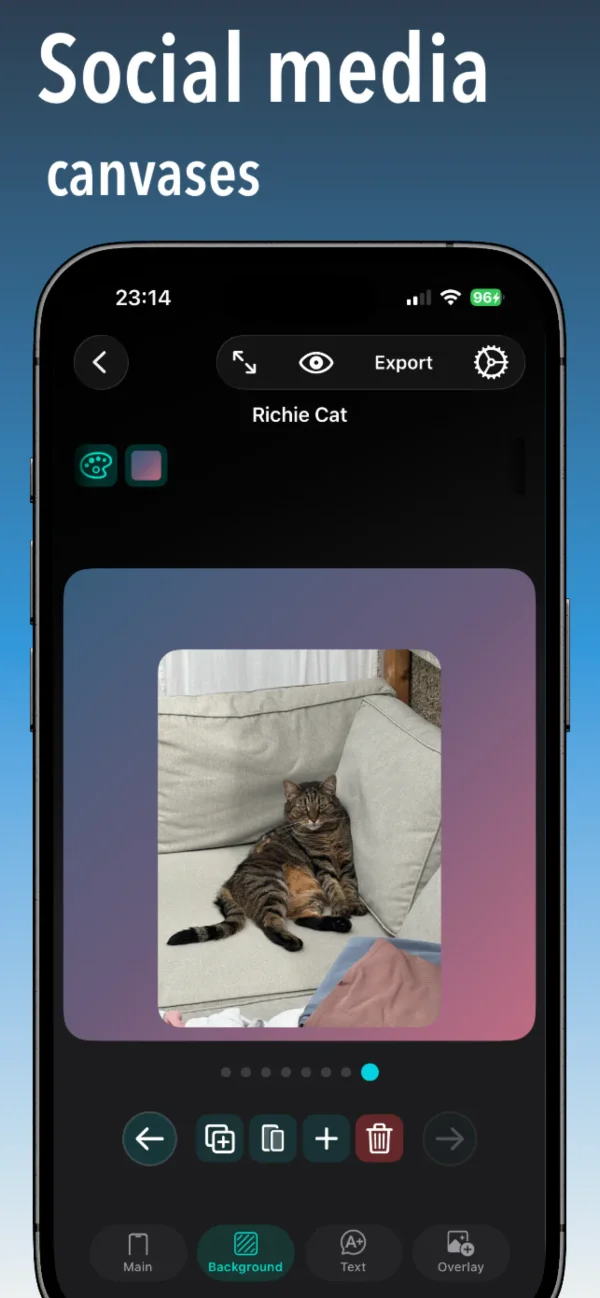
• Social media posts, stories, reels and launch updates
• Product mockups and promotional graphics
• Website, portfolio and presentation visuals
• High-resolution square and portrait exports
Key features:
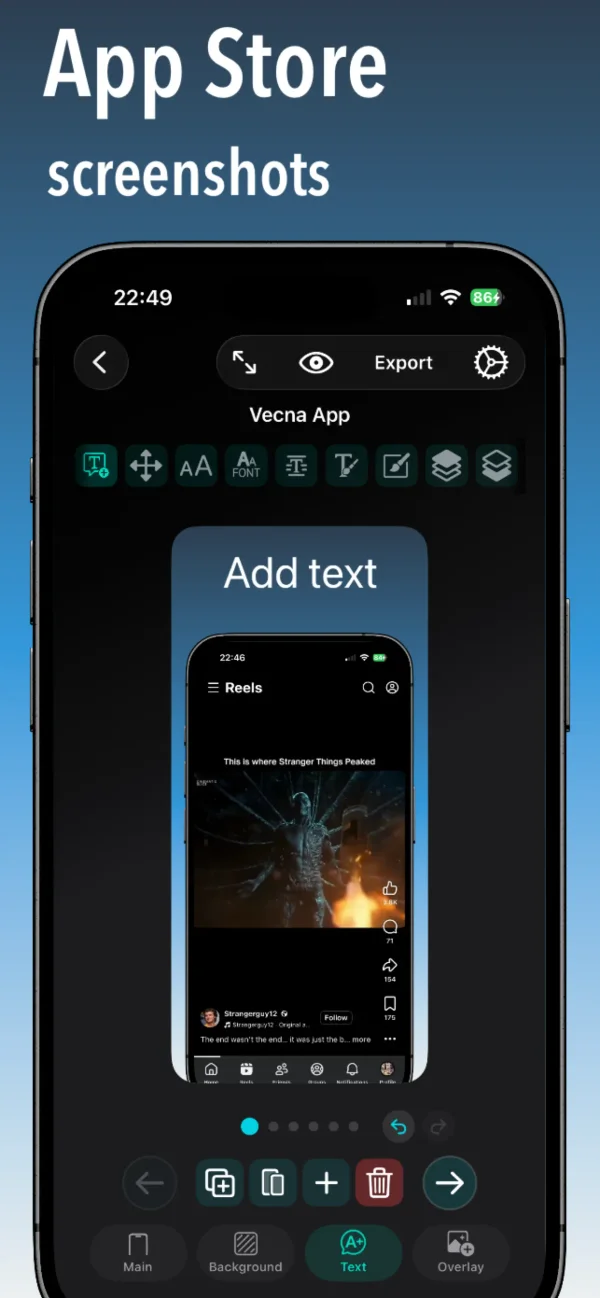
• App Store screenshot templates
Choose a ready-made-screen layout, replace the placeholders, edit the titles and customize each preview.
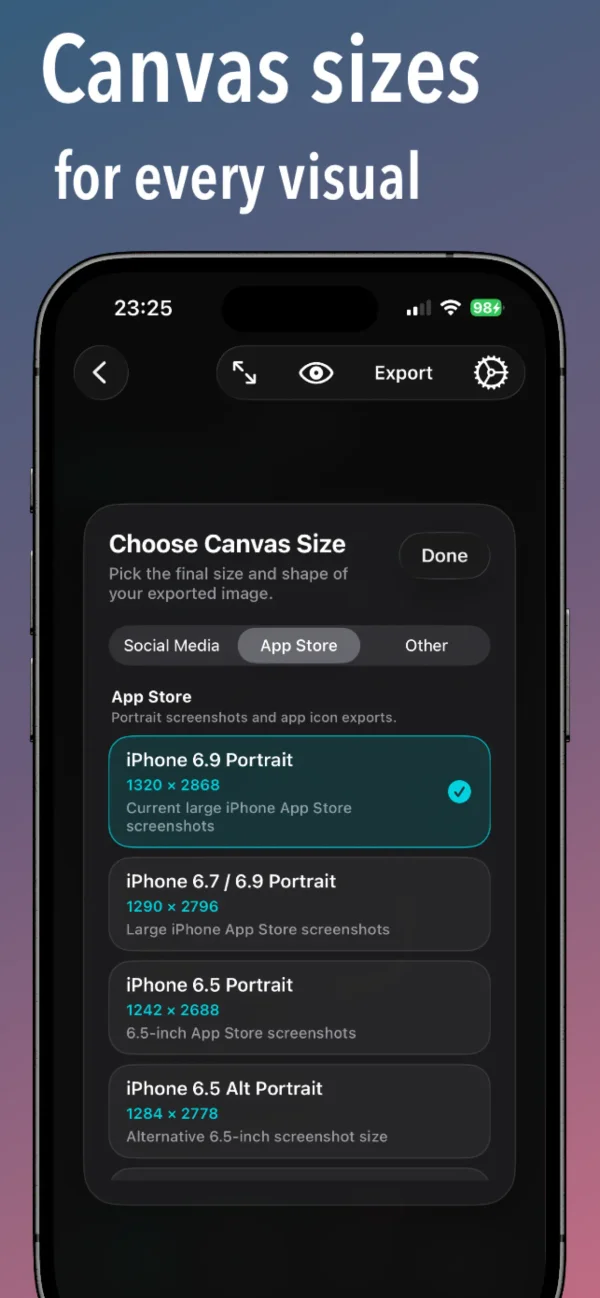
• Flexible canvas sizes
Pick from App Store, social media and general high-resolution canvas presets. You can also adjust the canvas size later in the editor.
• Device frames and image editing
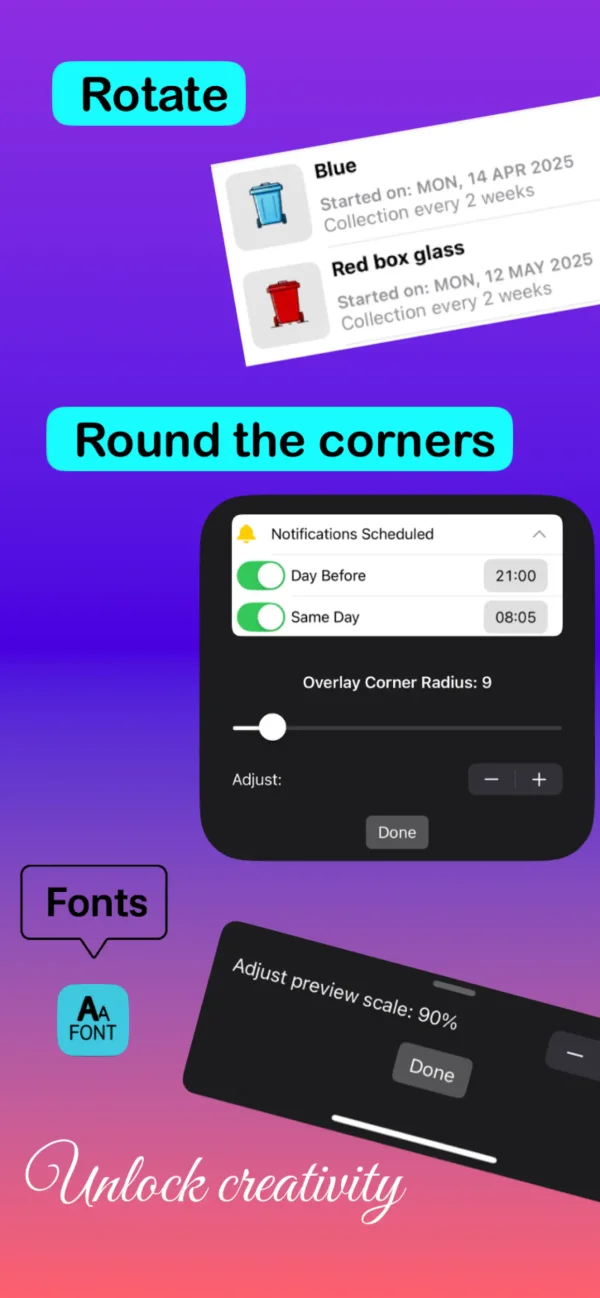
Add iPhone bezels, position screenshots, adjust scale and rotation, or create clean visuals without a frame.
• Text, overlays and backgrounds
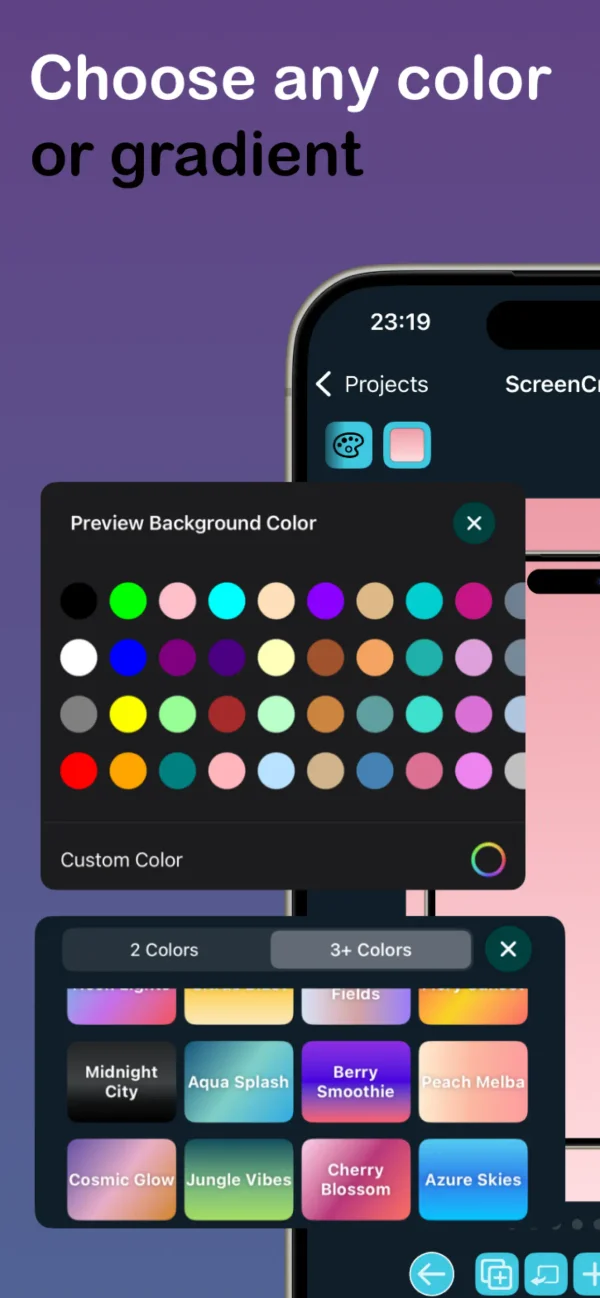
Add bold titles, extra images, overlays, gradients and custom colors. Arrange layers, duplicate elements and fine-tune the layout.
• Multi-preview projects
Create sets of visuals in one project, duplicate previews, move between them quickly and export one image or the full set.
• High-resolution export
Export polished PNG or JPEG images ready for App Store Connect, social platforms, websites, decks and launch materials.
• AI image overlays on supported devices
Create AI-generated images with Apple Image Playground on compatible devices, then add them to your screenshots, posts and promo graphics.
ScreenCraft is built for indie developers, founders, creators, marketers and anyone who needs clean visuals without opening a complicated design tool.
Terms of Use: https://www.apple.com/legal/internet-services/itunes/dev/stdeula/
What’s new
Version 3.0.1 · Jun 13, 2026
- New ScreenCraft app icon
- Improved image quality for newly imported screenshots and overlays
- Small editor polish and reliability improvements
App privacy
What Szymon Tadrzak declares on the App Store about how this app handles data.
-
Data linked to you
May be collected and linked to your identity.
- Purchases
-
Data not linked to you
May be collected but is not linked to your identity.
- Usage data
- Diagnostics
Privacy practices may vary, for example with the features you use or your age.
Information
- Seller
- Szymon Tadrzak
- Category
- Developer Tools
- Version
- 3.0.1
- Updated
- Jun 13, 2026
- Released
- Aug 13, 2025
- Size
- 52.3 MB
- Requires
- iOS 17 or later
- Age rating
- 4+
- Price
- Free
- In-app purchases
- Yes
- Languages
- English
- Copyright
- © 2025 Szymon Tadrzak
You might also like
-
 Screenshot Studio - App MockupApp Store Screenshot Maker
-
 Driven – Live App AnalyticsInsights for App Store Connect
-
 Sensi TrackerGame Mobile Run Smoothly
-
 StoreShotDeveloper Tools
-
 Screenshot Bro: Mockup MakerApp Screenshot Generator & ASO
-
 StoreShots: Create store shotsFast Screenshot Maker
-
 Radar App Keyword OptimizationAnalyze & Generate keywords
-
 ProScan: PDF ScannerScan, OCR & PDF Editor
-
 Crevit: AI Apps & WebsitesCreate Websites & Code Apps
-
 KWRDS ASO Rank Keyword TrackerFor Search Competitor Analyzer