- Age rating4+
- CategoryProductivity
- DeveloperYoshiharu Yamada
- LanguagesJapanese+ 2 more
- Size10.6 MB
Links to the official App Store page
Download.org hosts no file of Screen Time - AppStops. The button opens its official App Store page, published by Yoshiharu Yamada. Listing last checked on Nov 13, 2026.
Screenshots



About
AppStops is a powerful tool to control your phone use. Based on your rules, it blocks all app actions except closing. It’s a one-time purchase—no subscriptions, no hidden fees. Just a simple tool you can rely on forever.
▼ Features
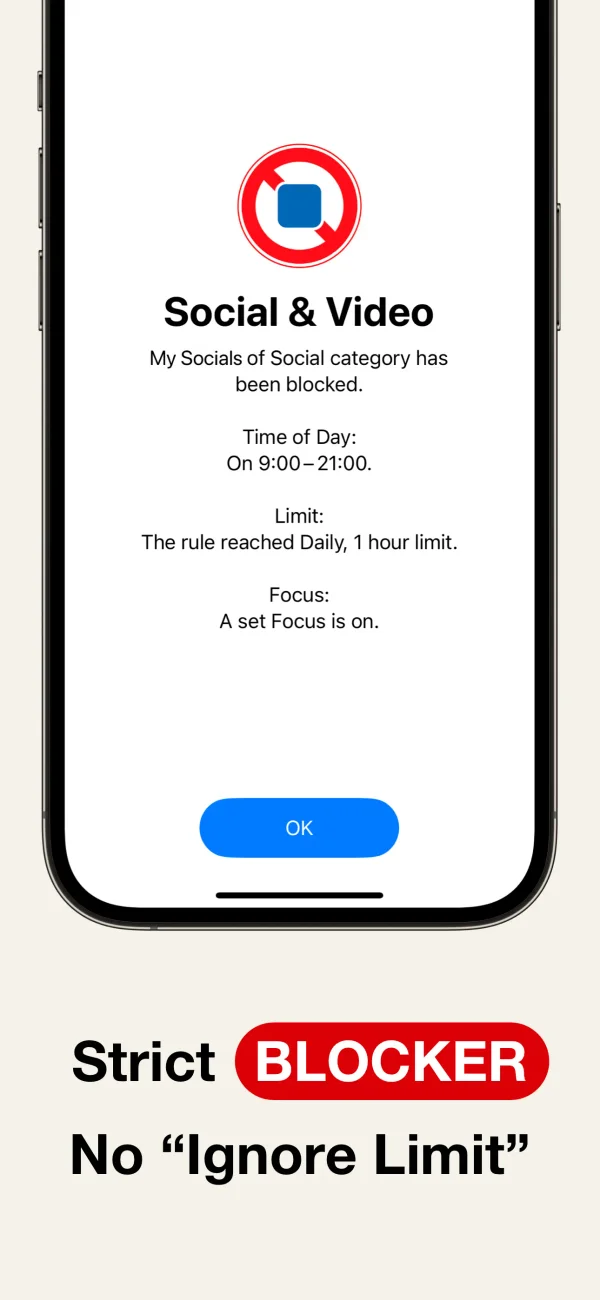
• Strict blocking screen with no “Ignore Limit” button.
• Block apps while in Focus Mode, e.g., “No entertainment apps during Work Mode.”
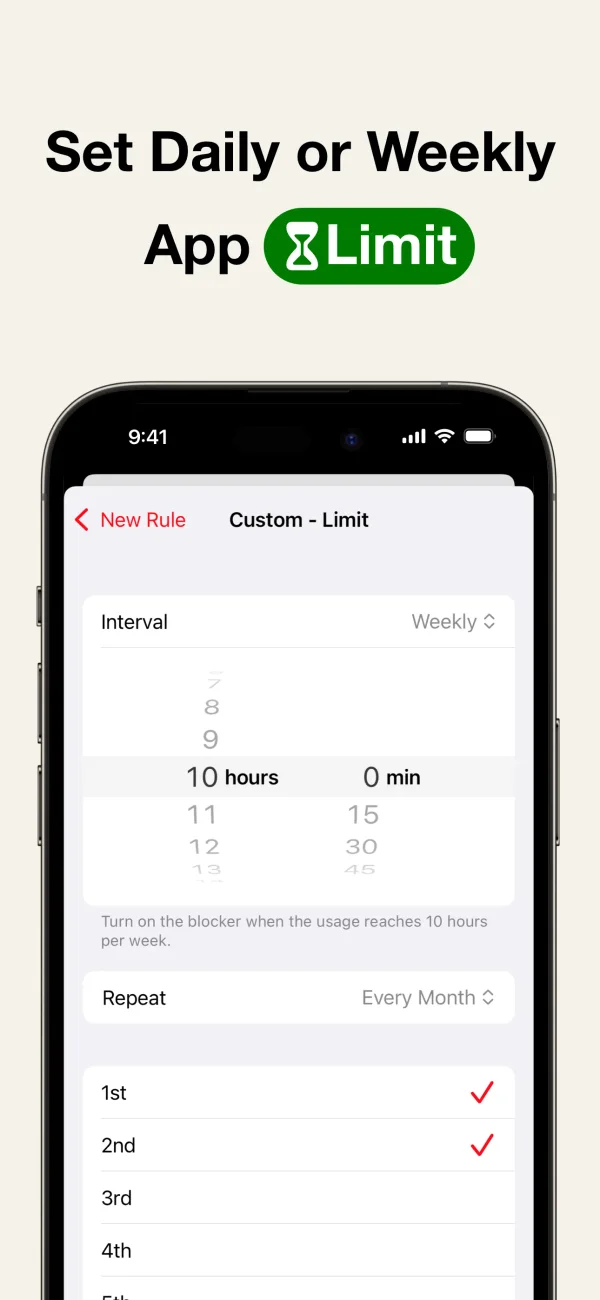
• Set daily or weekly app limits, e.g., “Social apps limited to 1 hour per day.”
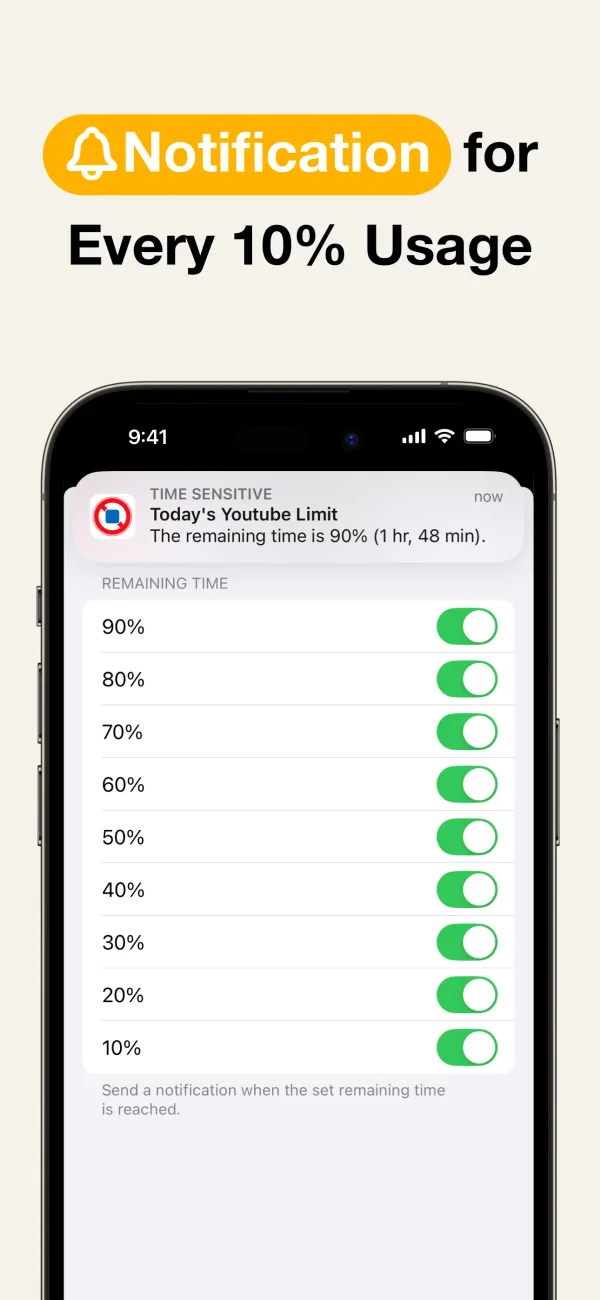
• Usage time notifications, e.g., “20% (12 min) of today’s social app time remaining.”
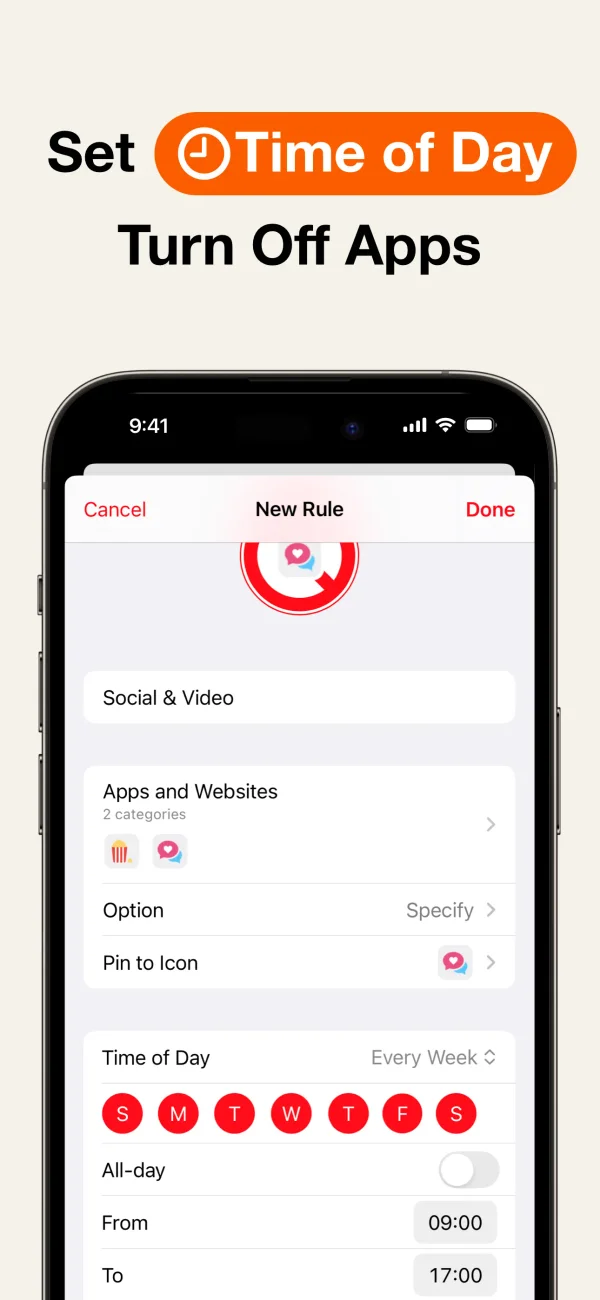
• Time-based app restrictions, e.g., “No video apps from 9 AM to 5 PM.”
• Temporary app blocking with a timer, e.g., “Focus on studying for the next 90 minutes.”
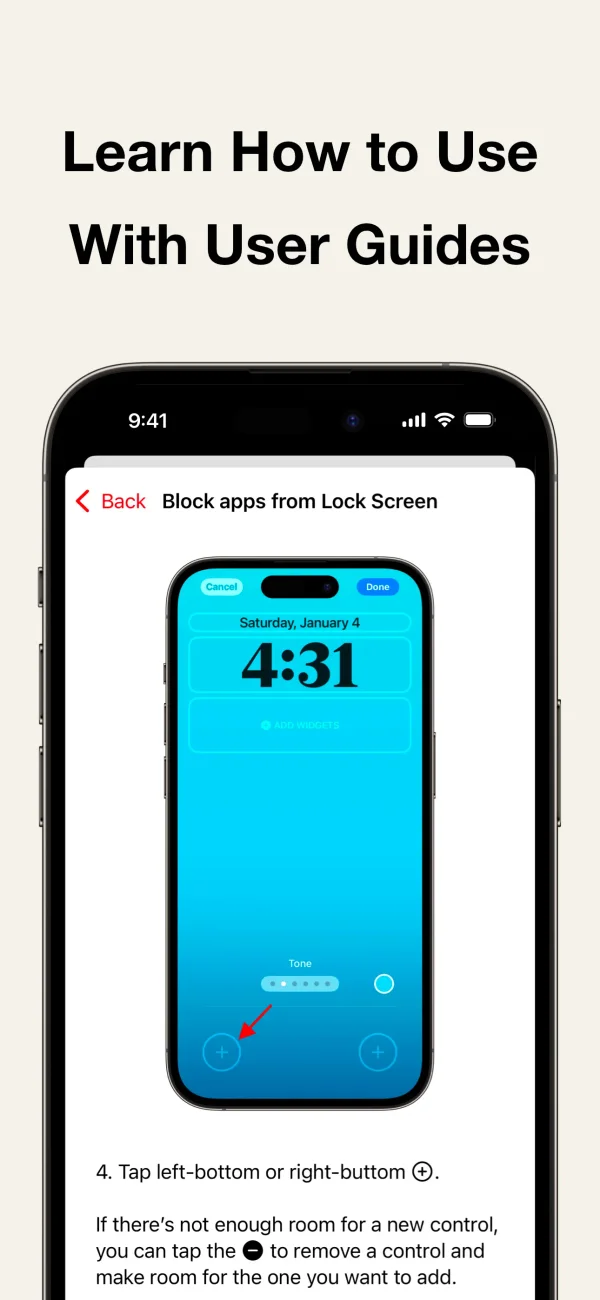
• Manually block apps via Control Center (*1), Action Button (*2), Lock Screen (*3), or Shortcuts app.
▼ User Guide
The app includes user guides with images and texts for all rules, so you can use it with confidence.
▼ If You Need to Urgently Disable App Blocking
By uninstalling the AppStops app, you can regain access to blocked apps and websites. If uninstalling does not disable the block (a rare occurrence due to OS issues), please reinstall the AppStops app and go to Settings App > Screen Time > APPS WITH SCREEN TIME ACCESS, then toggle off the switch for AppStops.
------------------------------------------------------------
*1: Control Center is available on iOS 18 or later
*2: Action Button is available only on devices with an Action Button running iOS 18 or later.
*3: Lock Screen control is available only on iPhone devices running iOS 18 or later.
※ The system screen for selecting apps and web domains may crash sometimes. While you can avoid crashes by following the steps outlined in the Help section, please be aware of this issue before making your purchase.
Terms of Use
https://yoshiharustudio.com/appstops/terms-of-use.html
Privacy Policy
https://yoshiharustudio.com/appstops/privacy-policy.html
Specified Commercial Transaction Act
https://yoshiharustudio.com/appstops/specified-commercial-transactions-act.html
What’s new
Version 1.3.3 · Mar 25, 2025
- Fix shortcuts app error.
App privacy
What Yoshiharu Yamada declares on the App Store about how this app handles data.
-
Data linked to you
May be collected and linked to your identity.
- User content
-
Data not linked to you
May be collected but is not linked to your identity.
- User content
- Usage data
- Diagnostics
Privacy practices may vary, for example with the features you use or your age.
Information
- Seller
- Yoshiharu Yamada
- Category
- Productivity
- Version
- 1.3.3
- Updated
- Mar 25, 2025
- Released
- Nov 11, 2024
- Size
- 10.6 MB
- Requires
- iOS 17.5 or later
- Age rating
- 4+
- Languages
- Japanese, Simplified Chinese, English
- Copyright
- © 2024 Yoshiharu Yamada
You might also like
-
 Chess Clock MaruMieruTimerProductivity
-
 PACE: Goal & Habit TrackerDaily pace for reading & study
-
 Infinite Scrolling SearchContinuous search results
-
 もうすぐ通知Productivity
-
 足場リンク - 足場工事マッチングProductivity
-
 DeskBreath: Breathe & StretchBreak timer for desk work
-
 TeamLog - みんなで使える音声認識Productivity
-
 POMO | 勉強・仕事に集中するためのポモドーロタイマーProductivity
-
 MemoriterReminders Until You Know
-
 DroidKaigi 2024Productivity