
Screen Time Control: App Lock
Social Media Detox & Focus
Designed for iPhone, iPod touch
Free · In-app purchases
- Age rating4+
- CategoryProductivity
- DeveloperVirginijus Makauskas
- LanguagesEnglish
- Size46.1 MB
Links to the official App Store page
Download.org hosts no file of Screen Time Control: App Lock. The button opens its official App Store page, published by Virginijus Makauskas. Listing last checked on Nov 17, 2026.
Screenshots
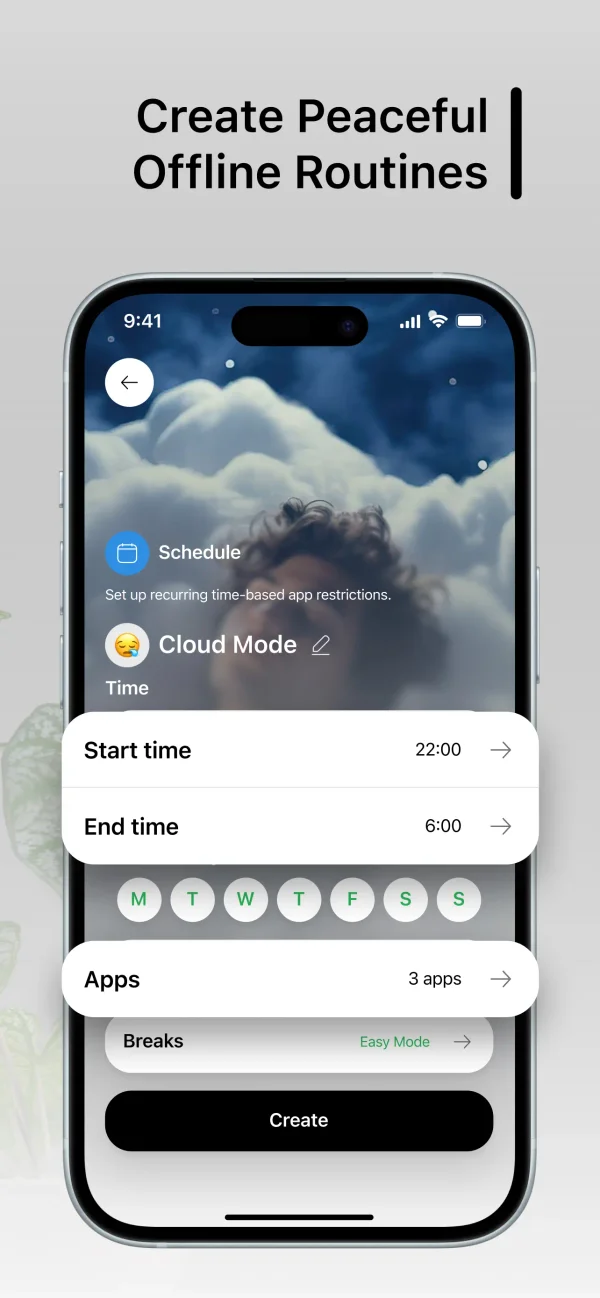
About
Unlock Your Focus with Screen Time Control
Distractions are everywhere - social media, games, endless browsing. Screen Time Control helps you set healthy boundaries, cut down on wasted time, and put your attention back where it matters. Whether you’re powering through work, enjoying time at home, or relaxing on vacation, this app is designed to give you full control over when and how you use your phone.
With an intuitive design and flexible options, Screen Time Control is more than just a blocker - it’s your personal assistant for productivity, balance, and digital well-being.
Key Features:
- One-Tap Blocking
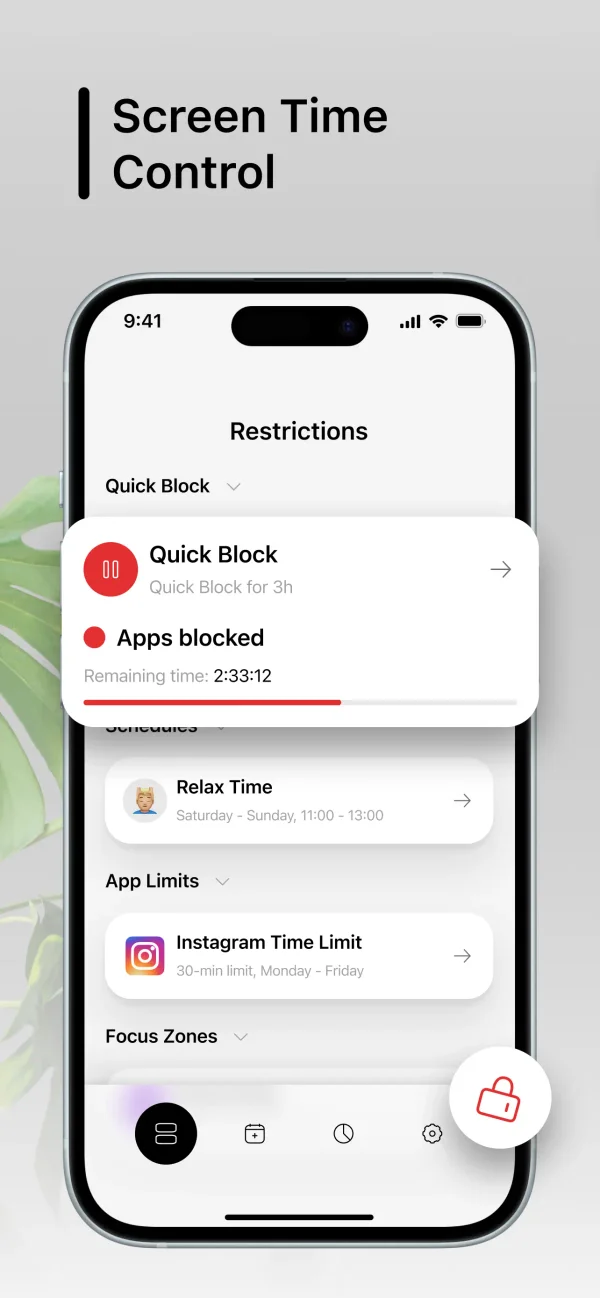
Quickly block or unblock selected apps at any time. A single tap gives you the power to silence distractions and instantly regain control over your focus.
- Daily Time Limits
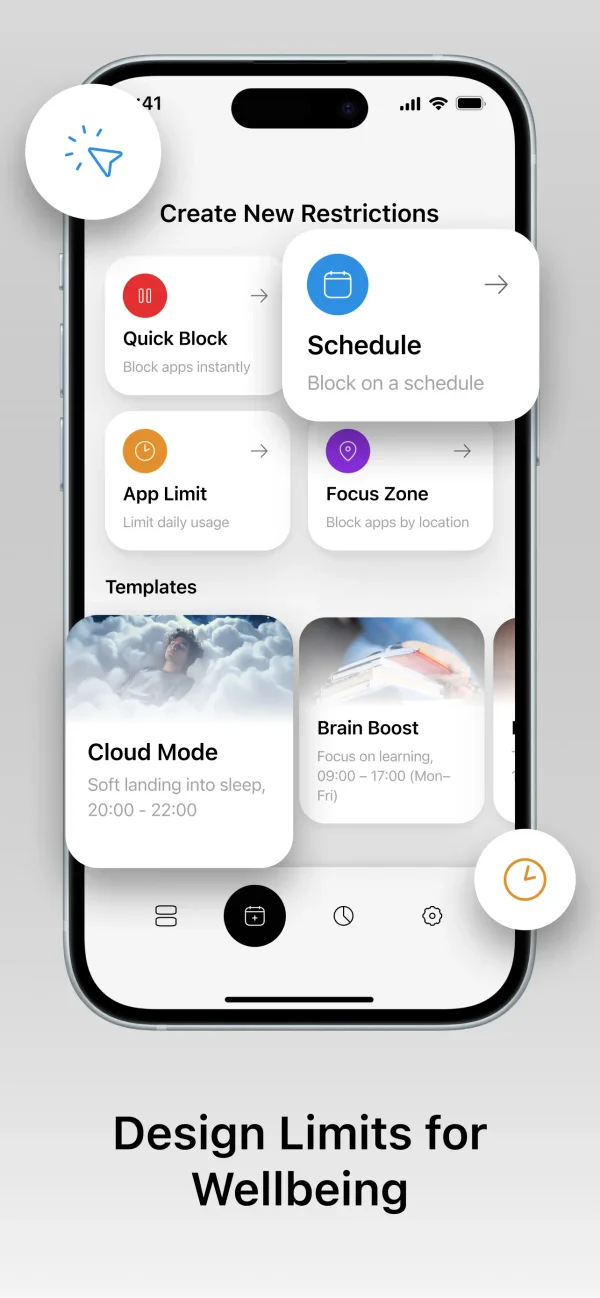
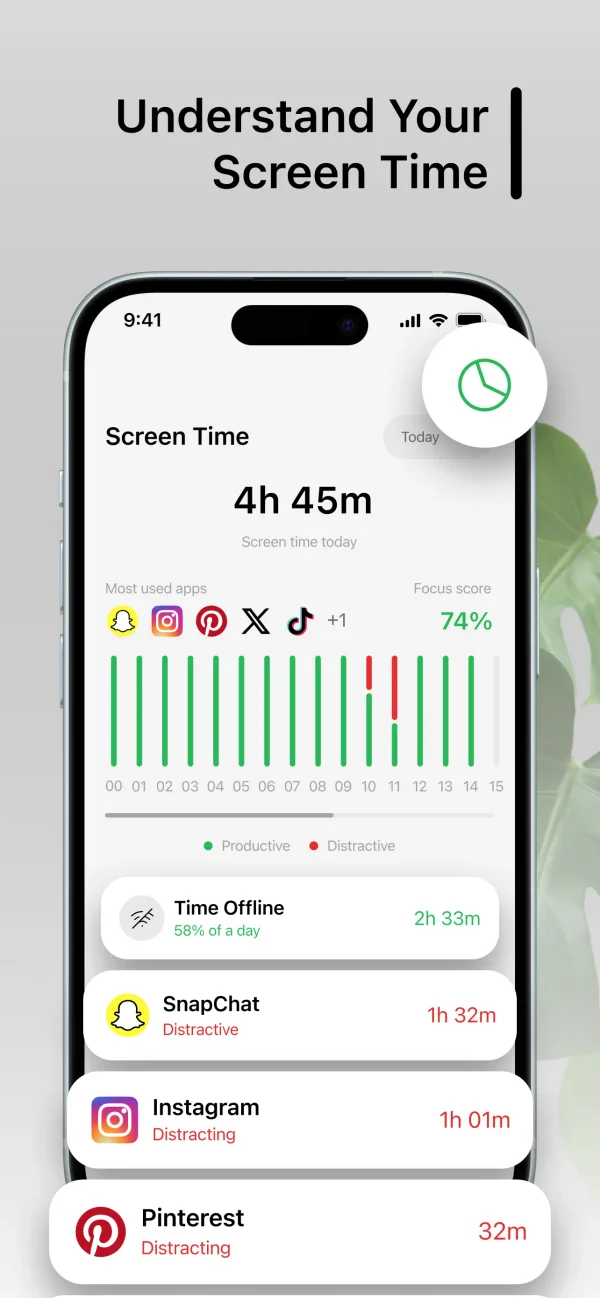
Set custom time allowances for apps in minutes or hours. Once you’ve reached your limit, the app will stay locked until the next day. Perfect for controlling your time on social media, games, or any app that tends to consume more than you’d like.
- Advanced Scheduling
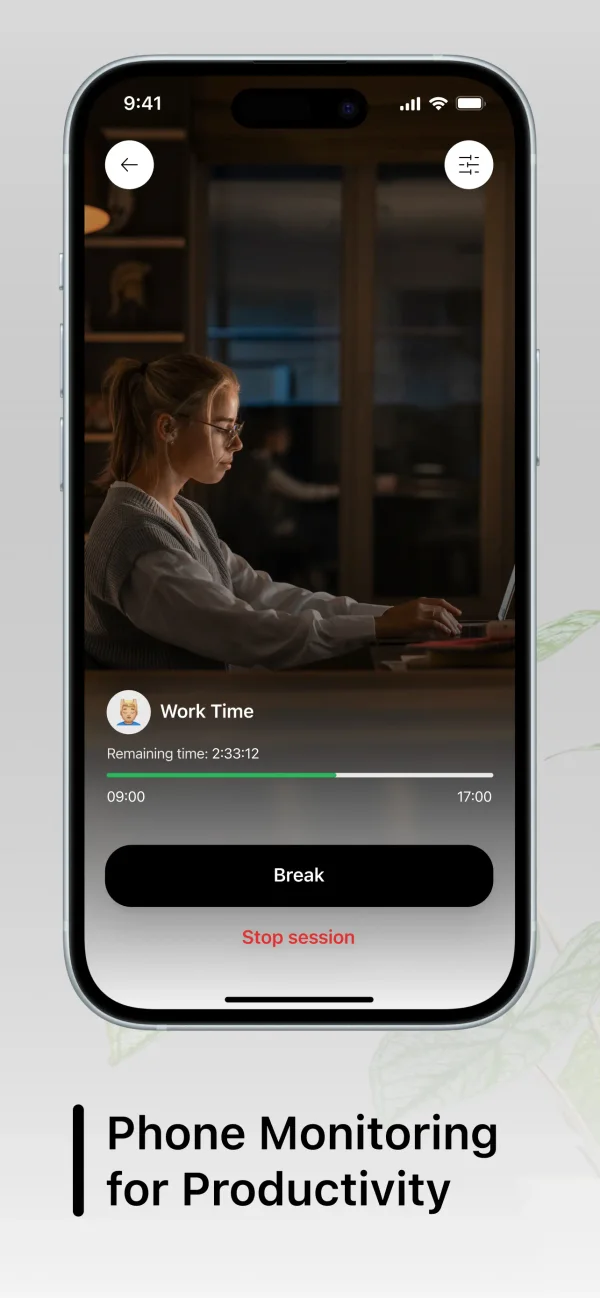
Create personalized restrictions that fit your lifestyle. Choose which apps to block during work hours, evenings, or weekends, and free yourself from constant interruptions when you need downtime.
- Website Blocking (Safari Extension)
Stay on track while browsing the web. Use the built-in Safari extension to block distracting sites with a single switch. Choose from ready-made categories like Social Media, Gaming, or Politics—or add your own list for a fully customized experience.
- Location-Based Controls (Zones)
Go beyond simple app limits with smart, geo-based blocking:
- Restrict Zones: Define an area on the map (radius 200–800m) where certain apps will be blocked or hidden the moment you enter.
- Safe Zones: Allow access to chosen apps only in specific areas. Outside of your safe zone, those apps remain unavailable.
Why Screen Time Control Stands Out
- Regain focus and protect your productivity with powerful app and site restrictions.
- Adjust rules to your personal schedule, habits, and needs.
- Maintain a healthy balance between work, rest, and family.
- Keep kids safe by hiding sensitive apps or restricting games when handing over your device.
- Reduce digital clutter and stop distractions before they happen.
- With Screen Time Control, you decide when to engage and when to disconnect. Hide distractions, unlock focus, and take control of your time today.
Ultimate Access:
Week Upgrade.
Enjoy a 3-day trial with any subscription. Your iTunes account will be charged after confirming your purchase. Auto-renewal occurs unless you turn it off at least 24 hours before the current period ends. Adjust your subscription and renewal preferences in Account Settings.
Privacy and Help Center:
Discover our privacy policy:https://numetolryk.com/PrivacyPolicy.html
Click to review our Terms of Use and understand how we protect your data:https://numetolryk.com/TermsOfUse.html
Connect with our support service:samanthaestrad@numetolryk.com
What’s new
Version 1.0.3 · Aug 24, 2026
bug fixes and improvements
App privacy
What Virginijus Makauskas declares on the App Store about how this app handles data.
-
Data used to track you
May be used to track you across apps and websites owned by other companies.
- Identifiers
-
Data not linked to you
May be collected but is not linked to your identity.
- Identifiers
- Usage data
Privacy practices may vary, for example with the features you use or your age.
Information
- Seller
- Virginijus Makauskas
- Category
- Productivity
- Version
- 1.0.3
- Updated
- Aug 24, 2026
- Released
- Oct 24, 2025
- Size
- 46.1 MB
- Requires
- iOS 16 or later
- Age rating
- 4+
- Price
- Free
- In-app purchases
- Yes
- Languages
- English
- Copyright
- © 2025 Samantha Estrada
You might also like
-
 Screen Time App LimitStay Focused for Daily Goals
-
 PDF Editor & Converter AppConvert docx & Photo to PDF
-
 Live Voice: AI TranslatorReal Time Speech Translation
-
 ClawAgent - AI AssistantProductivity
-
 Hidden Camera Detector TrackerSpy Cam Scanner Detect Finder
-
 2FA Authenticator Password AppFast Verification Code Tool
-
 Doll AI: Assistant Bot CreateMake Image, Writing Tools
-
 Cleanup Free ۬upPhone Cleaner Free ۬up
-
 Hidden Camera Scanner Find SpyListening Device Cam Detector
-
 PDF Compressor: Compress FilesShrink Documents & Reduce Size