Screen Time Control: Block App
Focus Timer & Website Lock
Designed for iPhone, iPad
Free · In-app purchases
- Age rating4+
- CategoryProductivity
- DeveloperYalcin Golayoglu
- LanguagesEnglish+ 31 more
- Size53.6 MB
Links to the official App Store page
Download.org hosts no file of Screen Time Control: Block App. The button opens its official App Store page, published by Yalcin Golayoglu. Listing last checked on Nov 21, 2026.
Screenshots


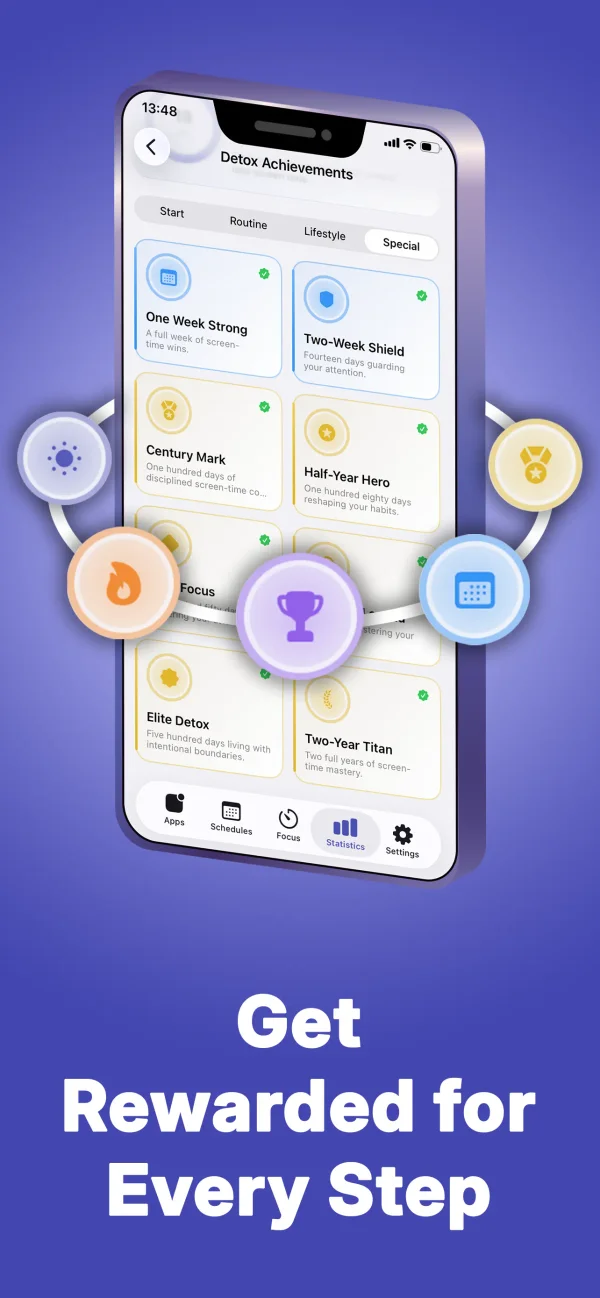
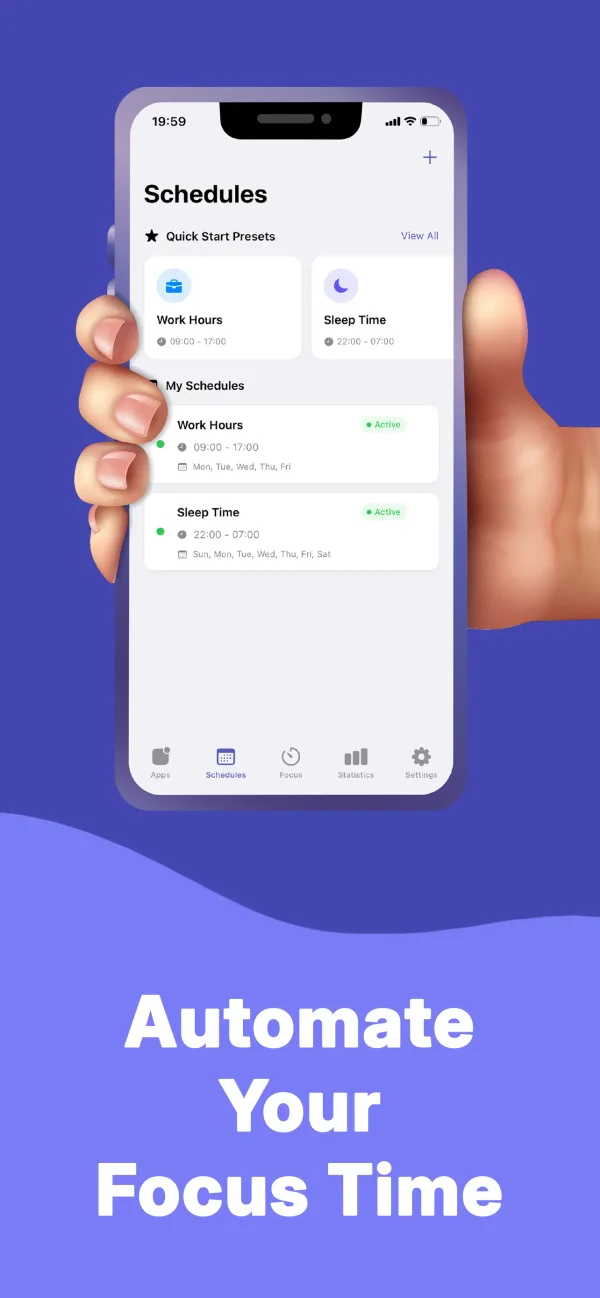
About
Take back control of your iPhone with Screen Time Control, the ultimate app blocker and focus timer. Eliminate distractions, start timed focus sessions, and automate your daily app limits using Apple’s native Screen Time technology.
KEY FEATURES
App Block & App Lock
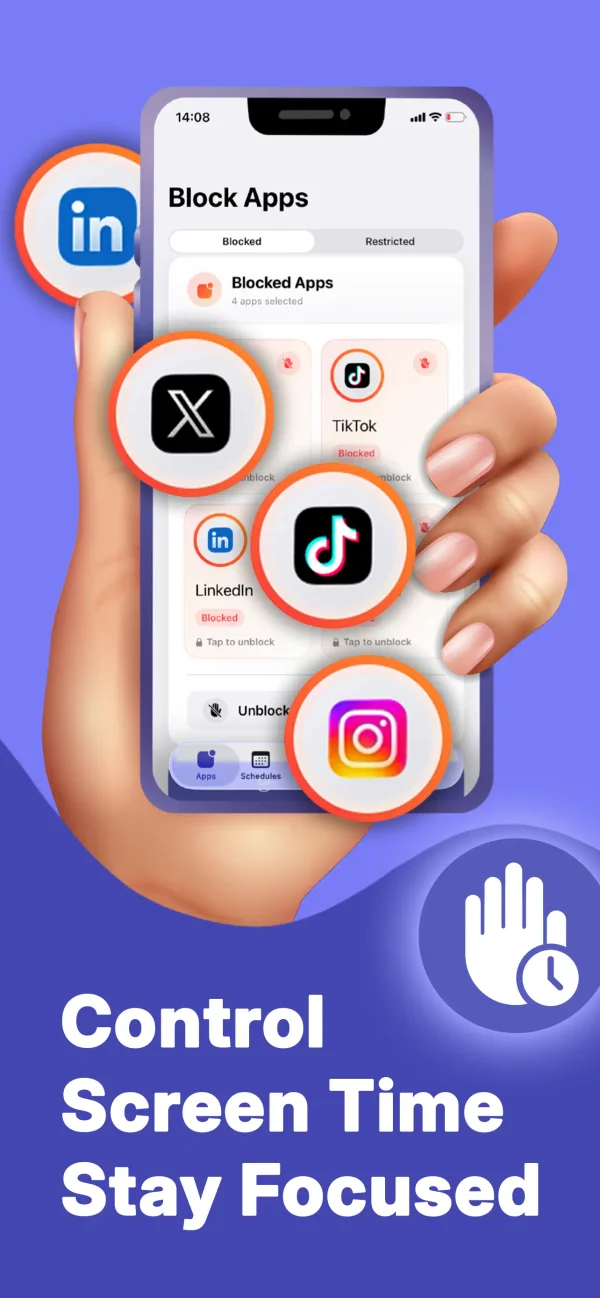
Instantly block any distracting app on your iPhone. Powered by Apple’s Screen Time API, Screen Time Control securely locks selected apps so you can stay on task without relying on willpower.
Timed Focus Sessions
Lock in with custom countdown timers. Whether you need a quick 15-minute sprint or a deep work session, timed blocks keep your attention where it matters most.
Recurring Schedules (Time Blocking)
Put your focus on autopilot. Automatically restrict apps during work hours, study blocks, or bedtime so you can build healthier digital habits effortlessly.
Stats & Insights
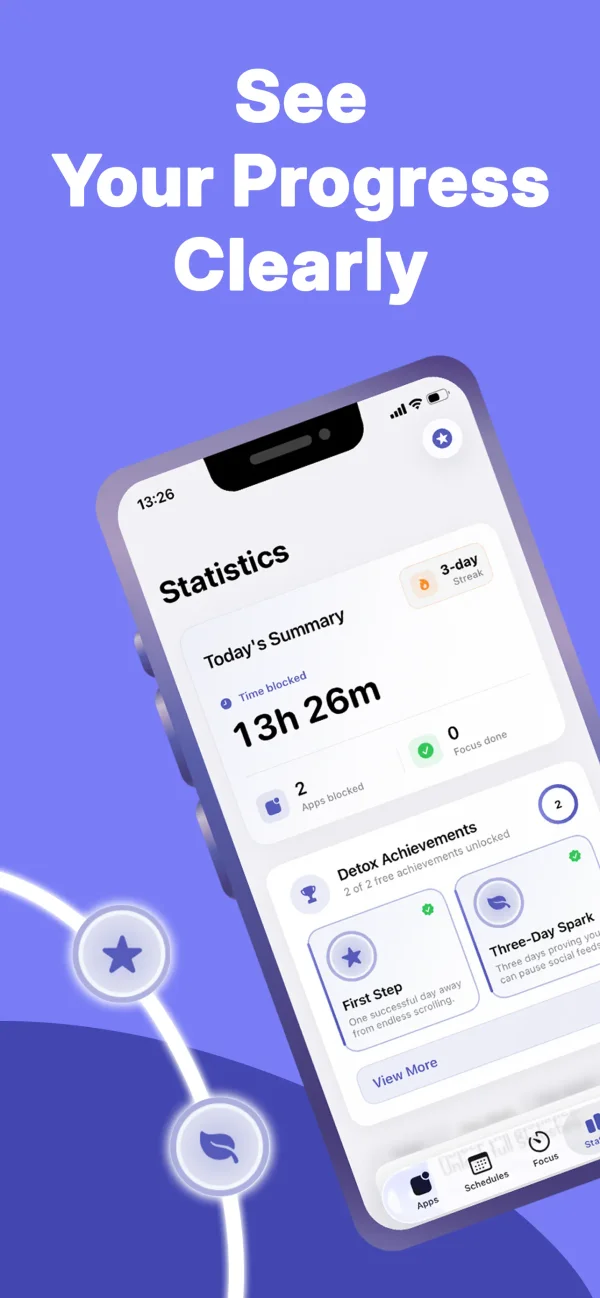
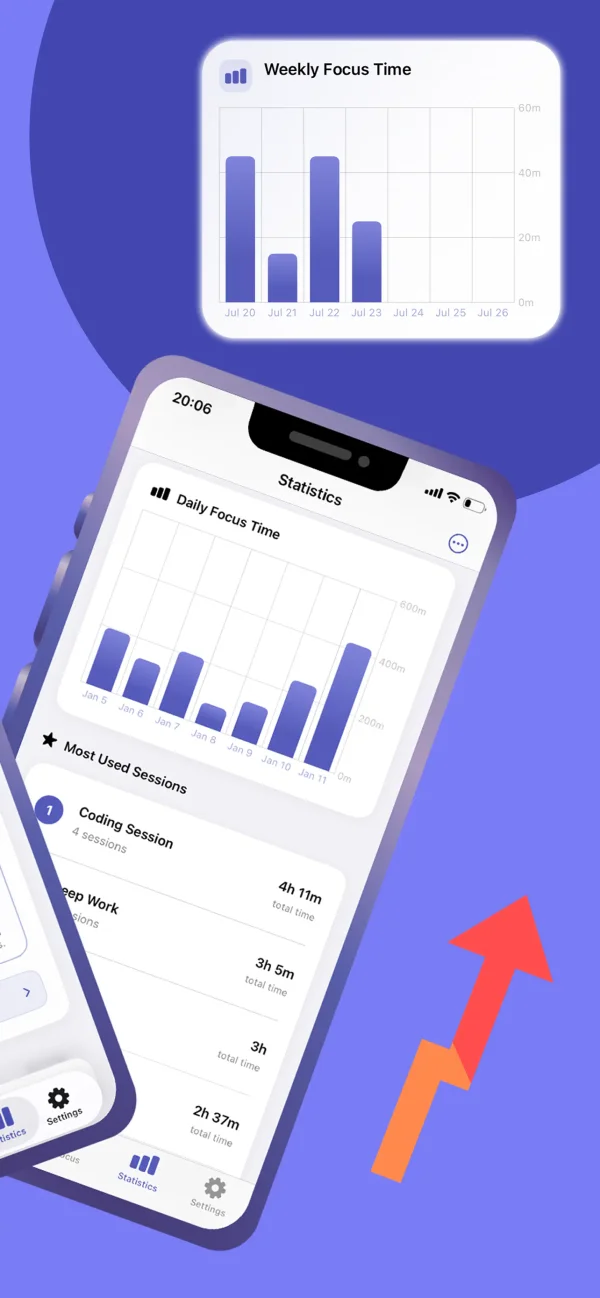
Track your momentum with clear analytics. Monitor your total focus time, session completion rates, and daily streaks to see your productivity grow over time.
Ready-to-Use Templates
Get started in seconds with built-in presets like Deep Work, Pomodoro, and Study Mode, or create custom templates tailored to your daily routine.
Smart Alerts
Stay on track with timely notifications when schedules start, focus sessions end, and gentle reminders right before a timer runs out.
Effortless App Selection
Pick the exact apps or categories you want to restrict in seconds using iOS’s familiar, native app picker.
GO PREMIUM
Upgrade to Premium to unlock the full experience:
• Unlimited App Blocking: Block as many apps as you want (Free: 1 app limit)
• Unlimited Focus Sessions: Create and run multiple sessions (Free: 1 active session)
• Custom Timer Durations: Set any length, from a few minutes to several hours (Free: 30-minute fixed timer)
• Unlimited Recurring Schedules: Automate your entire week with unlimited time blocks (Free: 1 schedule limit)
• Full Customization: Complete access to all blocking and scheduling controls
IDEAL FOR
• Students: Block social media and games during study sessions and exam prep.
• Professionals: Protect your deep work hours from constant notifications and feeds.
• Digital Wellness Seekers: Cut down daily screen time and break mindless scrolling habits.
• Pomodoro Enthusiasts: Run structured, distraction-free work intervals.
POPULAR WAYS TO USE IT
• Block social media during the 9-to-5 workday
• Run classic 25-minute Pomodoro sprints
• Lock all non-essential apps at bedtime for better sleep
• Limit gaming and streaming apps on weekdays
• Temporarily hide distracting apps during important meetings
BUILT FOR PRIVACY & SECURITY
Screen Time Control uses Apple’s official Family Controls and ManagedSettings frameworks for reliable, system-level app blocking. Everything runs locally through iOS Screen Time, so your personal data never leaves your device.
Privacy Policy: https://screentimecontrol.blogspot.com/p/privacy-policy.html
Terms of Use: https://screentimecontrol.blogspot.com/p/terms-of-use-eula.html
What’s new
Version 1.6.6 · Nov 17, 2026
• Unlock challenge games are now free: turn on any 3 games at once.
• Screen Time permission is now requested when you block your first app, not during setup.
• The blocked app screen now also shows your total open attempts.
• Improved layout on iPad.
• Hiding blocked-app notifications is now off by default and explained more clearly.
• Bug fixes and performance improvements.
App privacy
What Yalcin Golayoglu declares on the App Store about how this app handles data.
-
Data used to track you
May be used to track you across apps and websites owned by other companies.
- Usage data
-
Data linked to you
May be collected and linked to your identity.
- Usage data
Privacy practices may vary, for example with the features you use or your age.
Information
- Seller
- Yalcin Golayoglu
- Category
- Productivity
- Version
- 1.6.6
- Updated
- Nov 17, 2026
- Released
- Jan 14, 2026
- Size
- 53.6 MB
- Requires
- iOS 17.0 or later
- Age rating
- 4+
- Price
- Free
- In-app purchases
- Yes
- Languages
- English, Arabic, Catalan, Croatian, Czech, Danish, Dutch, Finnish, French, German, Greek, Hebrew + 20 more
- Copyright
- "Copyright © 2026 Yalçın Golayoğlu. All rights reserved."
You might also like
-
 Screen Time Control: InscreenApp Blocker, Stay Focused, CBT
-
 Barrier: Screen Time BlockerControl,Focus,Website,Limit
-
 App Blocker - Focus & DetoxScreen Time Control that works
-
 Bricked: App Blocker & FocusLimit Screen Time & Scrolling
-
 Pocus: Limit screen timeReduce procrastination
-
 Screen Time & App Blocker SpriBlock Web, Limit Distractions
-
 Stop Scroll: Screen TimeApp Blocker & Focus Sessions
-
 Screen Time Control AppApp Lock, Limit for Focus
-
 Screen Time Control - App LockFocus, App Blocker, Limit Apps
-
 Blob: Less Screen TimeDigital detox. Grow your world