Screen Time Control App
App Lock, Limit for Focus
Designed for iPhone
Free · In-app purchases
- Age rating4+
- CategoryProductivity
- DeveloperLilucat
- LanguagesEnglish
- Size72.5 MB
Links to the official App Store page
Download.org hosts no file of Screen Time Control App. The button opens its official App Store page, published by Lilucat. Listing last checked on Nov 15, 2026.
Screenshots
About
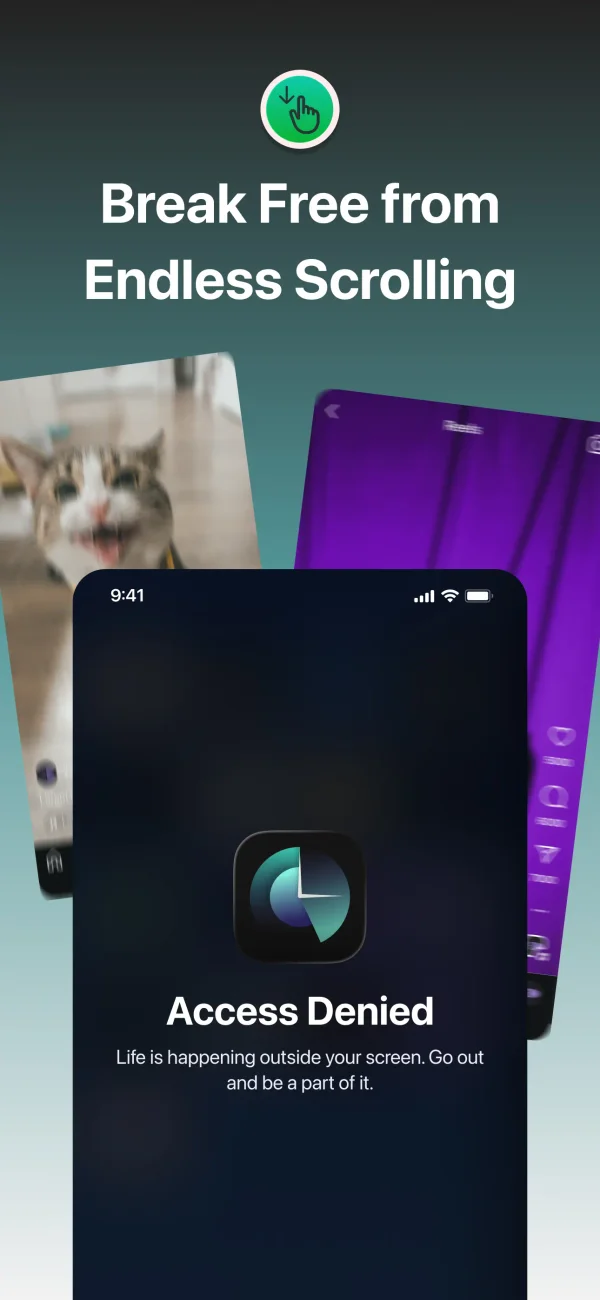
Screen Time Control App is the ultimate solution to help you regain control over your digital life and reduce screen time. With Screen Time Control App, you can break free from the addictive grip of your devices and cultivate healthier habits, allowing you to reclaim your time and focus on what truly matters.
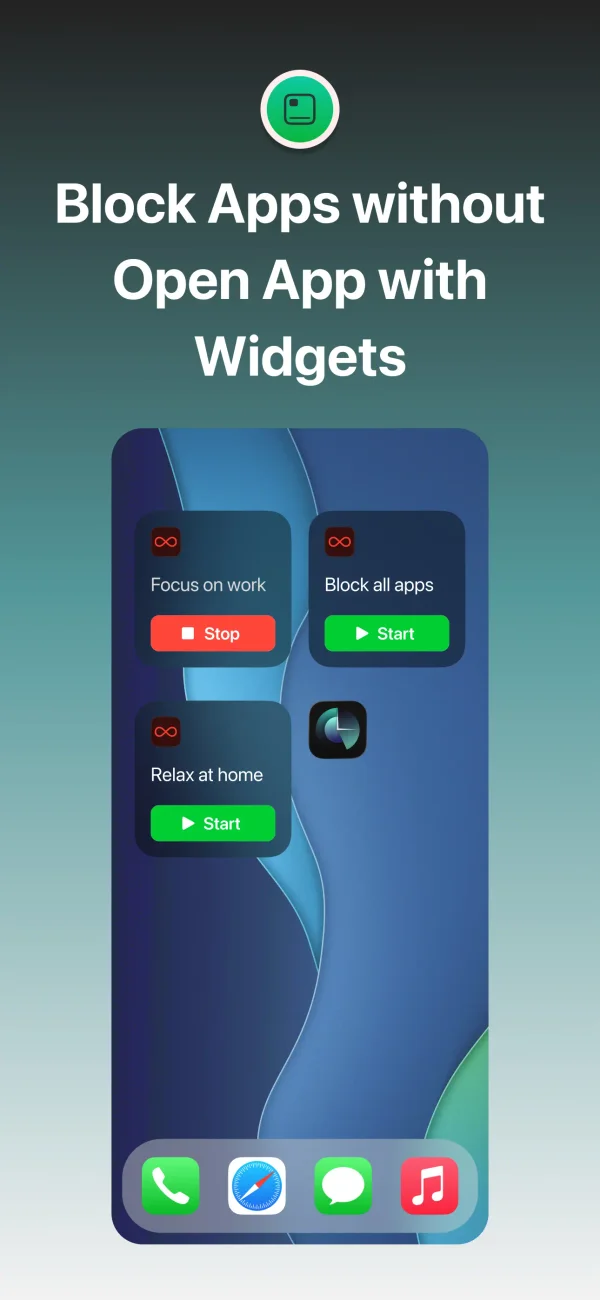
With its intuitive interface and powerful features, Screen Time Control App empowers you to block specific apps for designated periods, ensuring that you stay productive and focused on your goals. Whether you need to concentrate during work hours or simply want to create space for meaningful activities, Screen Time Control App has got you covered.
Key Features:
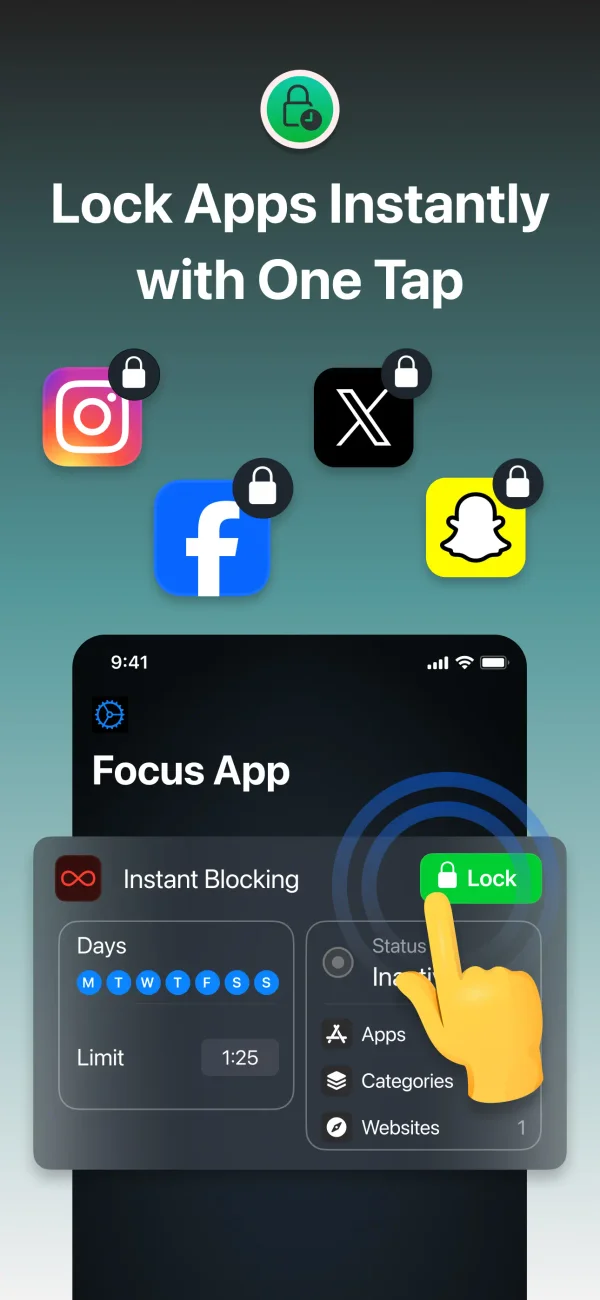
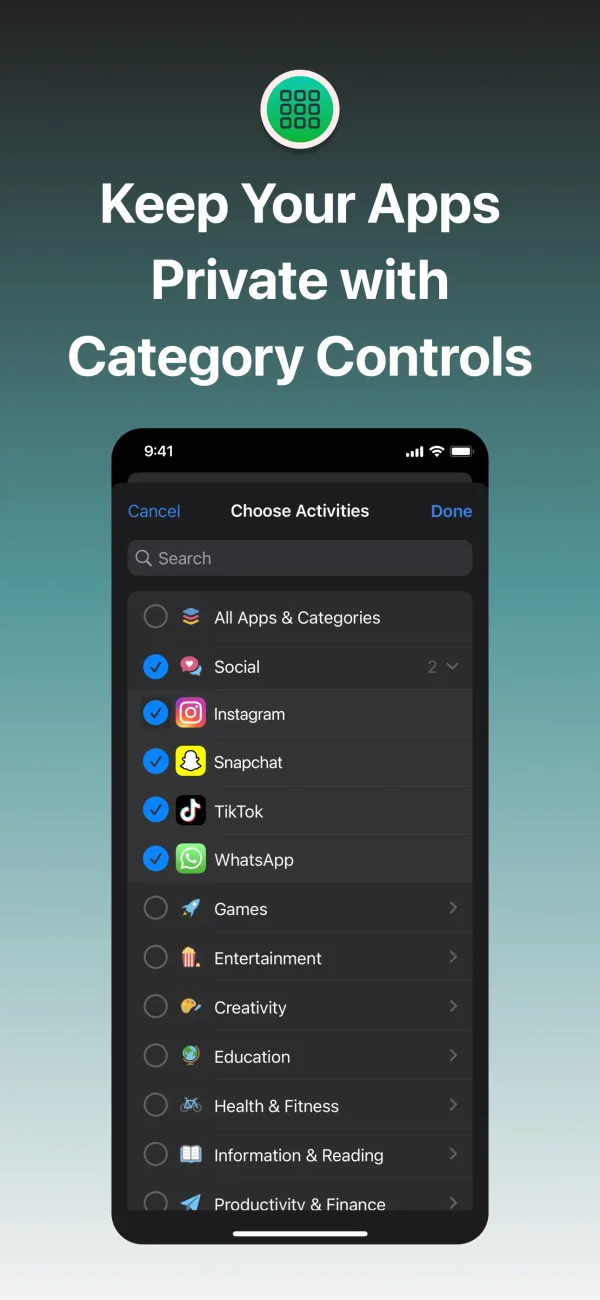
App Blocking: Select and block specific apps that tend to consume your time and attention. Customize your list to include social media, entertainment, or any other apps that distract you.
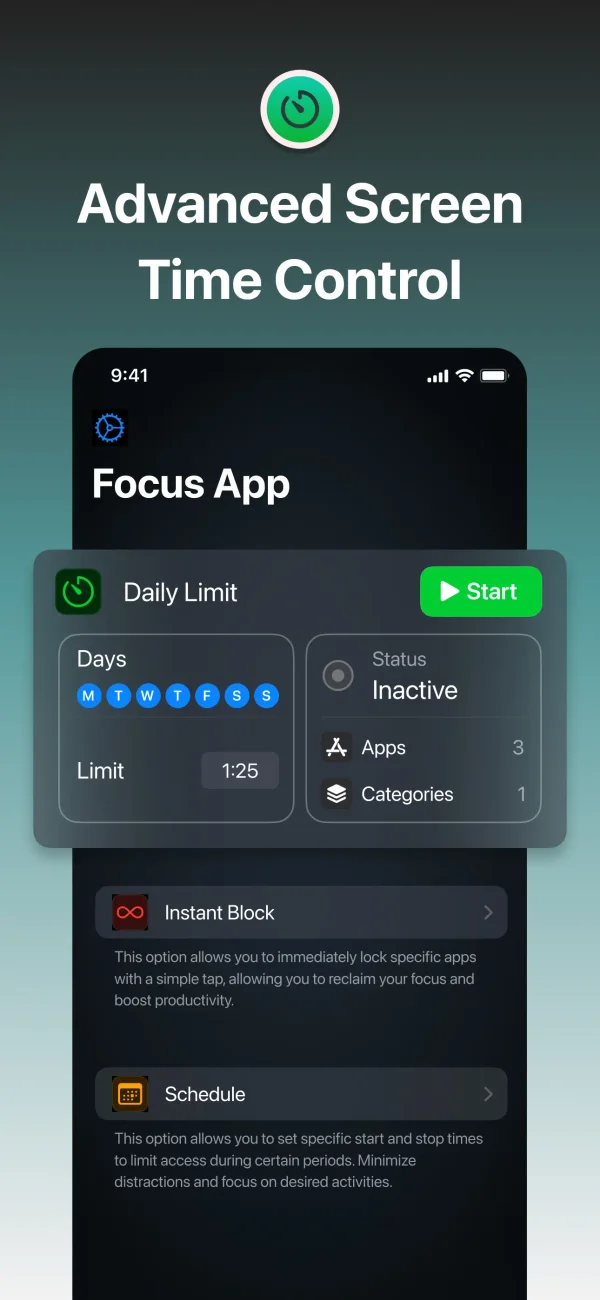
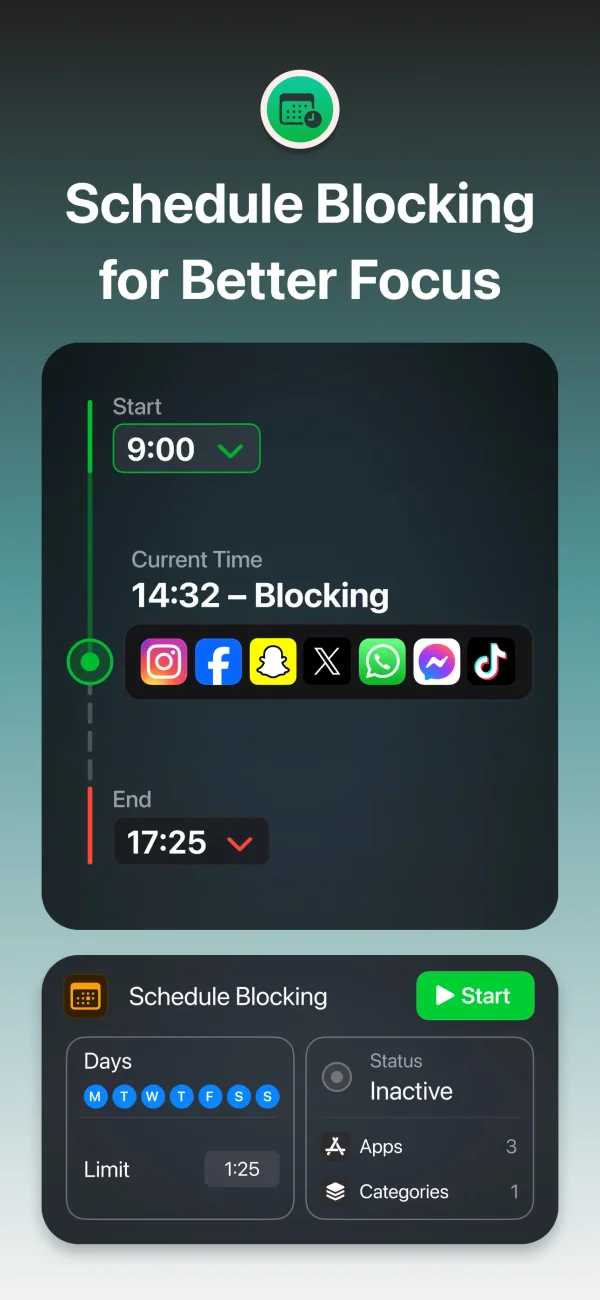
Scheduled Blocking: Set specific time intervals during which Screen Free will automatically block the apps you've chosen. Establish daily routines or create dedicated windows for work, study, or personal time.
Instant Blocking: Tackle entire categories of apps with a single tap. Block all social media or gaming apps with ease, ensuring that you stay on track without wasting valuable time.
Usage Insights: Gain valuable insights into your app usage patterns and screen time habits. Stay informed about how much time you spend on different apps, helping you make informed decisions and prioritize your digital well-being.
Motivational Reminders: Receive gentle reminders and notifications to encourage you to take breaks, step away from your screen, and engage in other fulfilling activities. Get inspired to explore new hobbies, read a book, or connect with loved ones.
Take the first step towards a more balanced and fulfilling life with Screen Time Control App. It's time to reclaim your time, boost productivity, and create space for the things that truly matter.
* Screen Time Control App offers Pro Plan which could be annual, weekly, monthly or lifetime service. Payment will be charged to iTunes Account at confirmation of purchase and auto-renews at the same price unless disabled in iTunes Account Settings at least 24 hours before the end of the current period. Your subscription can be managed in your iTunes Account Settings. Any unused portion of a free trial period, if offered, will be forfeited when you purchase a subscription.
Links
Terms of Service: https://focus.lilucat.com/legal/terms
Privacy: https://focus.lilucat.com/legal/privacy
What’s new
Version 1.0.1 · Feb 5, 2026
- Fixed minors bugs under the hood.
App privacy
What Lilucat declares on the App Store about how this app handles data.
-
Data not collected
The developer does not collect any data from this app.
Privacy practices may vary, for example with the features you use or your age.
Information
- Seller
- LILUCAT LTD
- Category
- Productivity
- Version
- 1.0.1
- Updated
- Feb 5, 2026
- Released
- Feb 4, 2026
- Size
- 72.5 MB
- Requires
- iOS 17.0 or later
- Age rating
- 4+
- Price
- Free
- In-app purchases
- Yes
- Languages
- English
- Copyright
- © Lilucat
You might also like
-
 Screen Time Control: InscreenApp Blocker, Stay Focused, CBT
-
 XLocker - Screen Time ControlSecure Apps,Privacy Protection
-
 Screen Time Control - App LockFocus, App Blocker, Limit Apps
-
 Blob: Less Screen TimeDigital detox. Grow your world
-
 Screen Time Control・App BlockFocus Timer & App Blocker
-
 Screen Time Control: Block AppFocus Timer & Website Lock
-
 Pond: Photos & PasswordsA private vault, no server
-
 Cloak: App LockerScreen Time modes & automation
-
 Shadow: Block Apps & FocusScreen time limiter & study
-
 FocusWell: Screen Time ControlLimit Apps & Stop Scrolling