Screen Time Control: Mute
Block Apps, Stop Doomscrolling
Designed for iPhone
Free · In-app purchases
- Age rating4+
- CategoryHealth & Fitness
- DeveloperYUTO OKURA
- LanguagesEnglish+ 1 more
- Size57.4 MB
Links to the official App Store page
Download.org hosts no file of Screen Time Control: Mute. The button opens its official App Store page, published by YUTO OKURA. Listing last checked on Nov 25, 2026.
Screenshots
About
Ever open an app without meaning to?
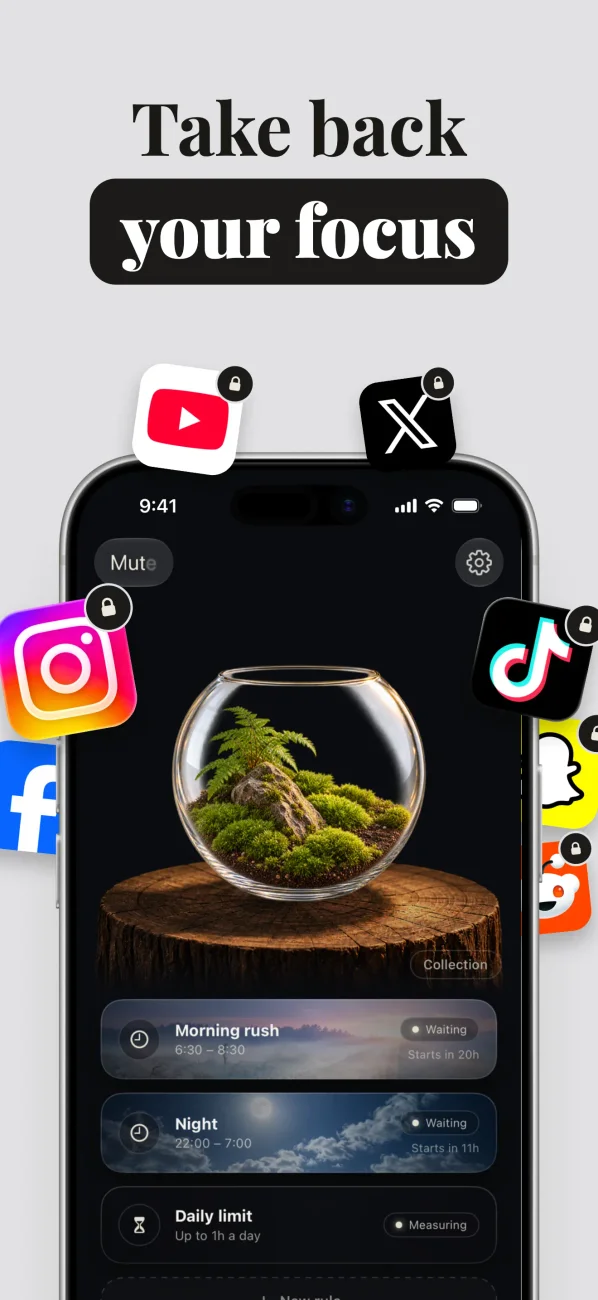
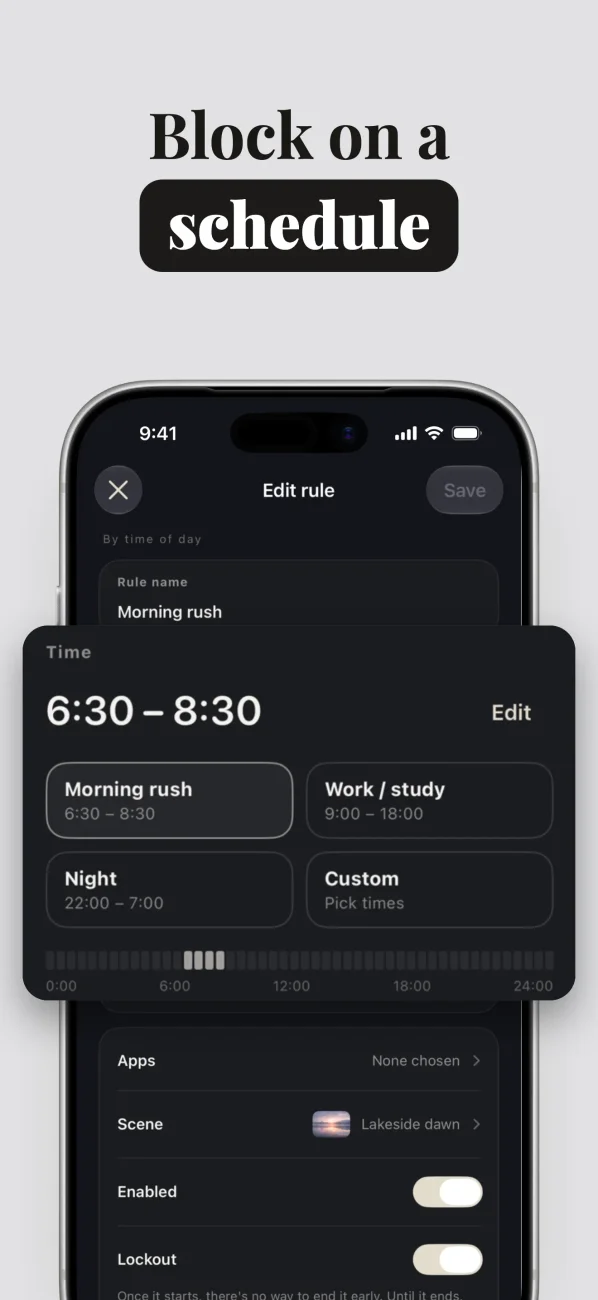
Mute makes the apps you choose unavailable during the hours you choose.
Not willpower. A wall.
THREE WAYS TO STOP
- Schedule: block apps during set hours, like 10 PM to 7 AM, or weekday mornings. Pick the days.
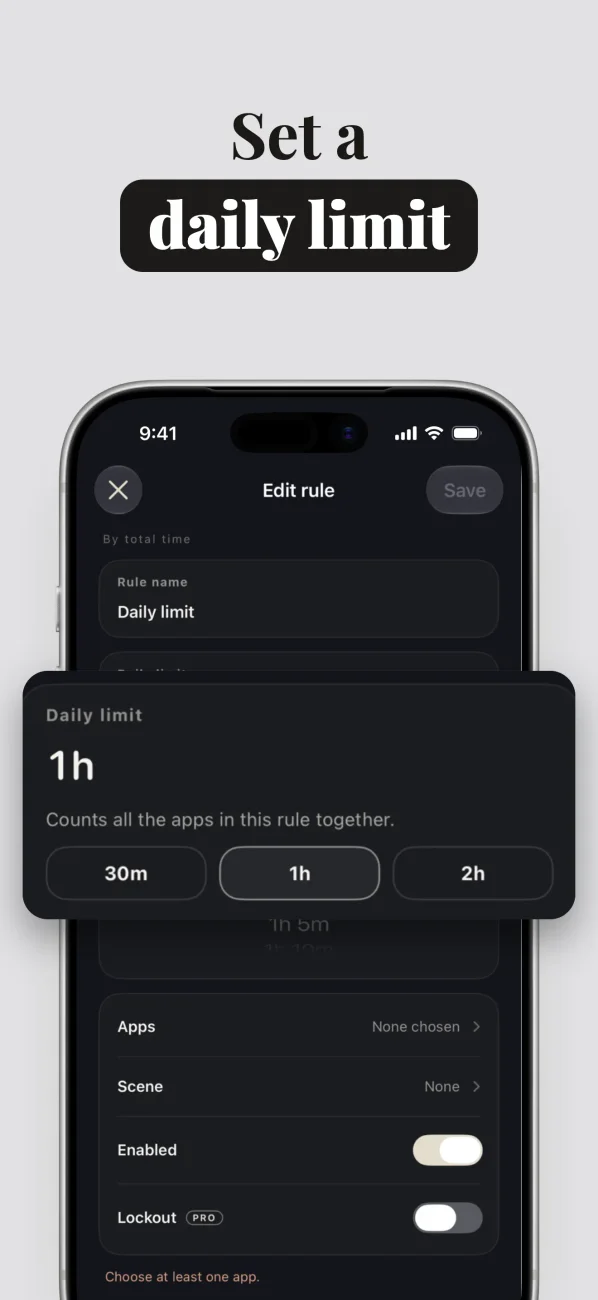
- Daily limit: "one hour a day." When you use it up, that app stays closed until midnight.
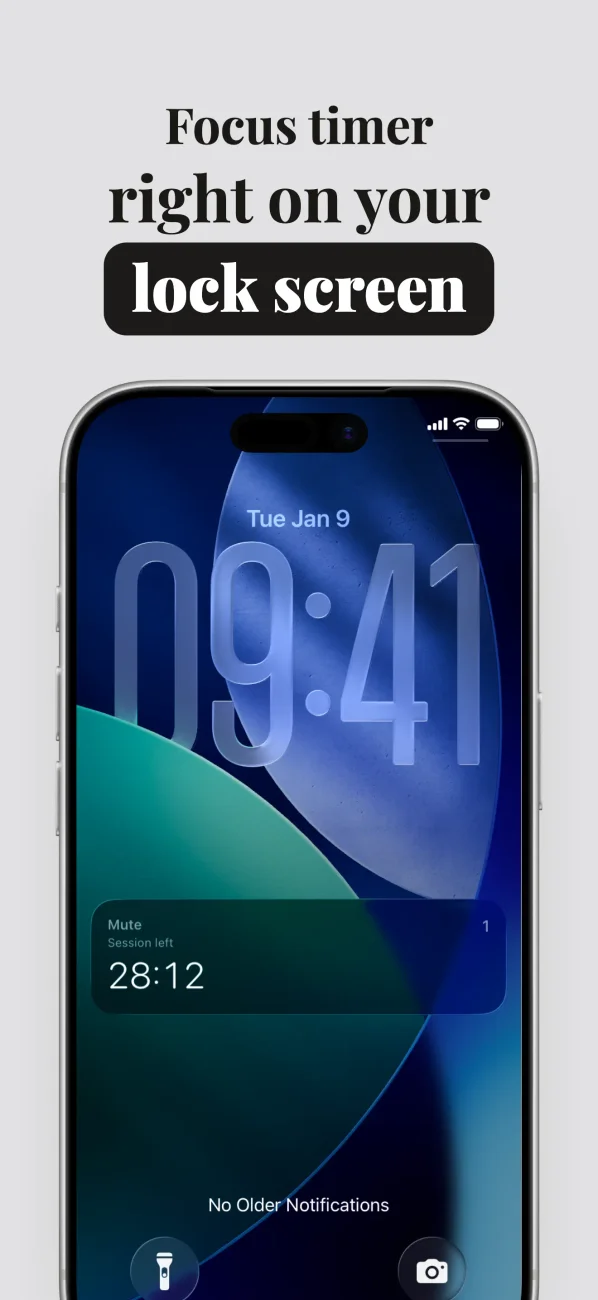
- Focus timer: any length from 15 minutes up, in 5-minute steps. Leave it open-ended with ∞. The countdown lives on your lock screen and in the Dynamic Island. Ending early takes one breath first.
BLOCKED MEANS QUIET
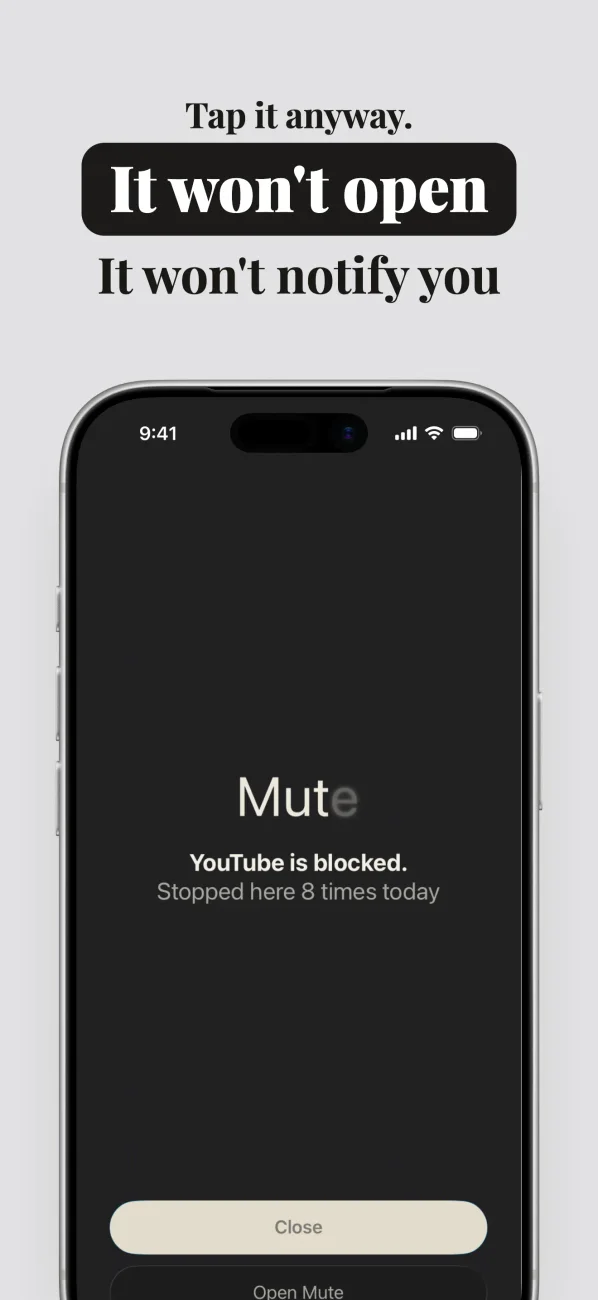
Mute uses Apple's Screen Time framework. While an app is blocked, it can't be opened, and its notifications stop arriving. Nothing on your lock screen pulling you back in. Websites in Safari can be blocked by domain, too.
LOCKOUT (MUTE PRO)
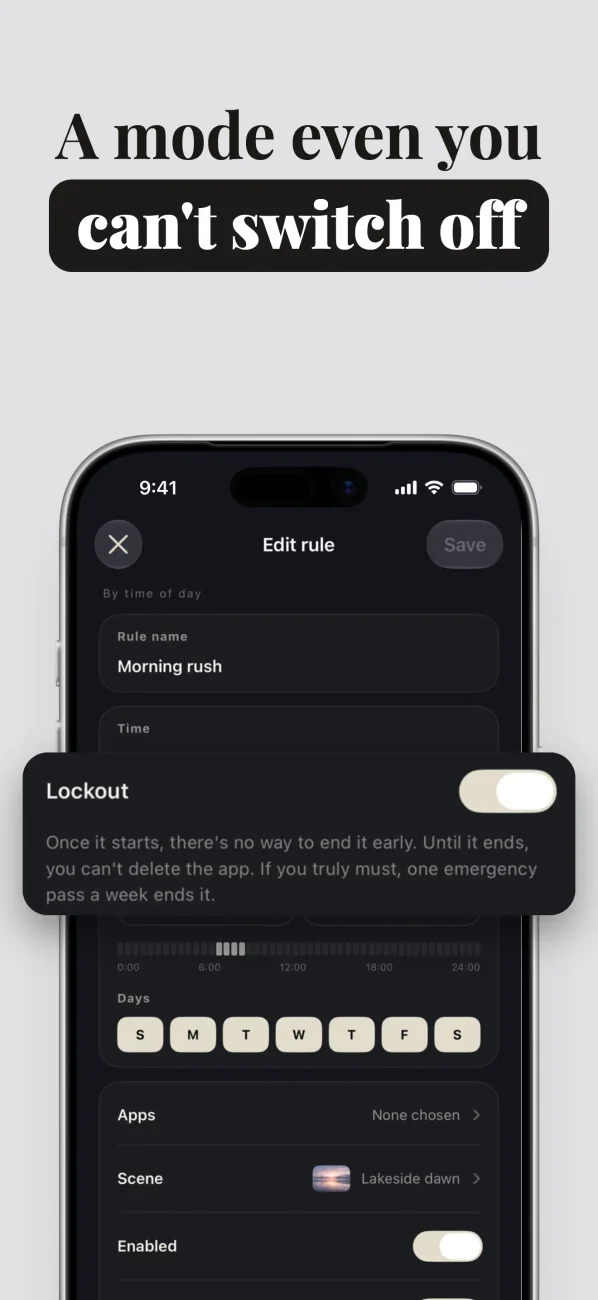
Turn on Lockout, and a rule or timer can't be switched off, edited, or deleted until it ends. Not from inside the app, not by deleting Mute, not by changing the clock. For the moment you genuinely need out, there's one emergency pass a week.
TIME TAKEN BACK, AND YOUR STREAK
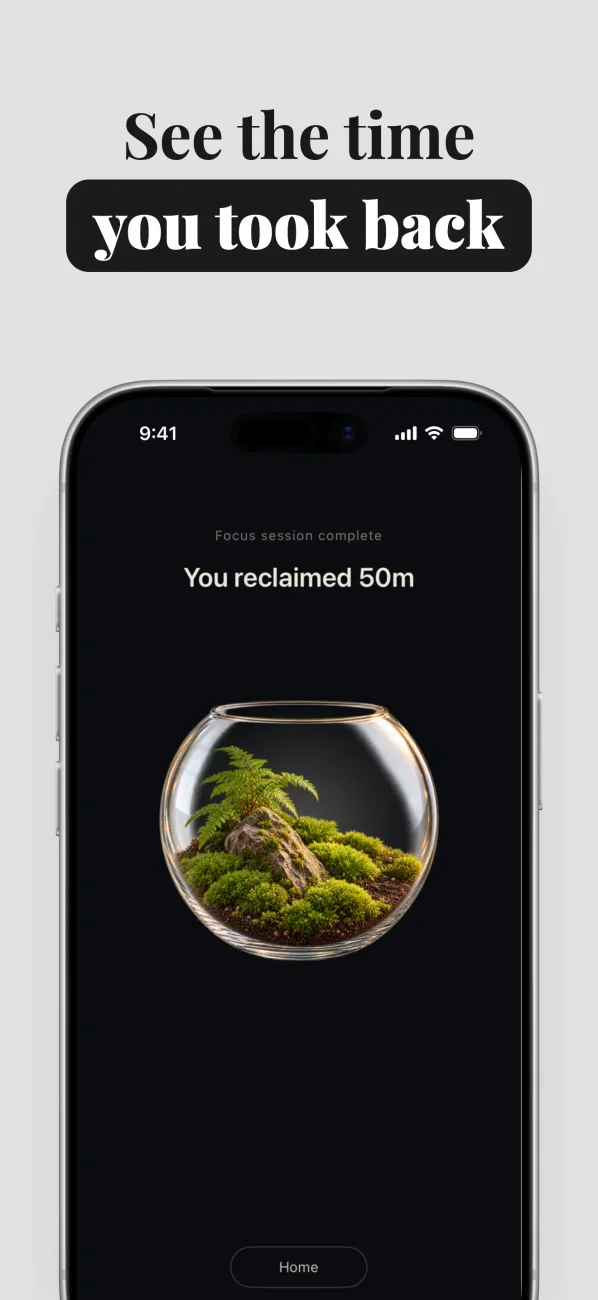
When a timer ends, Mute shows the time you took back. Keep your rules running day after day and your streak grows; Mute lets you know at milestones like 3, 7, and 30 days. Home also shows how much time went to which apps today.
THE TERRARIUM
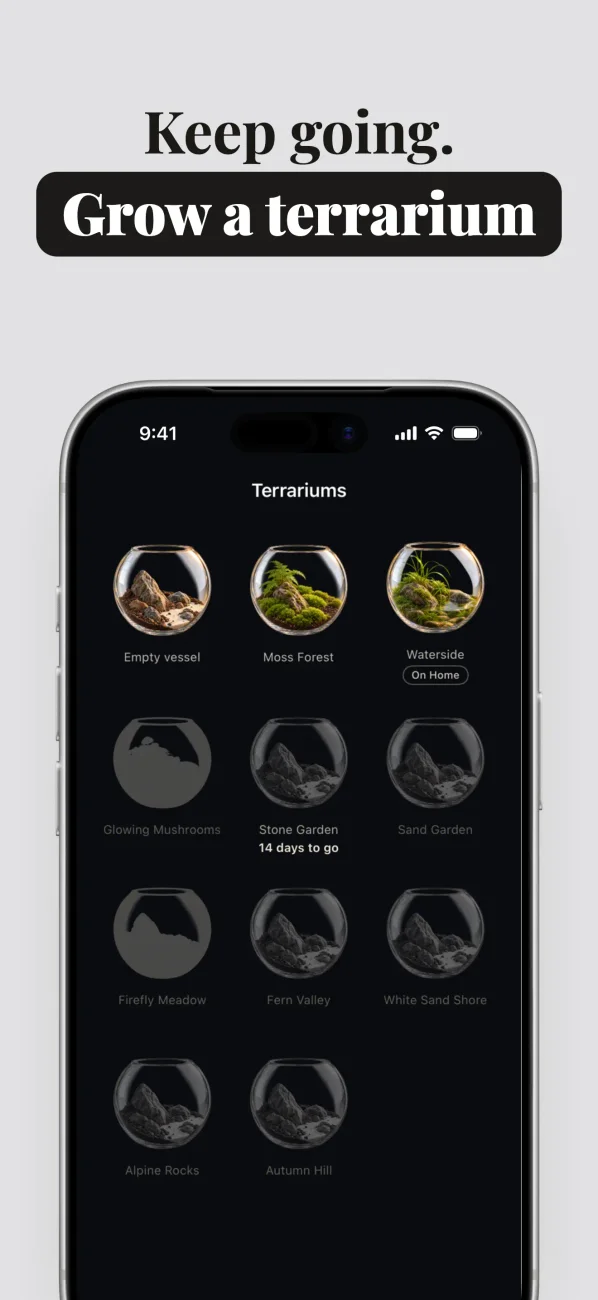
A terrarium is a small garden sealed in glass: moss, a few tiny plants, a world you can hold in one hand. Your home screen in Mute holds one. As you take back time and your streak reaches milestones, you earn new terrariums and choose which one to display. No pep talks. A quiet, growing scene.
YOUR USAGE STAYS ON YOUR PHONE
Mute never sends records of which apps you use, when, or for how long to our servers. The apps you block are stored as tokens issued by Apple, and we can't turn them back into app names. No account, no email address. Delete everything from Settings whenever you like.
IF THIS SOUNDS LIKE YOU
- An hour of scrolling before bed you didn't plan
- Opening social media between tasks without deciding to
- Losing your focus every time a notification lands
- Setting a Screen Time limit, then tapping "Ignore Limit"
FREE AND MUTE PRO
Free includes two rules and the focus timer without limits. Pro removes the rule limit and unlocks Lockout.
GOOD TO KNOW
- Requires iOS 26.5 or later and Screen Time access.
- Mute Pro prices and billing periods are shown in the app. Subscriptions are charged to your Apple ID when you confirm the purchase and renew unless auto-renew is turned off at least 24 hours before the current period ends. Manage subscriptions in Settings → Apple ID → Subscriptions.
- Terms of Use: https://blossom-railway-09b.notion.site/Term-of-Use-3d137c58801d80788f90dddd1e760888
- Privacy Policy: https://blossom-railway-09b.notion.site/Privacy-Policy-3d137c58801d80ac910ce254e0843bf6
What’s new
Version 1.2.1 · Nov 25, 2026
• Fixed an issue where a rule could occasionally stop working. If it happens, Mute now restores it when you open the app.
• Made the buttons on the screen shown while apps are blocked easier to read.
• Other small improvements.
App privacy
What YUTO OKURA declares on the App Store about how this app handles data.
-
Data linked to you
May be collected and linked to your identity.
- Purchases
- Location
- User content
- Identifiers
- Usage data
- Diagnostics
- Other data
Privacy practices may vary, for example with the features you use or your age.
Information
- Seller
- YUTO OKURA
- Category
- Health & Fitness
- Version
- 1.2.1
- Updated
- Nov 25, 2026
- Released
- Sep 18, 2026
- Size
- 57.4 MB
- Requires
- iOS 26.5 or later
- Age rating
- 4+
- Price
- Free
- In-app purchases
- Yes
- Languages
- English, Japanese
- Copyright
- © 2026 Mute
You might also like
-
 GemStep: Step Counter CrystalPedometer: Grow Your Gem
-
 Fade: Relax & SleepSounds for Sleep, Relax, Focus
-
 UpUp: Push-up Alarm ClockBedtime Alerts & App Blocker
-
 WakeZen: Alarm Clock & Wake UpMissions for Heavy Sleepers
-
 Alarm & Sleep Tracker: FedodoBeat Snooze: Wake Up Missions
-
 Onezen: Breathing ExercisesBox breathing & 4-7-8
-
 Pushbuddy: Pushup App BlockerExercise to Stop Doomscrolling
-
 StatikWorkout app for calisthenics
-
 On Sleepless - 5 Min to PeaceCan't Fall Asleep Help Guide
-
 お菓子我慢ウォッチ-節約額が一目でわかる!Health & Fitness