Screenlime: Sour Your Apps
Screen Time & App Blocker
Designed for iPhone, iPad
Free · In-app purchases
- Age rating4+
- CategoryProductivity
- DeveloperTallFella Studios Inc.
- LanguagesEnglish+ 6 more
- Size19.3 MB
Links to the official App Store page
Download.org hosts no file of Screenlime: Sour Your Apps. The button opens its official App Store page, published by TallFella Studios Inc. Listing last checked on Nov 16, 2026.
Screenshots


About
Break your scrolling habit without giving up the apps you love.
Some apps are just too easy to open.
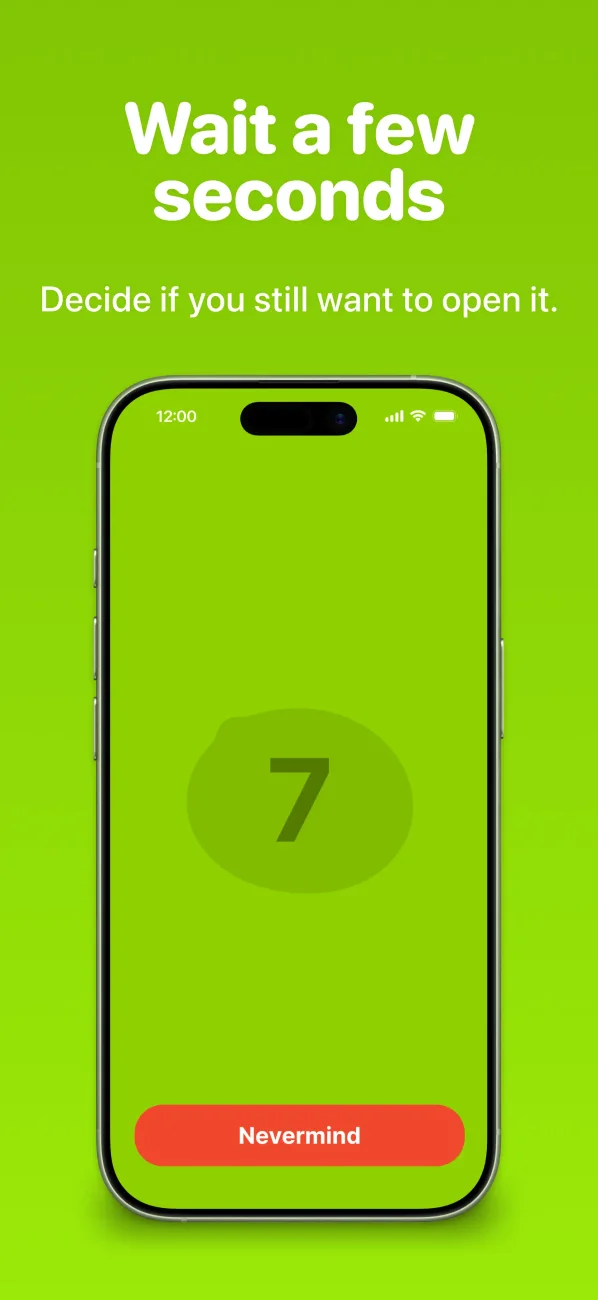
Screenlime adds a short delay before distracting apps open, making them a little less tempting to use out of habit.
Unlike traditional app blockers, Screenlime doesn't rely on strict schedules, daily limits, or long lockouts.
It works throughout the day, because the same app can be useful one moment and distracting the next.
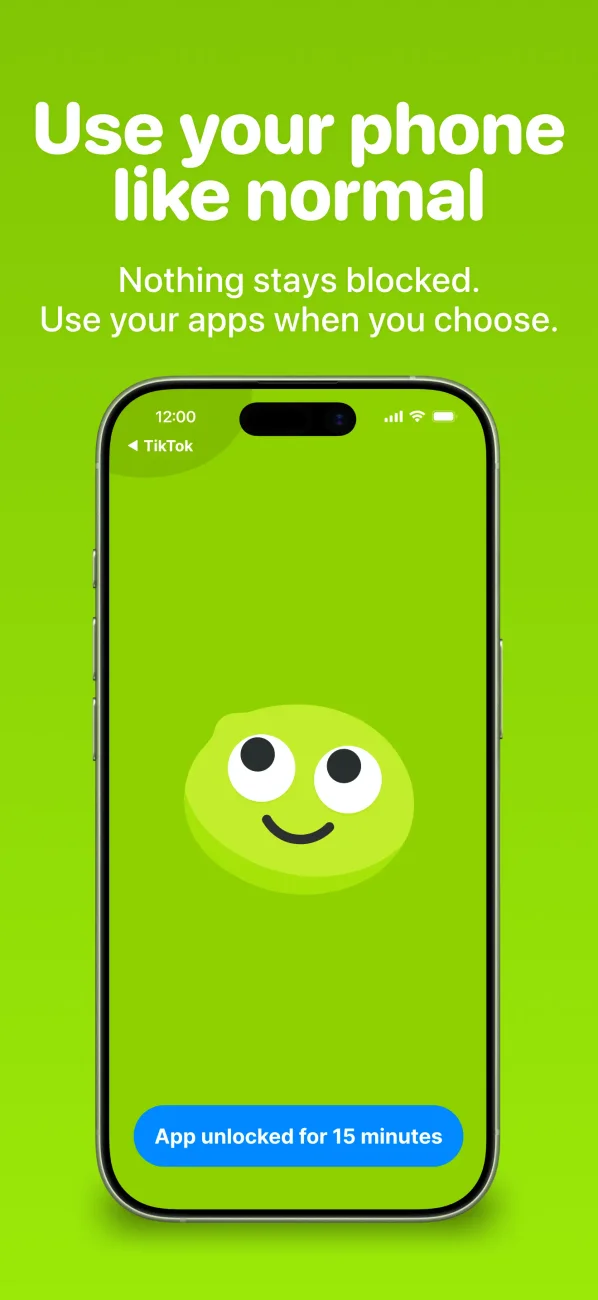
Your apps are always accessible. Screenlime simply makes opening them a more intentional choice.
HOW IT WORKS
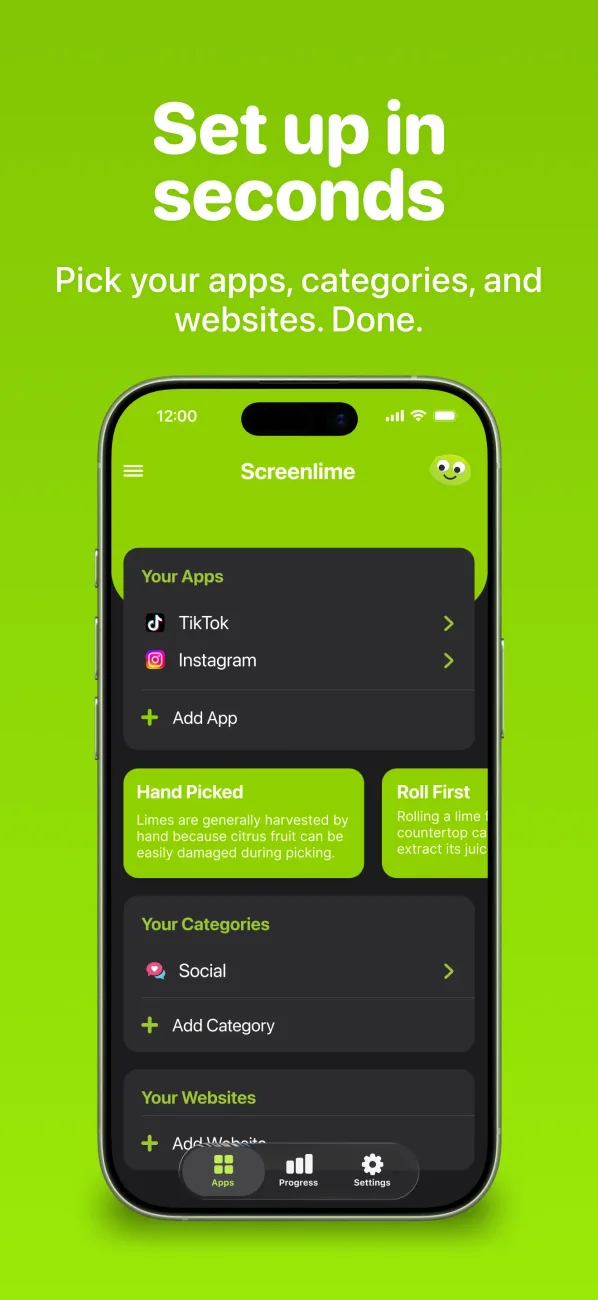
1. Choose the apps, categories, and websites you want to manage.
2. Open one like you normally would.
3. Screenlime gives you a short countdown.
4. Continue if you still want to use it, or tap Nevermind.
That's it. No complicated setup, schedules, or restrictions.
WHY APPS RE-LOCK
Opening an app isn't always the problem.
Sometimes it's opening one for a quick check and realizing 45 minutes later that you're still scrolling.
Screenlime helps prevent that.
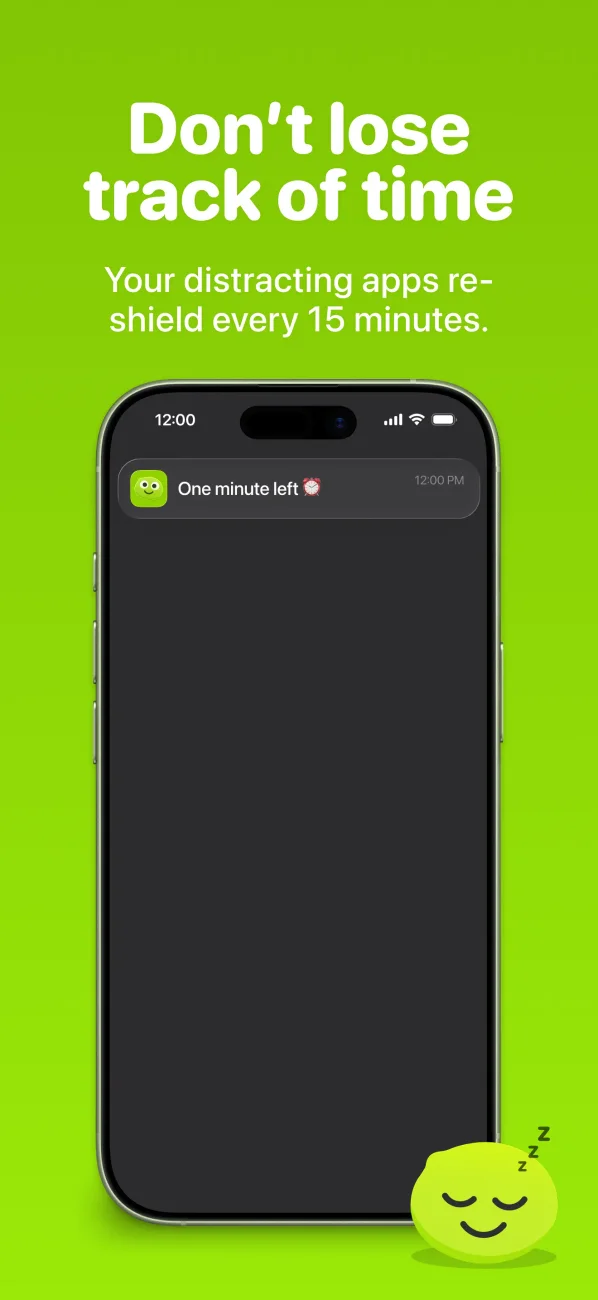
After the countdown, your app stays unlocked for the amount of time you choose. You'll get a heads-up before it re-locks, and you can always unlock it again.
Instead of letting one tap turn into an endless scrolling session, Screenlime gives you a chance to check in along the way.
No hard limits. No hours-long lockouts. You're always in control.
BUILT TO FIT YOUR LIFE
- Set up in seconds: Choose your distracting apps, categories, and websites, and you're ready to go.
- Make it yours: Customize your countdown delay and how long apps stay unlocked.
- See your progress: Track distractions avoided, weekly screen time, your most distracting apps, and how your habits change over time.
- Private by design: No accounts, no ads, and no unnecessary tracking.
FREE TO TRY
Get started for free with one app.
Upgrade to Screenlime Pro to manage multiple distractions and customize your delay and unlock duration.
A LITTLE FRICTION MAKES A BIG DIFFERENCE
You don't need to stop using your favorite apps.
Just make them a little less irresistible.
Privacy Policy: https://screenlime.ca/privacy-policy
Terms of Use: https://screenlime.ca/terms-of-service
What’s new
Version 1.4.2 · Oct 30, 2026
Bug fixes and improvements
App privacy
What TallFella Studios Inc. declares on the App Store about how this app handles data.
-
Data not collected
The developer does not collect any data from this app.
Privacy practices may vary, for example with the features you use or your age.
Information
- Seller
- TallFella Studios Inc.
- Category
- Productivity
- Version
- 1.4.2
- Updated
- Oct 30, 2026
- Released
- Jun 30, 2025
- Size
- 19.3 MB
- Requires
- iOS 17.6 or later
- Age rating
- 4+
- Price
- Free
- In-app purchases
- Yes
- Languages
- English, French, German, Japanese, Korean, Simplified Chinese, Spanish
- Copyright
- © 2026 TallFella Studios Inc.
You might also like
-
 Intention: Focus & Screen TimeUse your phone on purpose.
-
 Screen Time: Pourquoi.appScroll on purpose, no blockers
-
 HowLong: To-Do & RemindersLock Screen Tasks & Checklist
-
 BibleLock: put God firstPray before you scroll
-
 Pomodoro Focus Timer - TomotoStudy & Work Time Management
-
 Mindr - Daily OrganizerEasy Task Manager
-
 Screen Time Limit - OnZenStop Doomscrolling, Block Apps
-
 Scroll Counts - Stop ScrollingTrack and Reduce Scrolling
-
 Screen Time - Break CheckHabit Timers, No App Blocking
-
 minulo: Block Reels & ShortsYouTube Shorts & Reels Blocker