Screenshot Calendar
Screenshot to calendar event
Designed for iPhone, iPad
Free · In-app purchases
- Age rating4+
- CategoryUtilities
- DeveloperNEKOBIT PTE. LTD.
- LanguagesEnglish
- Size7.0 MB
Links to the official App Store page
Download.org hosts no file of Screenshot Calendar. The button opens its official App Store page, published by NEKOBIT PTE. LTD. Listing last checked on Nov 18, 2026.
Screenshots

About
Turn screenshots into real calendar events.
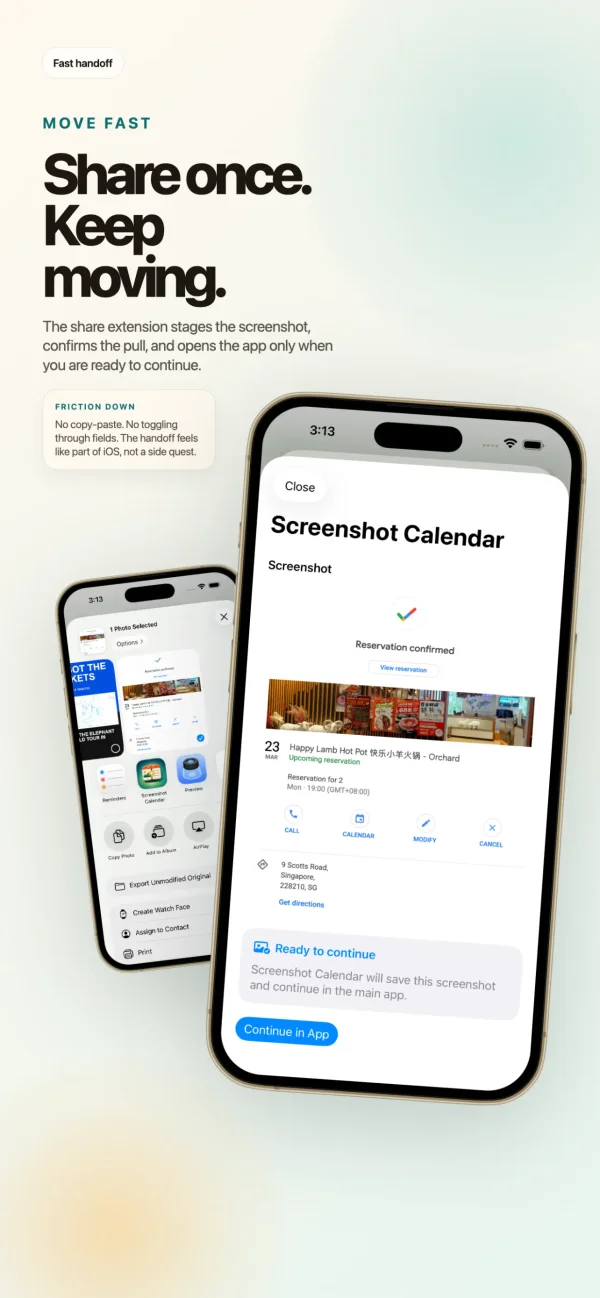
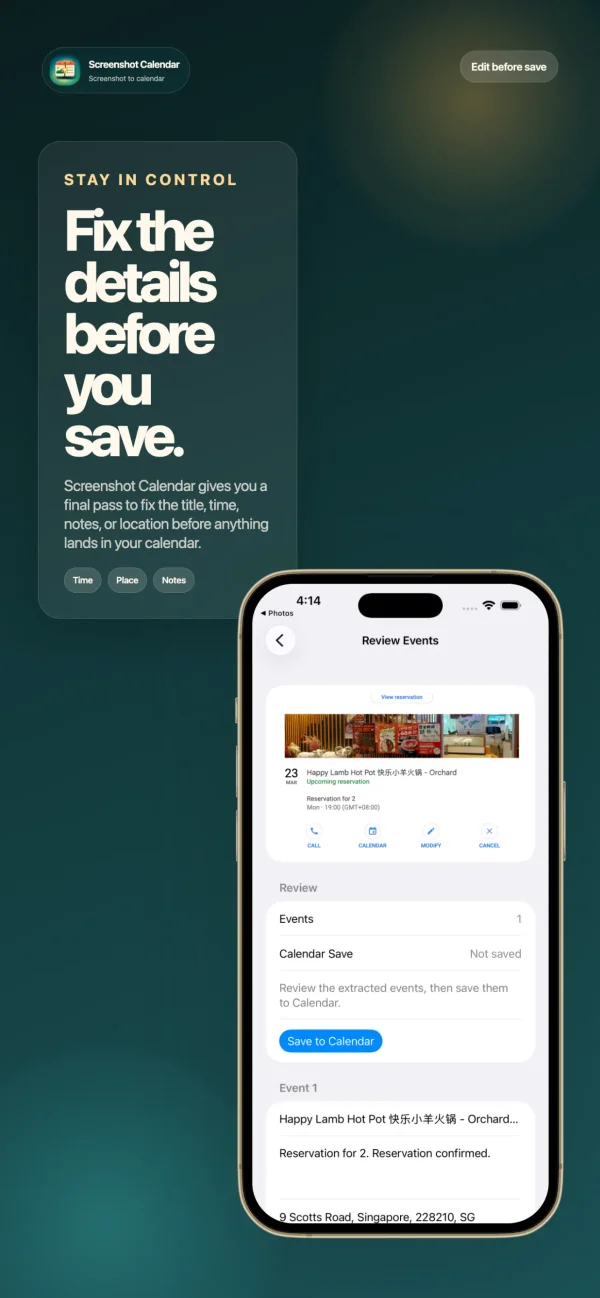
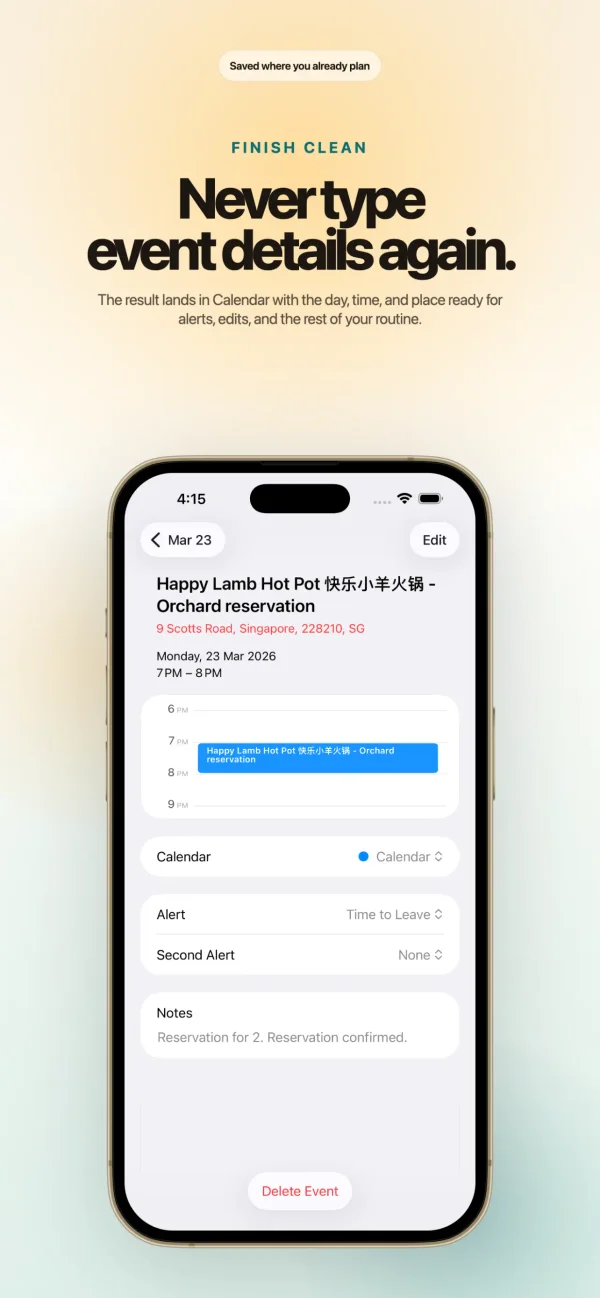
Screenshot Calendar helps you save event details from a screenshot without typing everything by hand. Share a screenshot from Photos, review the extracted details, edit anything that needs fixing, and save the result to Calendar.
Use Screenshot Calendar to:
• capture event details from screenshots
• review the title, date, time, location, and notes before saving
• save one or more extracted events to Calendar
• keep a history of processed screenshots
• open, share, or recover the .ics file when needed
Terms of Use (EULA): https://www.apple.com/legal/internet-services/itunes/dev/stdeula/
What’s new
Version 1.12 · Nov 8, 2026
General improvement.
App privacy
What NEKOBIT PTE. LTD. declares on the App Store about how this app handles data.
-
Data used to track you
May be used to track you across apps and websites owned by other companies.
- Identifiers
-
Data not linked to you
May be collected but is not linked to your identity.
- Identifiers
Privacy practices may vary, for example with the features you use or your age.
Information
- Seller
- NEKOBIT PTE. LTD.
- Category
- Utilities
- Version
- 1.12
- Updated
- Nov 8, 2026
- Released
- Mar 31, 2026
- Size
- 7.0 MB
- Requires
- iOS 26.0 or later
- Age rating
- 4+
- Price
- Free
- In-app purchases
- Yes
- Languages
- English
- Copyright
- © NekoBit Pte Ltd
You might also like
-
 SnapPlanCredit event by AI
-
 DecideyMake decisions effortlessly
-
 VESSEL SmartUtilities
-
 Photo2EventFrom photo to calendar
-
 Calendar It! Snap to EventInstantly turn image to event
-
 WiseCal - Smart CalendarScreenshot to Calendar Event
-
 VoicloudRecord, Transcribe & Sync
-
 EventShot - Image To CalendarTurn Images to calendar events
-
 Tellkey: Voice KeyboardVoice typing in any app
-
 Mono: AI Voice Memo AssistantLess Replaying, More Replying