Screenshot Editor - Capspace
Edit, clean, style & export
Designed for iPhone, iPad
Free · In-app purchases
- Age rating4+
- CategoryPhoto & Video
- DeveloperSanel Sjekirica
- LanguagesEnglish
- Size67.4 MB
Links to the official App Store page
Download.org hosts no file of Screenshot Editor - Capspace. The button opens its official App Store page, published by Sanel Sjekirica. Listing last checked on Nov 18, 2026.
Screenshots
About
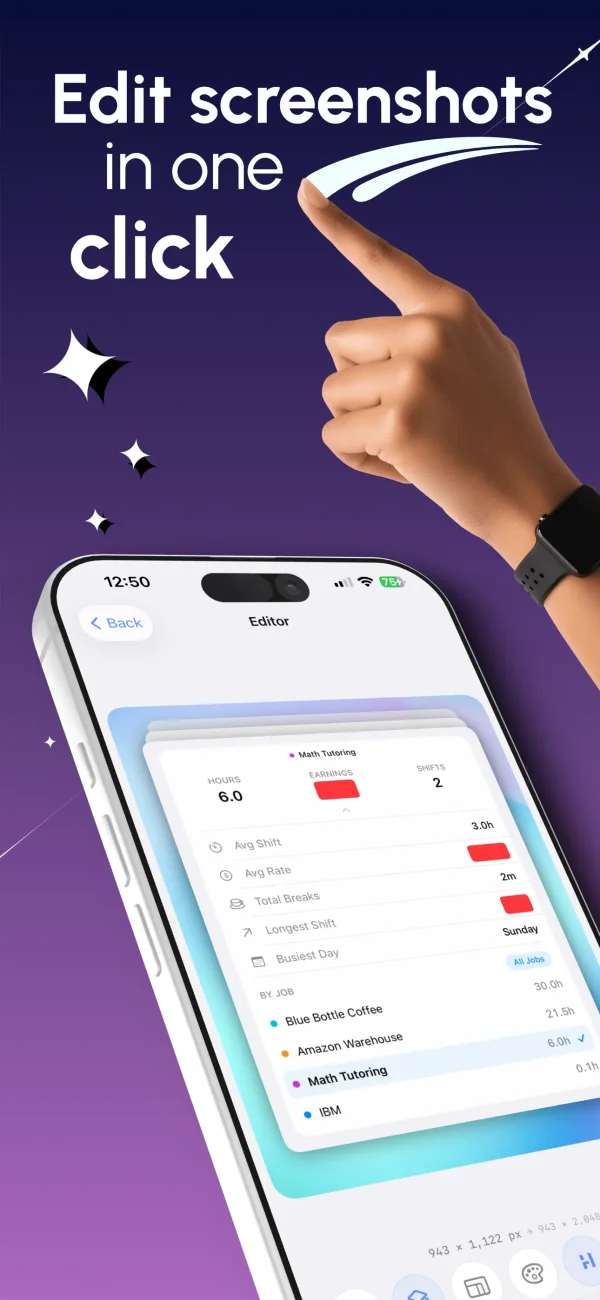
Capspace makes your screenshots look polished in seconds.
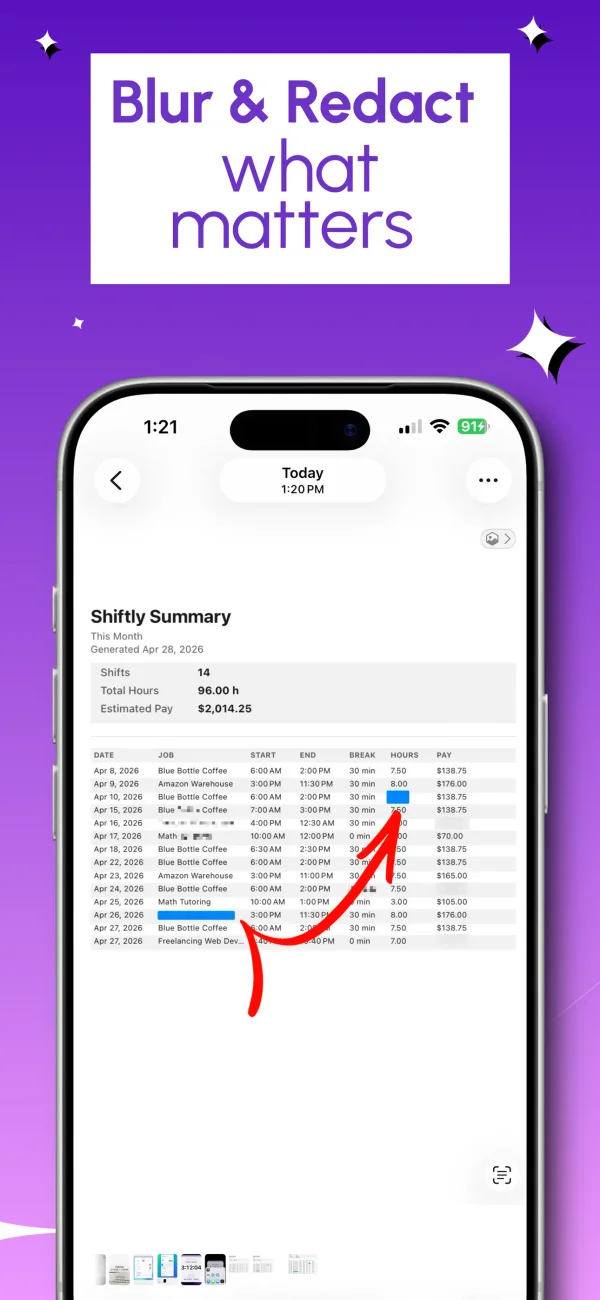
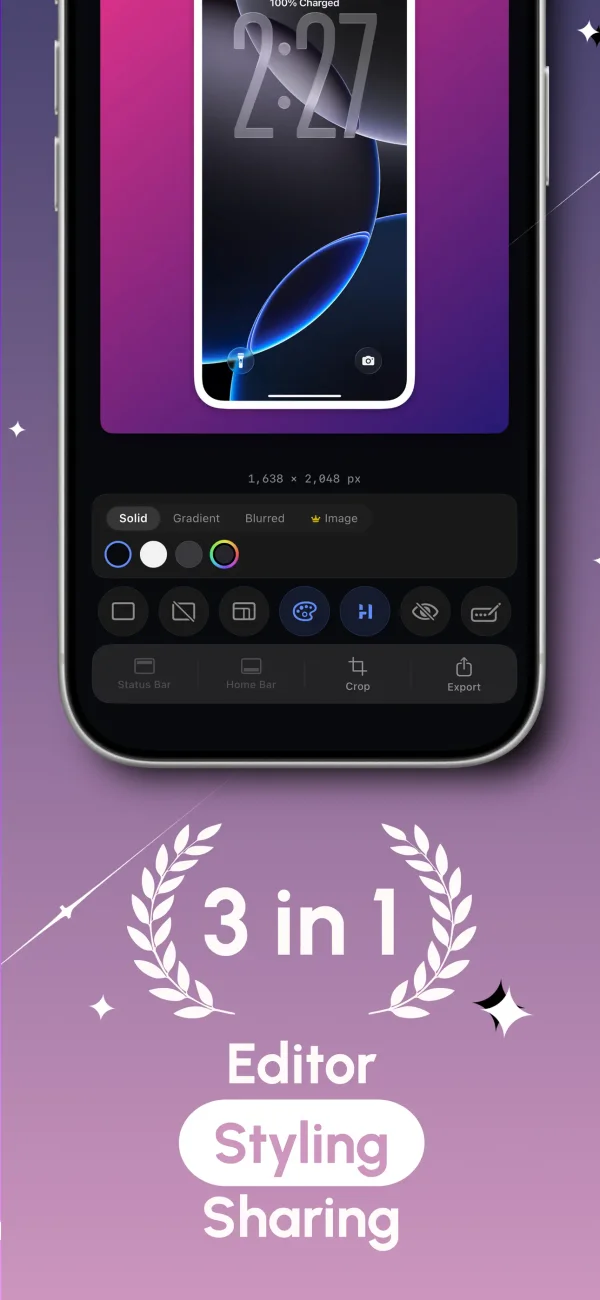
Remove distracting UI, blur sensitive information, add clean backgrounds, and export screenshots that feel ready to share.
Clean up screenshots instantly
Blur private or sensitive content
Add solid, gradient, or blurred backgrounds
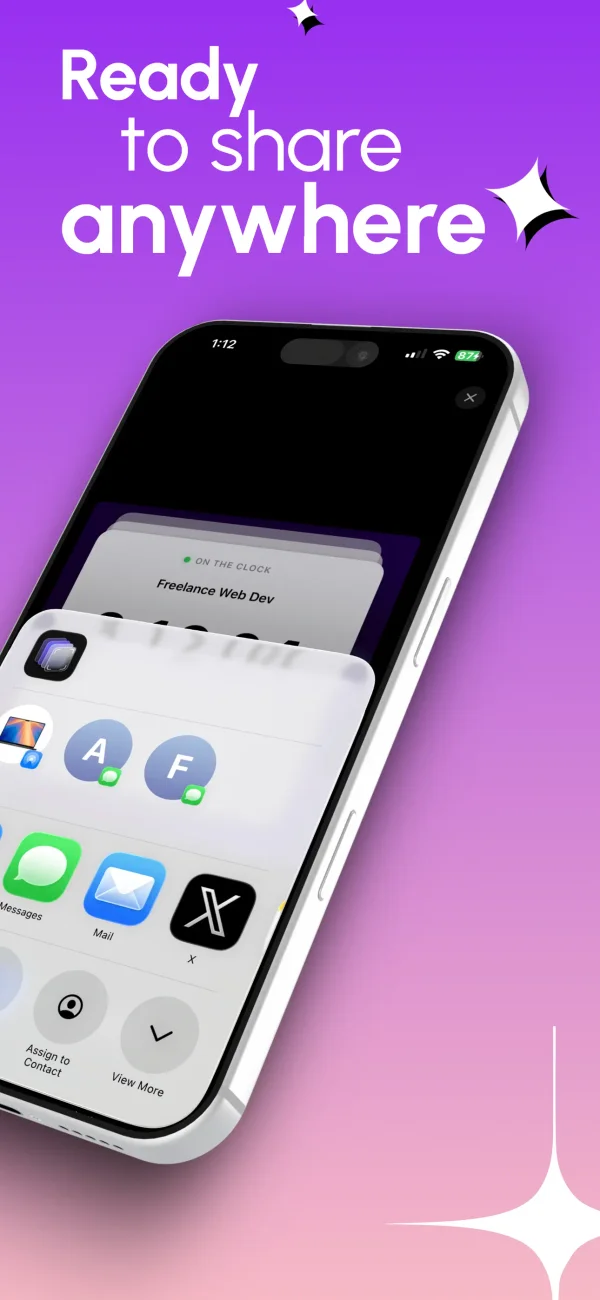
Export polished screenshots in seconds
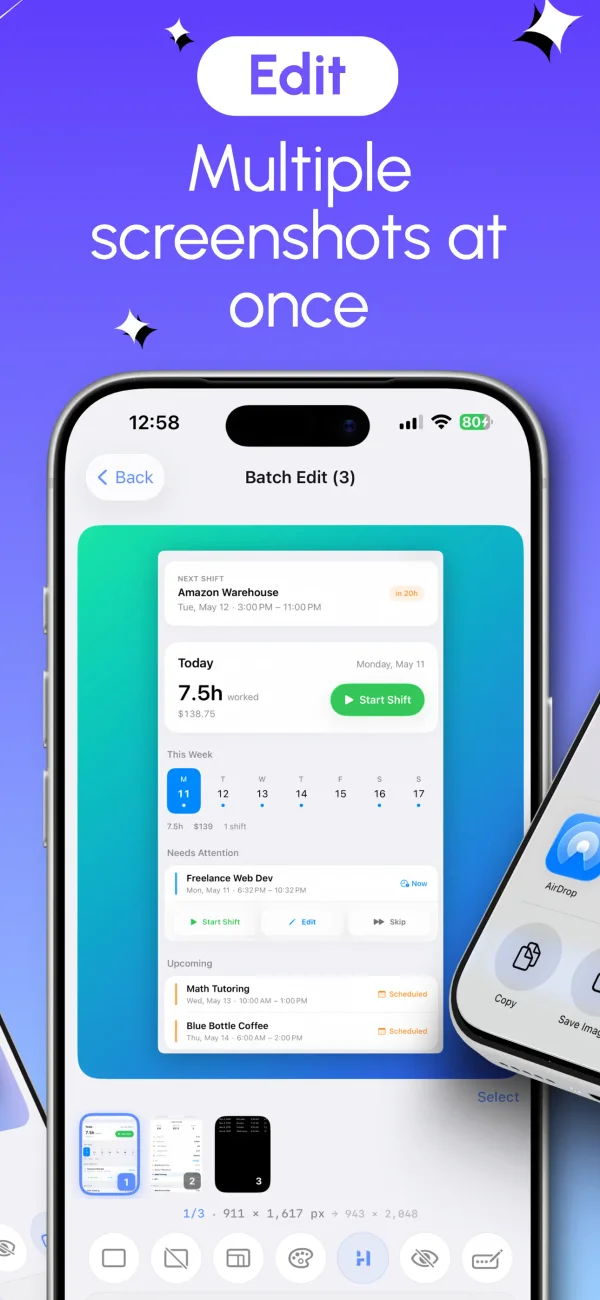
Batch clean multiple screenshots at once
No account. No ads. Just a fast screenshot workflow.
What’s new
Version 1.1.1 · May 15, 2026
Screenshot Editor - Capspace update:
• Bug fixes and performance improvements
App privacy
What Sanel Sjekirica declares on the App Store about how this app handles data.
-
Data not collected
The developer does not collect any data from this app.
Privacy practices may vary, for example with the features you use or your age.
Information
- Seller
- Sanel Sjekirica
- Category
- Photo & Video
- Version
- 1.1.1
- Updated
- May 15, 2026
- Released
- Apr 16, 2026
- Size
- 67.4 MB
- Requires
- iOS 18.6 or later
- Age rating
- 4+
- Price
- Free
- In-app purchases
- Yes
- Languages
- English
- Copyright
- © 2026 Nistic
You might also like
-
 ShotSilo: Screenshot ManagerAI Screenshot Cleaner & OCR
-
 Hairstyle & Hair Color Try OnMakeup, Brows & Piercing
-
 MaxAIStudios: AI Photo VideoBeauty Editor & AI Interior
-
 Hairstyle Try-On — CutPreviewAI Hair Color & Makeover
-
 Batch Photo Editor: BatchlyBulk Resize Compress Watermark
-
 MiragaAI Video, Novel & Chat
-
 Screen Shot App - ZapShareAdd Device Frame to Screenshot
-
 Screenshot Manager - ScreensFast, Lightweight, Offline
-
 Watermark maker - TomarkAdd watermark, my photo editor
-
 IMAGINEX — AI Image VideoCreate Photos & AI Videos